English
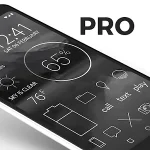
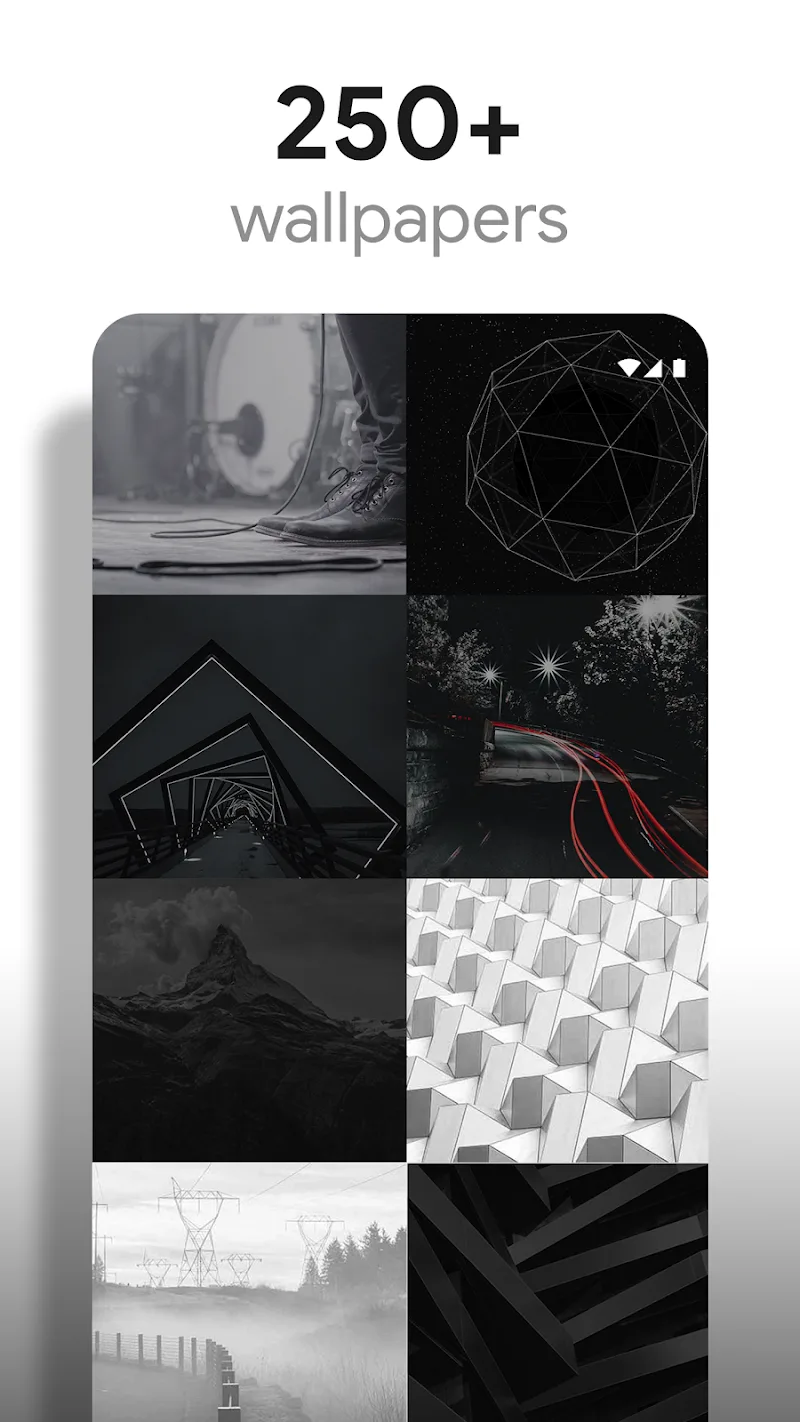
Lines Pro - Icon Pack is a minimalist icon set designed to give Android homescreens a clean, contemporary look. This lightweight package includes high-resolution glyphs and matching wallpapers, making it simple to refresh your device’s visual style without heavy resources or complex setup.
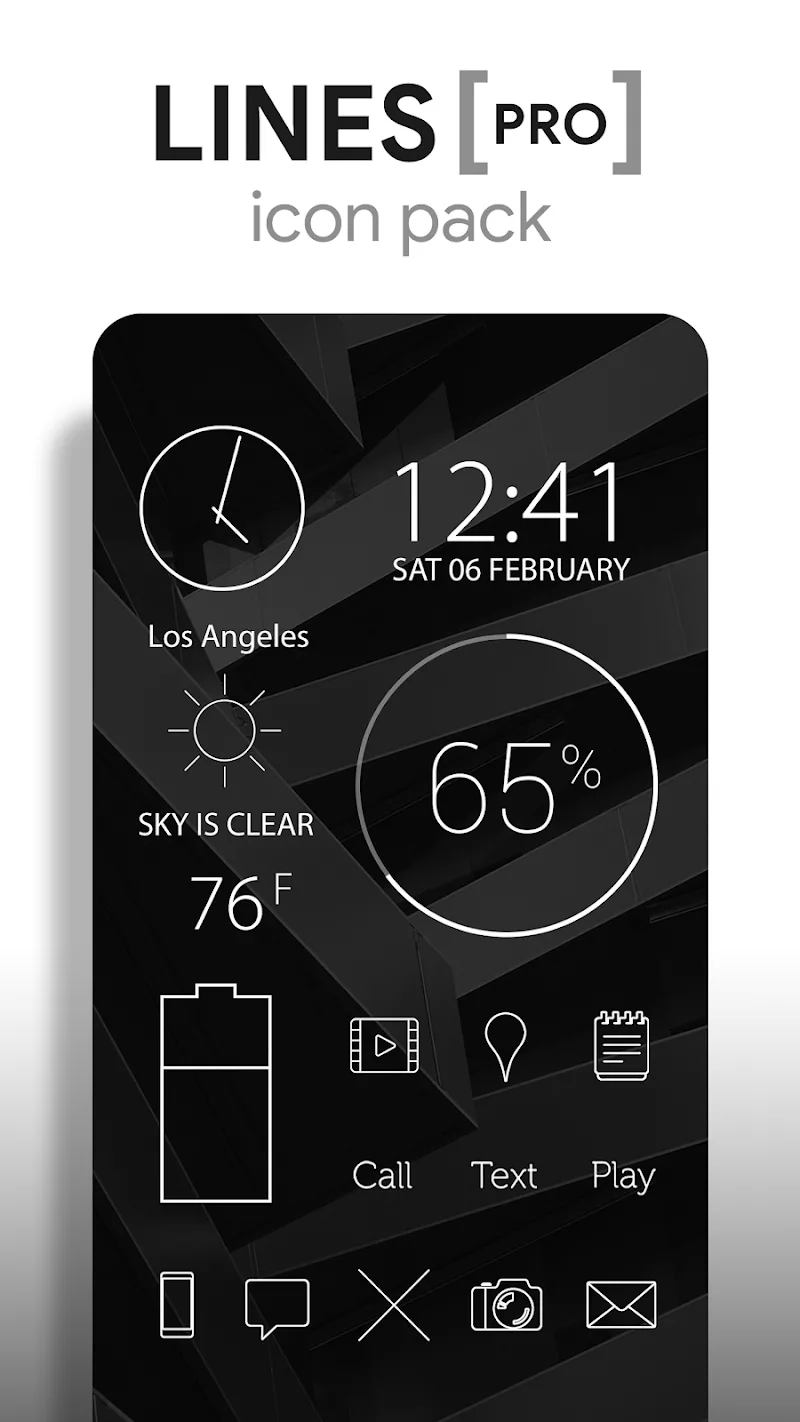
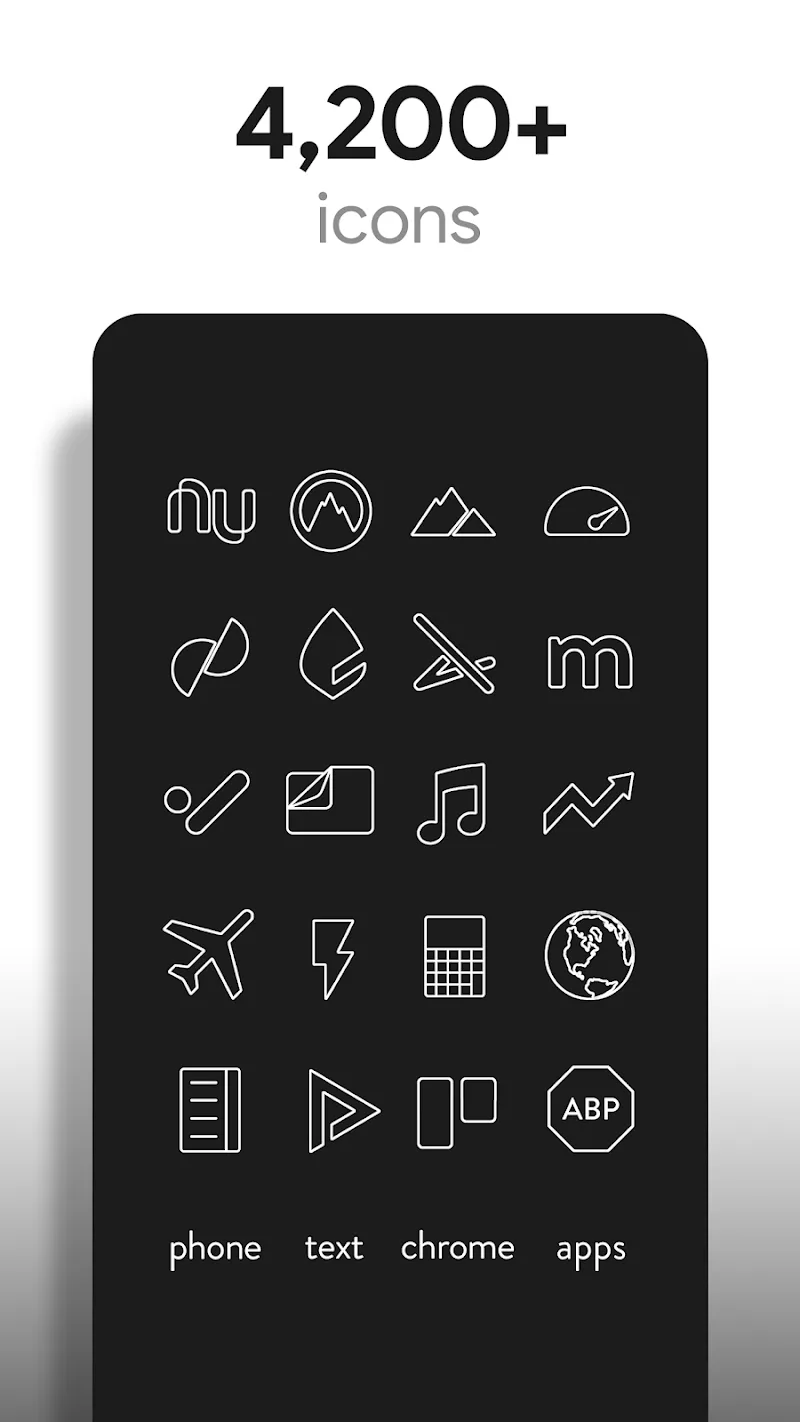
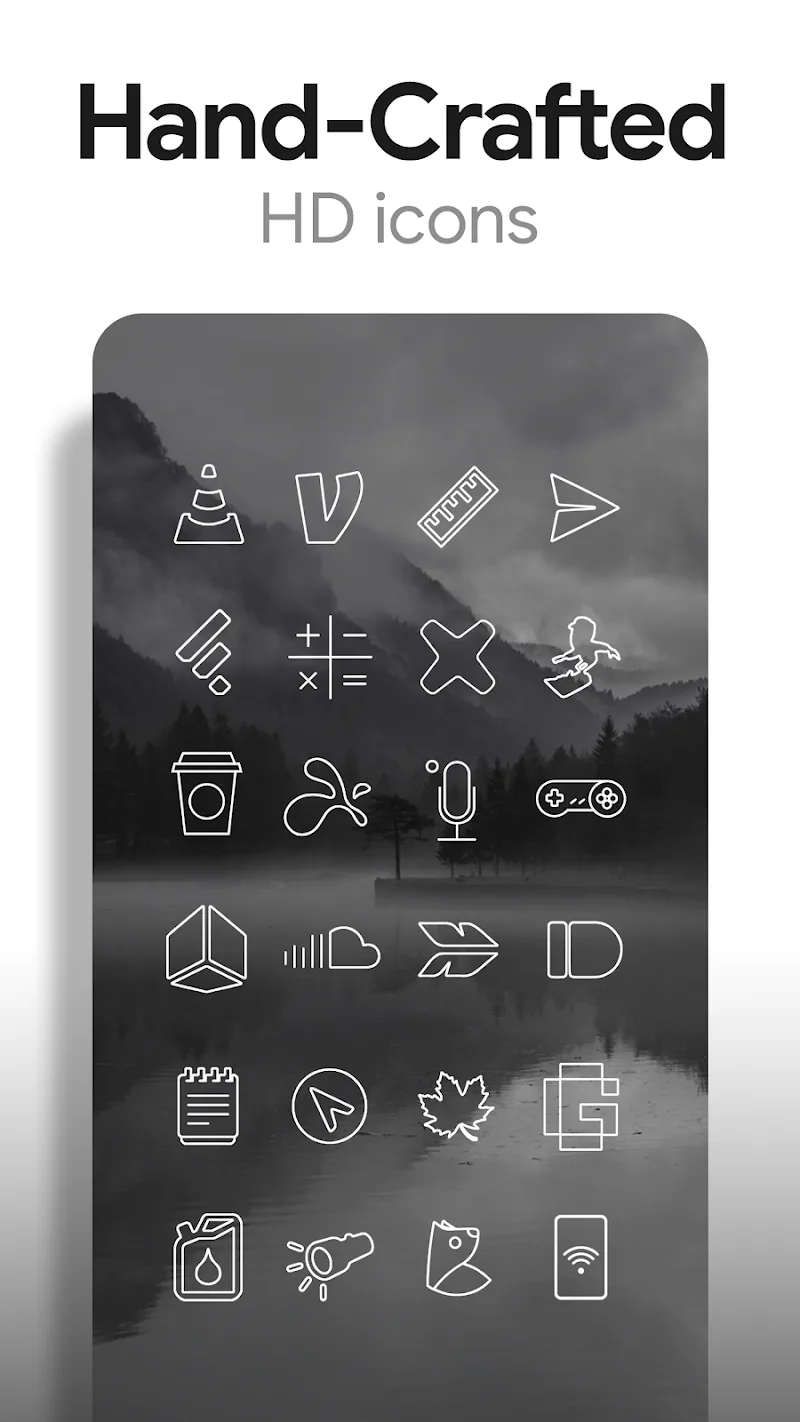
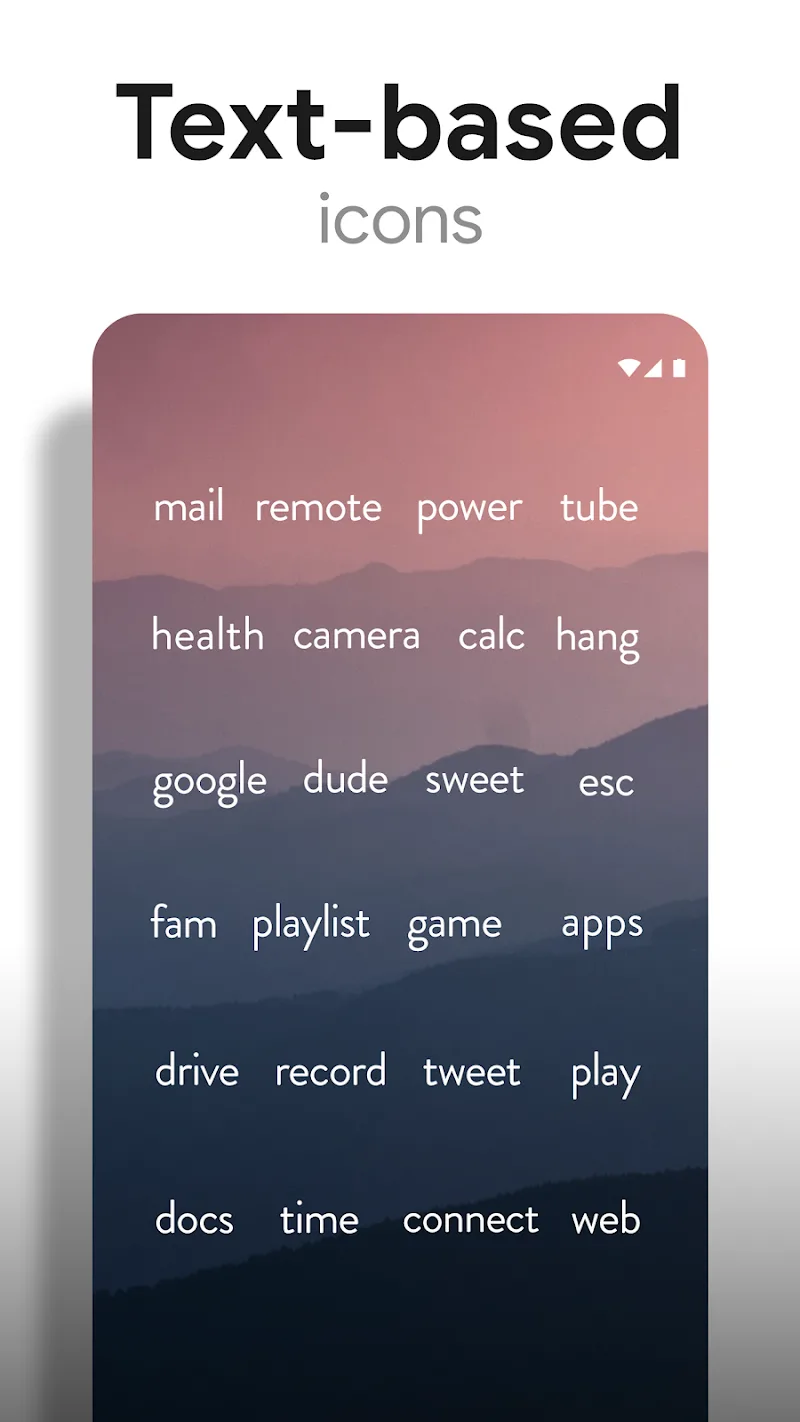
Lines Pro - Icon Pack focuses on elegant, thin-line icons that emphasize negative space and clarity. Instead of bold colors or skeuomorphic details, the pack leans on monochrome strokes and subtle shading to create a restrained yet modern aesthetic that complements a wide range of wallpapers and launcher setups.
Customization is straightforward with support for major third-party launchers such as Nova, Lawnchair, Smart Launcher, and Action Launcher. You can apply the entire pack with one tap or selectively change icons for individual apps. The icon mask options ensure unthemed icons adopt a consistent look, while alternate icon variants let you fine-tune the visual balance.
The app's interface is practical and uncluttered. A single-screen dashboard provides quick access to the apply button, wallpaper previews, and the icon request center. Applying Lines Pro - Icon Pack typically takes only a few seconds, and the stable preview mode shows how icons will appear on the homescreen before you commit.
Unlike heavy theming apps, this icon pack is optimized for performance. The assets are vector-based where possible, reducing APK size while maintaining quality. Memory footprint is modest, so you can expect snappy launcher transitions and minimal battery impact when running on mid-range devices.
Installing Lines Pro - Icon Pack is a simple process: download from your chosen store, open the app, select a launcher from the supported list, and tap apply. For launchers that don’t directly support icon packs, manual application through launcher settings is possible. The included help section walks through both automatic and manual methods.
Lines Pro - Icon Pack is ideal for users who prefer subtle, modern visuals over loud themes. If you enjoy a toned-down interface that highlights content and widgets, this pack will integrate seamlessly. It also suits those who frequently change wallpapers, since the neutral icons adapt well to varied color schemes.
Development is active, with periodic updates that add icons and refine existing artwork. The in-app request mechanism speeds up coverage for lesser-known apps. A concise changelog helps users stay informed about new additions and compatibility improvements.
For anyone aiming to give their Android device a refined and cohesive look, Lines Pro - Icon Pack offers a compelling balance of style, performance, and practical customization tools. The streamlined installation and focused design language make it a reliable choice for a modern homescreen refresh.
CRiOS X - Icon Pack
Size:120.65M PersonalizationGlasswing Dark Glass Icon Pack
Size:34.73M PersonalizationLines Pro - Icon Pack
Size:72.47M PersonalizationVision Pro KWGT
Size:21.06M PersonalizationMico Live Wallpaper
Size:99.33M PersonalizationFluOxigen - Icon Pack
Size:115.44M PersonalizationGold Leaf Pro - Icon Pack
Size:76.06M PersonalizationGraphite Icon Pack
Size:120.40M PersonalizationVapor Iconpack
Size:112.27M PersonalizationLayers - Glass Icon Pack
Size:39.56M PersonalizationFlixy - Icon Pack
Size:119.26M PersonalizationMoonshine Pro - Icon Pack
Size:46.08M PersonalizationApril 2024 Clash of Clans Update: Unveiling a Fresh Companion, Enhanced Levels, Chat Tagging, and Be
2024-04-16Arrival of Genshin Impact 4.6 Update: 'Embers of Two Realms, Twilight of Crimson'
2024-04-16V2.2 of the Farlight 84 update introduces an overhauled Season structure, fresh in-game currency, an
2024-04-16Monster Never Cry is now accessible on both Android and iOS mobile devices.
2024-04-18PUBG Mobile Teams Up with Bentley Motors: Luxury Cars, Exclusive Collectibles, and Beyond
2024-04-18March 2024 Free Redemption Codes for Honkai: Star Rail
2024-04-18