English
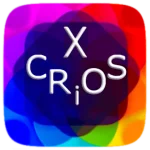
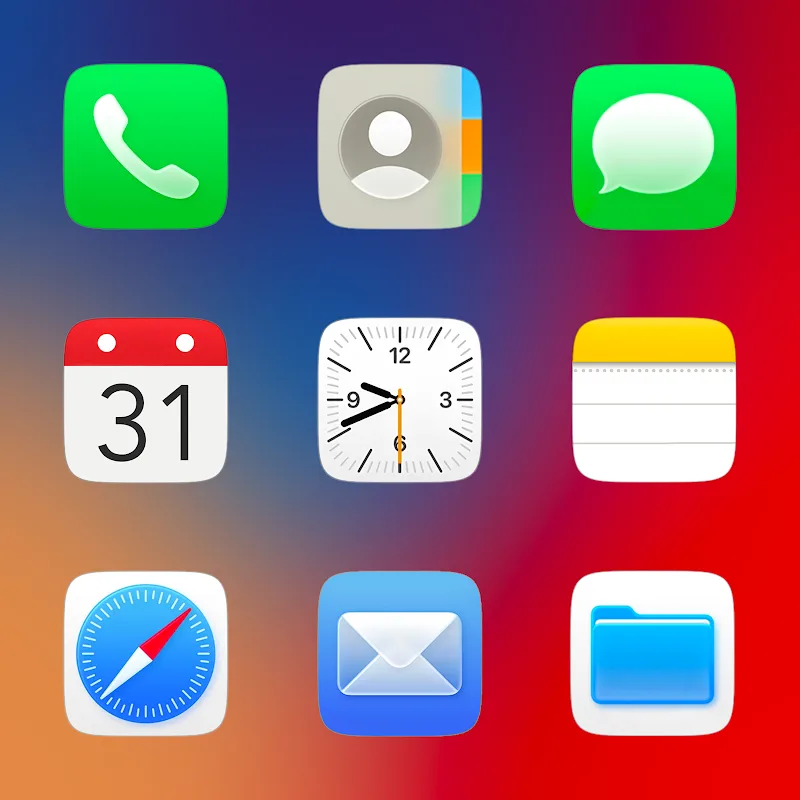
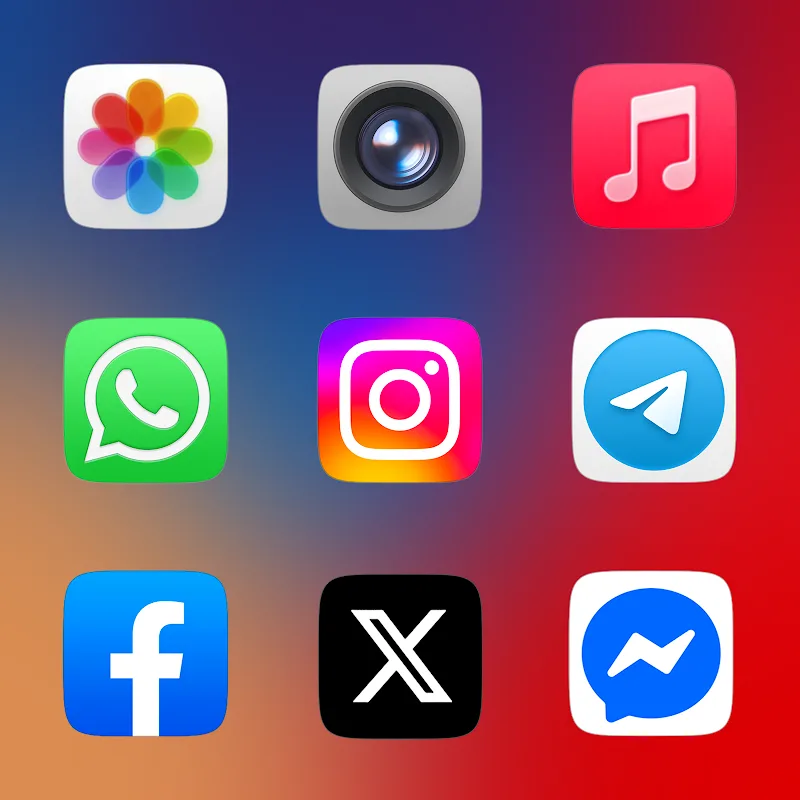
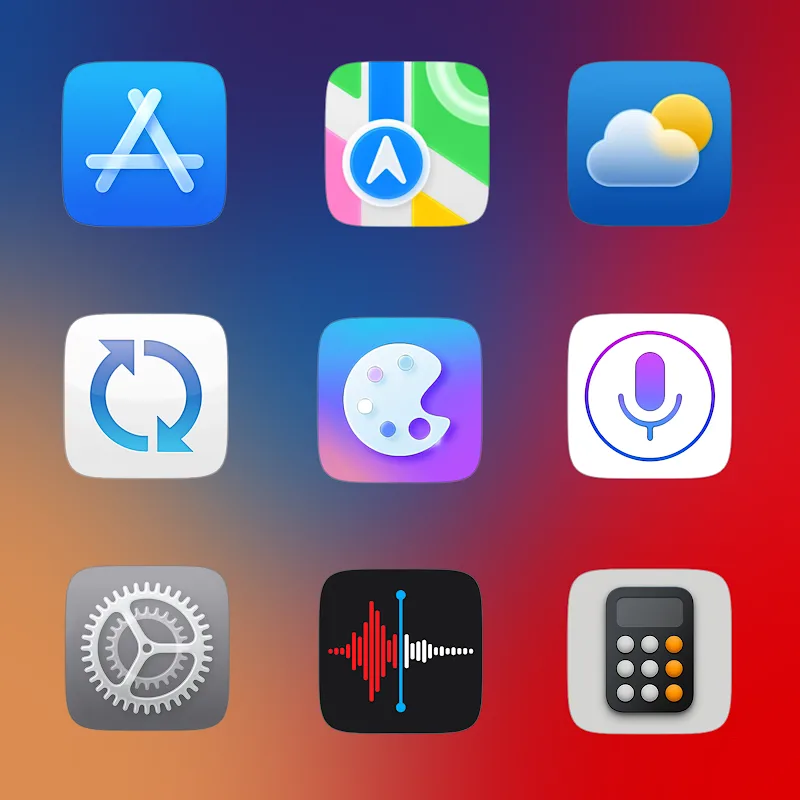
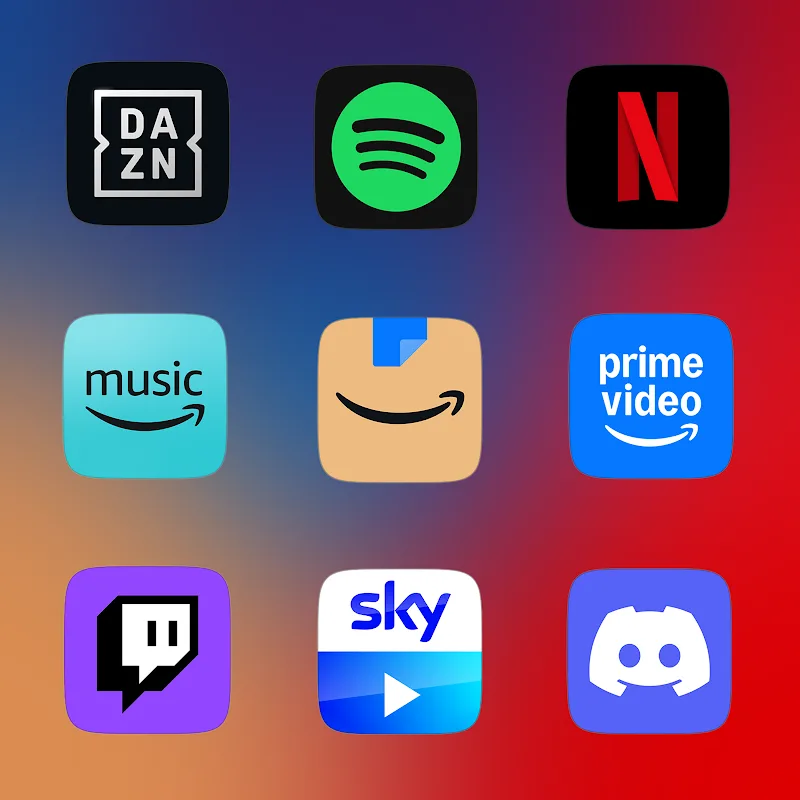
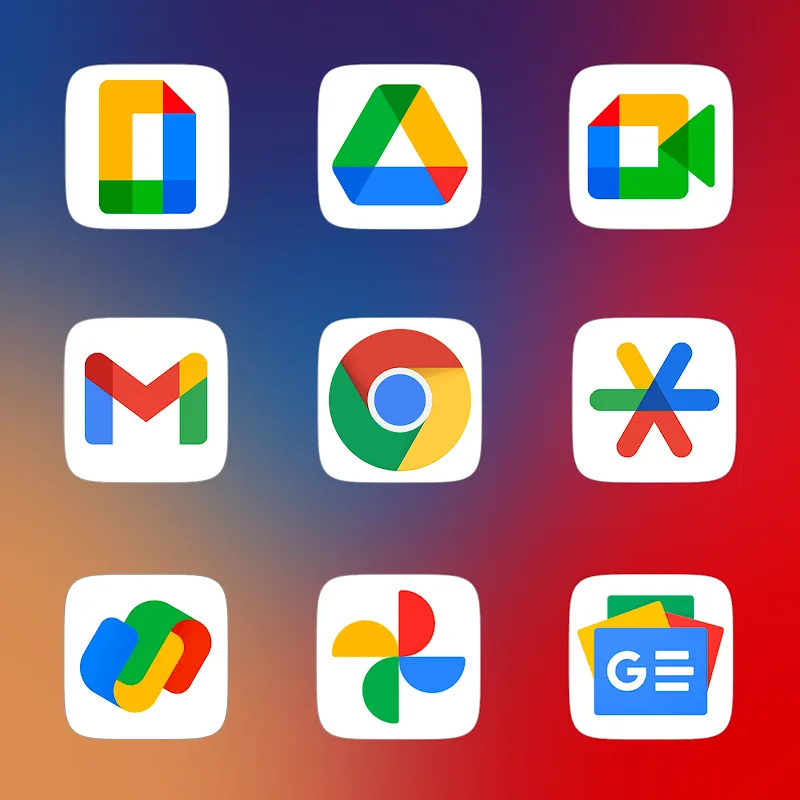
CRiOS X - Icon Pack refreshes your Android home screen with a curated collection of minimalist, high-resolution icons that deliver visual consistency across apps and launchers. The pack focuses on clarity, scalable artwork, and matching folder and system glyphs to give a polished, unified appearance without overwhelming device performance.
Designed for users who value a clean interface, CRiOS X - Icon Pack provides thousands of icon designs with a cohesive color palette and refined edge treatments. Icons maintain legibility at small sizes while supporting adaptive shapes for modern Android launchers. Extra attention is given to commonly used apps so the most visible icons stay crisp.
CRiOS X - Icon Pack integrates with popular launchers such as Nova, Lawnchair, Smart Launcher, and Action Launcher. Applying the set typically takes only a few taps: open your launcher settings, choose icons, and select the CRiOS X collection. If your launcher doesn’t directly support icon packs, the app includes instructions and manual application options.
To create a cohesive look, the pack bundles themed wallpapers and accent color suggestions. These wallpapers are curated to complement the icon tones and maintain contrast for readability. The app also provides alternative variants for users who prefer darker or lighter desktop aesthetics.
One advantage of CRiOS X - Icon Pack is its lightweight implementation. Vector SVGs and efficient caching reduce memory overhead. The icon pack does not run background services, so there is minimal battery impact after initial setup. Users with older devices will still see improved visuals without significant performance penalties.
Icons are optimized for multiple screen sizes and resolution classes. The vector nature preserves sharp edges on large displays while bitmap fallbacks ensure compatibility with older Android versions. Adaptive masks let icons appear natural on devices from budget phones to flagship tablets.
Installing CRiOS X - Icon Pack is straightforward: download from your app store or APK source, open the app, browse icons and wallpapers, then follow the in-app launcher links to apply. Manual application is explained in a brief help section for launchers that require alternative steps.
CRiOS X - Icon Pack balances minimal design with practical usability. It targets users who want a refined look without sacrificing clarity or compatibility. The steady update cadence, attention to common apps, and a helpful request system make it a reliable choice for long-term theming.
If you enjoy customizing your device, managing a consistent aesthetic, or want to refresh a cluttered app drawer, CRiOS X - Icon Pack is a solid option. It appeals to designers, productivity-focused users, and anyone who prefers a subdued, modern interface.
The pack supports a wide range of Android launchers and works across recent Android versions. The developer provides periodic updates and responds to icon requests. For best results, use a launcher that supports adaptive icons and icon masking to preserve the intended look.
Overall, CRiOS X - Icon Pack offers a polished theming toolkit that improves visual coherence on Android devices while remaining lightweight and easy to use.
Plush Iconpack
Size:67.29M PersonalizationCRiOS X - Icon Pack
Size:120.65M PersonalizationGlasswing Dark Glass Icon Pack
Size:34.73M PersonalizationLines Pro - Icon Pack
Size:72.47M PersonalizationVision Pro KWGT
Size:21.06M PersonalizationMico Live Wallpaper
Size:99.33M PersonalizationFluOxigen - Icon Pack
Size:115.44M PersonalizationGold Leaf Pro - Icon Pack
Size:76.06M PersonalizationGraphite Icon Pack
Size:120.40M PersonalizationVapor Iconpack
Size:112.27M PersonalizationLayers - Glass Icon Pack
Size:39.56M PersonalizationFlixy - Icon Pack
Size:119.26M PersonalizationApril 2024 Clash of Clans Update: Unveiling a Fresh Companion, Enhanced Levels, Chat Tagging, and Be
2024-04-16Arrival of Genshin Impact 4.6 Update: 'Embers of Two Realms, Twilight of Crimson'
2024-04-16V2.2 of the Farlight 84 update introduces an overhauled Season structure, fresh in-game currency, an
2024-04-16Monster Never Cry is now accessible on both Android and iOS mobile devices.
2024-04-18PUBG Mobile Teams Up with Bentley Motors: Luxury Cars, Exclusive Collectibles, and Beyond
2024-04-18March 2024 Free Redemption Codes for Honkai: Star Rail
2024-04-18