English
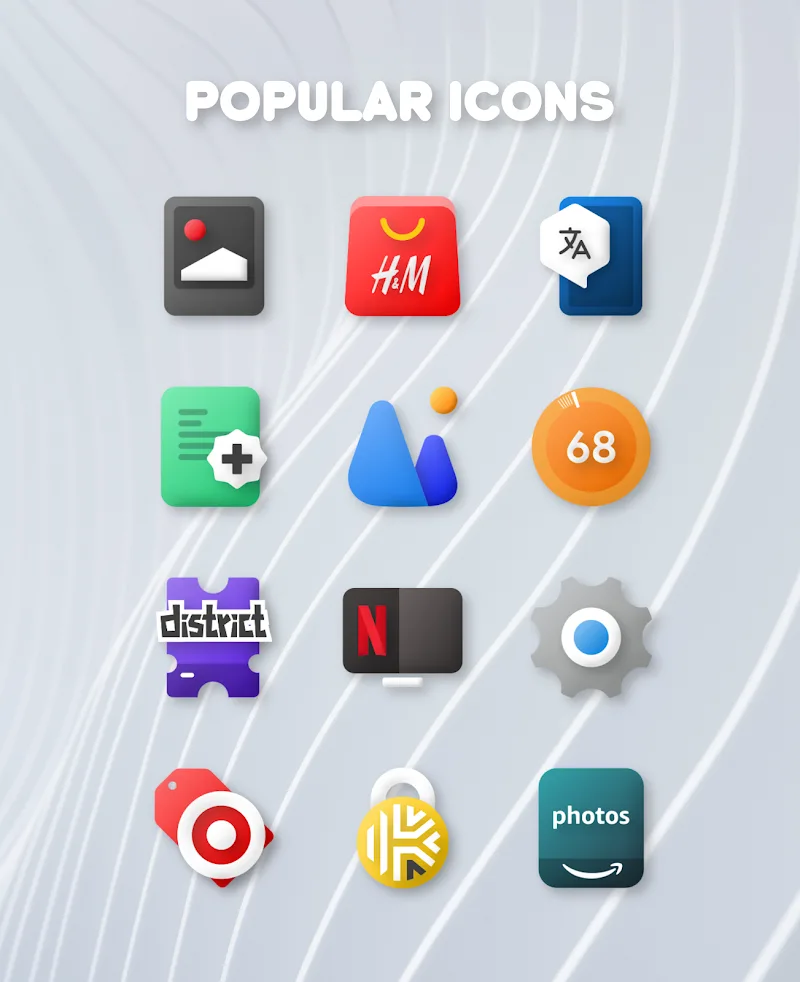
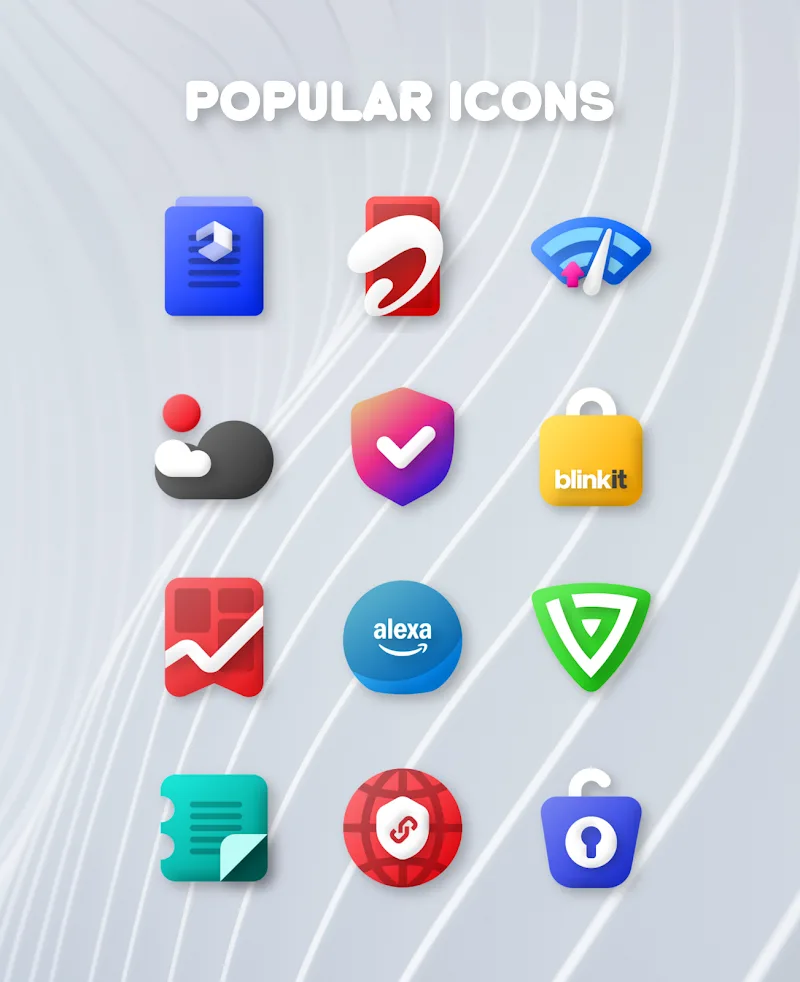
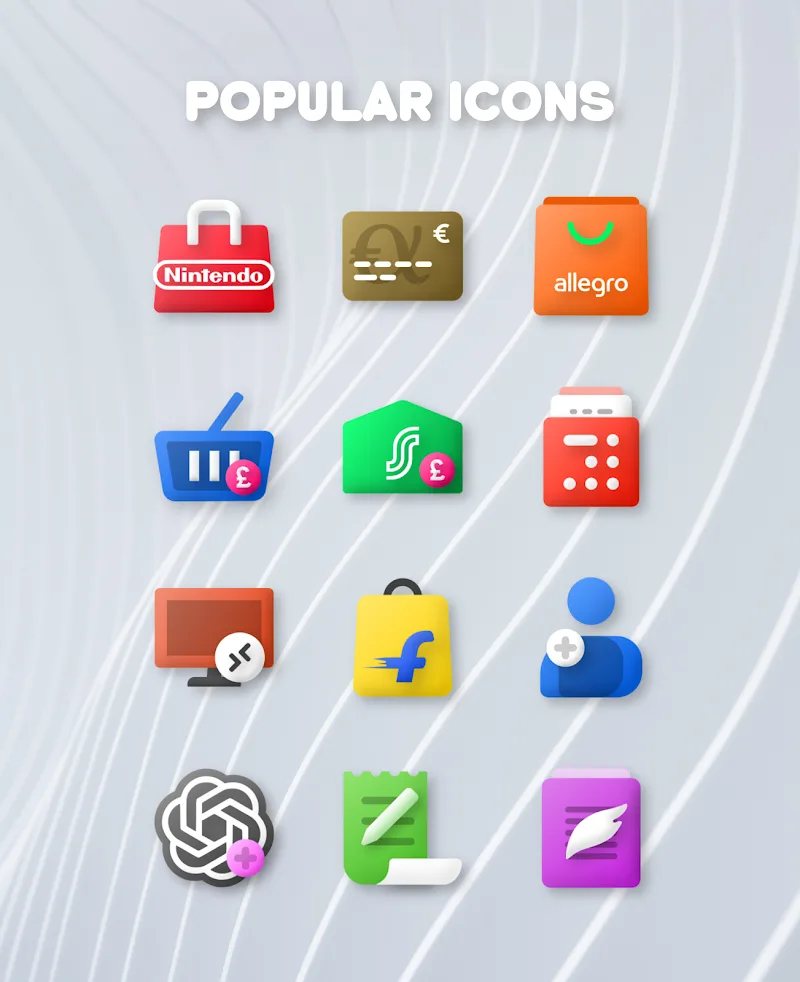
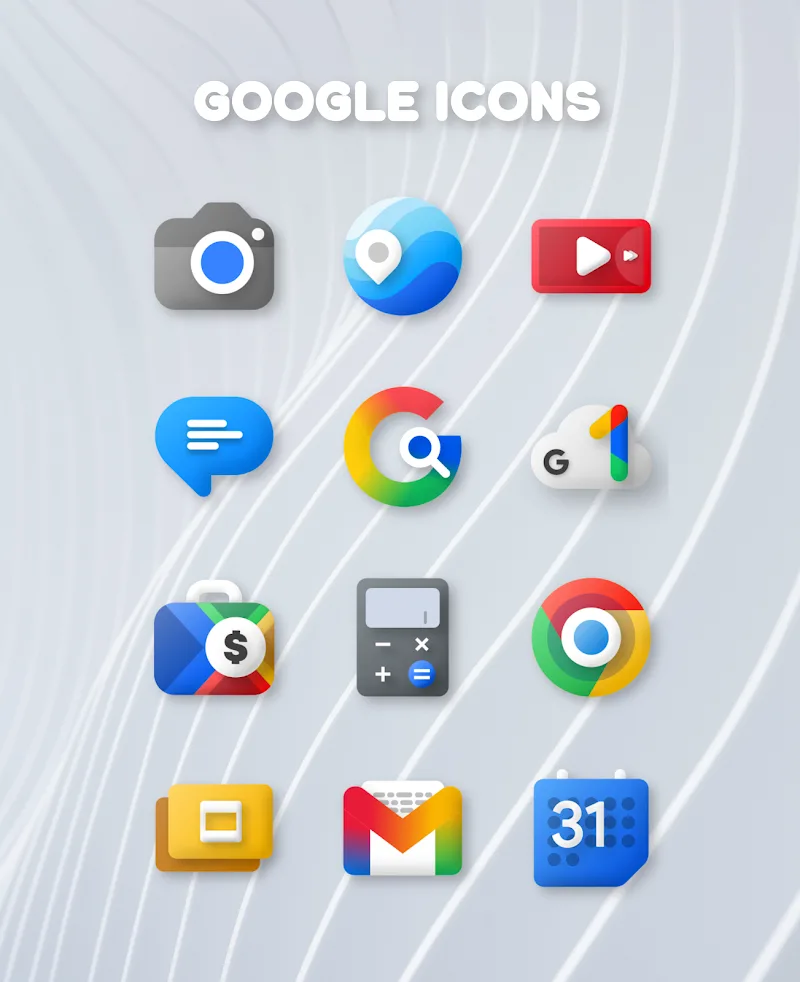
Plush Iconpack is a premium icon collection designed to refresh your phone’s appearance with handcrafted artwork and realistic shadow effects that add subtle depth to every home screen. From the first install Plush Iconpack presents a consistent, luxurious visual language that complements both light and dark system themes, and the pack’s high-resolution icons scale cleanly for different screen sizes and accessibility settings. The pack is meant for users who want a refined, vibrant look without overwhelming the layout: each icon is created to sit comfortably alongside widgets and wallpapers rather than compete with them.
The icon set contains more than 1,000 handcrafted icons rendered at high resolution, with careful attention to proportion, color balance, and soft shadowing to suggest gentle dimension. Icons are produced as static PNGs that preserve fine details on phones and tablets, and they are sized to appear crisp across common display densities. Plush Iconpack maintains a coherent style so that different app icons form a unified interface even when the underlying apps come from varied designers.
Applying the pack is straightforward: icons can be used with most popular Android launchers and themes that support third-party icon packs. The installation process typically involves selecting the icon pack from your launcher’s theme or icon settings and allowing the launcher to map new artwork to installed apps; because icons are stored locally on the device, they remain available offline once installed. For apps that don’t automatically map, many launchers provide a simple manual picker so you can replace specific icons yourself and keep your home screen consistent.
To keep the collection fresh, the developer delivers regular updates that expand the library and refine existing icons. Updates focus on adding icons for newly released apps, improving visual consistency, and widening coverage so fewer apps require manual replacement. These updates are incremental and designed to integrate seamlessly with the existing set so users can evolve their interface gradually without losing the cohesive theme.
High-resolution artwork improves the perceived quality of your home screen and supports accessibility by scaling cleanly for larger text and display magnification. The handcrafted shadow effects provide a subtle three-dimensional feel that adds depth without creating visual clutter, allowing app glyphs to remain legible at a glance. The pack’s consistent aesthetic helps unify icons from many different developers, making it easier to create an attractive and orderly launcher layout. Because icons are local resources, you can use them offline and customize your device without relying on network access.
Plush Iconpack focuses specifically on icons and does not include a bundled wallpaper collection or full theme engine. Users looking for a complete theming solution that changes system fonts and notification styles may need to pair the pack with wallpapers or a separate theme. The elegant and vibrant style may not suit those who prefer very minimalist, flat designs; in some cases users will choose to mix this pack with simple wallpapers to achieve a more restrained look. Finally, while coverage is broad, a small number of niche or newly released apps may require manual icon assignment until included in a future update.
Customization is primarily manual through launcher controls and icon pickers, which allows fine-grained control over how individual app icons appear. The pack is organized into themed categories such as communication, media, tools, and games so you can find matching icons more quickly when replacing specific apps. Progression over time is handled through regular library growth; as updates arrive the range of supported app icons expands, which gives your home screen a sense of evolution without wholesale changes.
The overall user experience emphasizes simplicity: installation follows familiar launcher workflows, icons are stored locally for reliable performance, and the visual language is consistent to reduce cognitive load when scanning the screen. High-contrast color choices and clear glyphs improve legibility for users with visual impairments, and the high-resolution assets adapt well to accessibility settings such as larger display scaling. Because the pack does not depend on online services, it remains fully usable in airplane mode or when connectivity is limited.
Plush Iconpack is actively maintained with frequent updates that expand the icon library beyond the initial set of more than 1,000 icons. Each new release aims to broaden app coverage, refine color and shadow consistency, and fix mapping issues reported by users to improve overall usability. If you value a polished, cohesive look and regular improvements, Plush Iconpack offers a reliable way to refresh your device’s home screen while keeping control of every icon placement.
Glyphify for Nothing Phone
Size:37.29M PersonalizationFlat Square - Icon Pack
Size:30.10M PersonalizationPlush Iconpack
Size:67.29M PersonalizationCRiOS X - Icon Pack
Size:120.65M PersonalizationGlasswing Dark Glass Icon Pack
Size:34.73M PersonalizationLines Pro - Icon Pack
Size:72.47M PersonalizationVision Pro KWGT
Size:21.06M PersonalizationMico Live Wallpaper
Size:99.33M PersonalizationFluOxigen - Icon Pack
Size:115.44M PersonalizationGold Leaf Pro - Icon Pack
Size:76.06M PersonalizationGraphite Icon Pack
Size:120.40M PersonalizationVapor Iconpack
Size:112.27M PersonalizationApril 2024 Clash of Clans Update: Unveiling a Fresh Companion, Enhanced Levels, Chat Tagging, and Be
2024-04-16Arrival of Genshin Impact 4.6 Update: 'Embers of Two Realms, Twilight of Crimson'
2024-04-16V2.2 of the Farlight 84 update introduces an overhauled Season structure, fresh in-game currency, an
2024-04-16Monster Never Cry is now accessible on both Android and iOS mobile devices.
2024-04-18PUBG Mobile Teams Up with Bentley Motors: Luxury Cars, Exclusive Collectibles, and Beyond
2024-04-18March 2024 Free Redemption Codes for Honkai: Star Rail
2024-04-18