English
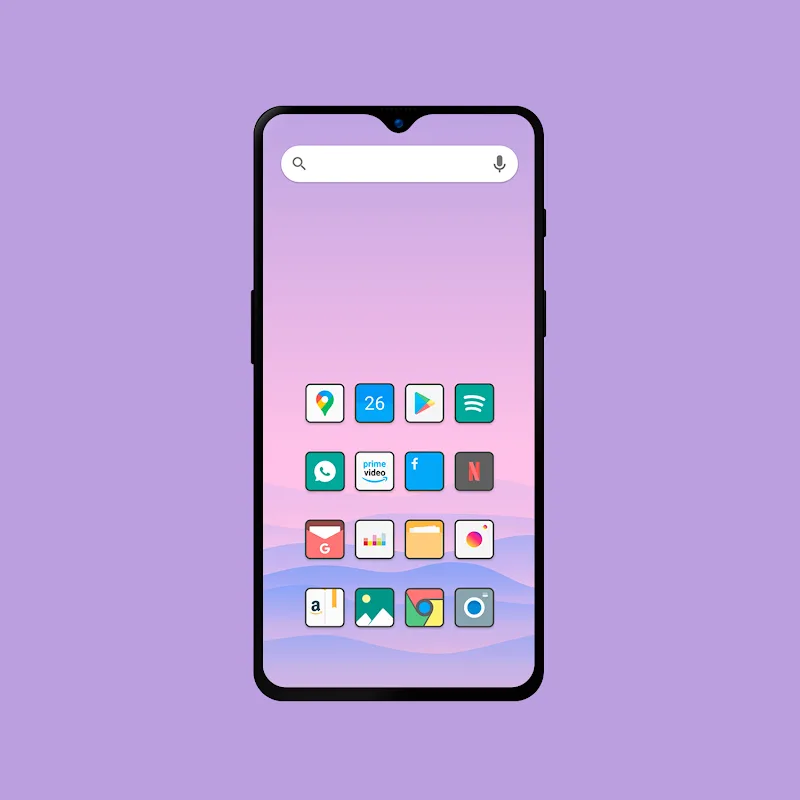
Waiting in a slow line and thinking about a quick redesign for your phone while you wait? Flat Square - Icon Pack gives you a tidy, minimal look you can apply in minutes and revisit whenever you fancy a refresh. The pack aims for crisp, modern icons that stay consistent across apps and folders, and it supports common launchers so you can swap themes without breaking layouts. Whether you want a subtle workspace makeover or a coordinated set of icons for a travel profile, this pack lays out a simple path to a cleaner home screen.
Launcher requirements: Most custom icon packs need a compatible launcher to apply themes; check your launcher list and select one that supports third-party icon packs before attempting to apply icons.
Applying icons: Open the icon pack app, choose the apply or theme button, then pick your launcher; many launchers will replace icons immediately, while some may ask to restart the home screen.
Requesting missing icons: If an app icon is not themed correctly you can usually request an icon through the pack's request feature or assign a replacement manually from the pack's library.
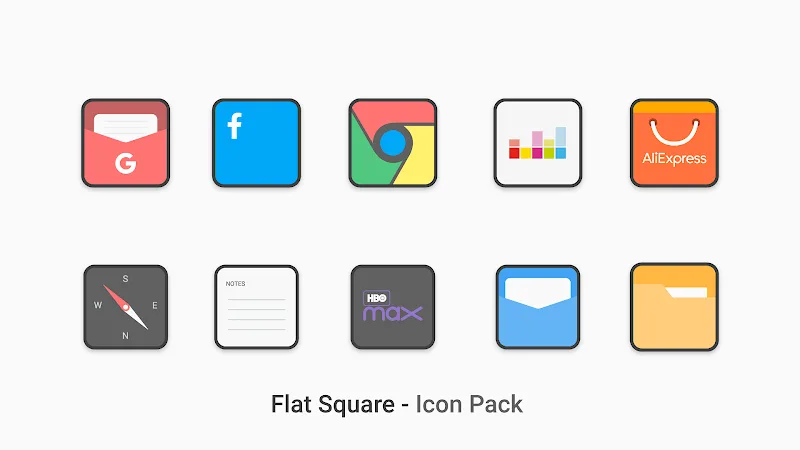
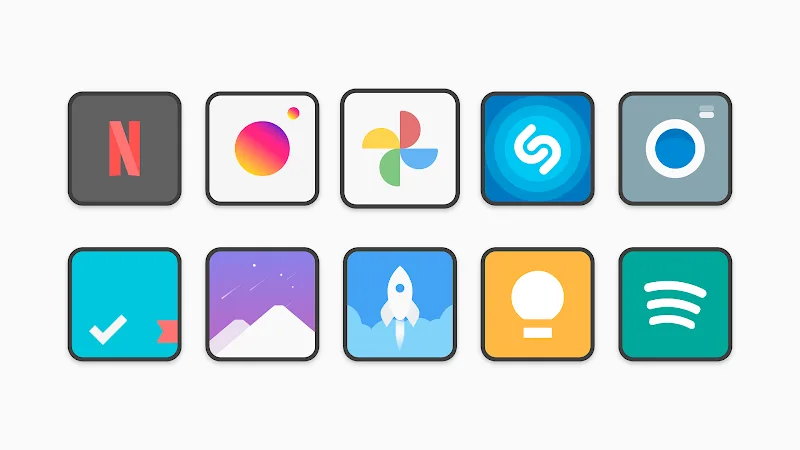
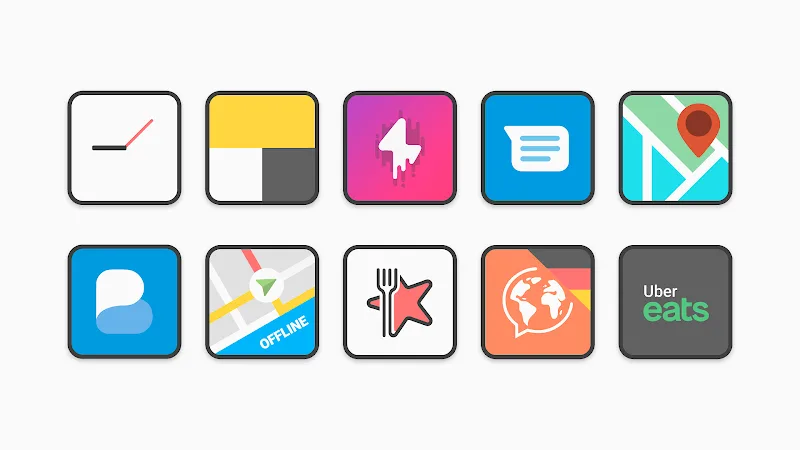
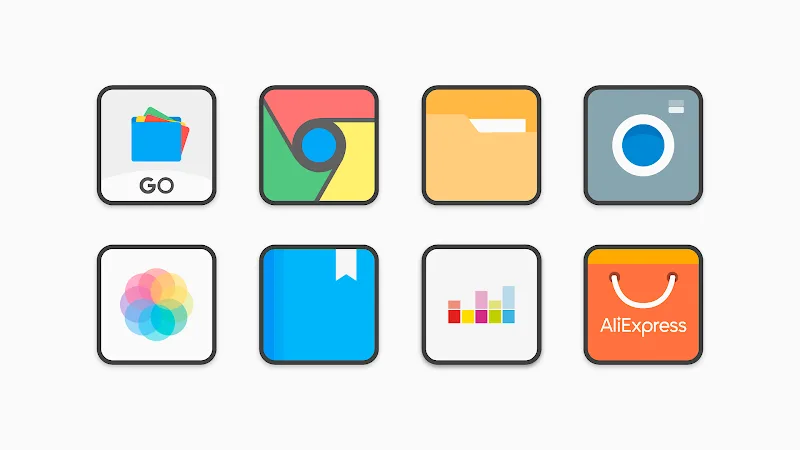
Large library: The pack includes thousands of icons in a consistent flat-square shape to give your device a uniform appearance across system and third-party apps.
Clean, neutral aesthetic: Icons lean on simple strokes and muted color palettes so they blend with a variety of wallpapers and widgets without looking busy.
High visual fidelity: Each icon is designed with sharp edges and clear imagery so icons remain readable at small sizes and on high-resolution displays.
Regular updates: Designers add new icons periodically, so newer apps and recent versions get themed over time and the collection stays current.
Create a cohesive home screen: Pair Flat Square - Icon Pack with a matching wallpaper and a minimalist widget set to emphasize the icon shapes and keep your layout uncluttered.
Make themed folders: Group related apps into folders and use similar icons within each folder for a tidy look during work hours or when preparing a travel mode.
Backup your layout: Before switching icon packs, export or note your current grid and widget placements so you can restore them if the launcher rearranges items.
Flat Square - Icon Pack is a practical choice if you want a consistent, understated set of icons that keeps your home screen tidy and contemporary; it works well for both daily drivers and themed setups like a travel or work profile. Keep in mind the pack relies on a supported launcher for full integration and some niche apps may need manual icon requests, but for everyday customization it offers a reliable, well-maintained option.
Clear Dark Glass Icon Pack
Size:82.61M PersonalizationLines Chroma - Icon Pack
Size:61.67M PersonalizationGlyphify for Nothing Phone
Size:37.29M PersonalizationFlat Square - Icon Pack
Size:30.10M PersonalizationPlush Iconpack
Size:67.29M PersonalizationCRiOS X - Icon Pack
Size:120.65M PersonalizationGlasswing Dark Glass Icon Pack
Size:34.73M PersonalizationLines Pro - Icon Pack
Size:72.47M PersonalizationVision Pro KWGT
Size:21.06M PersonalizationMico Live Wallpaper
Size:99.33M PersonalizationFluOxigen - Icon Pack
Size:115.44M PersonalizationGold Leaf Pro - Icon Pack
Size:76.06M PersonalizationApril 2024 Clash of Clans Update: Unveiling a Fresh Companion, Enhanced Levels, Chat Tagging, and Be
2024-04-16Arrival of Genshin Impact 4.6 Update: 'Embers of Two Realms, Twilight of Crimson'
2024-04-16V2.2 of the Farlight 84 update introduces an overhauled Season structure, fresh in-game currency, an
2024-04-16Monster Never Cry is now accessible on both Android and iOS mobile devices.
2024-04-18PUBG Mobile Teams Up with Bentley Motors: Luxury Cars, Exclusive Collectibles, and Beyond
2024-04-18March 2024 Free Redemption Codes for Honkai: Star Rail
2024-04-18