English
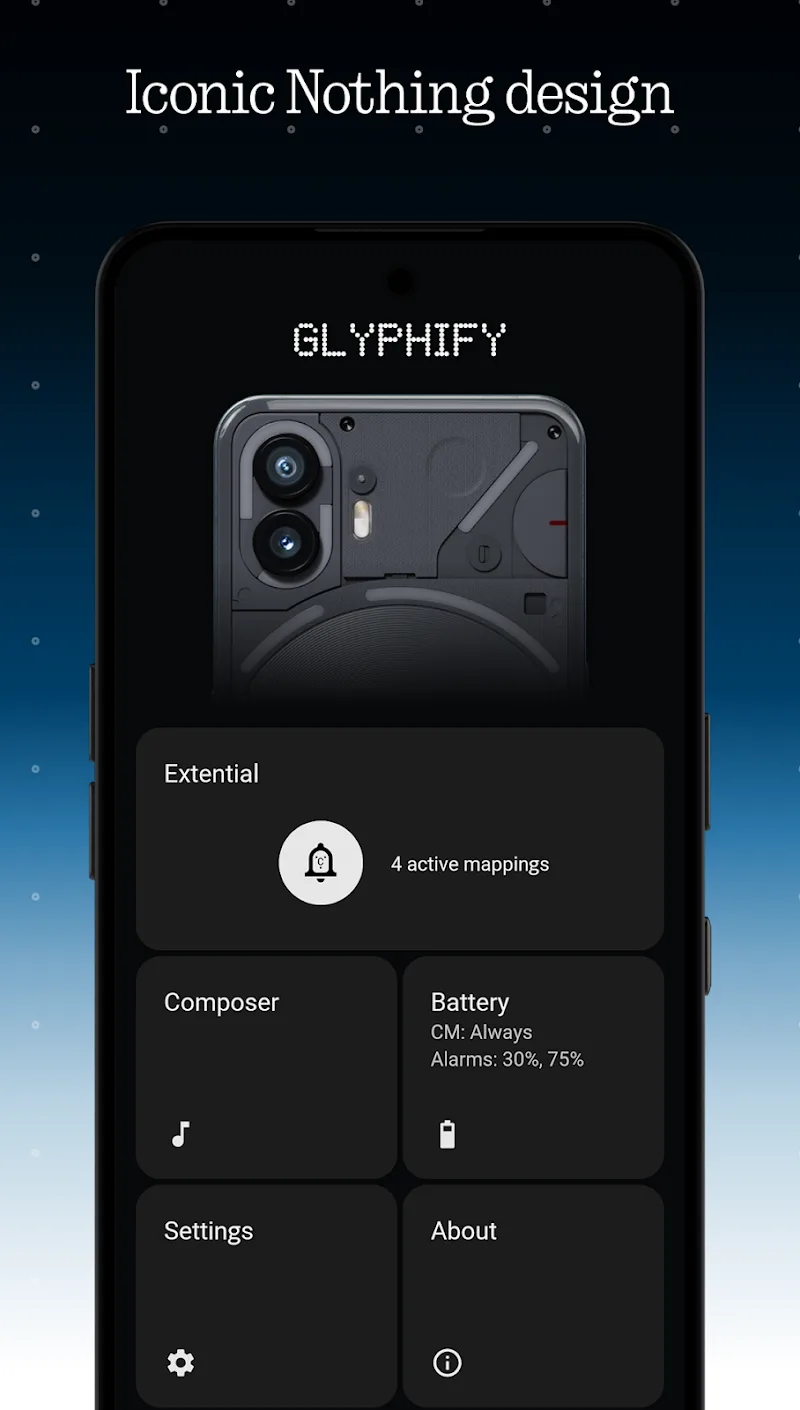
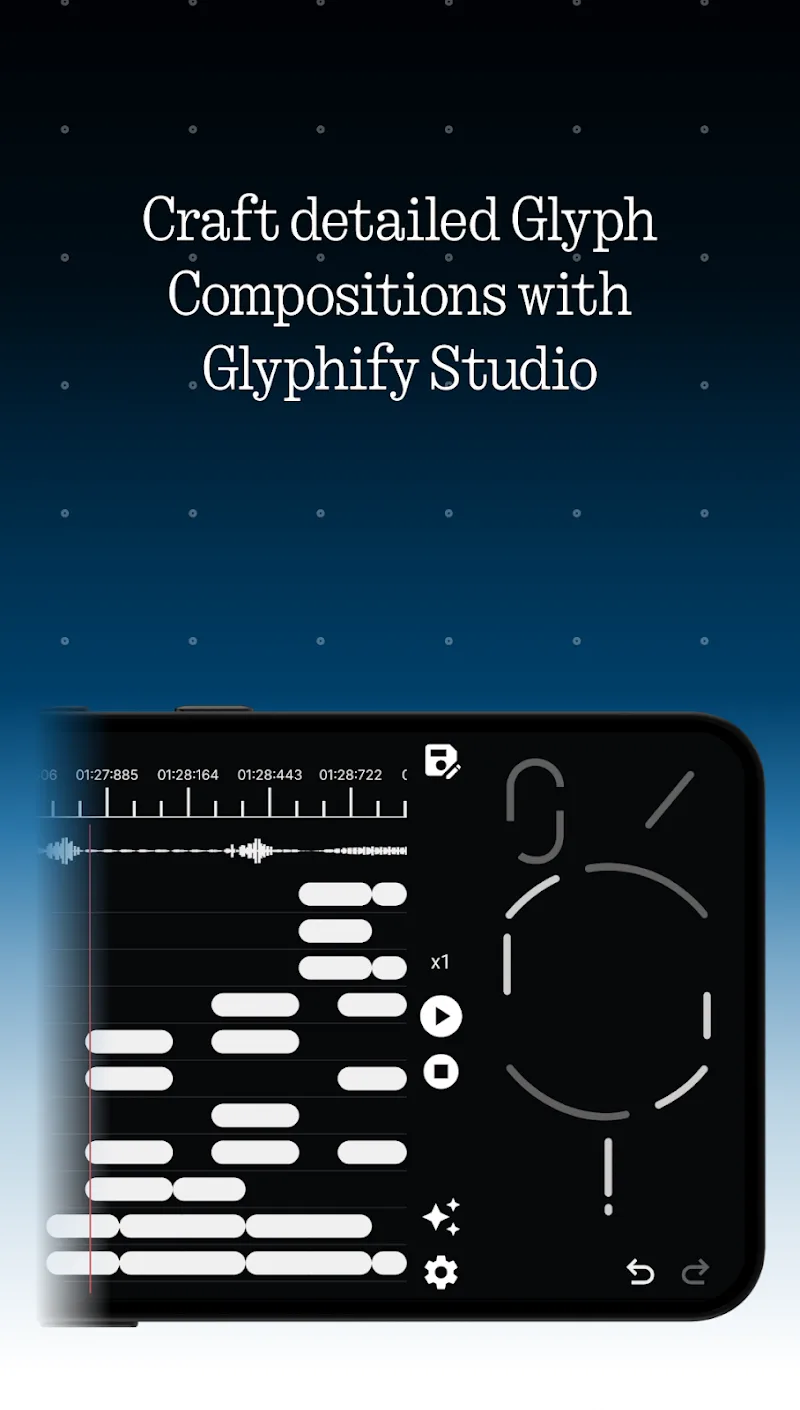
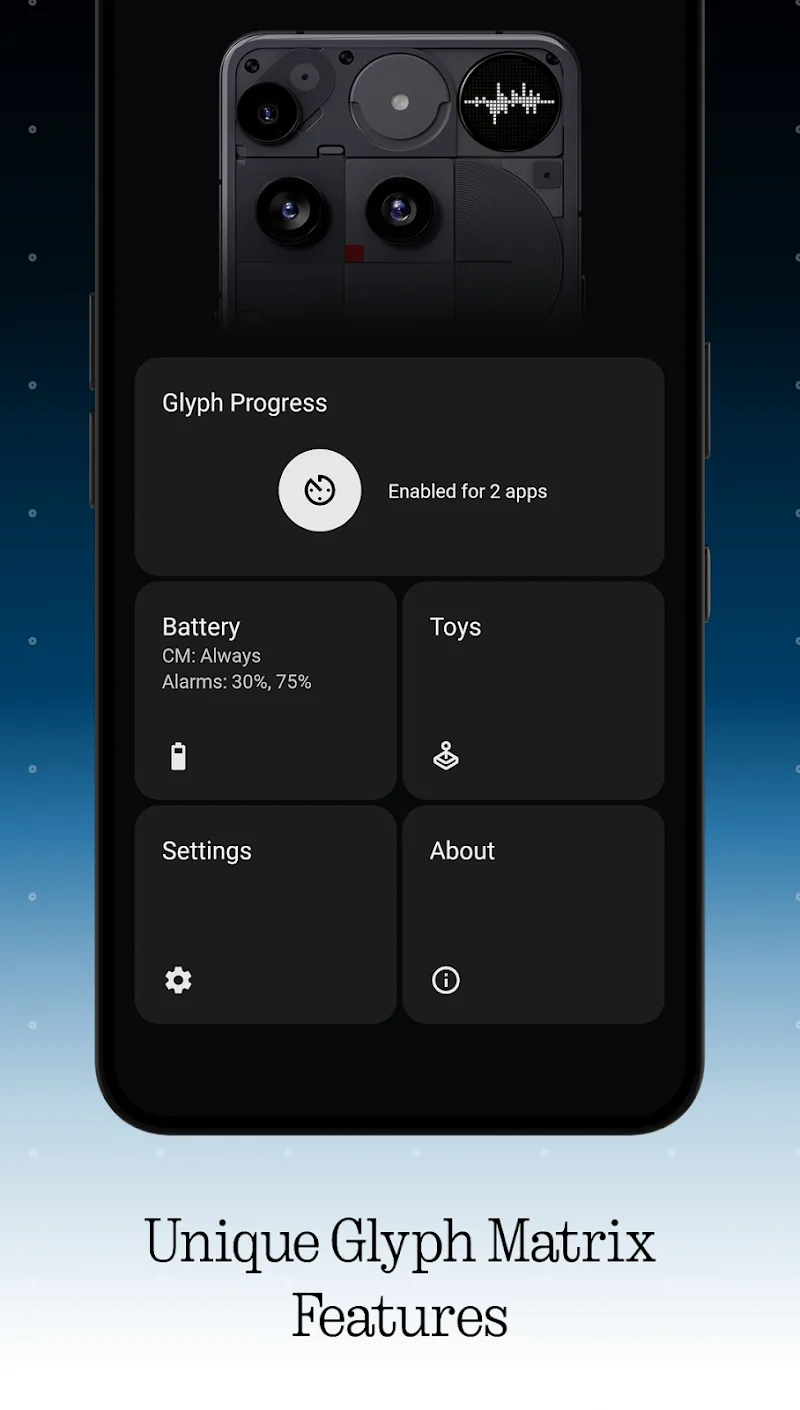
Through customizing and animating, Glyphify for Nothing Phone gives a fresh, modern face to your Nothing device and streamlines everyday interactions. This customization tool focuses on visual polish and practical controls: elegant charging animations, clear battery health alerts, configurable map marker styles and a rotating selection of ringtones. If you like a refined look with a few smart utilities that surface at the right moment, Glyphify for Nothing Phone adds personality without turning your home screen into a cluttered mess.
Install and grant permissions: After installation, allow the app access it requests (notifications, system overlay, location when needed) so widgets and alerts display correctly.
Pick a theme: Choose a visual preset or mix elements — background glow, icon accents and charging animations — to match your device aesthetic.
Enable charging screen: Turn on charging displays to see battery percentage, charging mode and an estimated time to full while your phone charges.
Luxury-inspired visual design: The app brings refined UI elements that aim for a premium feel, with clean lines, subtle lighting and updated iconography.
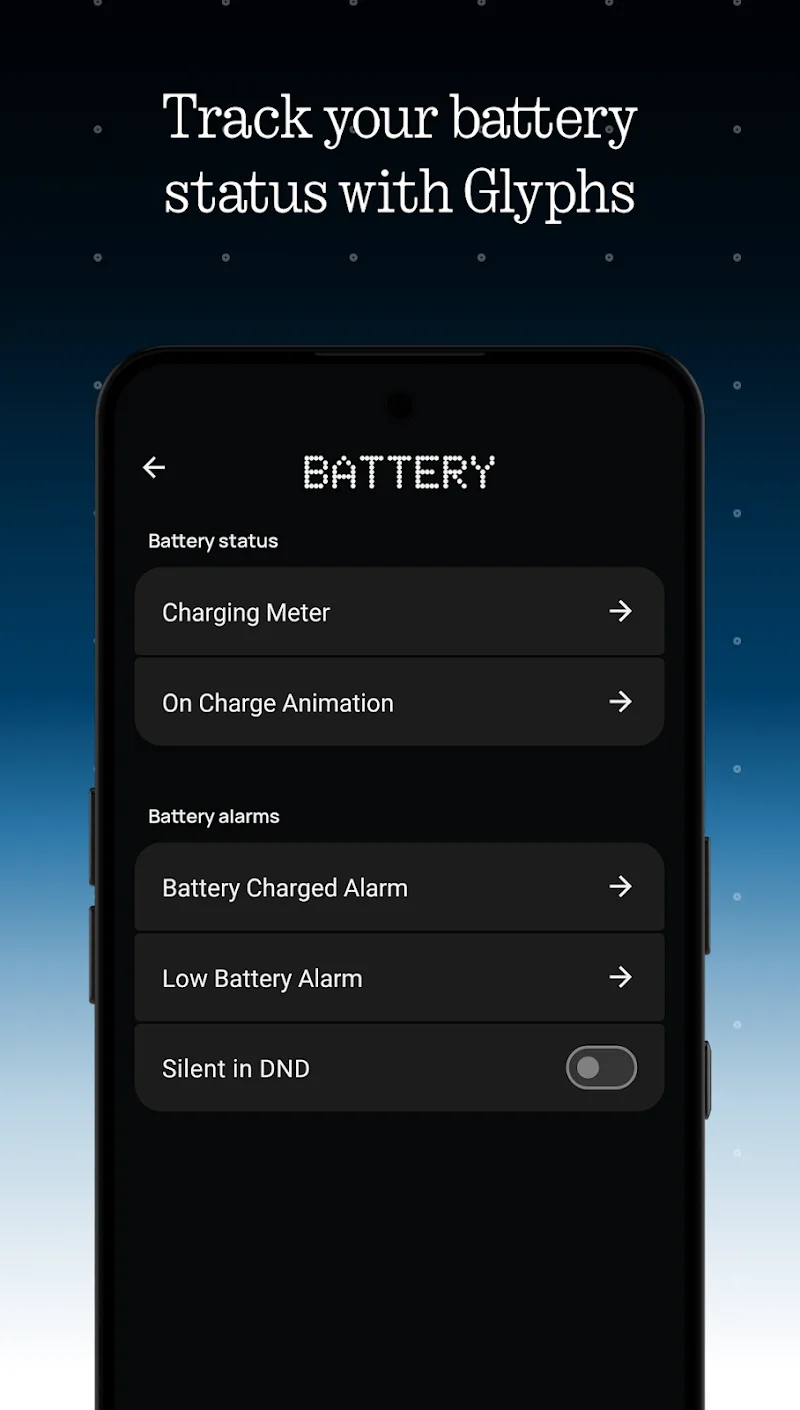
Charging status and diagnostics: Live battery readouts and standard charging mode labels appear when plugged in, and the app will notify you if it detects a likely battery issue so you can take action.
Animated charging timelines: A selection of animations — including newly added 3D effects — shows estimated charge time and provides a more informative charging experience.
Customizable location marker: The map view can show your position with either an icon or a personal image, making it easier to identify your device on small maps or share a visual cue with friends.
Ringtone and notification control: Change call and notification tones from within the app, and make use of the auto-silence option to stop long, unattended rings after a chosen interval.
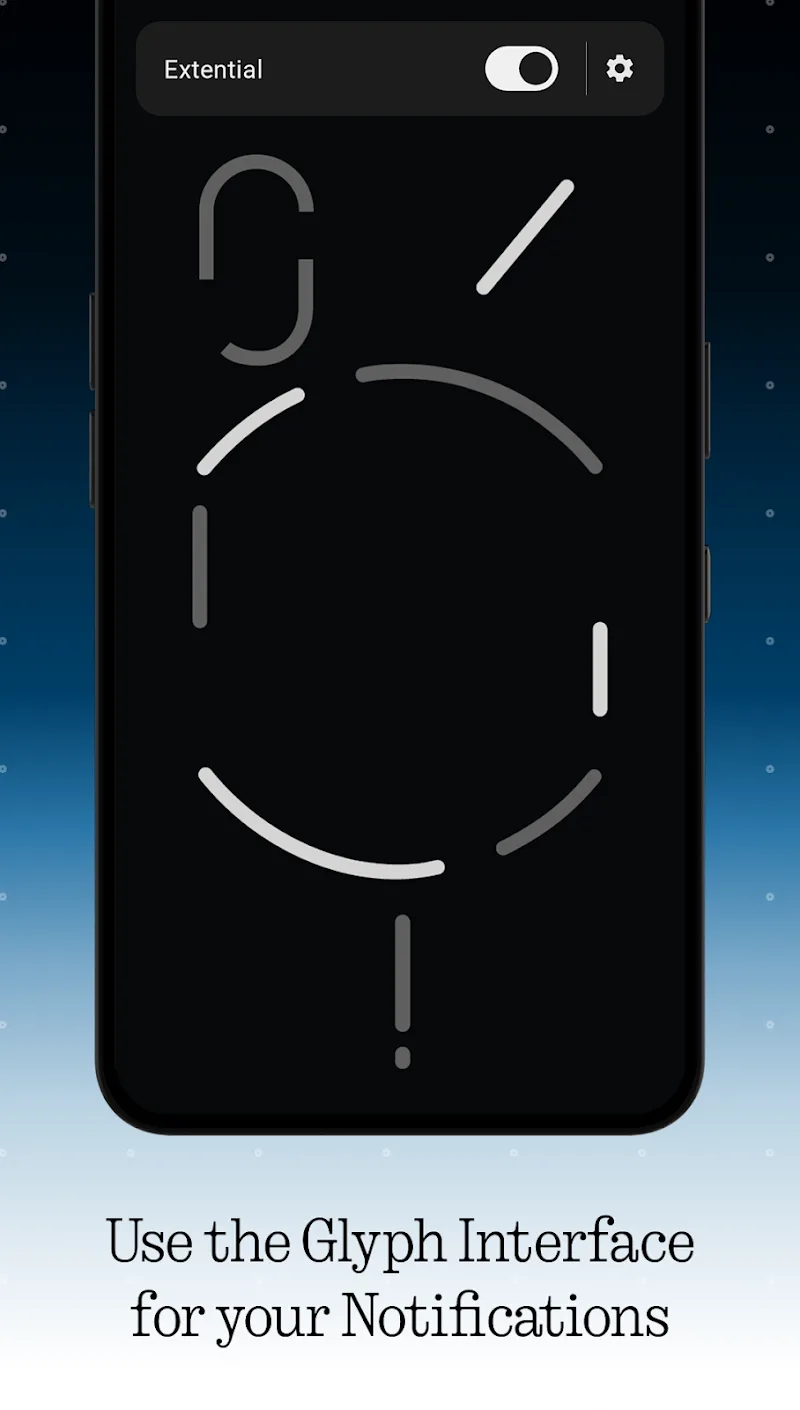
Home‑screen notifications: Important alerts are surfaced directly on your home screen so you don’t miss battery warnings or incoming notices while using other apps.
Use charge estimates during a commute: Turn on the charging animation before you leave to see if a short top-up will be enough to last through transit and meetings.
Mute long rings in meetings: Enable the automatic ringtone cut-off to avoid awkward long calls while you’re in a presentation or a quiet office.
Personalize map pins for meetups: Swap the default marker for a selfie or custom image to make it easier for friends to spot your location in a group chat or when arranging a pickup.
Does Glyphify affect battery life?
The app displays battery information and animations that have a small, controlled impact. You can disable visual effects if you prefer to maximize battery life.
Can I change call and notification tones inside the app?
Yes. Glyphify lets you choose ringtones and notification sounds and keeps its library updated so you can refresh your device’s audio profile.
Will the app work on non-Nothing phones?
Glyphify is designed for Nothing-style interfaces but many features will run on other Android devices. Some integrations may depend on manufacturer restrictions.
How does the battery alert system work?
The app monitors charge patterns and temperature indicators it can access and sends alerts if it detects conditions that suggest a potential battery problem.
Glyphify for Nothing Phone is a tasteful customization suite that blends visual polish with useful utilities like charging estimates, battery alerts and easy ringtone management. It works well for users who want a modern look plus practical charge and notification tools. Note that some features depend on system permissions and device compatibility, and functionality may vary across Android versions and manufacturer skins.
Clear Dark Glass Icon Pack
Size:82.61M PersonalizationLines Chroma - Icon Pack
Size:61.67M PersonalizationGlyphify for Nothing Phone
Size:37.29M PersonalizationFlat Square - Icon Pack
Size:30.10M PersonalizationPlush Iconpack
Size:67.29M PersonalizationCRiOS X - Icon Pack
Size:120.65M PersonalizationGlasswing Dark Glass Icon Pack
Size:34.73M PersonalizationLines Pro - Icon Pack
Size:72.47M PersonalizationVision Pro KWGT
Size:21.06M PersonalizationMico Live Wallpaper
Size:99.33M PersonalizationFluOxigen - Icon Pack
Size:115.44M PersonalizationGold Leaf Pro - Icon Pack
Size:76.06M PersonalizationApril 2024 Clash of Clans Update: Unveiling a Fresh Companion, Enhanced Levels, Chat Tagging, and Be
2024-04-16Arrival of Genshin Impact 4.6 Update: 'Embers of Two Realms, Twilight of Crimson'
2024-04-16V2.2 of the Farlight 84 update introduces an overhauled Season structure, fresh in-game currency, an
2024-04-16Monster Never Cry is now accessible on both Android and iOS mobile devices.
2024-04-18PUBG Mobile Teams Up with Bentley Motors: Luxury Cars, Exclusive Collectibles, and Beyond
2024-04-18March 2024 Free Redemption Codes for Honkai: Star Rail
2024-04-18