English
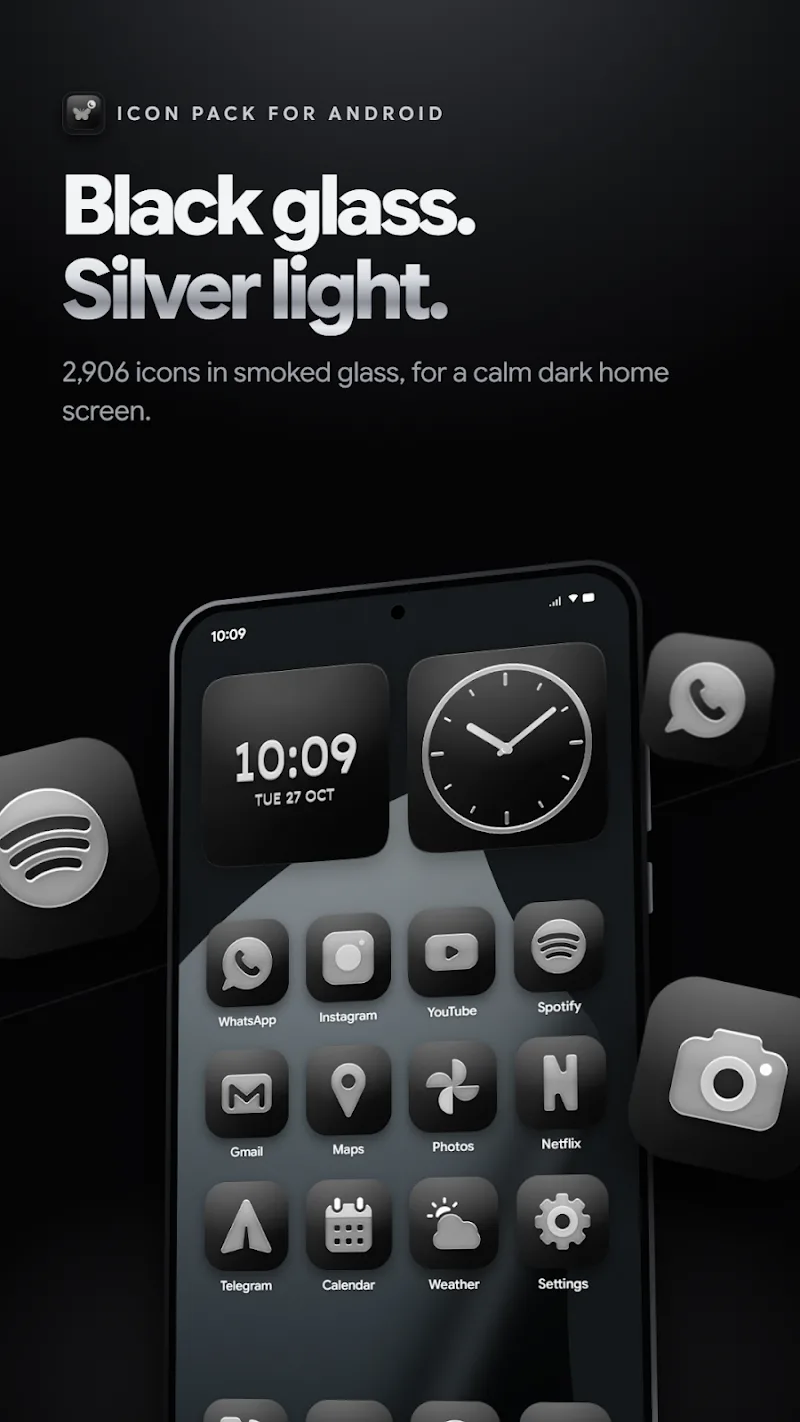
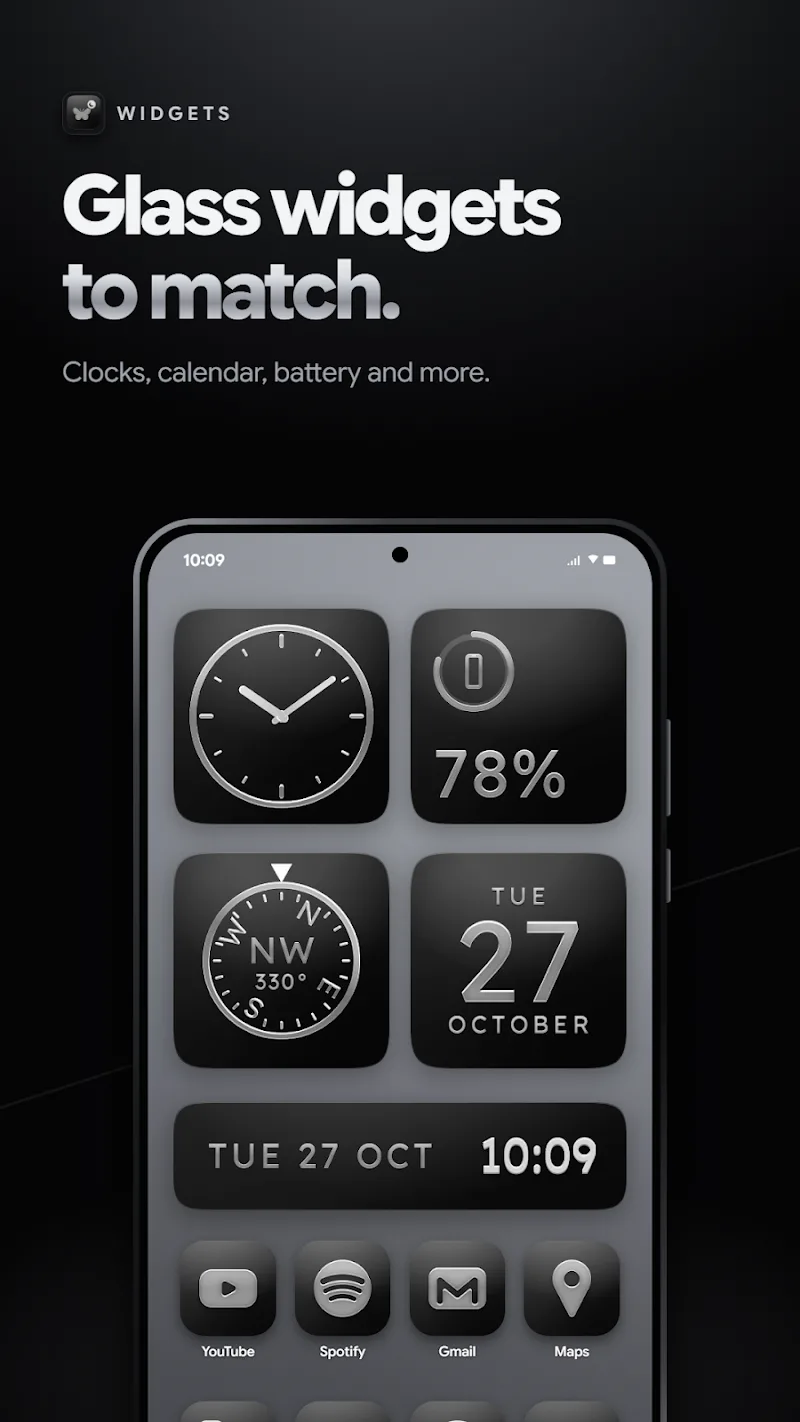
Glasswing Dark Glass Icon Pack transforms Android home screens with a sleek set of dark, semi-translucent icons that emphasize contrast and depth. Designed for users who prefer moody aesthetics, the pack delivers consistent glyphs, subtle glass-like reflections, and a cohesive palette to modernize launchers and widgets.
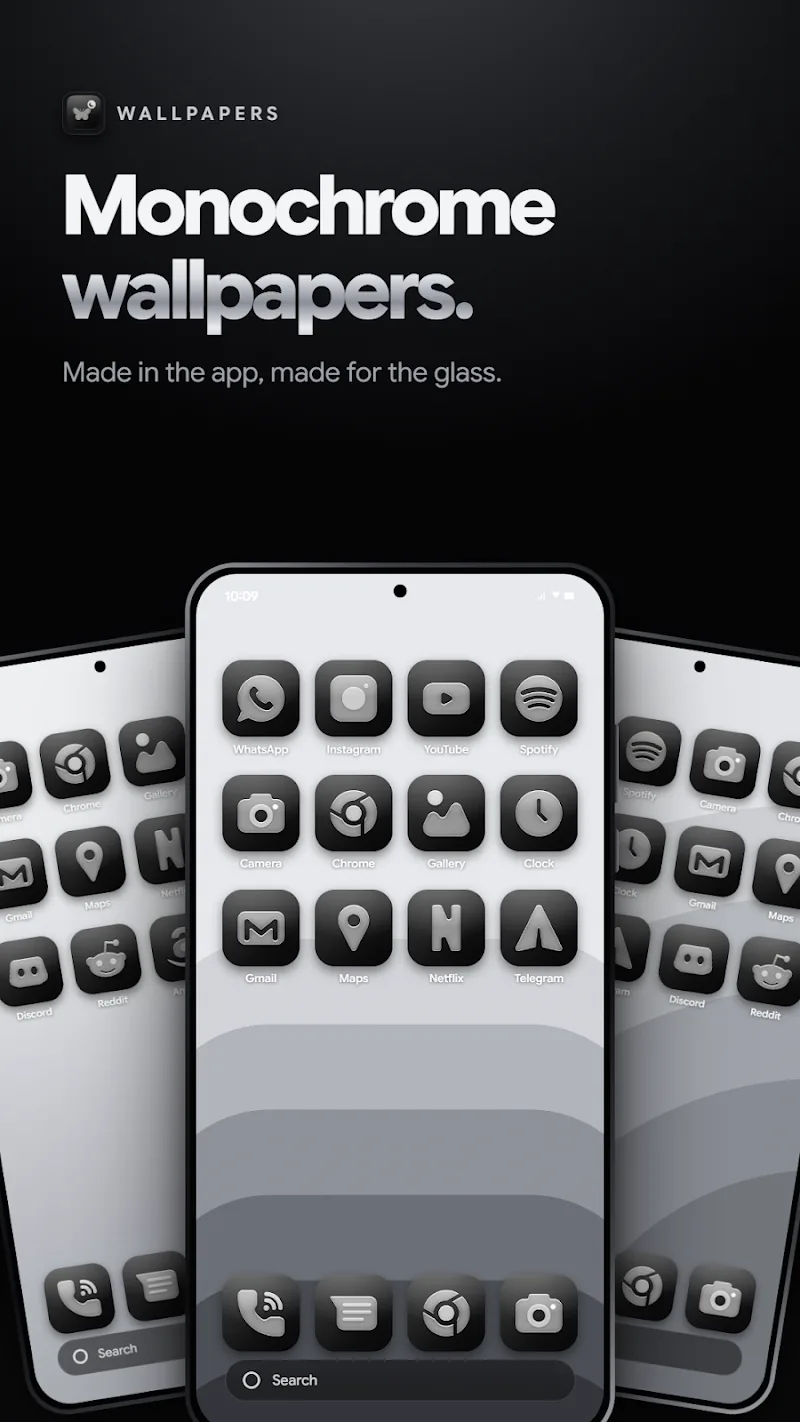
The Glasswing Dark Glass Icon Pack is a curated collection of themed icons that replaces stock artwork with a unified visual language. Instead of bright, multicolored buttons, icons use a muted color scheme and frosted-glass styling. The result is a refined look that improves readability on OLED and AMOLED screens while giving your home screen a premium appearance.
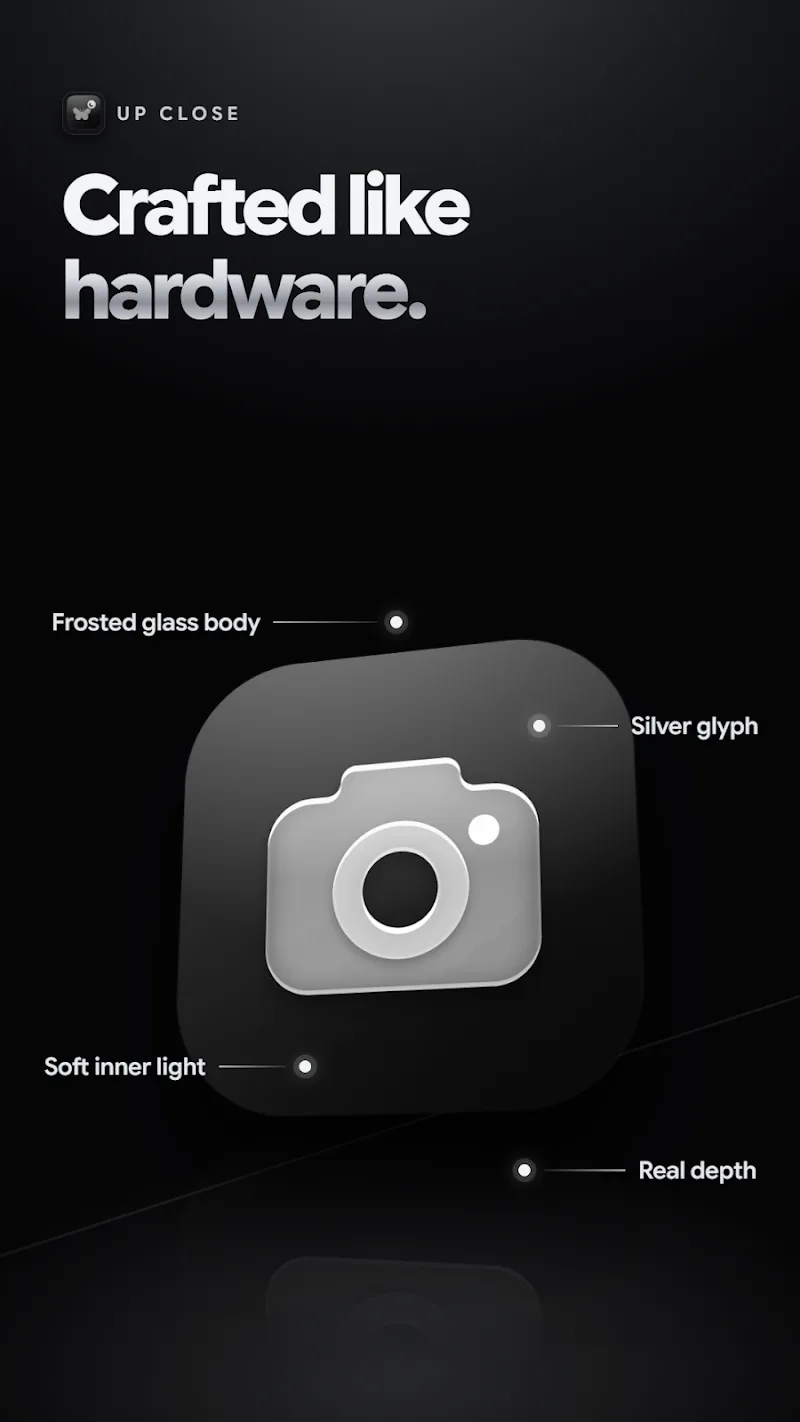
Rather than wildly reinterpreting app logos, this pack focuses on shape clarity and uniform sizing. Each icon features a consistent stroke weight and a subtle inner glow that simulates glass depth. Backgrounds are intentionally dark to create high contrast with white or pale glyphs, reducing visual clutter and emphasizing function over ornamentation.
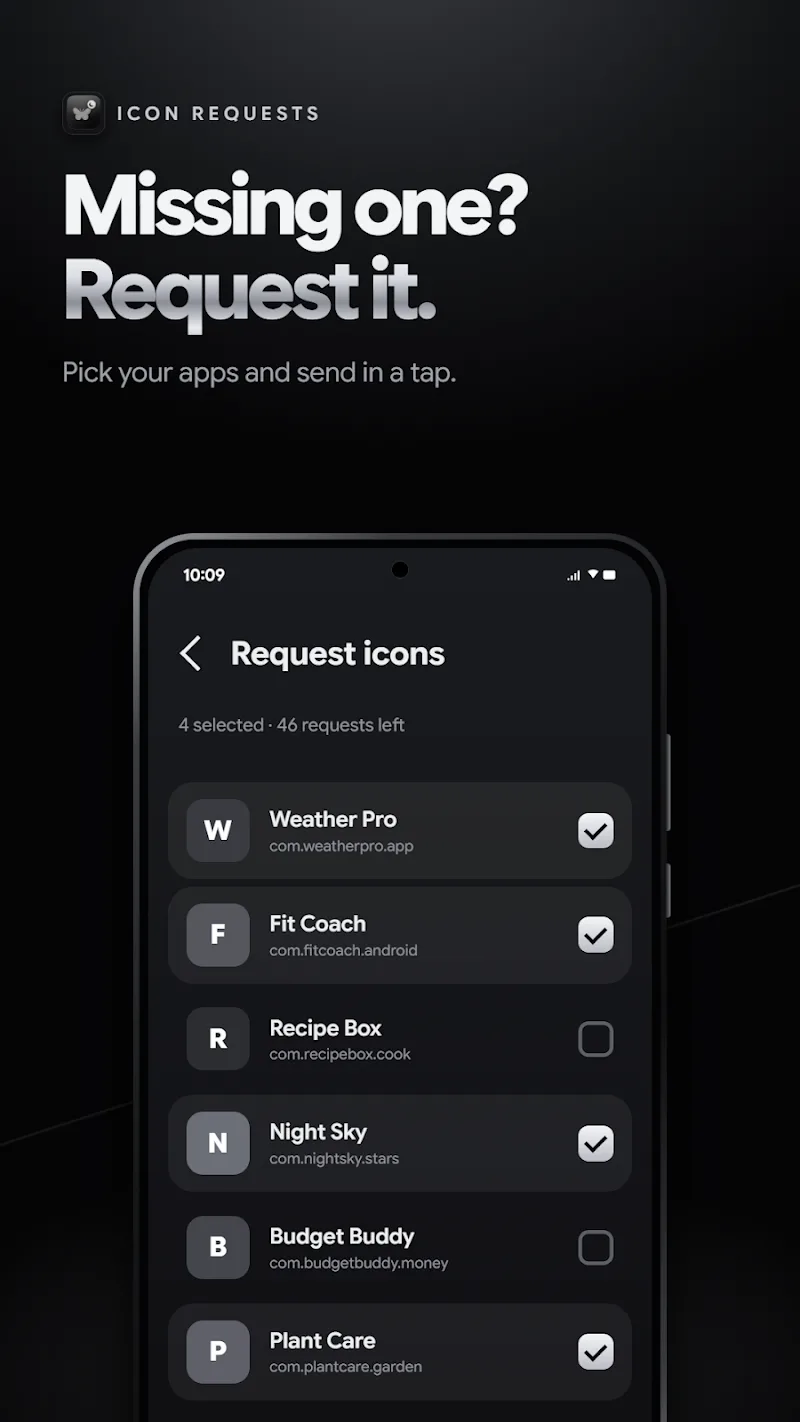
Glasswing Dark Glass Icon Pack supports a broad range of third-party launchers including Nova, Lawnchair, Apex, and others. Installation is straightforward: apply the pack from your launcher settings, or use an icon picker to assign individual icons. If you prefer selective changes, the included icon pack manager lets you override single apps without changing your entire theme.
For users who organize apps by category or prioritize minimalism, this icon pack simplifies the visual hierarchy of the home screen. Dark backgrounds paired with consistent glyphs make folders and widgets blend more predictably. Power users who rely on gesture-driven launchers will find the subdued icons reduce distraction while keeping important apps immediately identifiable.
The pack is optimized for minimal memory impact. Because icons are delivered as flattened vectors or high-quality PNGs, they render quickly and do not create perceptible lag on modern devices. Battery usage is indirectly improved on OLED screens thanks to darker backgrounds consuming less power during typical use.
New users often praise the instant visual upgrade Glasswing Dark Glass Icon Pack provides. The design favors readability in low-light conditions and pairs well with black or gradient wallpapers. Attention to consistent padding and alignment reduces the need to tweak layouts manually. Developers address user feedback in updates, progressively expanding icon coverage for niche apps.
Installing Glasswing Dark Glass Icon Pack is simple: download the package, open it, and follow the prompts to apply via your preferred launcher. If your launcher isn’t listed, use the manual icon assignment tool found in most launchers’ long-press menus. Backups are recommended if you maintain complex home screen layouts to prevent accidental changes.
Users pick Glasswing Dark Glass Icon Pack when they want a mature, consistent aesthetic without sacrificing app recognition. The theme balances style and utility, and its thoughtful updates and compatibility make it a practical choice for people who change launchers or routinely customize their devices.
Final advice: If you enjoy a polished, low-contrast interface that highlights content and conserves battery on dark displays, Glasswing Dark Glass Icon Pack is worth trying. Its blend of design discipline and practical features fits both casual users and customization enthusiasts.
CRiOS X - Icon Pack
Size:120.65M PersonalizationGlasswing Dark Glass Icon Pack
Size:34.73M PersonalizationLines Pro - Icon Pack
Size:72.47M PersonalizationVision Pro KWGT
Size:21.06M PersonalizationMico Live Wallpaper
Size:99.33M PersonalizationFluOxigen - Icon Pack
Size:115.44M PersonalizationGold Leaf Pro - Icon Pack
Size:76.06M PersonalizationGraphite Icon Pack
Size:120.40M PersonalizationVapor Iconpack
Size:112.27M PersonalizationLayers - Glass Icon Pack
Size:39.56M PersonalizationFlixy - Icon Pack
Size:119.26M PersonalizationMoonshine Pro - Icon Pack
Size:46.08M PersonalizationApril 2024 Clash of Clans Update: Unveiling a Fresh Companion, Enhanced Levels, Chat Tagging, and Be
2024-04-16Arrival of Genshin Impact 4.6 Update: 'Embers of Two Realms, Twilight of Crimson'
2024-04-16V2.2 of the Farlight 84 update introduces an overhauled Season structure, fresh in-game currency, an
2024-04-16Monster Never Cry is now accessible on both Android and iOS mobile devices.
2024-04-18PUBG Mobile Teams Up with Bentley Motors: Luxury Cars, Exclusive Collectibles, and Beyond
2024-04-18March 2024 Free Redemption Codes for Honkai: Star Rail
2024-04-18