English
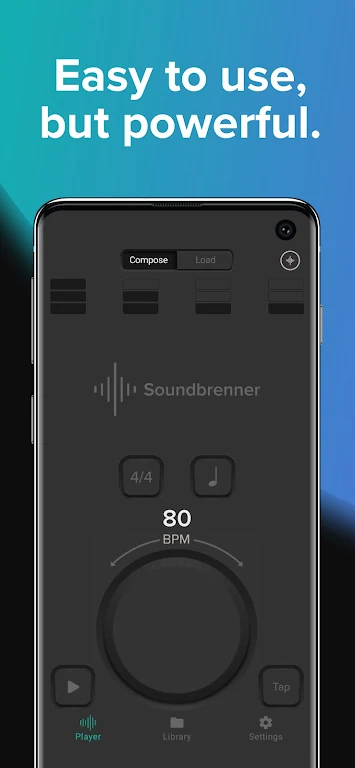
If you're the kind of musician who likes to measure progress and keep practice time organized, Soundbrenner puts rhythm tools and a practice tracker on your phone. This app combines a metronome with a practice log so you can manage sessions, set goals, and review how you spend rehearsal time. Soundbrenner works for casual learners and gigging players alike: it offers adjustable rhythms, tap tempo options, and connectivity with external gear, while presenting session summaries and weekly overviews to help you stay accountable.
Install and set up: Download the app, allow basic permissions, and create a simple profile to begin logging sessions. The initial setup walks you through selecting instruments and preferred tempo display.
Create your first session: Tap to start a timed practice, choose a rhythm or metronome preset, and add tags such as 'scales' or 'repertoire' so later reports are easier to filter.
Connect gear if needed: If you have Bluetooth MIDI, USB MIDI, or an Ableton Link setup, pair the hardware from the settings menu to sync tempo and signals for tighter integration.
Review weekly reports: Open the practice history to see totals per instrument, comparisons across days, and simple charts that highlight progress over time.
Practice tracking: The core tracker logs session length and tags so you can evaluate where your time goes rather than guessing from memory.
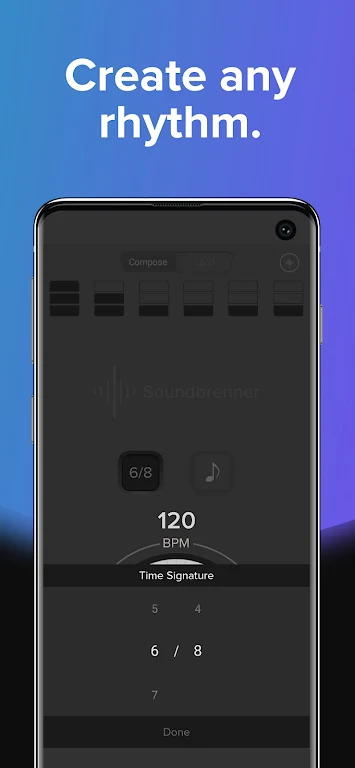
Customizable metronome: Create and save rhythms with accents, time signatures, and subdivisions to match exercises or pieces you’re working on.
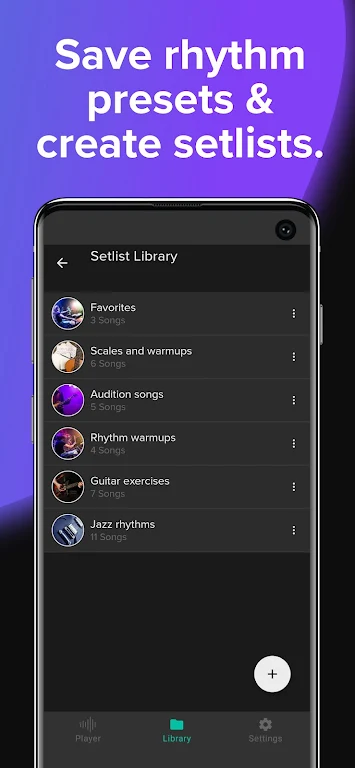
Tap tempo and playlists: Tap to set a tempo quickly and assemble practice playlists that move you from warmups to technical studies and repertoire without manual adjustments.
Pro-level compatibility: Soundbrenner supports common studio and stage workflows by integrating with USB MIDI, Bluetooth MIDI, and Ableton Link for consistent timing across devices.
Soundbrenner is a practical companion whether you’re tracking practice for progress or keeping tempo during rehearsals. Try it during a short warmup before a lesson or for timing a run-through before a gig; it handles simple sessions and more involved synced setups. Give Soundbrenner a spin to see how a combined metronome and tracker can shape your practice routine, and explore the MIDI and Link options if you work with external gear.

Soundbrenner
Size:114.17M Media & VideoMuseLead Synthesizer
Size:54.00M Media & VideoASR Voice Recorder
Size:36.50M Media & VideoAudio Cues
Size:18.49M Media & Video432 Radio: 432hz/528hz Radio
Size:23.02M Media & VideoCompress Video - Resize Video
Size:48.75M Media & VideoMEME Maker: MEME Creator
Size:49.65M Media & VideoInstory Story Video Maker
Size:31.79M Media & VideoDrum Pads 24 - Beats and Music
Size:31.00M Media & VideoRadioTunes
Size:25.30M Media & VideoWiseplay
Size:38.13M Media & VideojetAudio HD Music Player Plus
Size:22.60M Media & VideoApril 2024 Clash of Clans Update: Unveiling a Fresh Companion, Enhanced Levels, Chat Tagging, and Be
2024-04-16Arrival of Genshin Impact 4.6 Update: 'Embers of Two Realms, Twilight of Crimson'
2024-04-16V2.2 of the Farlight 84 update introduces an overhauled Season structure, fresh in-game currency, an
2024-04-16Monster Never Cry is now accessible on both Android and iOS mobile devices.
2024-04-18PUBG Mobile Teams Up with Bentley Motors: Luxury Cars, Exclusive Collectibles, and Beyond
2024-04-18March 2024 Free Redemption Codes for Honkai: Star Rail
2024-04-18