English
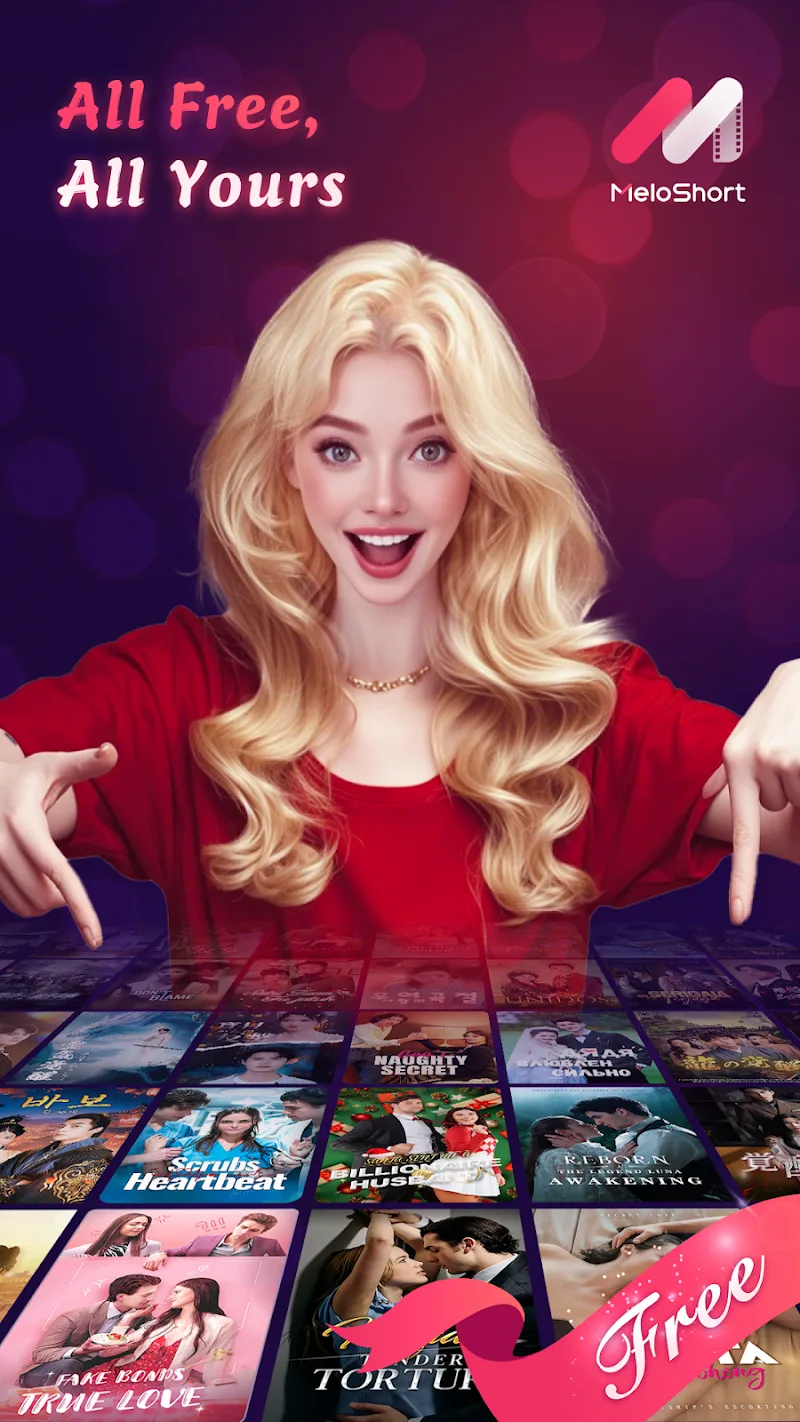
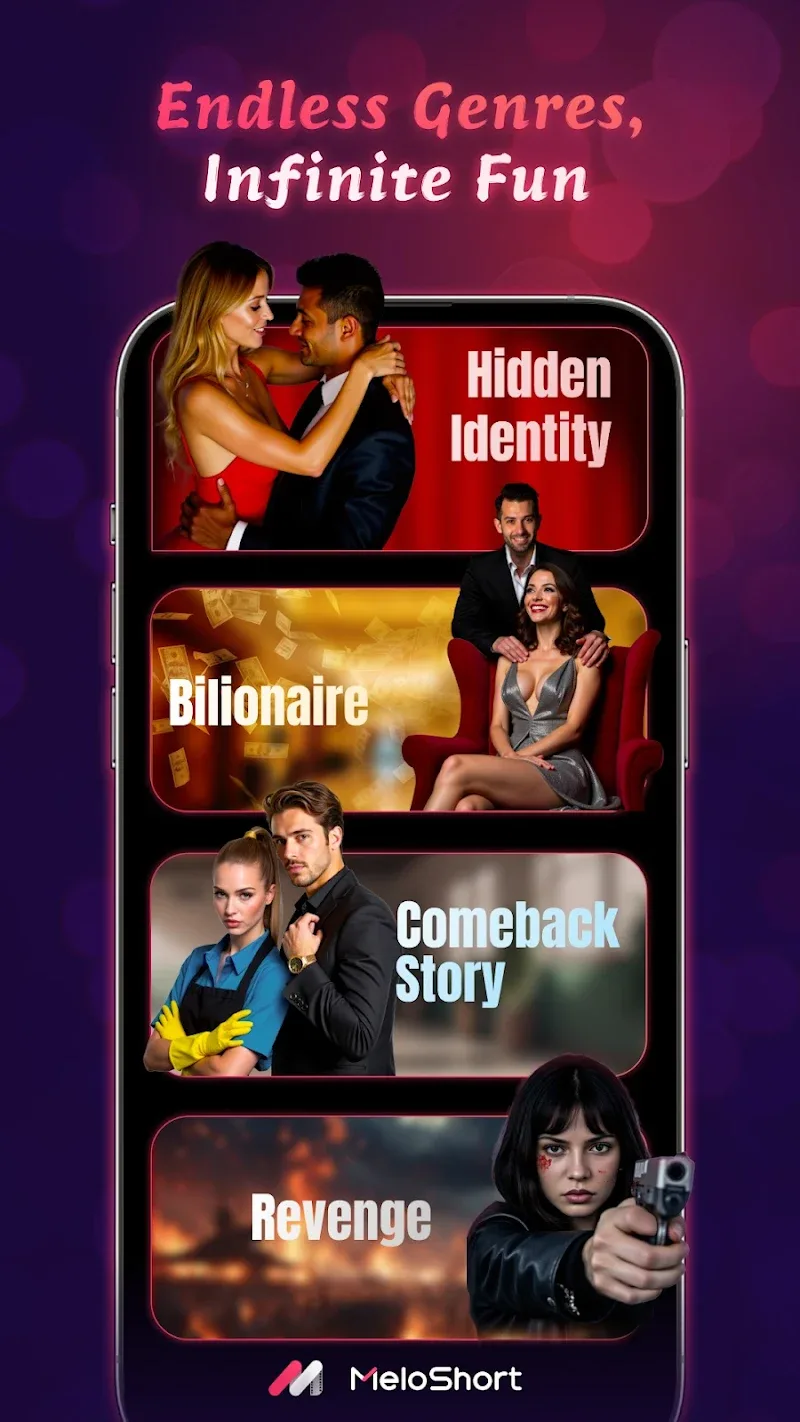
MeloShort is a compact video creation app that helps users produce engaging short-form clips quickly using templates, automatic beat-sync, and simple editing tools. It combines intuitive timeline editing, royalty-free music, and one-tap sharing so creators can craft polished social videos without a steep learning curve.
The heart of MeloShort is its streamlined workflow that reduces friction between idea and publication. Import footage or capture directly from the camera, trim clips on a straightforward timeline, and layer text, stickers, or filters with drag-and-drop ease. Built-in transitions and speed controls let you shape pacing, while a preview pane plays back edits in real time so you can iterate instantly.
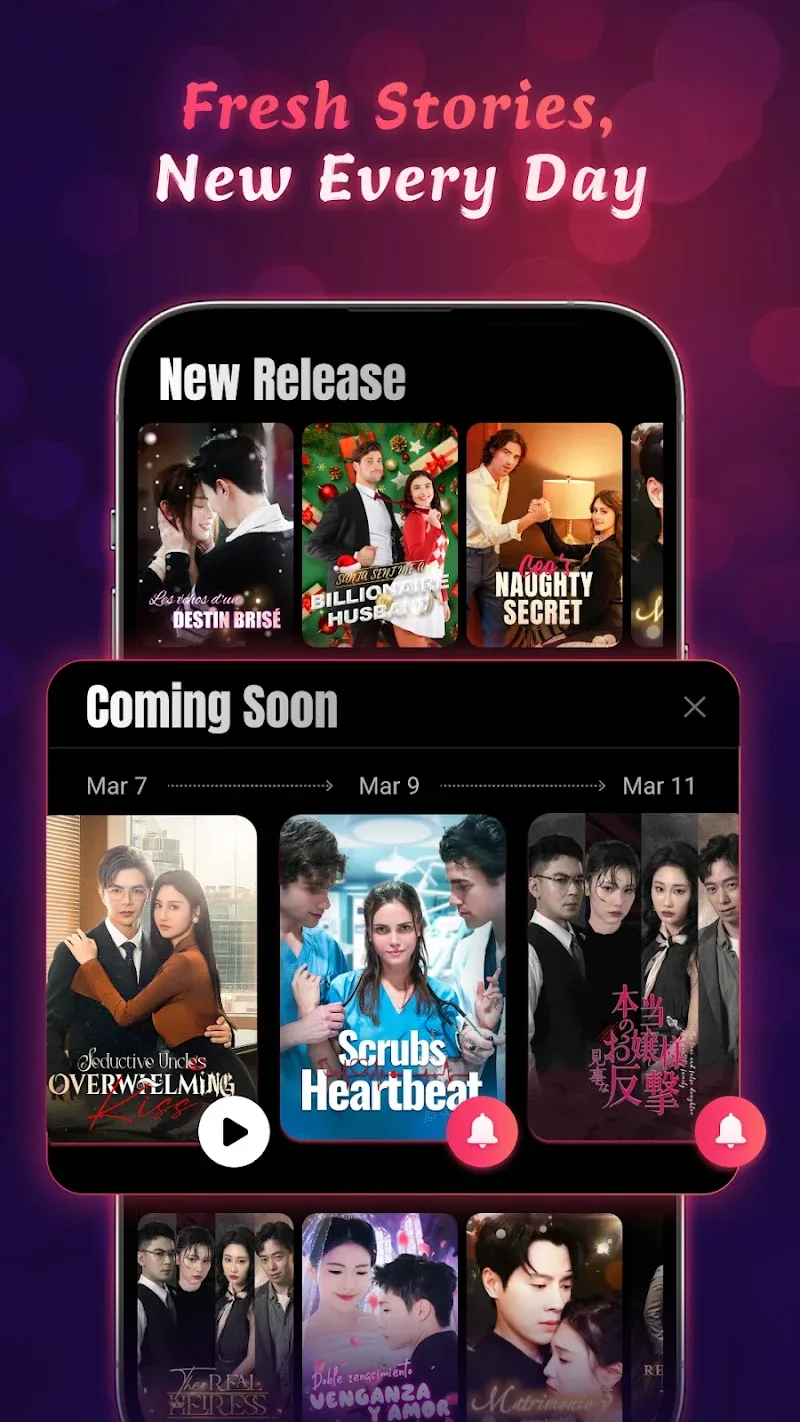
MeloShort includes a growing library of templates tailored to trends and formats across popular social platforms. Templates combine animated titles, cut patterns, and color grading presets that you can adapt in seconds. The app also features automatic music synchronization: pick a track and the editor aligns cuts to beats, helping clips feel dynamic without manual timing.
The interface focuses on clarity: large icons, contextual menus, and minimal nested options keep common tasks one tap away. For new users, an onboarding guide highlights key features, while keyboard and gesture shortcuts speed up repeat actions for power users. Accessibility settings include adjustable font sizes and high-contrast modes to accommodate varied viewing needs.
MeloShort supports multiple export presets to match resolution and aspect ratio requirements for Reels, Shorts, and Stories. Exports are optimized for fast upload, with options to control bitrate and file size. Sharing integrates with installed social apps and provides direct save-to-device or cloud backup, making distribution straightforward from within the app.
Designed for mid-range phones as well as flagship devices, MeloShort balances performance and battery usage. GPU-accelerated effects ensure smooth previews, while background export lets you continue using the phone during longer render tasks. The app includes compatibility checks to recommend lower-resolution previews on older hardware, preserving responsiveness.
Beyond templates, MeloShort offers granular controls for color correction, multi-layer audio mixing, and keyframed motion for text and stickers. Creators can save custom presets for frequently used looks, and the clip library supports nested projects so components can be reused across videos. Advanced editors will appreciate precise trimming tools and frame-by-frame adjustments.
The app aims to flatten the learning curve while providing depth for creators who want it. Contextual tooltips appear the first few times you access complex tools, and an in-app tutorial section offers short videos demonstrating common workflows like lip-sync editing, montages, and product showcases. Community-driven templates are highlighted to inspire new ideas.
MeloShort clarifies licensing for included music and assets, offering a catalog of royalty-free tracks and clear attribution rules where required. User data handling follows standard mobile privacy practices, and the app provides options to manage permissions for camera, microphone, and storage. A responsive help center and in-app reporting tools connect users to support when needed.
To begin with MeloShort, install the app, grant camera and microphone access, and explore a template that matches your target format. Keep clips concise, use beat-sync sparingly to emphasize key moments, and apply consistent color grading to build a recognizable style. Regularly export test copies at target resolutions to verify how your video appears on different platforms.
Whether you need quick social posts or a polished short for a campaign, MeloShort presents a balanced mix of speed and control that suits creators who prioritize efficiency without sacrificing creative options.
MeloShort
Size:55.56M OtherScreen Dimmer Lite
Size:14.13M OtherTelefun
Size:7.36M OtherFontly
Size:103.62M OtherLoveShots
Size:30.38M OtherAI Logo Maker
Size:23.73M OtherOBD Mary OBD2
Size:51.49M OtherVidmy Video Downloader
Size:50.60M OtherOne S26 Launcher
Size:25.40M OtherAiOS launcher
Size:30.64M OtherColorful OS Launcher
Size:30.63M OtherDramaNova
Size:46.83M OtherApril 2024 Clash of Clans Update: Unveiling a Fresh Companion, Enhanced Levels, Chat Tagging, and Be
2024-04-16Arrival of Genshin Impact 4.6 Update: 'Embers of Two Realms, Twilight of Crimson'
2024-04-16V2.2 of the Farlight 84 update introduces an overhauled Season structure, fresh in-game currency, an
2024-04-16Monster Never Cry is now accessible on both Android and iOS mobile devices.
2024-04-18PUBG Mobile Teams Up with Bentley Motors: Luxury Cars, Exclusive Collectibles, and Beyond
2024-04-18March 2024 Free Redemption Codes for Honkai: Star Rail
2024-04-18