English
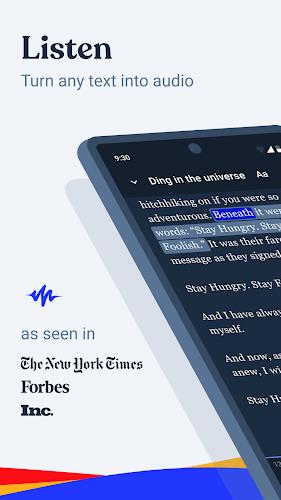
Speechify turns written content, spoken words and images into accessible audio or text so you can read, listen or transcribe faster. In practical use, Speechify converts books, articles, emails and documents into natural-sounding speech while also capturing spoken ideas as editable text, making it easier to study, commute or draft without typing. The interface focuses on quick import and immediate playback or transcription so you can pick up where you left off and move seamlessly between listening, reading and editing.
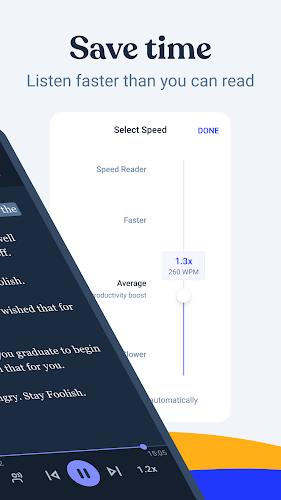
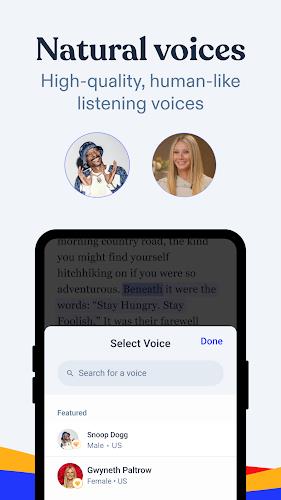
The app offers text-to-speech with multiple high-quality voices that emphasize natural rhythm and pronunciation, adjustable playback speed and pause control to match your pace, and tone and pronunciation tuning for clearer results on technical or specialized content. Speechify supports long-form content and smaller snippets alike, and it handles a variety of document formats so you can listen to PDFs, web articles and email threads. Speech-to-text transcription captures notes and longer drafts with attention to punctuation and formatting, and multi-language support helps when working with material in more than one language.
Playback controls are designed for hands-free and low-attention scenarios: play, pause, skip by sentence or paragraph and a persistent seek bar keep navigation simple. Pronunciation and voice options are exposed in a dedicated settings area where you can fine-tune speed, pitch and the default voice for different content types. For power users, granular pause length and punctuation sensitivity settings let you balance smooth narration with accurate fidelity to the source text. Keyboard shortcuts and basic gesture controls make it practical to move through documents while you are commuting or performing other tasks.
Speechify transcribes voice recordings into editable text, turning quick dictation sessions into draft emails, notes or longer documents. The transcription module is built to cope with complex vocabulary and technical terms by learning from context and allowing manual corrections that then improve future results for that user on the same device. Export options let you save transcribed text to clipboard or common document formats so the output fits into your existing workflow, and a session history tracks recent transcriptions and audio files for quick retrieval.
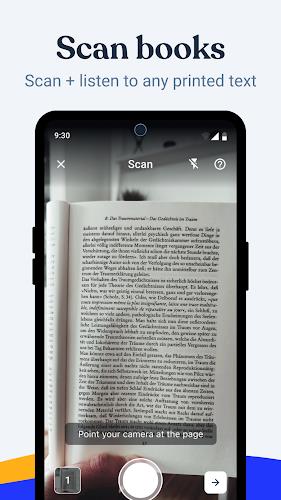
One of Speechify’s practical uses is improving access to visual content: the app can generate descriptive audio summaries for images, helping users who are visually impaired understand layout and context. Text highlighting during playback, adjustable narration focus and readable contrast options enhance usability for people with low vision or dyslexia. The interface aims to minimize barriers by keeping controls consistent, providing clear labels and offering spoken guidance for first-time features so that accessibility improvements are discoverable without training.
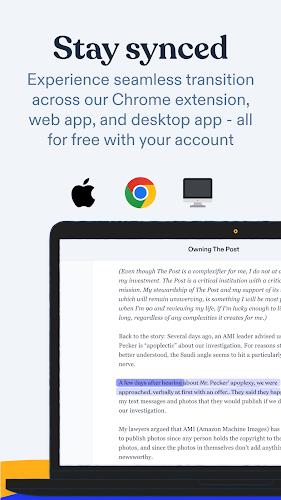
Beyond single-use sessions, Speechify keeps track of reading position and recent files so you can resume audiobooks or long articles across multiple sittings. Progress markers, bookmarks and a simple queue system let you organize content into playlists for study sessions, commutes or focused work blocks. Because narrated content can be replayed at different speeds and with adjusted emphasis, the app offers replay value for learning and revision: listen once for overview, then slower with more pauses for detailed comprehension. These features support steady proficiency gains as users become accustomed to dictation and voice-driven editing.
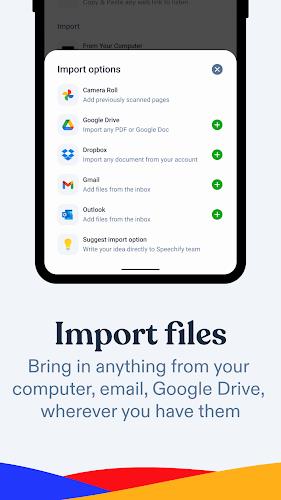
Speechify requires microphone access for best speech-to-text performance and permission to read local files when you import documents; these permissions are requested transparently and can be revoked at any time. Accuracy depends on audio clarity, device microphone quality and the visual complexity of images when generating descriptions, and advanced customization settings may take a brief learning period to optimize. The app is intended as an assistive productivity tool rather than a replacement for careful proofreading, so users should review transcriptions before final use.
Speechify
Size:46.20M OtherMandala Maker 360
Size:12.00M OtherGPS Speedometer
Size:5.87M OtherUltimate EMF Detector Real Pro
Size:9.84M OtherWeight Loss
Size:17.36M OtherMeloShort
Size:55.56M OtherScreen Dimmer Lite
Size:14.13M OtherTelefun
Size:7.36M OtherFontly
Size:103.62M OtherLoveShots
Size:30.38M OtherAI Logo Maker
Size:23.73M OtherOBD Mary OBD2
Size:51.49M OtherApril 2024 Clash of Clans Update: Unveiling a Fresh Companion, Enhanced Levels, Chat Tagging, and Be
2024-04-16Arrival of Genshin Impact 4.6 Update: 'Embers of Two Realms, Twilight of Crimson'
2024-04-16V2.2 of the Farlight 84 update introduces an overhauled Season structure, fresh in-game currency, an
2024-04-16Monster Never Cry is now accessible on both Android and iOS mobile devices.
2024-04-18PUBG Mobile Teams Up with Bentley Motors: Luxury Cars, Exclusive Collectibles, and Beyond
2024-04-18March 2024 Free Redemption Codes for Honkai: Star Rail
2024-04-18