English
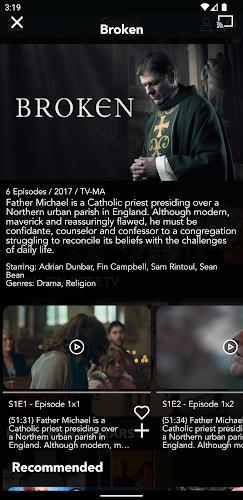
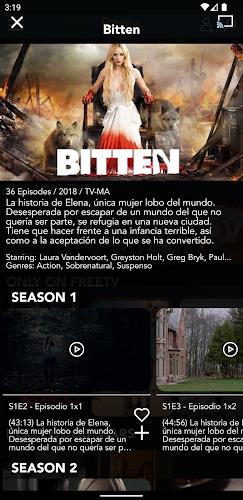
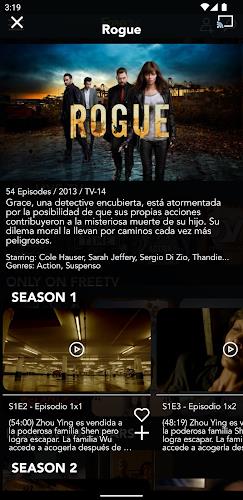
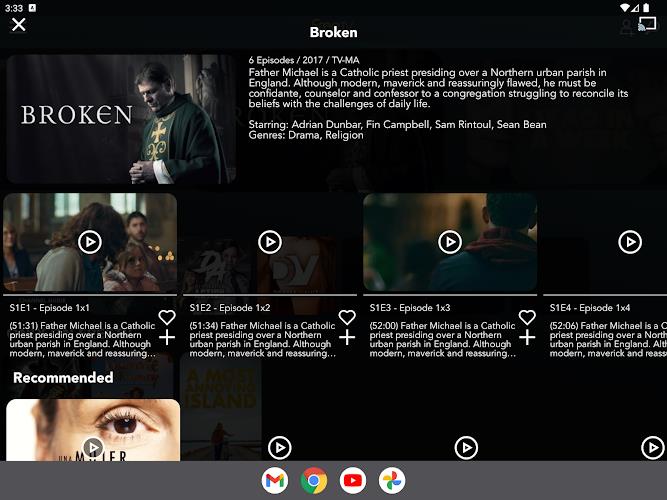
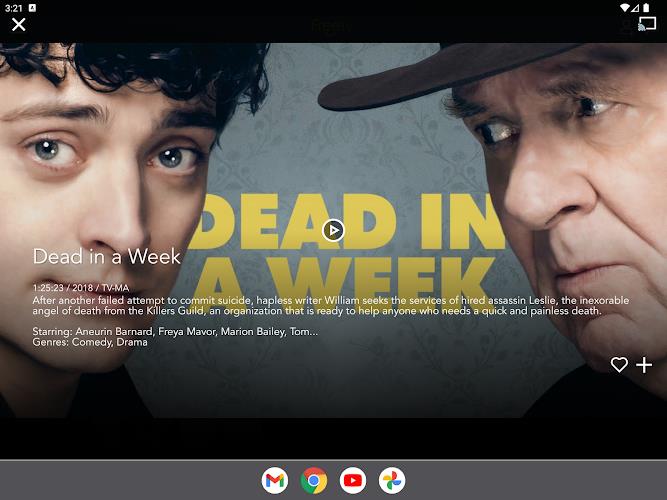
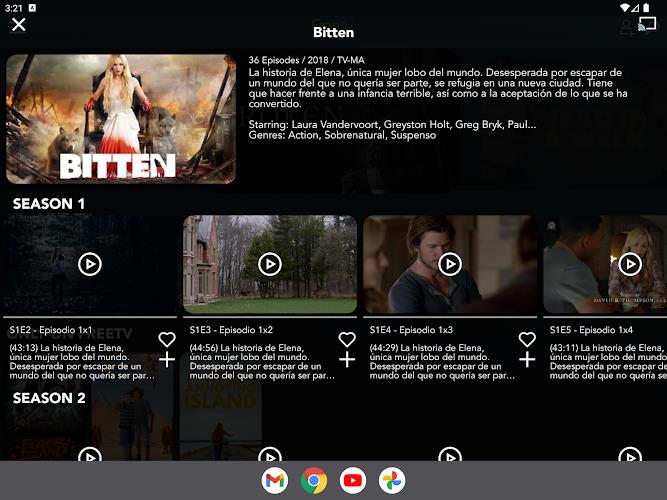
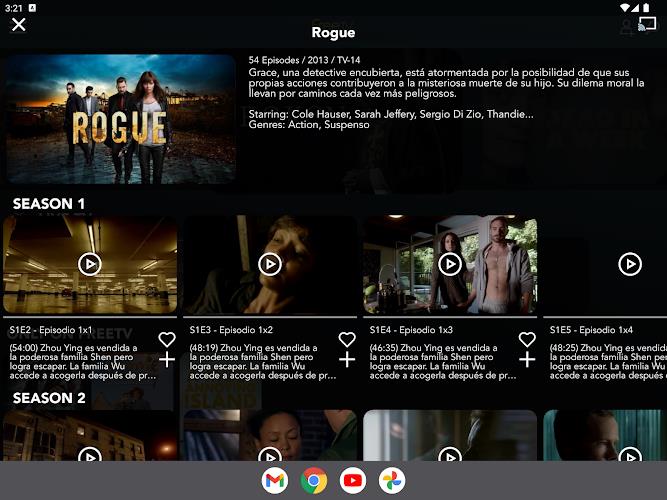
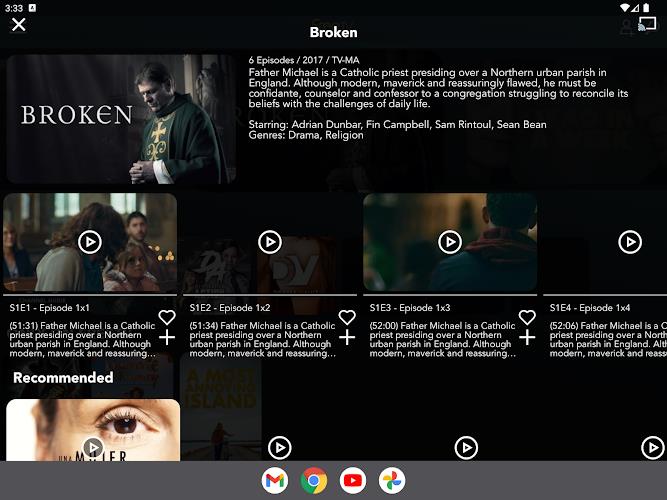
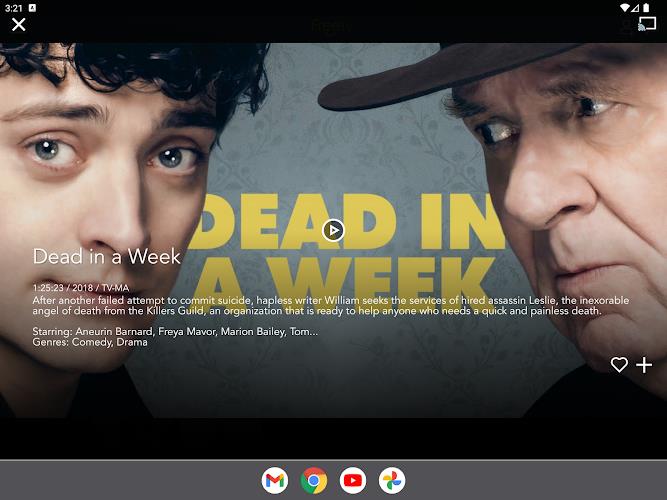
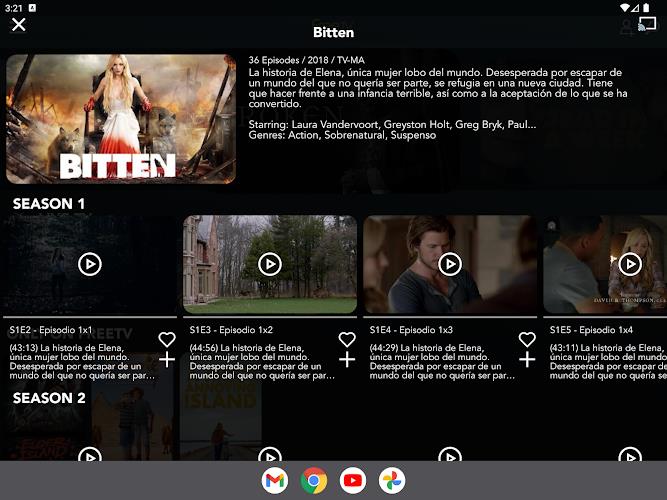
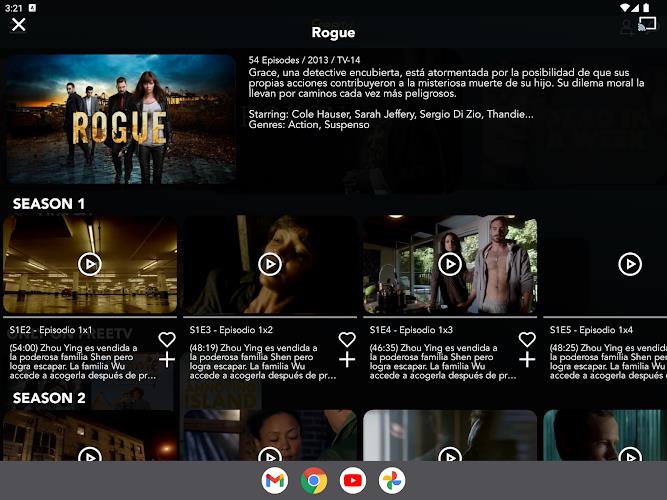
Browse, select, stream: FreeTV brings a wide selection of international movies, series and live channels into one app so you can settle in and explore without fuss. The app collects on-demand titles and linear channels across genres, letting you jump between new releases, documentaries and family-friendly programming. FreeTV aims to be easy to navigate and free to use, with subtitle support in multiple languages and a lean ad experience that keeps interruptions to a minimum.
Install and open: After downloading the app package, tap to install and open FreeTV. The main home screen typically highlights featured films and current live channels so you can start watching quickly.
Browse by section: Use the app's categories or search bar to find specific titles, series or channel streams. Navigation is usually organized around genres, new arrivals and live programming.
Optional personalization: You may choose to sign in or create a profile if the app prompts you, which can help save preferences and continue watching across sessions.
Free access: FreeTV advertises its service as free to use, giving you entry to a catalog of movies and shows without a subscription fee.
Live and on-demand mix: The app combines on-demand titles with live channels, covering music, entertainment and children’s programming so there’s something for many viewing occasions.
Multilingual subtitle options: Where supported, subtitles are available in English and Spanish to help with comprehension across different languages.
Lower ad load: FreeTV aims for a lighter ad experience compared with some free services, focusing on fewer interruptions while you watch.
Regional availability: The service is available in the US and in many Latin American countries, though the exact catalog can vary by location.
Stream with Wi-Fi for stability: For smoother playback, use a reliable Wi-Fi connection and close other apps that may be using bandwidth on your device.
Use subtitles for noisy environments: If you’re watching in a noisy room or cooking in the kitchen, enable subtitles in the language you prefer to catch dialogue more easily.
Plan viewing for family time: Pick live music channels or family-friendly on-demand shows to create a simple entertainment option during dinner or an evening at home.
Is FreeTV really free?
The app is promoted as free to use, offering access to content without a subscription fee; some programming may include occasional ads.
Where can I watch content from FreeTV?
FreeTV is available in the United States and in many Latin American markets, but the exact lineup of titles and channels can differ by country.
Are subtitles available for non-English content?
Yes, the app offers subtitle options in English and Spanish for supported titles so you can follow content in either language.
FreeTV provides a straightforward way to watch a mix of live channels and on-demand movies without a subscription, making it a solid option if you want easy browsing and bilingual subtitle support. Keep in mind that the catalog and availability of specific programs can change depending on your region and app updates (features may vary between versions and over time).




FreeTV
Size:8.32M OtherMicrosoft Office 365
Size:329.90M OtherSoda Reels MOD VIP Unlocked
Size:64.79M OtherSpeechify
Size:46.20M OtherMandala Maker 360
Size:12.00M OtherGPS Speedometer
Size:5.87M OtherUltimate EMF Detector Real Pro
Size:9.84M OtherWeight Loss
Size:17.36M OtherMeloShort
Size:55.56M OtherScreen Dimmer Lite
Size:14.13M OtherTelefun
Size:7.36M OtherFontly
Size:103.62M OtherApril 2024 Clash of Clans Update: Unveiling a Fresh Companion, Enhanced Levels, Chat Tagging, and Be
2024-04-16Arrival of Genshin Impact 4.6 Update: 'Embers of Two Realms, Twilight of Crimson'
2024-04-16V2.2 of the Farlight 84 update introduces an overhauled Season structure, fresh in-game currency, an
2024-04-16Monster Never Cry is now accessible on both Android and iOS mobile devices.
2024-04-18PUBG Mobile Teams Up with Bentley Motors: Luxury Cars, Exclusive Collectibles, and Beyond
2024-04-18March 2024 Free Redemption Codes for Honkai: Star Rail
2024-04-18