English
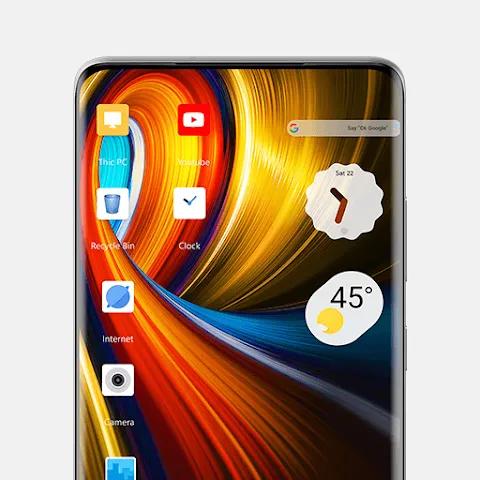
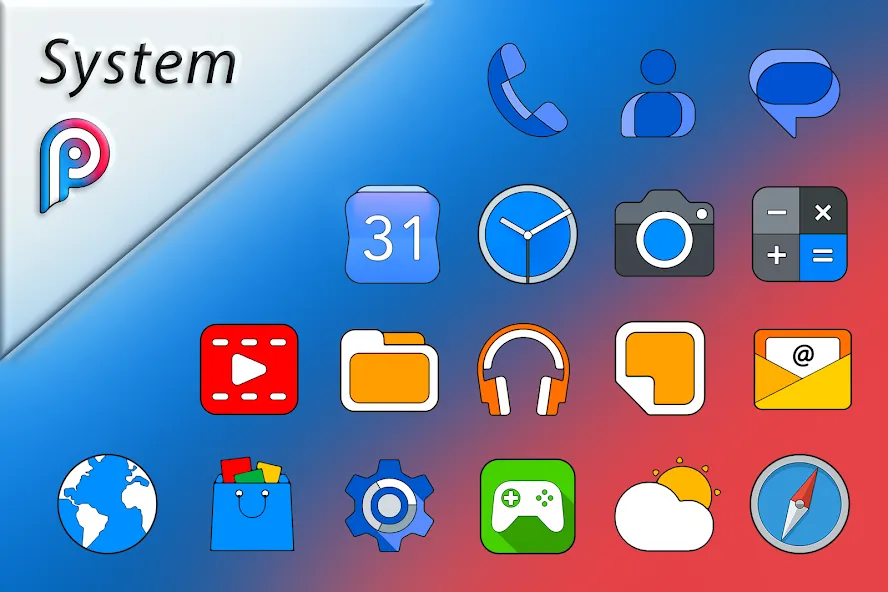
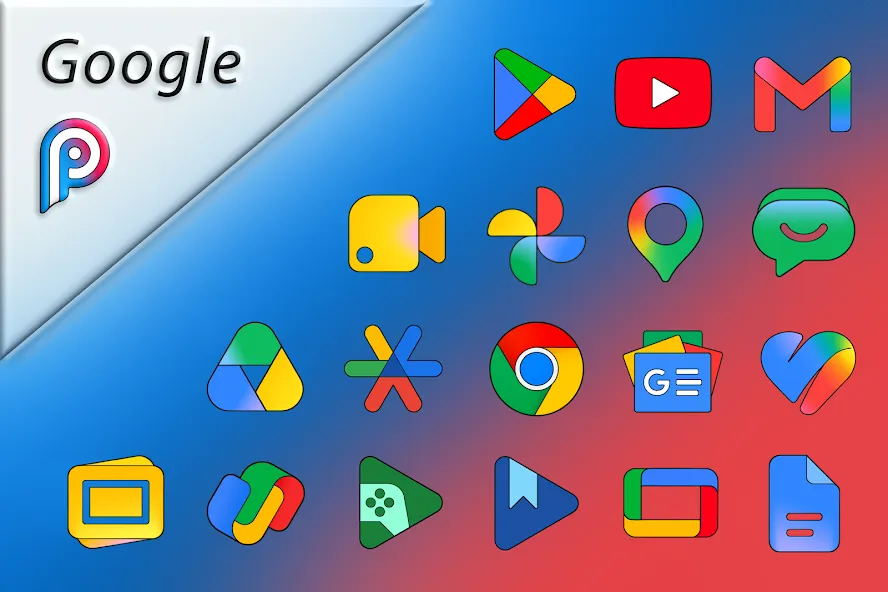
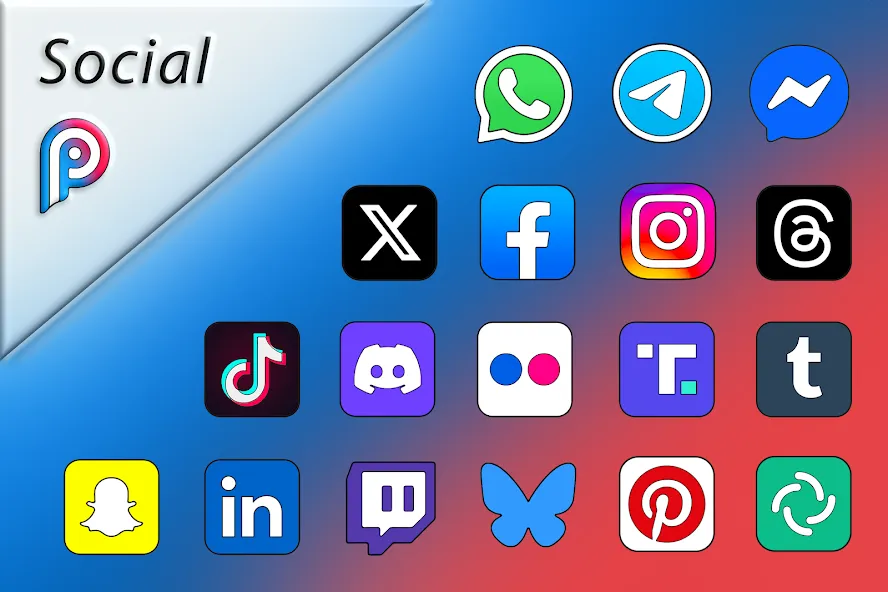
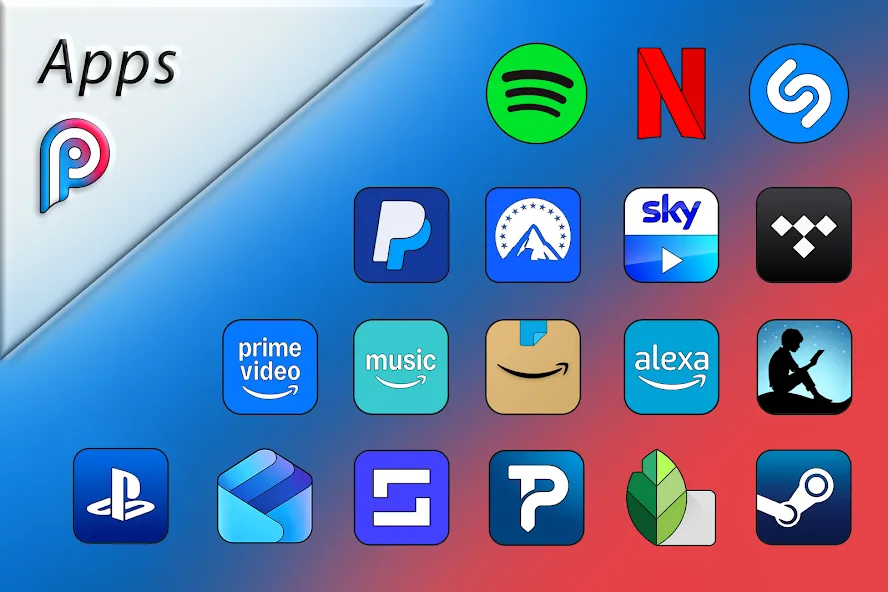
Waiting in line at the cafe and wishing your phone looked less generic? Pixly Limitless brings a deep library of polished icons and matching wallpapers so you can refresh your home screen in minutes, not hours. The app focuses on ultra-high-resolution 3D-style glyphs, coordinated backgrounds, and a straightforward workflow for applying or requesting icons. Regular updates and launcher compatibility make it simple to keep one cohesive aesthetic across your device.
Install and launch: Download the package and open the app to reach the main dashboard where icons and wallpapers are presented.
Apply an icon set: Pick a theme or individual icons, then tap the apply button; supported launchers are listed inside the app for quick setup.
Customize visuals: Tweak basic settings such as contrast, saturation, and color intensity so icons sit well against your chosen wallpaper.
Send requests: If an app lacks a dedicated icon, use the in-app request tool to submit a name or screenshot; developers typically process queued requests in future updates.
Extensive icon count: A huge collection covers thousands of popular apps with a consistent aesthetic, letting you theme most of your drawer and home screens.
High-resolution wallpapers: Dozens of 2K wallpapers are designed to complement the layered look of 3D icons and add subtle depth to your layout.
Dynamic date support: Included calendar-aware icons update daily where supported, helping your home screen show the right date at a glance.
Ongoing updates and language support: Regular icon additions, interface tweaks, and expanded language options keep the pack current and accessible.
Match contrast for clarity: Slightly lower wallpaper brightness if icons feel washed out so glyph edges read cleaner on any background.
Group by theme: Create folders or pages (work, social, media) and apply coordinating wallpapers to reinforce a neat, professional layout.
Request priority: If a missing icon is critical for your workflow, include the app package or screenshot in your request to help the devs identify it faster.
Final Verdict: Pixly Limitless is ideal when you want a cohesive, high-detail appearance for your Android home screen; it makes theming fast and repeatable while giving you control over color and contrast. Bear in mind that some features—like dynamic calendar icons or certain integrations—depend on the launcher you use, and premium or requested icons may arrive on a delayed schedule. If you value a polished, regularly refreshed icon library and don’t mind confirming launcher compatibility, this pack is a smart pick.
Poco Theme Store
Size:9.38M PersonalizationPixly Limitless
Size:136.60M PersonalizationRecticons
Size:70.99M PersonalizationTrue Liquid Glass
Size:56.80M PersonalizationCUTE Iconpack
Size:46.64M PersonalizationThemeApp
Size:60.25M PersonalizationUnlock 120/144FPS booster
Size:46.43M PersonalizationDark Mode
Size:32.35M PersonalizationPastelLine IconPack
Size:44.19M PersonalizationMiX Launcher
Size:27.90M PersonalizationMoxy Icon Pack
Size:128.98M PersonalizationAurora - Poweramp Skin
Size:9.68M PersonalizationApril 2024 Clash of Clans Update: Unveiling a Fresh Companion, Enhanced Levels, Chat Tagging, and Be
2024-04-16Arrival of Genshin Impact 4.6 Update: 'Embers of Two Realms, Twilight of Crimson'
2024-04-16V2.2 of the Farlight 84 update introduces an overhauled Season structure, fresh in-game currency, an
2024-04-16Monster Never Cry is now accessible on both Android and iOS mobile devices.
2024-04-18PUBG Mobile Teams Up with Bentley Motors: Luxury Cars, Exclusive Collectibles, and Beyond
2024-04-18March 2024 Free Redemption Codes for Honkai: Star Rail
2024-04-18