English
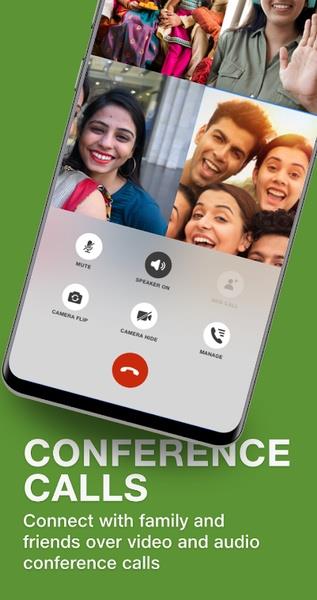
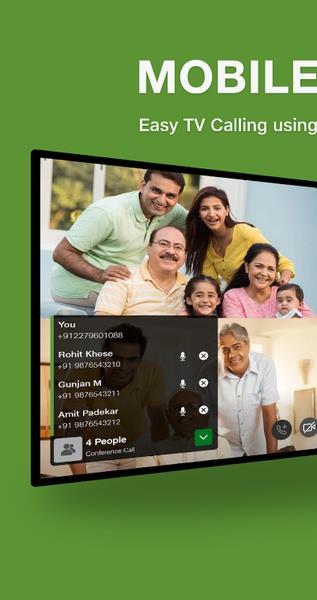
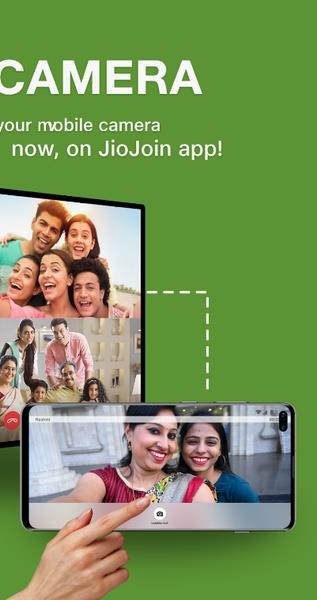
JioJoin connects your Android phone and desktop to let you make and receive calls, send SMS, and share files through a unified interface. JioJoin streamlines device pairing, notification mirroring, and contact synchronization so you can manage communication across devices without juggling apps.
At its core, JioJoin offers call handling, SMS forwarding, and file transfer between your phone and other devices. Calls placed to your mobile number can be answered on a paired computer, while messages appear in a desktop window for quick replies. The app also supports contact syncing, group messaging, and simple media sharing, making routine tasks faster.
Pairing is straightforward: install the companion client on the device you want to connect, authorize the link by signing in with your account, and grant the necessary permissions on your phone. JioJoin keeps the link active over Wi‑Fi or mobile data and switches automatically when network conditions change. The pairing model prioritizes ease of use while maintaining persistent connectivity so calls and notifications arrive reliably.
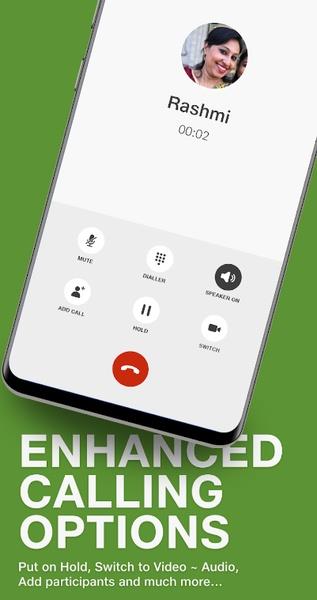
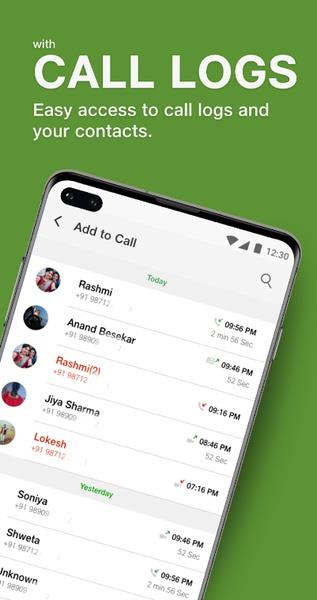
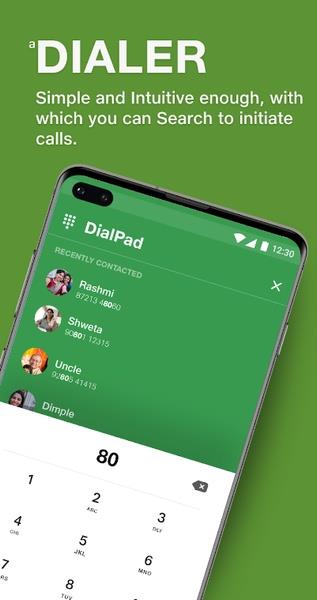
The user interface emphasizes clarity and minimal steps. Incoming calls and messages are presented with familiar controls for answer, decline, or reply. The main dashboard groups recent conversations, active connections, and transfer history. Quick-action buttons let you initiate calls, send attachments, or create new message threads without navigating through multiple menus.
File transfers are drag-and-drop simple on desktop and selectable from galleries on mobile. JioJoin supports common media formats and document types, and it queues transfers when connectivity fluctuates. Messaging supports text, emojis, and media attachments, and it synchronizes read states so you can pick up conversations on any paired device.
Designed to run in the background, the app aims to minimize battery and data consumption while preserving responsiveness. It uses lightweight network protocols for signaling and transfers, with adaptive bitrate handling for calls to maintain call quality under variable networks. Memory footprint and CPU usage are tuned to avoid impacting other apps during normal operation.
JioJoin works across a broad range of Android devices and pairs with desktop clients for Windows and macOS. It relies on stable internet access for the best experience but includes fallbacks that allow basic SMS and call notifications over weaker links. Hardware requirements are modest, making it suitable for both modern devices and older phones with limited resources.
Security considerations include permission handling for contacts, call logs, and storage access so the app can perform its core functions. Data transfers use encrypted connections to protect content in transit, and local data storage follows typical app sandboxing practices. Users can control sync settings and revoke device links at any time from the settings panel.
If calls aren’t routing correctly, confirm the desktop client is online and that the mobile device remains registered. For intermittent file transfers, check network strength and switch between Wi‑Fi and mobile data to isolate the issue. Regularly update both mobile and desktop components to receive bug fixes and performance improvements.
JioJoin reduces friction when you work across multiple devices: answer conversations from your desk, transfer media without cables, and keep contact lists synchronized. For users who split time between phone and computer, the app speeds routine communication and centralizes control, saving time and reducing distraction.
JioJoin
Size:19.21M LifestyleInkpad Notepad & To do list
Size:4.30M LifestyleKetoBL
Size:0.70M LifestyleHeadunit Reloaded
Size:40.90M LifestyleWatchMaker Watch Faces
Size:69.20M LifestyleEarth 3D Map
Size:86.90M LifestylePlugShare
Size:29.40M LifestyleWeather Live Wallpapers
Size:44.30M LifestyleZalando
Size:268.83M LifestyleTalkIt!
Size:4.87M LifestyleResilio Sync
Size:24.60M LifestyleMy V3 Ads
Size:21.02M LifestyleApril 2024 Clash of Clans Update: Unveiling a Fresh Companion, Enhanced Levels, Chat Tagging, and Be
2024-04-16Arrival of Genshin Impact 4.6 Update: 'Embers of Two Realms, Twilight of Crimson'
2024-04-16V2.2 of the Farlight 84 update introduces an overhauled Season structure, fresh in-game currency, an
2024-04-16Monster Never Cry is now accessible on both Android and iOS mobile devices.
2024-04-18PUBG Mobile Teams Up with Bentley Motors: Luxury Cars, Exclusive Collectibles, and Beyond
2024-04-18March 2024 Free Redemption Codes for Honkai: Star Rail
2024-04-18