
English
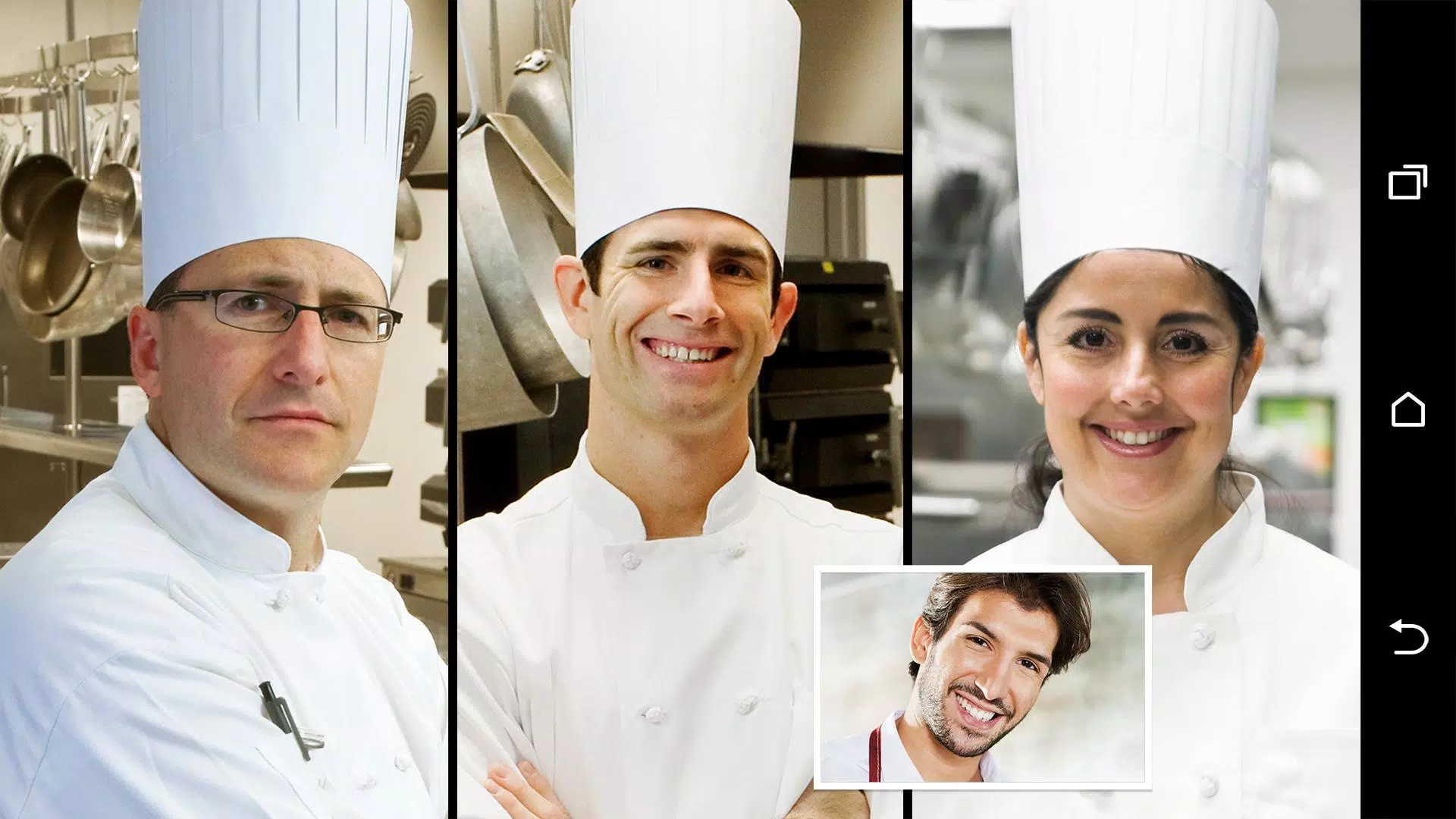
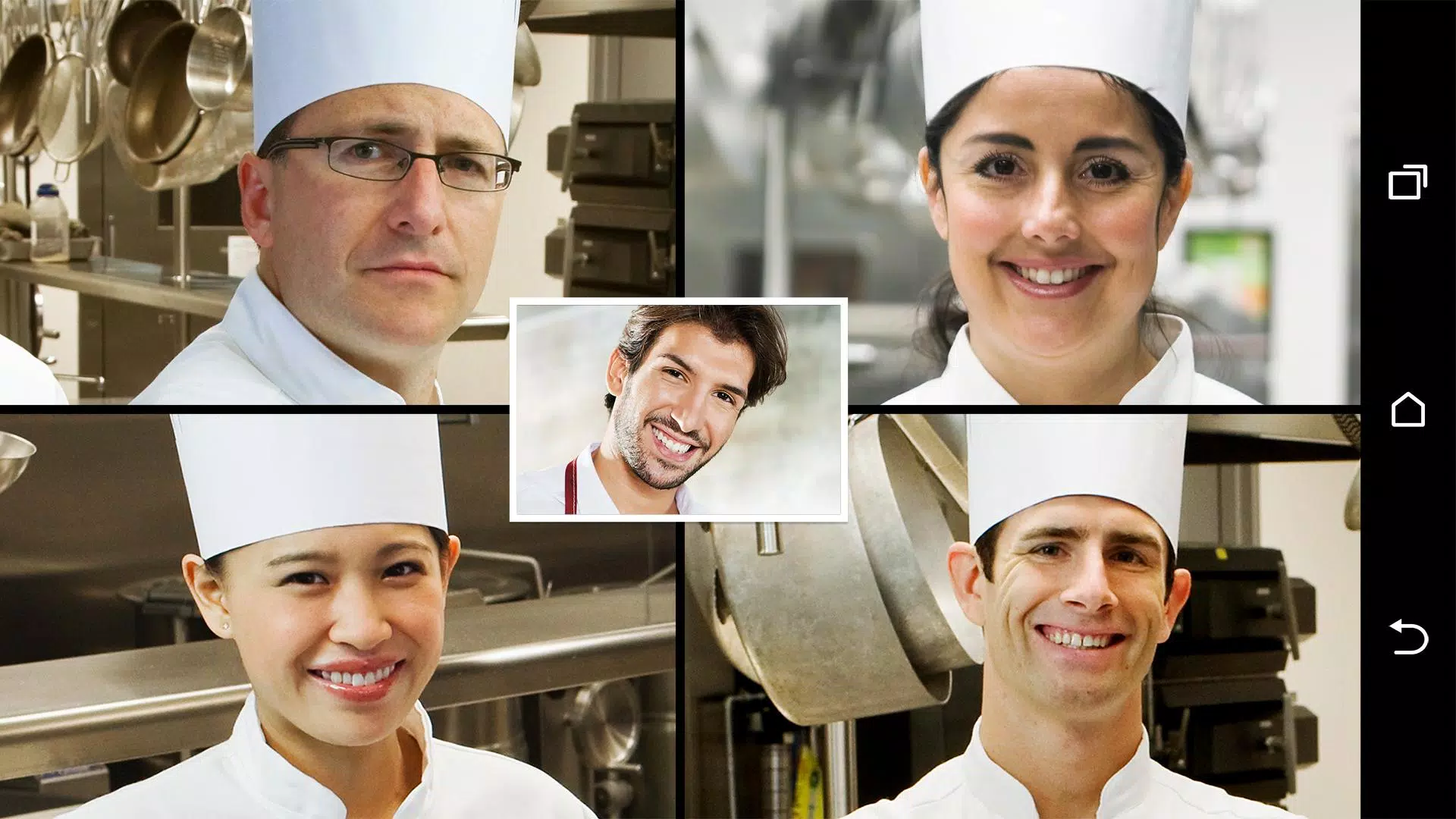
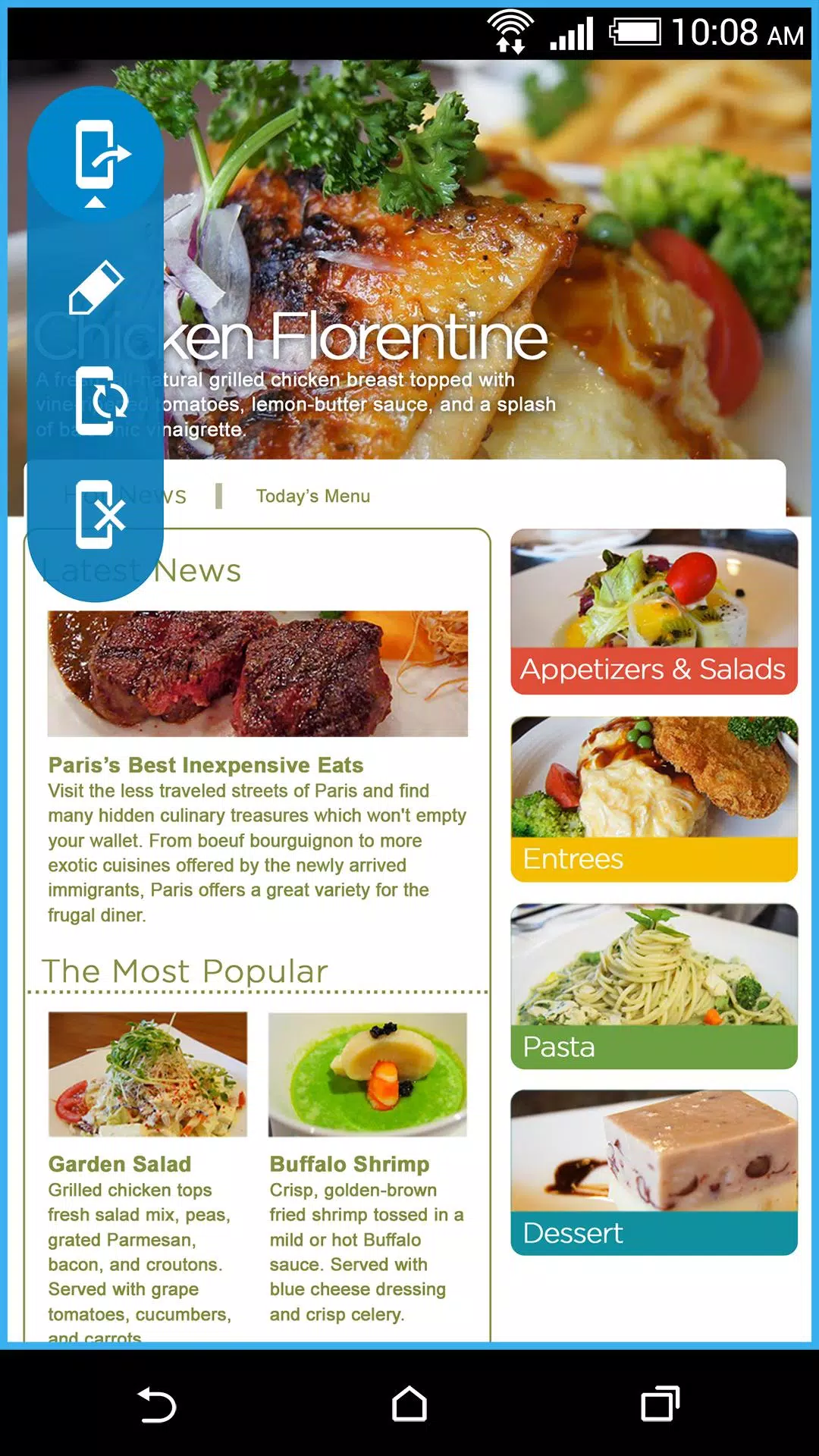
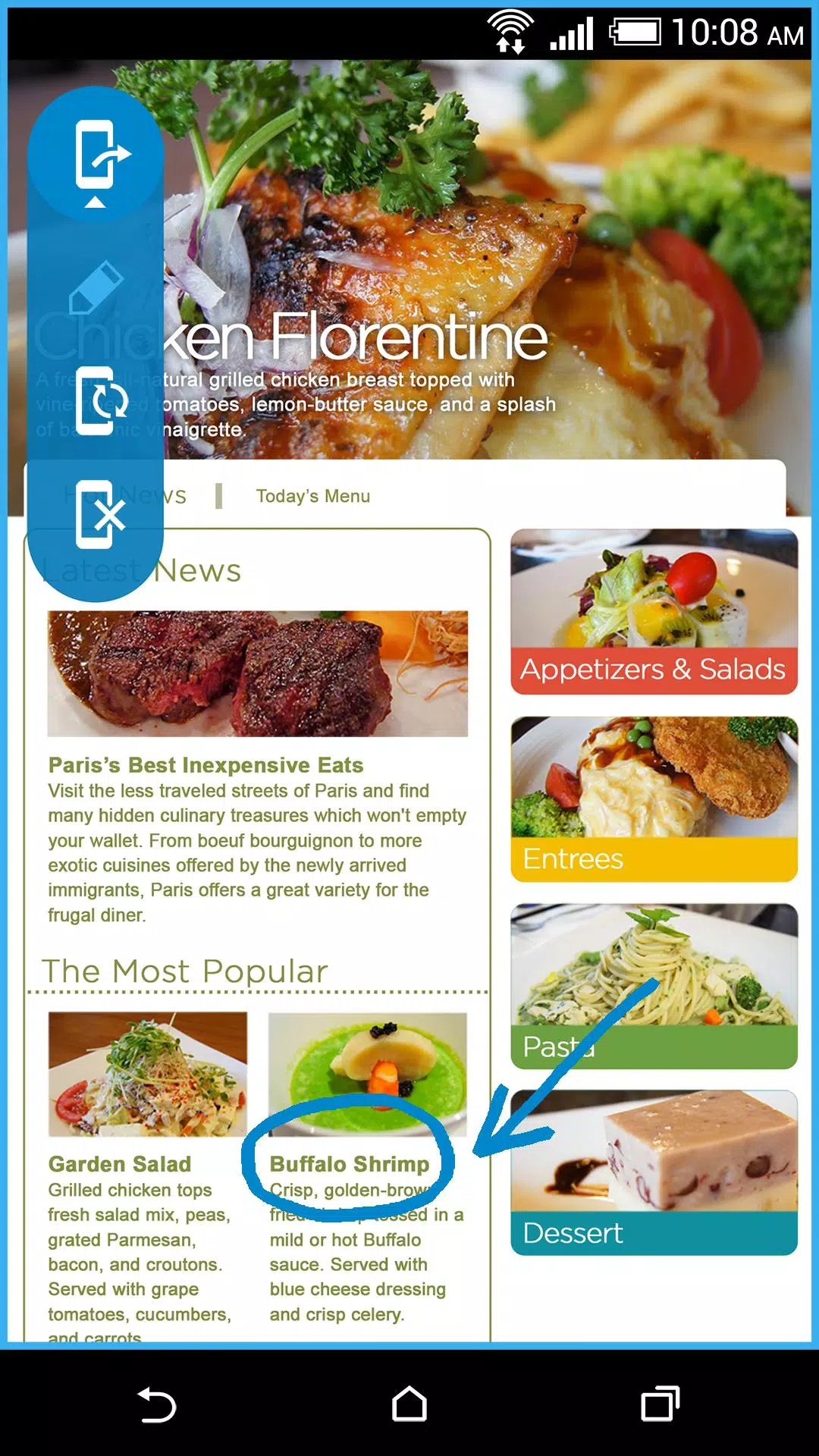
HTC Video Chat Enhance brings smarter controls to your video calls by adding face tracking, screen sharing and an on-screen drawing tool that work as an overlay for the apps you already use. HTC Video Chat Enhance keeps your face centered during movement so you can walk around or demonstrate something without drifting out of frame, and it also allows you to share your device screen and annotate in real time to make explanations clearer and more interactive.
The core features are straightforward but configurable: real-time face tracking automatically recenters your camera view based on head position and movement; screen sharing mirrors documents, slides and apps directly to other participants; and a drawing tool provides pens, highlighters and simple shape tools so you can mark up content live. Each capability is designed to sit on top of popular video conferencing clients rather than replace them, so you keep the app you prefer while gaining extra controls.
Controls are optimized for touch and for use with a stylus. The face tracking sensitivity is adjustable via a slider so you can choose wide or narrow framing, and you can pinch to zoom or tap to lock framing on a fixed crop. Screen sharing is enabled with a single toggle and offers selective sharing of a single app window or the full screen. The drawing tool supports undo/redo, color selection and stroke width adjustment; gestures let you clear annotations or toggle visibility without disrupting the call interface. These controls are intended to be discoverable, with contextual hints during the first few uses to minimize the learning curve.
Rather than a progression system like a game, this app provides usage modes and presets that act as a practical workflow progression. Presentation Mode prioritizes a stable, zoomed-out view with annotation visible; Teaching Mode emphasizes face tracking and a larger annotation canvas for step-by-step walkthroughs; Compact Mode reduces on-screen controls for casual conversations. Users can create and save custom presets for brightness, tracking sensitivity and annotation defaults so the app adapts to different meeting types as your needs evolve.
The visual design is a lightweight overlay with a minimal, semi-transparent control bar that keeps the camera view unobstructed. Visual choices focus on legibility: high-contrast icons, scalable text, and clear color choices for annotations. Instead of levels, interaction areas are organized into screens: live camera overlay, screen-share canvas, and settings panel. Each area is intentionally simple to reduce distractions during a call and to make switching between functions fast and intuitive.
Customization goes beyond presets: adjust annotation colors and thickness, choose automatic or manual framing, and set a timeout for controls to hide after inactivity. Accessibility support includes compatibility with Android TalkBack, scalable UI elements for larger displays, and high-contrast mode to assist visibility. The app also offers a low-motion option that favors smooth transitions over sudden camera movements for users sensitive to motion.
HTC Video Chat Enhance works as a local enhancement layer on many leading video chat clients and does not require a constant cloud connection for its primary functions. Core features run on-device, which helps preserve privacy and allows basic use offline while still enabling screen sharing over the host conferencing app when an internet connection is present. Performance adjustments let you balance tracking accuracy and CPU/battery usage; a battery saver profile reduces processing intensity for longer sessions.
The app improves repeated workflows like remote teaching, regular presentations and hands-on demonstrations by reducing setup friction and increasing visual clarity. Replaying a lesson or a demonstration becomes more effective because the annotation and framing remain consistent across sessions when presets are used. Limitations include potential compatibility gaps with older devices or niche conferencing apps and reduced face tracking accuracy in low-light or highly cluttered backgrounds. These constraints are noted in the settings so users can test and choose optimal configurations for their devices.
Setup is guided with an initial walkthrough that explains permissions and overlay behavior; the app requests only the minimal permissions needed for camera access and screen capture. For best results enable good front lighting, use a plain background when possible, and choose a preset that matches your session type. HTC Video Chat Enhance aims to be a practical companion for remote collaboration by keeping conversations more natural and visual explanations easier to follow without forcing you to change the video chat tools you already rely on.


imo video calls and chat
Size:102.20M CommunicationWhoscall
Size:46.10M CommunicationGroundwire
Size:61.64M CommunicationOH Private Web Browser
Size:4.59M CommunicationBIG Phone for Seniors
Size:10.01M CommunicationFree Adblocker Browser
Size:188.40M CommunicationSoundCloud
Size:95.60M CommunicationInst Saver Post Story Saver
Size:11.13M CommunicationVani Dialer
Size:35.25M CommunicationSimple SMS Messenger
Size:19.80M CommunicationOH Web Browser - Safe & Simple
Size:11.00M CommunicationOpera Browser
Size:81.10M CommunicationApril 2024 Clash of Clans Update: Unveiling a Fresh Companion, Enhanced Levels, Chat Tagging, and Be
2024-04-16Arrival of Genshin Impact 4.6 Update: 'Embers of Two Realms, Twilight of Crimson'
2024-04-16V2.2 of the Farlight 84 update introduces an overhauled Season structure, fresh in-game currency, an
2024-04-16Monster Never Cry is now accessible on both Android and iOS mobile devices.
2024-04-18PUBG Mobile Teams Up with Bentley Motors: Luxury Cars, Exclusive Collectibles, and Beyond
2024-04-18March 2024 Free Redemption Codes for Honkai: Star Rail
2024-04-18