English
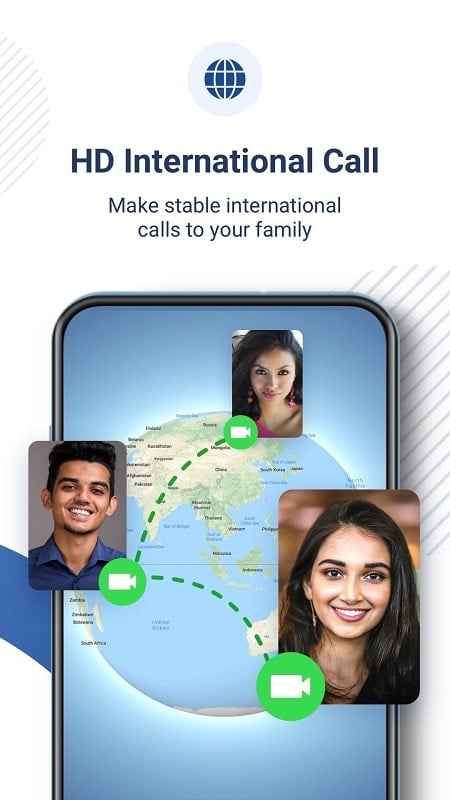
imo video calls and chat is a compact messaging and calling app that links people using only their phone number, offering free voice, video and text communication across phones and desktop clients. This editor introduction explains how the app organizes contacts, keeps conversations synced, and delivers straightforward one-to-one and group calling so you can quickly connect without managing separate usernames or complex setup.
The core of imo video calls and chat is instant text messaging combined with high-quality voice and video connections when you have a data or Wi‑Fi link. Conversations begin from your address book: the app matches phone numbers to registered users so you can start a one-to-one chat or build a group thread. Messages, photos and short videos can be shared inline; recipients see thumbnails and can download media without leaving the conversation. Notifications, read receipts and basic typing indicators help keep exchanges timely and transparent, while lightweight encryption and privacy settings control who can reach you.
The user interface favors familiar controls so new users become productive quickly. Tapping a contact opens a linear chat thread that records messages and call entries in chronological order; the top bar shows quick access to start a voice or video session. In-call controls such as mute, speaker, camera switch and end-call are clearly labeled and remain visible during a session. Search and conversation management tools allow you to find past messages or media, archive threads you want to keep but not see in the main list, and adjust notification tones per conversation to reduce interruptions during work or rest hours.
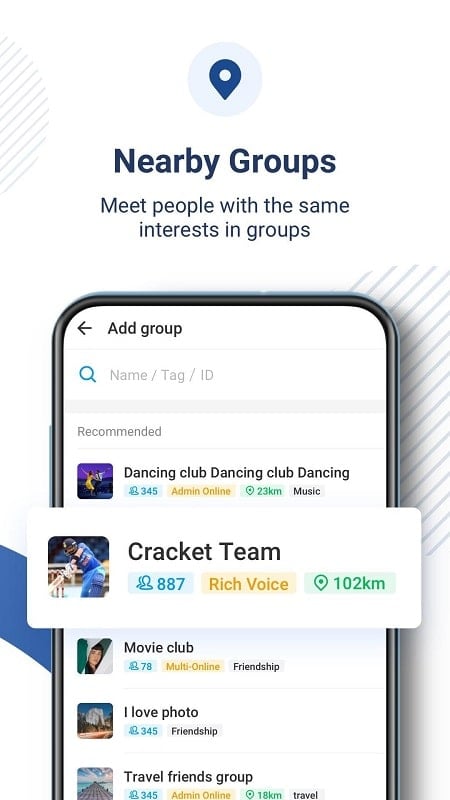
Group voice and video sessions are designed to be simple: create a group chat from contacts, then tap the call icon to invite members into a shared session. The call UI lists participants and supports muting individuals or leaving the session while keeping the group thread intact. Progression through group interactions is driven by thread history — newcomers can review previous messages and media to catch up, and hosts manage invitations via contact-based invites rather than separate account IDs. There is no competitive ranking or matchmaking; the flow focuses on repeatable, collaborative conversations among people who already know each other.
The visual design uses a clean, readable layout with generous spacing so messages are easy to scan on small screens and larger displays. Theme and notification options offer light personalization: adjust text size, switch display themes where available, and control vibration and sound behavior per conversation. Accessibility considerations include consistent navigation order, clear labels for call actions, and predictable focus behavior for assistive technologies. These choices aim to make the app usable for a wide range of users without introducing visual clutter.
Message history and media are cached locally to give you quick access to recent conversations even when connectivity is intermittent. Full live features such as sending new messages and placing calls require an internet connection, but cached content allows reading recent threads while offline. Large media files are handled conservatively: thumbnails and selective download options reduce data usage, and platform backup settings determine long-term storage. The app indicates when older items are archived or need to be re-downloaded to free up device space.
Many users select imo video calls and chat for reliable audio and video quality under normal network conditions, but performance depends on available bandwidth and local network behavior. Only contacts who have registered with the service can be reached directly, so bringing friends and family onto the platform improves your communication options. Data usage for high-resolution video can be significant on mobile plans, so the app recommends monitoring usage on metered networks and switching to Wi‑Fi for long calls.
To make the experience smoother, register with your phone number and allow access to contacts so the app can suggest matches automatically. Use Wi‑Fi when you need stable, high-definition video; close background apps to free system resources during group sessions; and review per-conversation notification settings to avoid interruptions. If you sign in on both phone and desktop, expect message continuity and recent call logs to appear shortly after login, which helps you pick up conversations where you left off and keeps your communication flow consistent across devices.
imo video calls and chat
Size:102.20M CommunicationWhoscall
Size:46.10M CommunicationGroundwire
Size:61.64M CommunicationOH Private Web Browser
Size:4.59M CommunicationBIG Phone for Seniors
Size:10.01M CommunicationFree Adblocker Browser
Size:188.40M CommunicationSoundCloud
Size:95.60M CommunicationInst Saver Post Story Saver
Size:11.13M CommunicationVani Dialer
Size:35.25M CommunicationSimple SMS Messenger
Size:19.80M CommunicationOH Web Browser - Safe & Simple
Size:11.00M CommunicationOpera Browser
Size:81.10M CommunicationApril 2024 Clash of Clans Update: Unveiling a Fresh Companion, Enhanced Levels, Chat Tagging, and Be
2024-04-16Arrival of Genshin Impact 4.6 Update: 'Embers of Two Realms, Twilight of Crimson'
2024-04-16V2.2 of the Farlight 84 update introduces an overhauled Season structure, fresh in-game currency, an
2024-04-16Monster Never Cry is now accessible on both Android and iOS mobile devices.
2024-04-18PUBG Mobile Teams Up with Bentley Motors: Luxury Cars, Exclusive Collectibles, and Beyond
2024-04-18March 2024 Free Redemption Codes for Honkai: Star Rail
2024-04-18