English
What makes a mobile VoIP client worth keeping on your device? Groundwire aims to answer that by packing clear audio and high-definition video into a single SIP softphone that's easy to use. The app positions itself as a practical choice for anyone who needs reliable voice and video conversations over the internet, from remote teams to families staying in touch. Groundwire focuses on signal clarity, efficient codecs, and a straightforward workflow so you can place calls with confidence and minimal fuss.
Crystal-clear audio: Groundwire prioritizes speech intelligibility so spoken words remain natural and easy to follow even when calls run long.
HD video support: Video sessions deliver sharp images up to 720p, which makes face-to-face chat feel more personal than low-resolution alternatives.
Efficient codec handling: The app uses modern video codecs for smoother transmission over variable networks, helping reduce stuttering and frame drops.
SIP compatibility: Groundwire works with standard SIP credentials so you can connect through many hosted or self-managed VoIP providers.
Simple setup: Account entry and basic configuration are kept straightforward so you can sign in and make a test call quickly.
Call quality controls: Options let you balance audio and video quality depending on your network, improving reliability when bandwidth is limited.
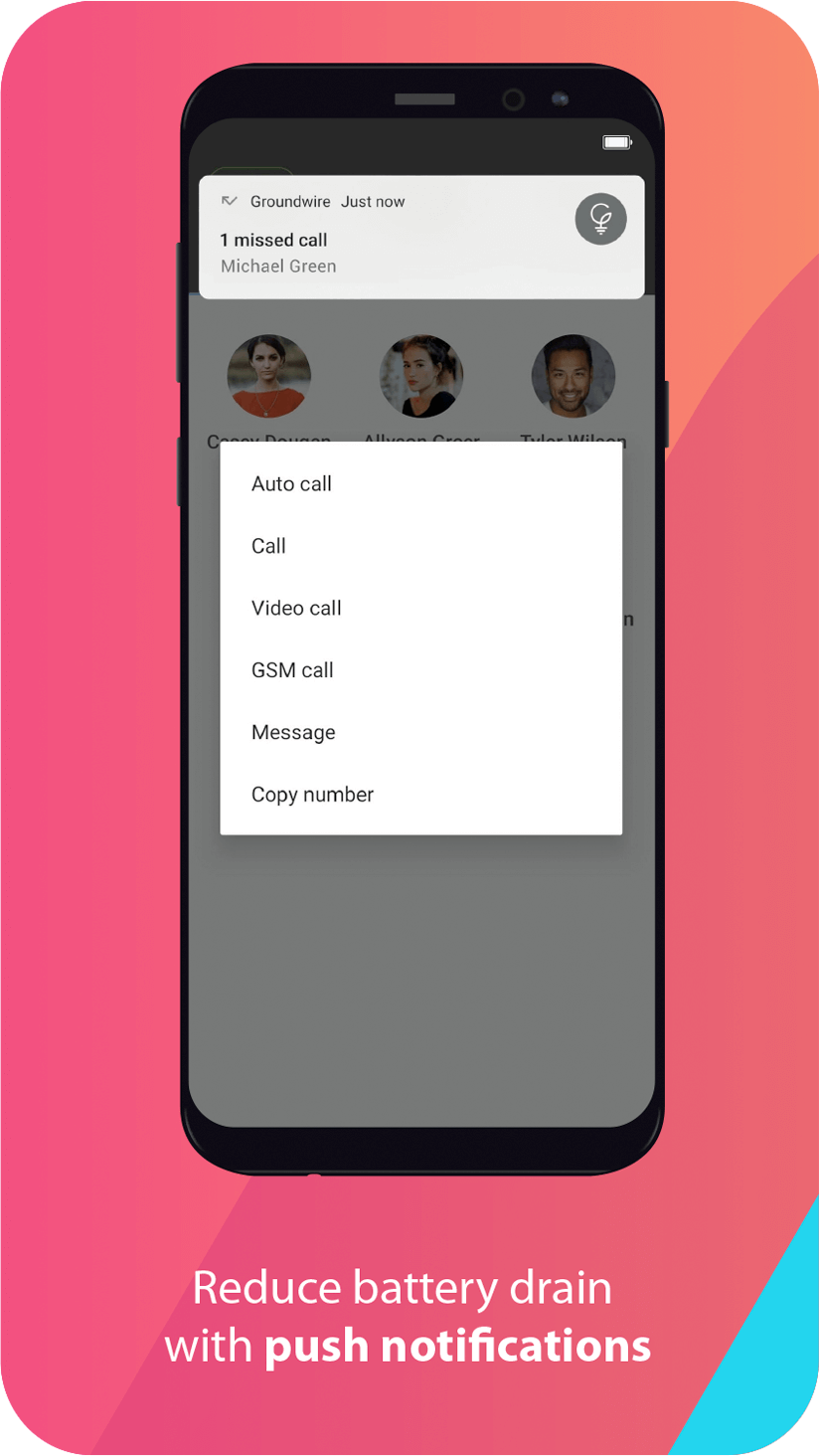
Background call handling: The app is designed to maintain calls when switching tasks on the device, reducing accidental breaks in conversation.
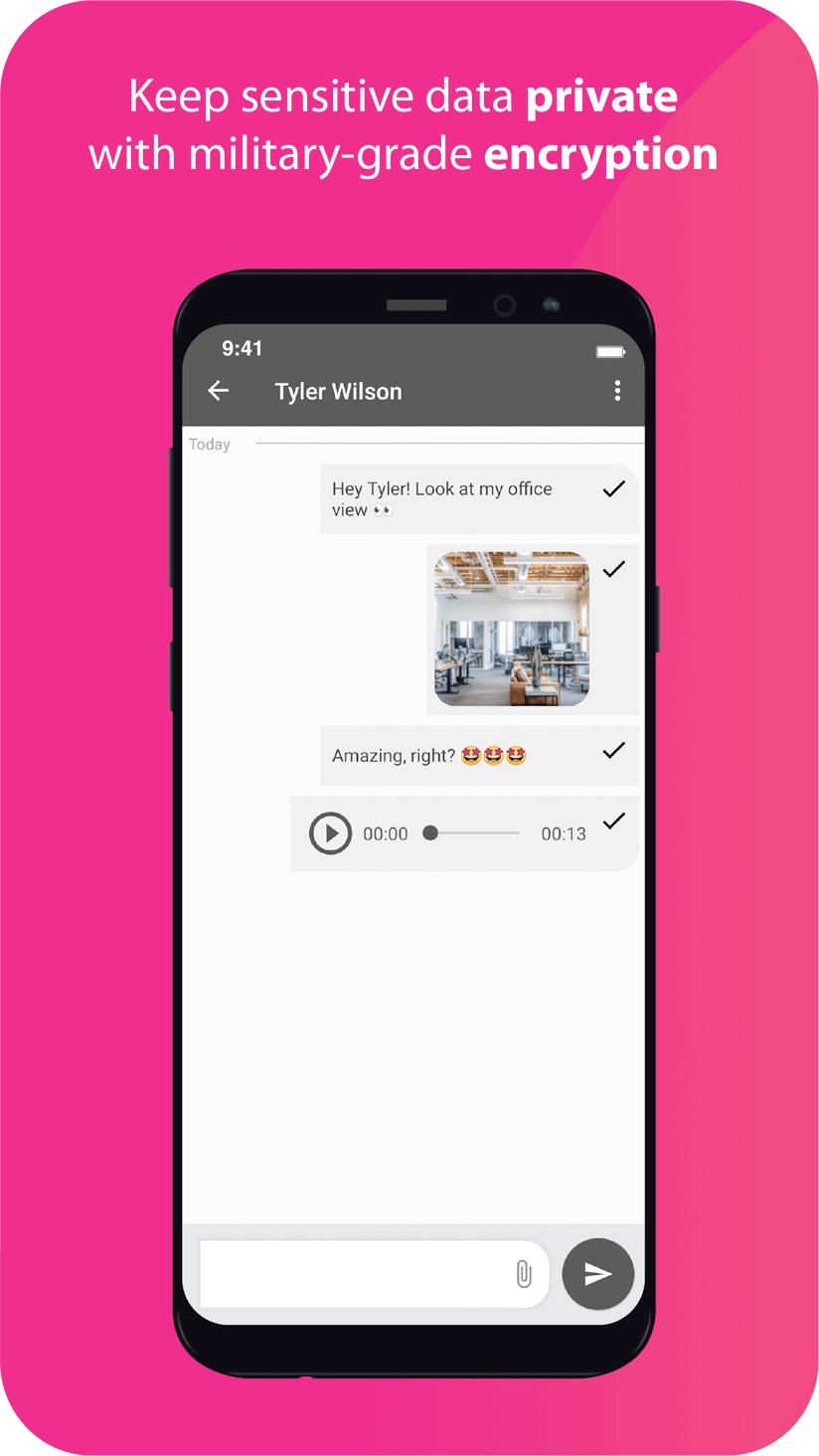
Secure signaling: Groundwire supports encrypted sessions where your provider allows it, helping protect call content on public networks.
Install and permit access: After installing Groundwire grant the app access to the microphone and camera so audio and video work as expected.
Add a SIP account: Enter the SIP username, password, and server details from your VoIP provider or workplace admin to register and go online.
Run a test call: Make a short call to a colleague or echo test to check levels, then adjust in-app volume and video resolution if needed.
Does Groundwire support video calls?
Yes. Groundwire supports video calls with high-definition output up to 720p using commonly adopted codecs to improve transmission quality.
Can I use Groundwire with any SIP provider?
In most cases yes. The app accepts standard SIP credentials so it should connect to a wide range of hosted and private SIP services.
Will video calls consume a lot of mobile data?
Video sessions require significantly more bandwidth than voice-only calls. For long or high-resolution video chats you may prefer Wi-Fi or a generous cellular plan.
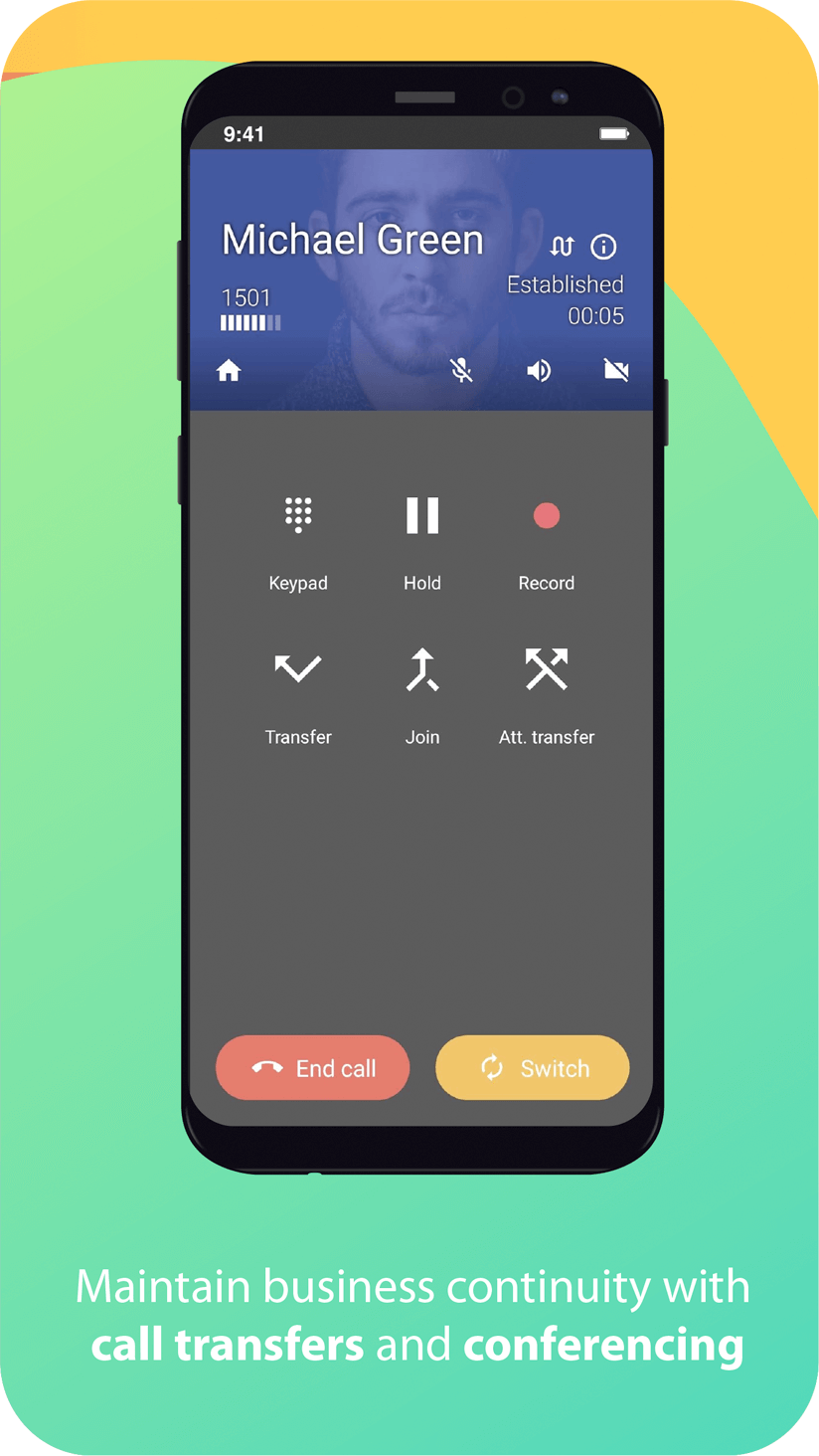
Compared with traditional carrier calling, Groundwire brings clearer audio and crisp video by leveraging SIP and efficient codecs, making it a solid pick for remote workers, small teams, and anyone who prioritizes quality in voice and video calls; advanced administrators may find some enterprise-grade management features are better handled by full PBX clients, but for everyday VoIP use Groundwire delivers reliable performance and a clean user experience.

Groundwire
Size:61.64M CommunicationOH Private Web Browser
Size:4.59M CommunicationBIG Phone for Seniors
Size:10.01M CommunicationFree Adblocker Browser
Size:188.40M CommunicationSoundCloud
Size:95.60M CommunicationInst Saver Post Story Saver
Size:11.13M CommunicationVani Dialer
Size:35.25M CommunicationSimple SMS Messenger
Size:19.80M CommunicationOH Web Browser - Safe & Simple
Size:11.00M CommunicationOpera Browser
Size:81.10M CommunicationLearna AI
Size:69.30M CommunicationNext SMS
Size:32.34M CommunicationApril 2024 Clash of Clans Update: Unveiling a Fresh Companion, Enhanced Levels, Chat Tagging, and Be
2024-04-16Arrival of Genshin Impact 4.6 Update: 'Embers of Two Realms, Twilight of Crimson'
2024-04-16V2.2 of the Farlight 84 update introduces an overhauled Season structure, fresh in-game currency, an
2024-04-16Monster Never Cry is now accessible on both Android and iOS mobile devices.
2024-04-18PUBG Mobile Teams Up with Bentley Motors: Luxury Cars, Exclusive Collectibles, and Beyond
2024-04-18March 2024 Free Redemption Codes for Honkai: Star Rail
2024-04-18