English
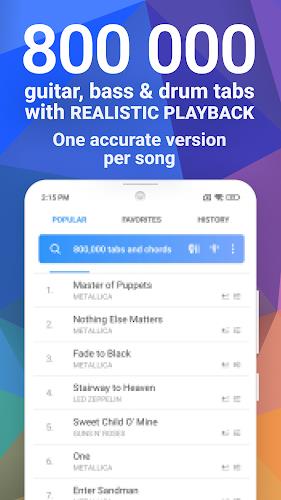
Songsterr is a mobile tab player and practice tool designed for musicians who want accurate guitar, bass, and drum transcriptions with synchronized playback and tempo control. It blends a clean tab viewer with loop and metronome features, making focused practice and learning songs from recorded arrangements fast and efficient.
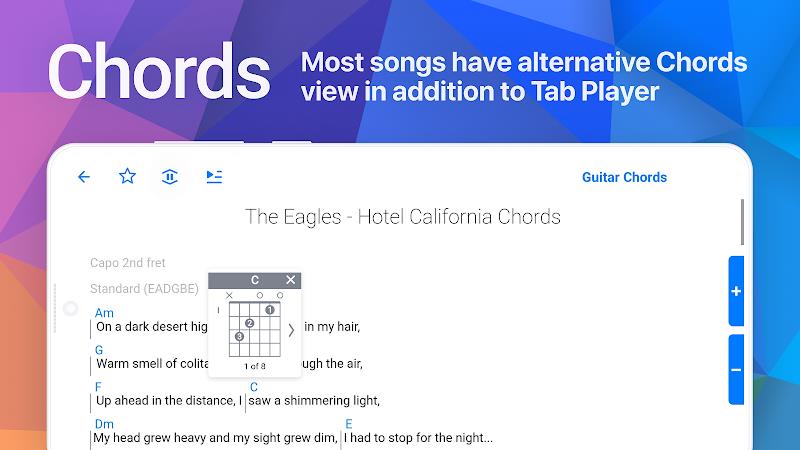
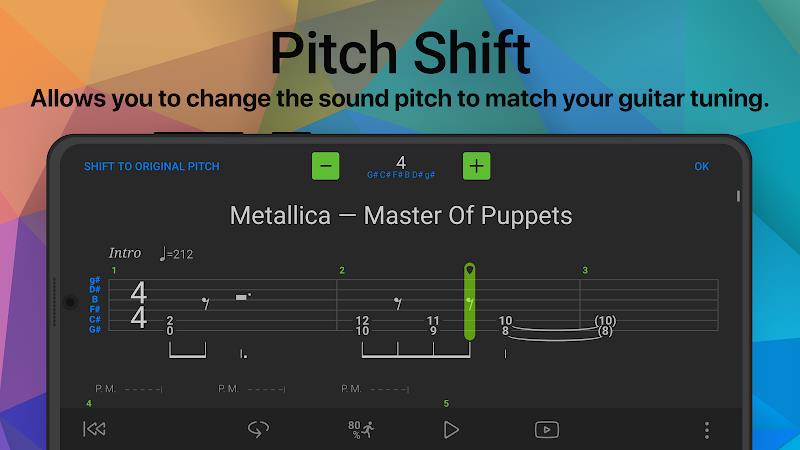
At its core, Songsterr turns tablature into an interactive practice session. Users can load thousands of verified tabs, play them back with realistic instrument sounds, and slow passages without losing pitch. The app works as a reference library and as a rehearsal partner, whether you need a quick chord chart or a full arrangement to dissect.
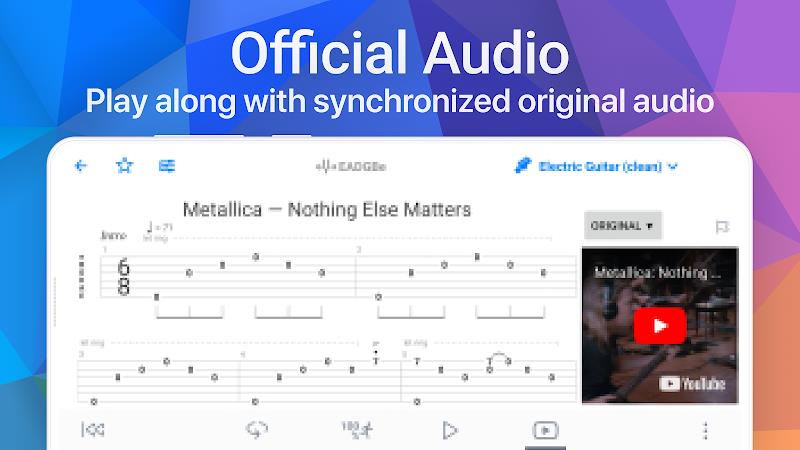
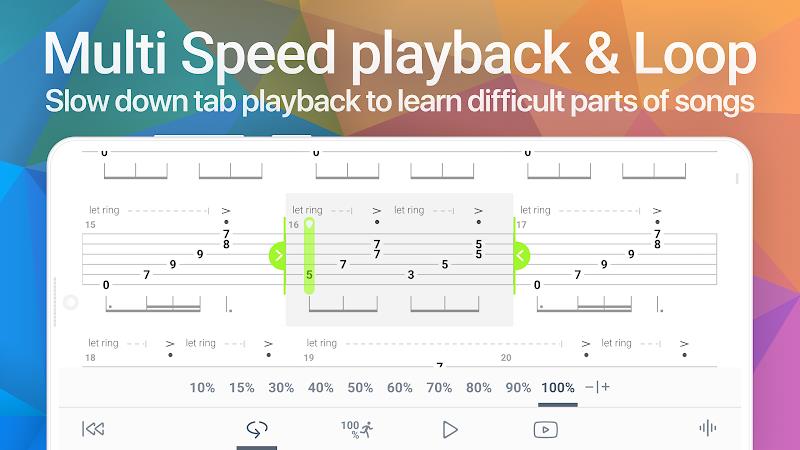
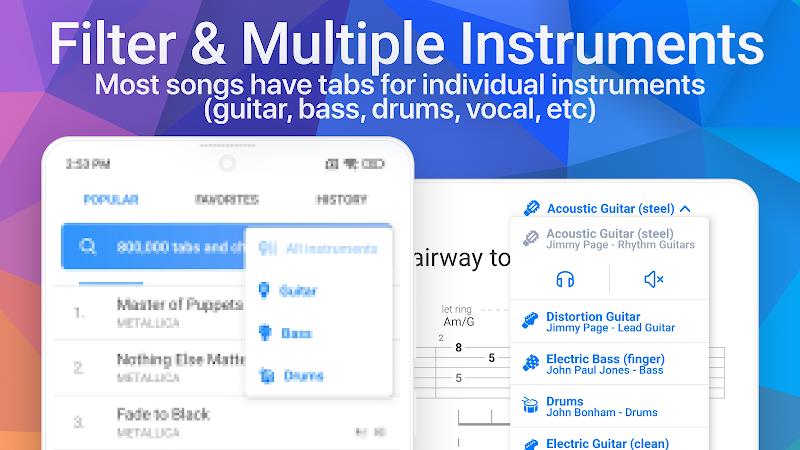
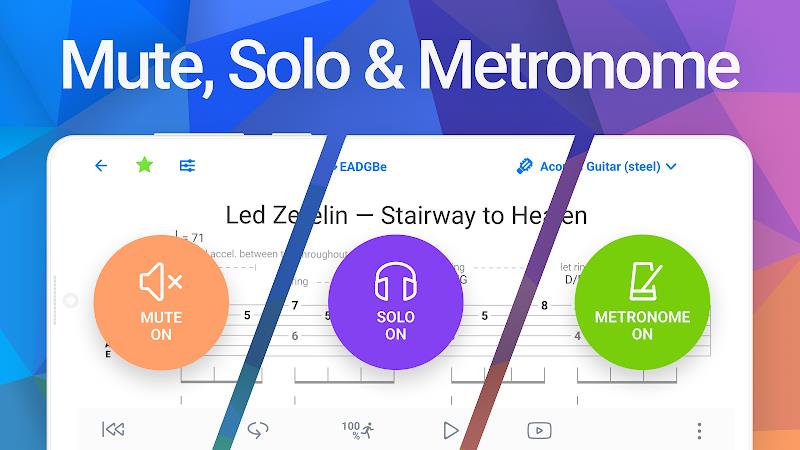
After selecting a song, the interface displays tab notation alongside a playhead. Transport controls let you jump to any measure, toggle loop mode, and adjust tempo. You can mute individual tracks to isolate the bassline or rhythm guitar. For students, this makes it easy to hear how parts interact and to focus on one line at a time.
The design favors clarity. Notes, bends, and rhythm indicators are rendered cleanly on mobile screens. Performance is smooth on most modern devices; the playback engine prioritizes timing accuracy over fancy animations. Users report fast load times and responsive controls, which is important when switching between songs during a session.
Songsterr provides adjustable display options, including font size and track visibility, so the notation is readable in different lighting conditions. For learners, built-in metronome and count-in functions support timing development. The app also supports headphone-friendly audio routing so you can practice silently or play through amps when available.
Focused musicians—beginners through advanced players—will find the app useful. Beginners get a visual scaffold and slowed playback to internalize fingerings. Intermediate players can dissect solos and improve timing. Teachers can assign specific measures to students and track progress through repeated practice segments.
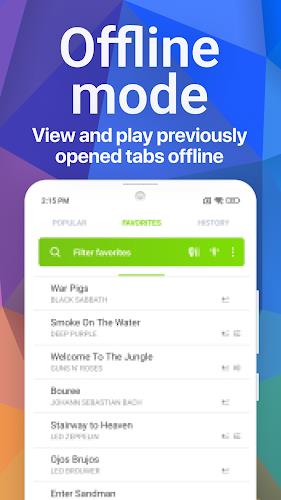
Installation is straightforward through the usual app store. After signing up, browse the catalog or search by song, artist, or difficulty. Many songs are free to view; premium access unlocks additional tabs and features. Allow storage permissions for offline downloads and enable audio permissions for best playback quality.
Songsterr provides a concentrated set of tools for practicing with tabs and developing ensemble awareness. Its strength lies in clear notation, precise playback, and simple controls that keep the focus on playing. For anyone serious about learning recorded parts or improving technical skills, it’s a practical addition to the practice routine.
Songsterr
Size:9.80M Media & VideoSoundbrenner
Size:114.17M Media & VideoMuseLead Synthesizer
Size:54.00M Media & VideoASR Voice Recorder
Size:36.50M Media & VideoAudio Cues
Size:18.49M Media & Video432 Radio: 432hz/528hz Radio
Size:23.02M Media & VideoCompress Video - Resize Video
Size:48.75M Media & VideoMEME Maker: MEME Creator
Size:49.65M Media & VideoInstory Story Video Maker
Size:31.79M Media & VideoDrum Pads 24 - Beats and Music
Size:31.00M Media & VideoRadioTunes
Size:25.30M Media & VideoWiseplay
Size:38.13M Media & VideoApril 2024 Clash of Clans Update: Unveiling a Fresh Companion, Enhanced Levels, Chat Tagging, and Be
2024-04-16Arrival of Genshin Impact 4.6 Update: 'Embers of Two Realms, Twilight of Crimson'
2024-04-16V2.2 of the Farlight 84 update introduces an overhauled Season structure, fresh in-game currency, an
2024-04-16Monster Never Cry is now accessible on both Android and iOS mobile devices.
2024-04-18PUBG Mobile Teams Up with Bentley Motors: Luxury Cars, Exclusive Collectibles, and Beyond
2024-04-18March 2024 Free Redemption Codes for Honkai: Star Rail
2024-04-18