English
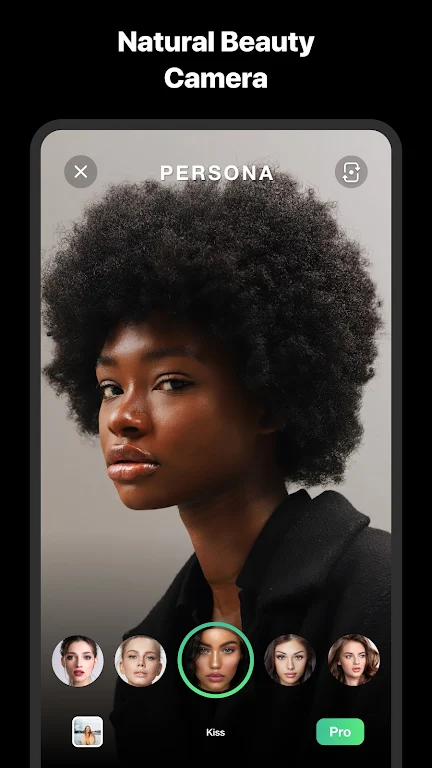
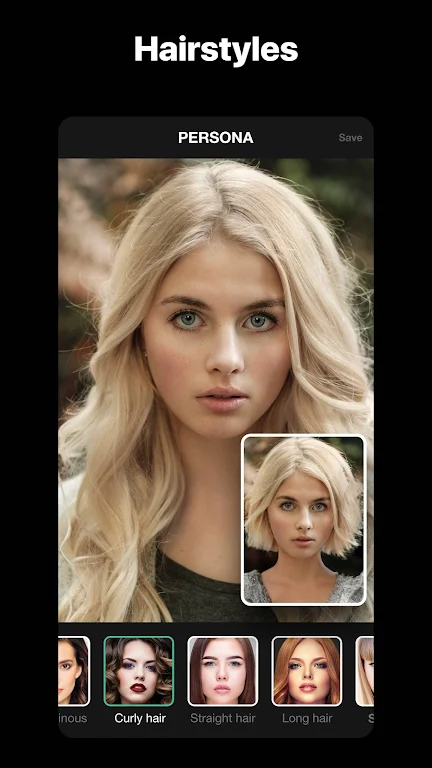
Users who love subtle selfie enhancement will find Persona: Beauty Camera a handy companion for everyday videos. This app focuses on producing polished clips with a light touch, applying facial smoothing and realistic masking so your footage looks natural rather than overworked. Whether you want a quick social story or a short intro clip for a profile, Persona: Beauty Camera streamlines basic retouching while keeping controls approachable for anyone who prefers a fast, reliable camera workflow.
Install and permissions: After installation grant the camera and microphone permissions so the app can capture video and audio; also allow storage access to save your clips.
Select a mode: Pick from the camera presets before you record; modes tailor smoothing intensity and the types of masks available, making it easy to start without manual adjustments.
Preview in real time: Use the live view to see corrections and masks applied as you record, which helps you adjust angle, expression, or lighting on the fly.
Save and share: When recording is complete choose resolution and export options, then save to your device or share directly to social apps or messaging tools.
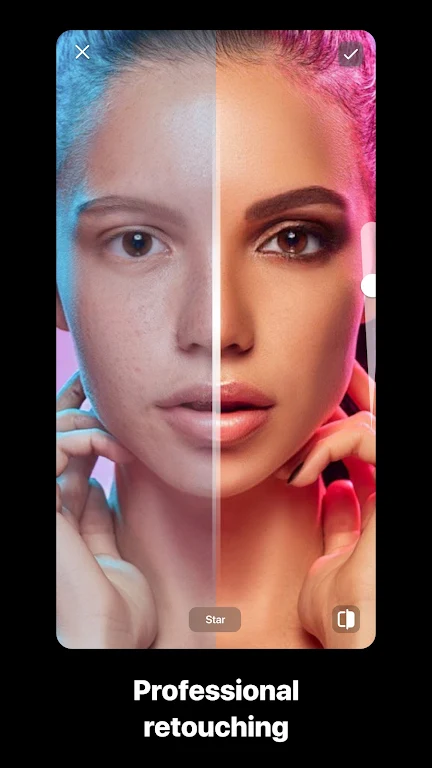
Natural-looking retouching: The app applies soft corrections that reduce blemishes and even out skin tone while avoiding an artificial mask-like finish.
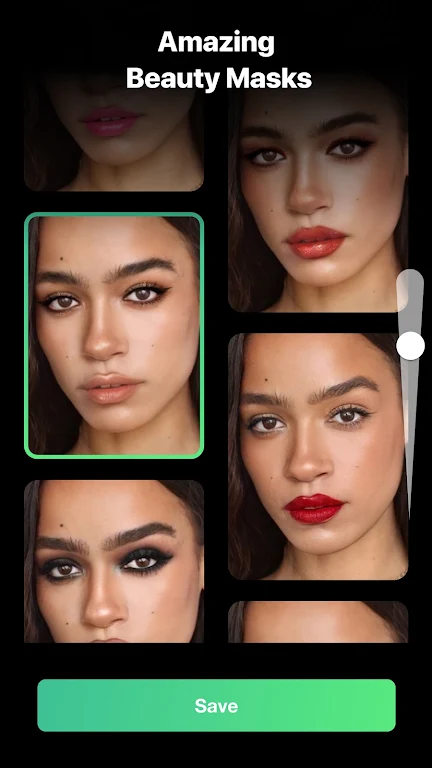
Real-time expressive masks: Besides subtle beauty adjustments you can switch to creative face masks for playful clips, from stylized cartoon filters to age-shift effects that perform live while you record.
Automatic lighting fixes: Built-in adjustments help compensate for uneven lighting so faces remain clear in indoor or dim environments without fiddly manual edits.
Smooth motion processing: Motion-aware smoothing helps keep corrections steady during walking shots or short handheld clips, so the result feels consistent across frames.
Fast export options: Choose quick-share presets or control output quality for different uses, whether you need a compact file for chat or a higher-resolution clip for a profile video.
Persona: Beauty Camera is worth trying if you want a no-fuss app that makes everyday videos look polished without a steep learning curve. Give it a spin to see how its live masks and subtle retouching suit your content style, and decide if the balance between simplicity and control fits your needs.
Persona: Beauty Camera
Size:68.10M PhotographyLINE Camera
Size:74.31M PhotographySketch Photo Editor
Size:18.01M PhotographyHorizon Camera
Size:3.00M PhotographyPicCollage
Size:82.00M PhotographyPhotoBoost - AI Photo Enhancer
Size:51.00M PhotographyQuick Grid
Size:48.30M Photographymcpro24fps
Size:7.96M PhotographySuper 16
Size:58.78M PhotographyPhotographers Companion Pro
Size:5.20M PhotographyText Art
Size:32.00M PhotographyPixiz - Collage Maker
Size:2.69M PhotographyApril 2024 Clash of Clans Update: Unveiling a Fresh Companion, Enhanced Levels, Chat Tagging, and Be
2024-04-16Arrival of Genshin Impact 4.6 Update: 'Embers of Two Realms, Twilight of Crimson'
2024-04-16V2.2 of the Farlight 84 update introduces an overhauled Season structure, fresh in-game currency, an
2024-04-16Monster Never Cry is now accessible on both Android and iOS mobile devices.
2024-04-18PUBG Mobile Teams Up with Bentley Motors: Luxury Cars, Exclusive Collectibles, and Beyond
2024-04-18March 2024 Free Redemption Codes for Honkai: Star Rail
2024-04-18