English
PicCollage is a flexible photo-editing and collage maker that lets users combine images, stickers, and text into shareable layouts quickly and creatively. It balances a straightforward interface with advanced options, making it suitable for casual users and social creators who want polished visual posts without steep learning curves.
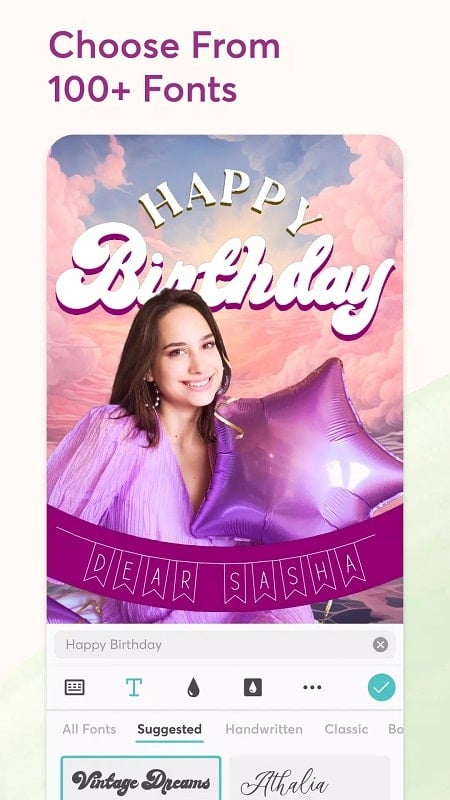
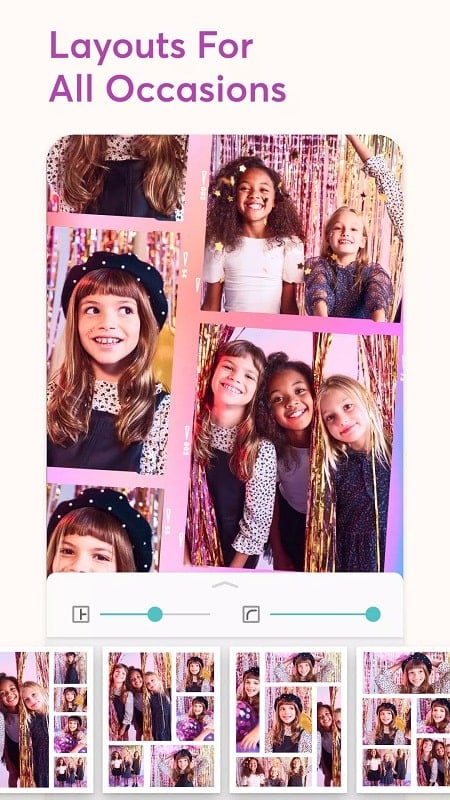
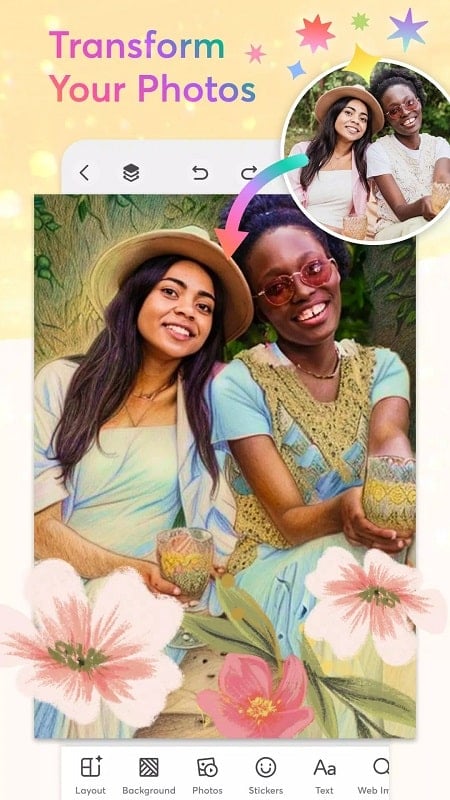
The core appeal of PicCollage is its focus on fast, visually appealing composition. Drag-and-drop photo placement, pre-built grids, and a generous library of design elements let you build posters, story posts, invites, or mood boards in minutes. The app supports crop, rotate, and layer controls so you can refine each element precisely.
Starting a new project feels guided rather than overwhelming. Select a template or blank canvas, import photos from device storage or cloud services, then adjust placements with intuitive pinch and swipe gestures. Layers are managed through a clear stack view so you can reorder items, lock elements, or apply global changes across a group of images.
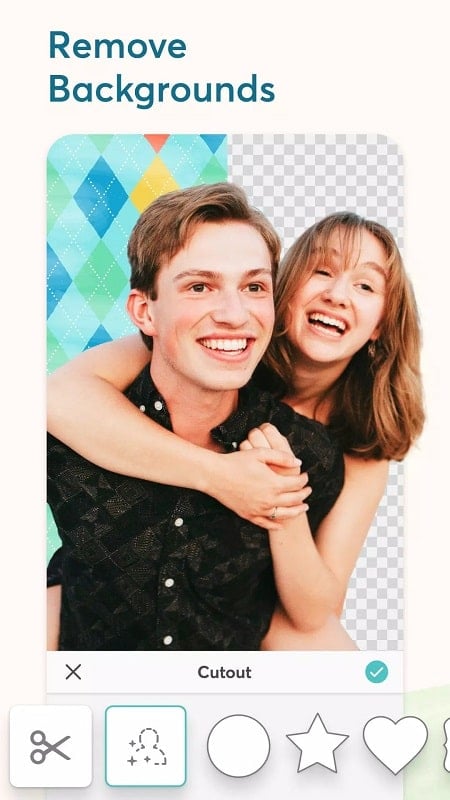
Beyond basic edits, the app supplies fine-grain options to personalize output. Masking tools let you blend photos inside shapes. Shadow, border, and opacity sliders add depth. For recurring themes, pin favorite stickers and color palettes for faster reuse. These tools make it possible to create a unified visual identity across multiple posts.
The layout emphasizes large preview areas and minimal tool clutter. Buttons and toggles are labeled clearly, reducing the learning curve. Typical phones handle medium-sized collages smoothly; however, very large projects with many high-resolution images may need more memory and could load slower on older devices. Export times depend on chosen resolution but remain reasonable for most social-media needs.
Designers and casual users appreciate the balance of simplicity and capability. PicCollage removes technical barriers while providing enough depth for refined results. The template library and frequent updates to assets keep the app relevant for seasonal content and trending social formats.
Installation is straightforward through standard app distribution channels. After granting photo and storage permissions, test a few templates to familiarize yourself with the canvas controls. If you plan to use cloud-hosted photos, authorize access to your preferred storage provider in settings for a smoother import experience.
There are both free and premium features. Free users can accomplish most typical tasks, while subscription tiers unlock advanced stickers, higher export resolutions, and ad-free operation. Evaluate the trial options to determine whether paid extras match your frequency of use and output needs.
For those who want a quick way to produce eye-catching visuals without complex desktop software, PicCollage offers a compact, approachable toolkit. Its combination of templates, editing controls, and export flexibility makes it a reliable mobile design companion for social posts, invitations, and casual promotional materials.

PicCollage
Size:82.00M PhotographyPhotoBoost - AI Photo Enhancer
Size:51.00M PhotographyQuick Grid
Size:48.30M Photographymcpro24fps
Size:7.96M PhotographySuper 16
Size:58.78M PhotographyPhotographers Companion Pro
Size:5.20M PhotographyText Art
Size:32.00M PhotographyPixiz - Collage Maker
Size:2.69M PhotographyPerfect365
Size:138.02M PhotographyProCCD
Size:95.50M PhotographyFaceShow
Size:115.60M PhotographyPhoto Lab
Size:48.20M PhotographyApril 2024 Clash of Clans Update: Unveiling a Fresh Companion, Enhanced Levels, Chat Tagging, and Be
2024-04-16Arrival of Genshin Impact 4.6 Update: 'Embers of Two Realms, Twilight of Crimson'
2024-04-16V2.2 of the Farlight 84 update introduces an overhauled Season structure, fresh in-game currency, an
2024-04-16Monster Never Cry is now accessible on both Android and iOS mobile devices.
2024-04-18PUBG Mobile Teams Up with Bentley Motors: Luxury Cars, Exclusive Collectibles, and Beyond
2024-04-18March 2024 Free Redemption Codes for Honkai: Star Rail
2024-04-18