English
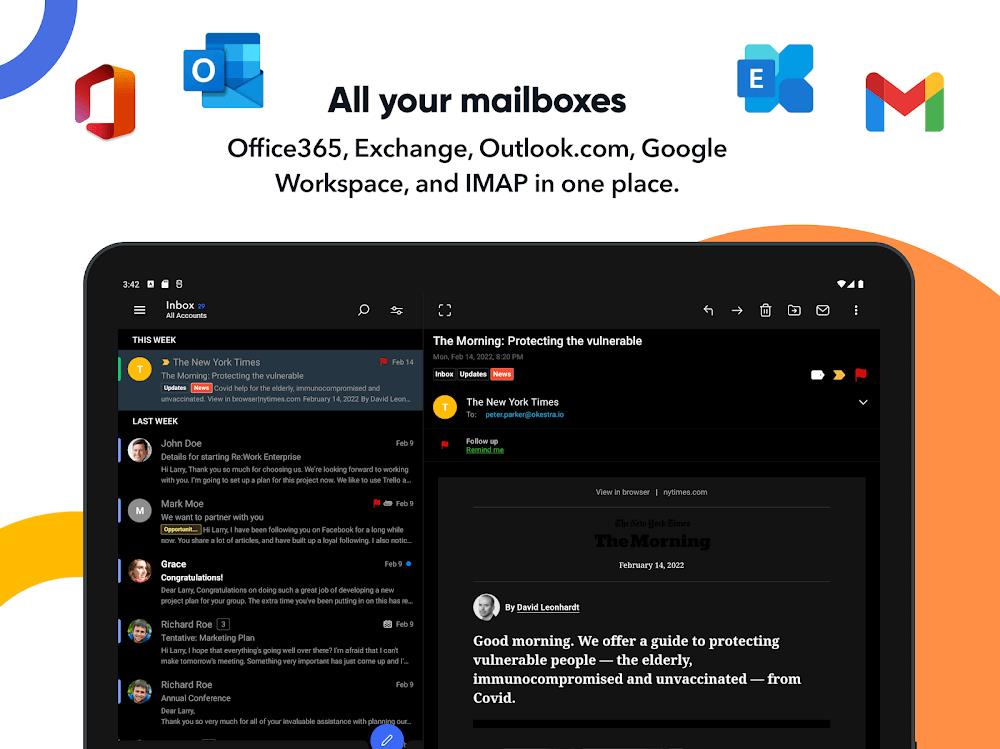
OfficeMail Pro streamlines professional email management on Android, combining advanced organization tools with secure synchronization and fast search capabilities. Designed for busy professionals, it consolidates multiple accounts, prioritizes messages, and offers integrated calendar and attachment handling to keep communication efficient across devices.
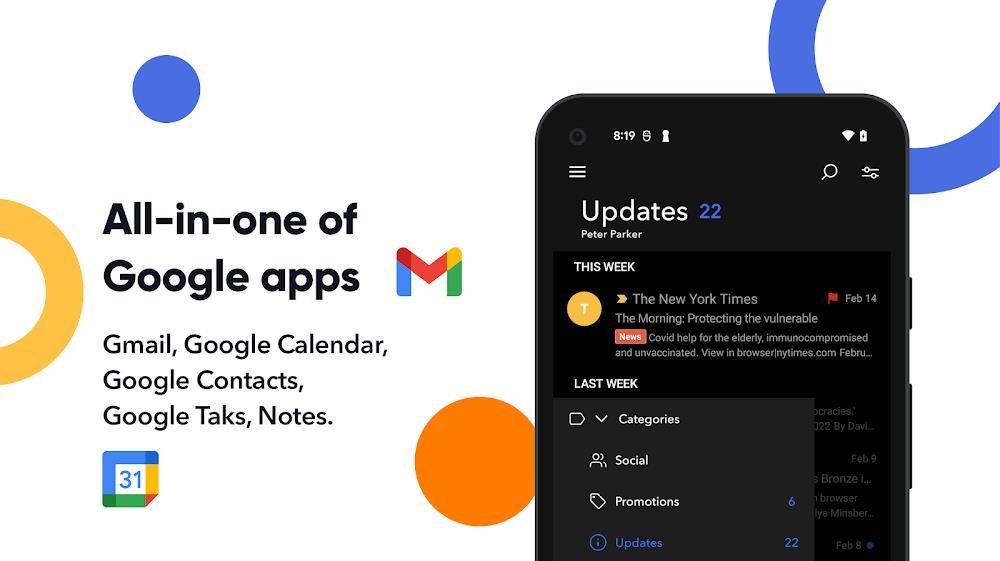
OfficeMail Pro packs a wide range of tools that make daily correspondence faster and easier. It supports multiple email providers with unified inboxes, smart filters that automatically sort incoming mail, and threaded conversations for clear context. The app includes a powerful search engine that indexes messages, attachments, and contacts, so you can retrieve important information in seconds. Built-in templates, quick replies, and batch actions reduce repetitive tasks, while an advanced attachment manager previews and saves files without switching apps.
The interface focuses on clarity and speed. A minimal navigation bar and customizable swipe gestures let you archive, snooze, or flag messages with one thumb. OfficeMail Pro offers adjustable density for lists and an expandable preview pane for faster triage. Users can define workspaces to separate projects or clients, pin high-priority threads, and create saved searches for common queries. The workflow design prioritizes rapid decision-making so inboxes are easier to maintain during busy days.
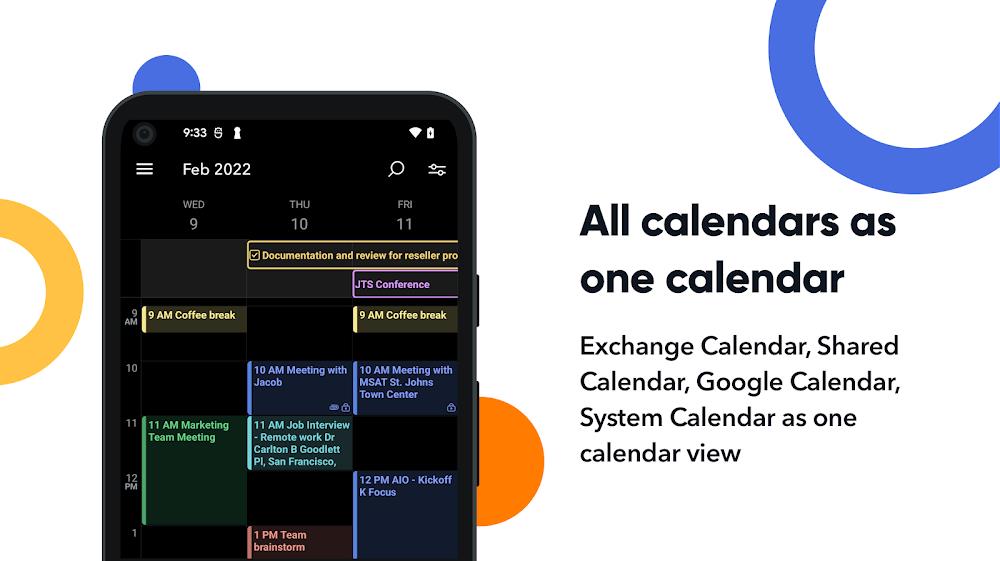
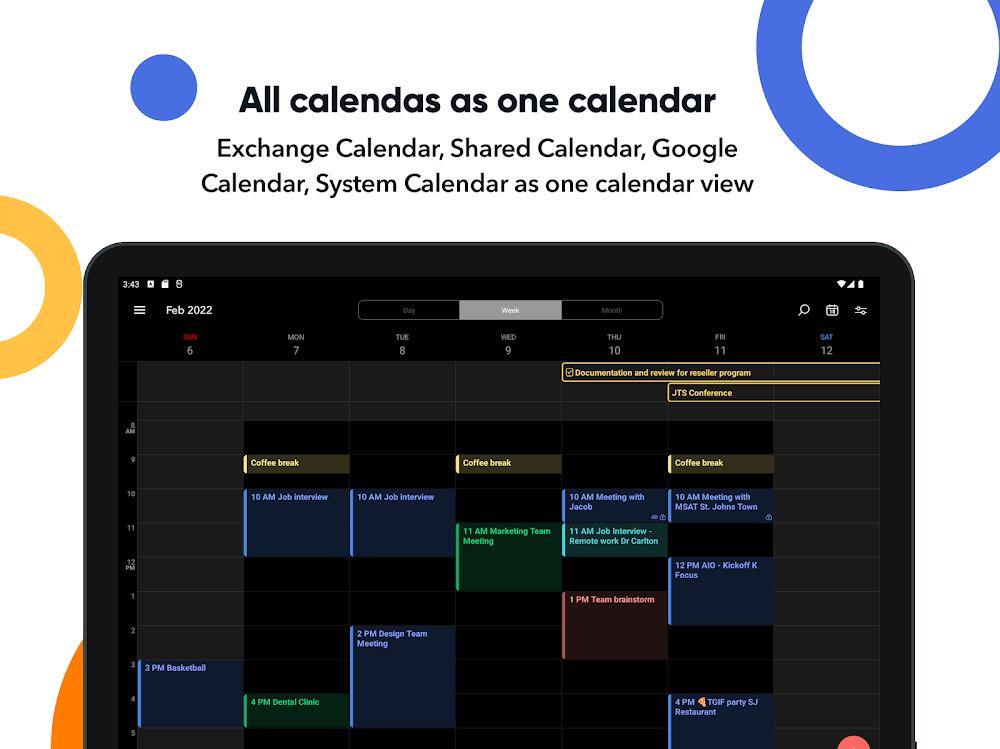
Beyond basic email, OfficeMail Pro integrates calendar events and task lists to keep communication and scheduling connected. The calendar view shows meeting details linked directly to message threads, and quick event creation pulls attendee information from the email body. Smart scheduling suggestions analyze availability and propose meeting times. For teams, shared templates and draft collaboration let colleagues iterate on responses before sending. The focus is reducing context switching and keeping relevant work in a single, searchable place.
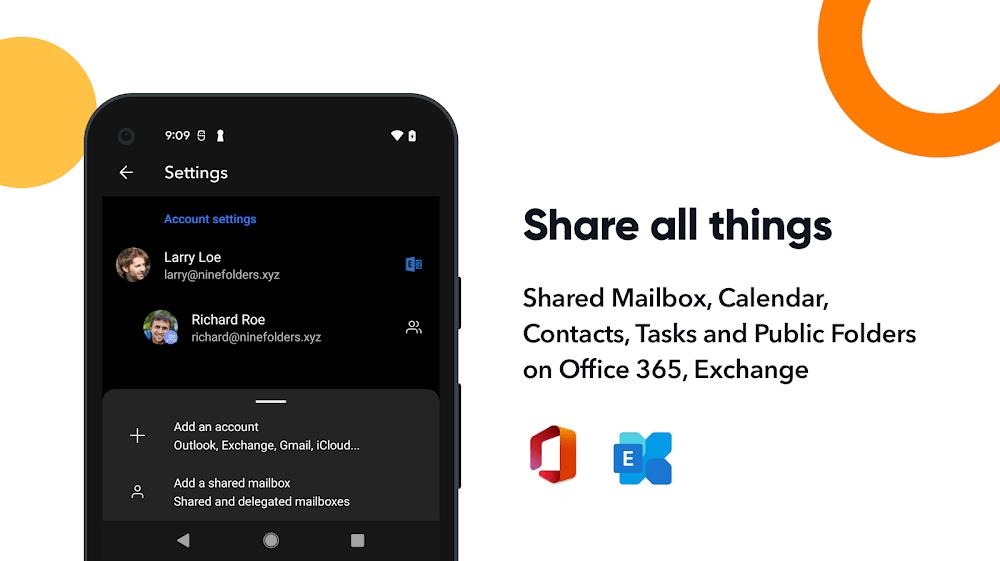
Security is a core component of OfficeMail Pro. The app supports modern authentication standards like OAuth and two-factor authentication and provides optional end-to-end encryption for sensitive threads. Administrators can enforce passcode policies, remote wipe capabilities, and per-account security settings for corporate deployments. Privacy controls let users restrict indexing of specific folders and manage permission for attachments and calendar entries. Detailed logging and audit trails are available for compliance-oriented users.
OfficeMail Pro is optimized for performance across a wide range of Android devices. Background synchronization is efficient to minimize battery drain while keeping messages up to date. The client adapts to network conditions with configurable sync intervals and selective download of attachments to preserve data. Compatibility extends across popular email services and Exchange servers, with calendar and contact sync built-in. Frequent updates keep the app compatible with the latest Android releases and security patches.
The app allows extensive customization to fit personal and corporate styles. Theme options, adjustable notification rules, and custom swipe actions help tailor behavior. Integration with cloud storage providers enables saving attachments directly to preferred accounts. OfficeMail Pro also exposes an API and supports common productivity plugins so you can connect CRM systems, note-taking apps, or automation workflows. These integrations make it easier to centralize communication within an existing toolset.
Setting up OfficeMail Pro is straightforward: add your accounts, choose preferred sync settings, and import existing calendars and contacts. A setup wizard guides users through security preferences and initial workspace creation, while onboarding tips highlight powerful features like saved searches and templates. For teams, administrators can deploy settings and manage users centrally. Regular backups and export options ensure data remains portable and accessible.
Professionals who handle high volumes of communication, teams that coordinate across projects, and anyone who needs reliable offline access will find value in OfficeMail Pro. Its combination of fast search, integrated scheduling, and enterprise-grade security makes it suitable for freelancers and large organizations alike. With practical features designed to reduce email clutter and streamline decisions, the app aims to help users reclaim time and focus on meaningful work.

Re:Work
Size:68.04M ProductivityOfficeMail Pro
Size:69.00M ProductivityPrint From Anywhere
Size:54.00M ProductivityWiFi Passwords: Instabridge
Size:63.45M ProductivityPerfect Ear: Music & Rhythm
Size:10.34M ProductivityInSaver
Size:13.42M ProductivityDesh Hindi Keyboard
Size:21.40M ProductivityOffice Reader
Size:33.40M ProductivityMazii: Dict. to learn Japanese
Size:100.58M ProductivityFlyer Maker
Size:36.60M ProductivityEWA: Learn English & Spanish
Size:131.30M ProductivityLazyBoard - Phrase Keyboard
Size:4.70M ProductivityApril 2024 Clash of Clans Update: Unveiling a Fresh Companion, Enhanced Levels, Chat Tagging, and Be
2024-04-16Arrival of Genshin Impact 4.6 Update: 'Embers of Two Realms, Twilight of Crimson'
2024-04-16V2.2 of the Farlight 84 update introduces an overhauled Season structure, fresh in-game currency, an
2024-04-16Monster Never Cry is now accessible on both Android and iOS mobile devices.
2024-04-18PUBG Mobile Teams Up with Bentley Motors: Luxury Cars, Exclusive Collectibles, and Beyond
2024-04-18March 2024 Free Redemption Codes for Honkai: Star Rail
2024-04-18