English
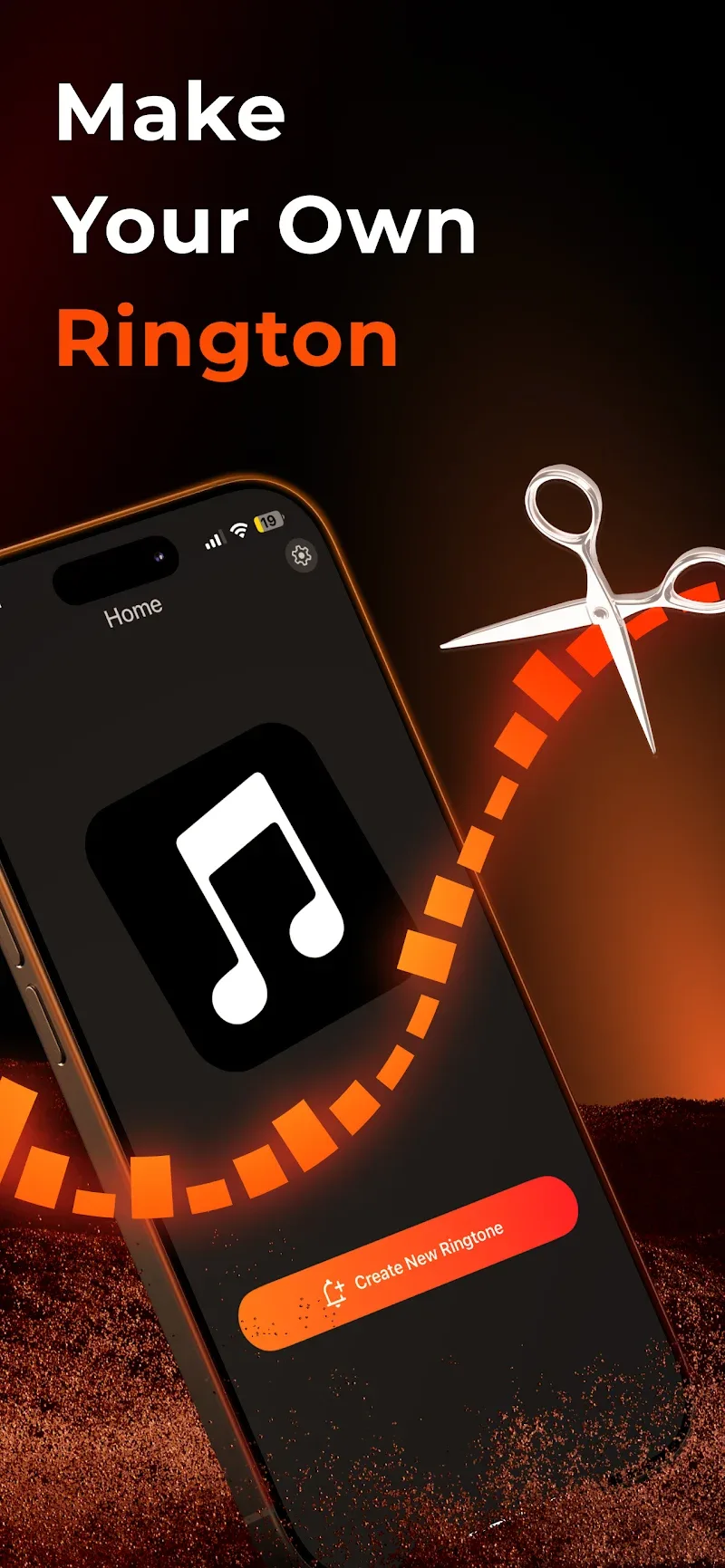
For users who love making every alert feel personal, Any Ringtones offers a creative toolkit that turns ordinary calls into a signature moment. The app focuses on letting you craft custom tones by blending tracks, trimming clips and pairing sounds with full-screen call art. Whether you want a short, punchy jingle for urgent contacts or a layered ambient chime for close friends, Any Ringtones gives simple controls and visual flair so your phone announces callers in a way that matches your style.
Install and grant permissions: After installing, open the app and allow access to your audio files and contacts so you can assign tones and images directly to specific callers.
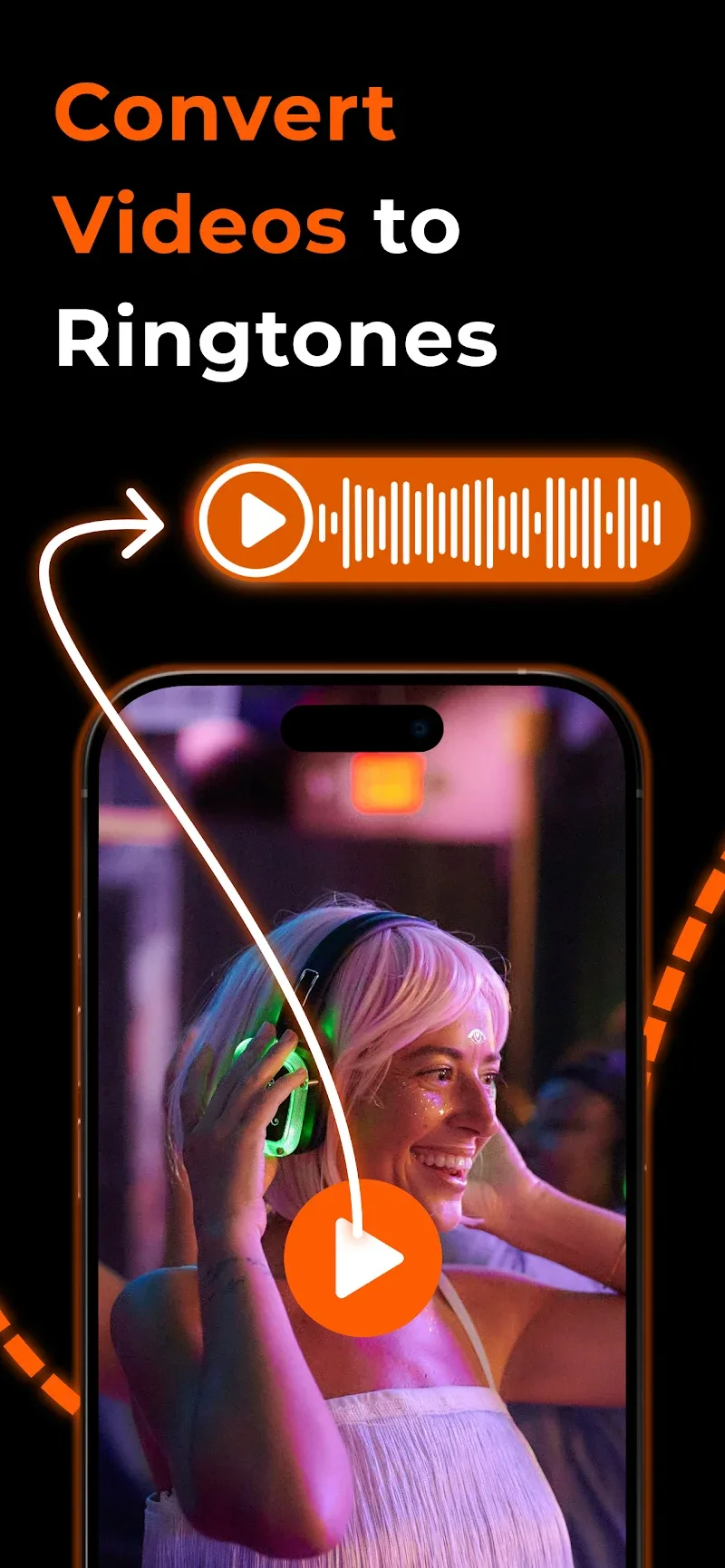
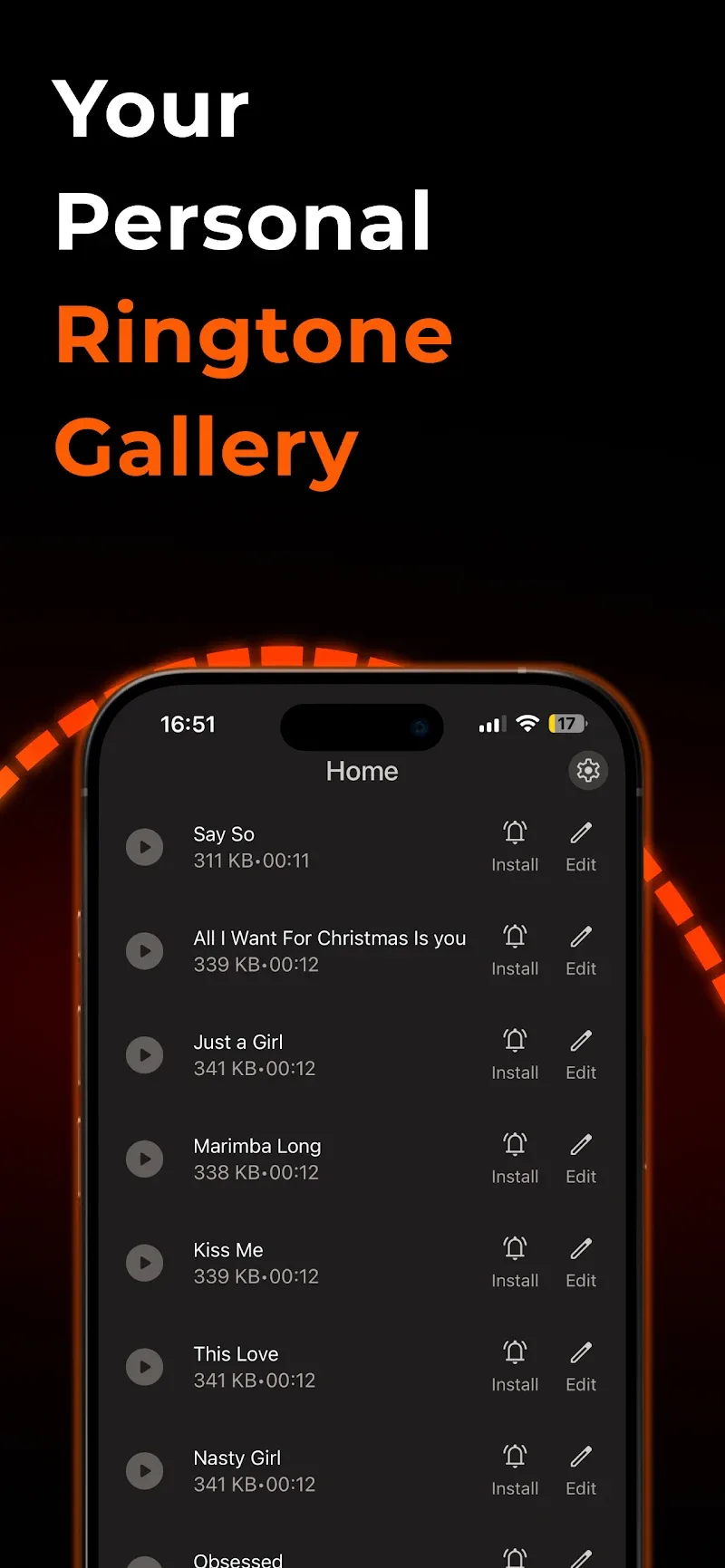
Import audio: Bring in songs, recorded clips or video soundtracks from your device; Any Ringtones accepts common file types and places them in an editable library.
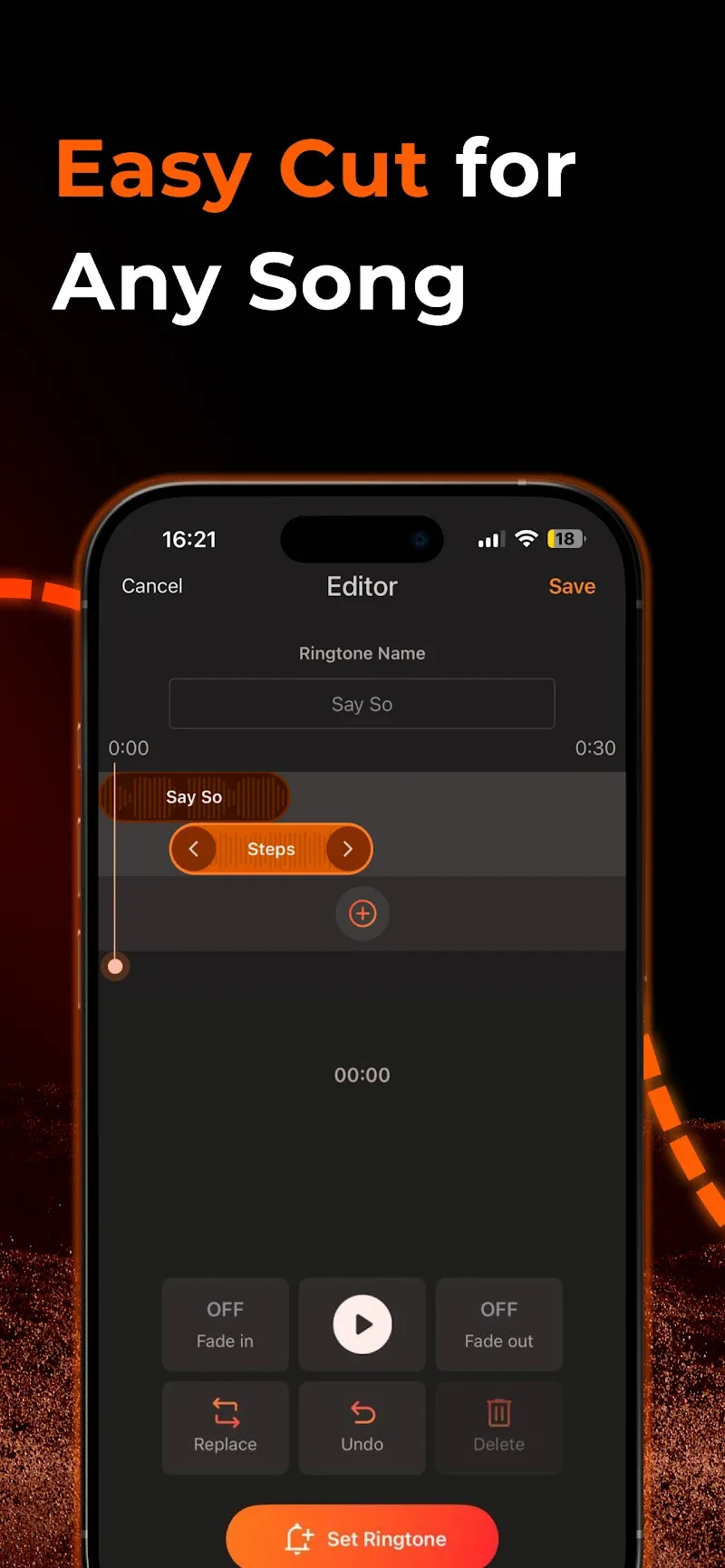
Edit and mix: Use the trimming tool to pick a segment, then layer a second clip or a classic ringtone to create a two-part sound; the interface uses simple sliders and preview playback so you can fine-tune timing.
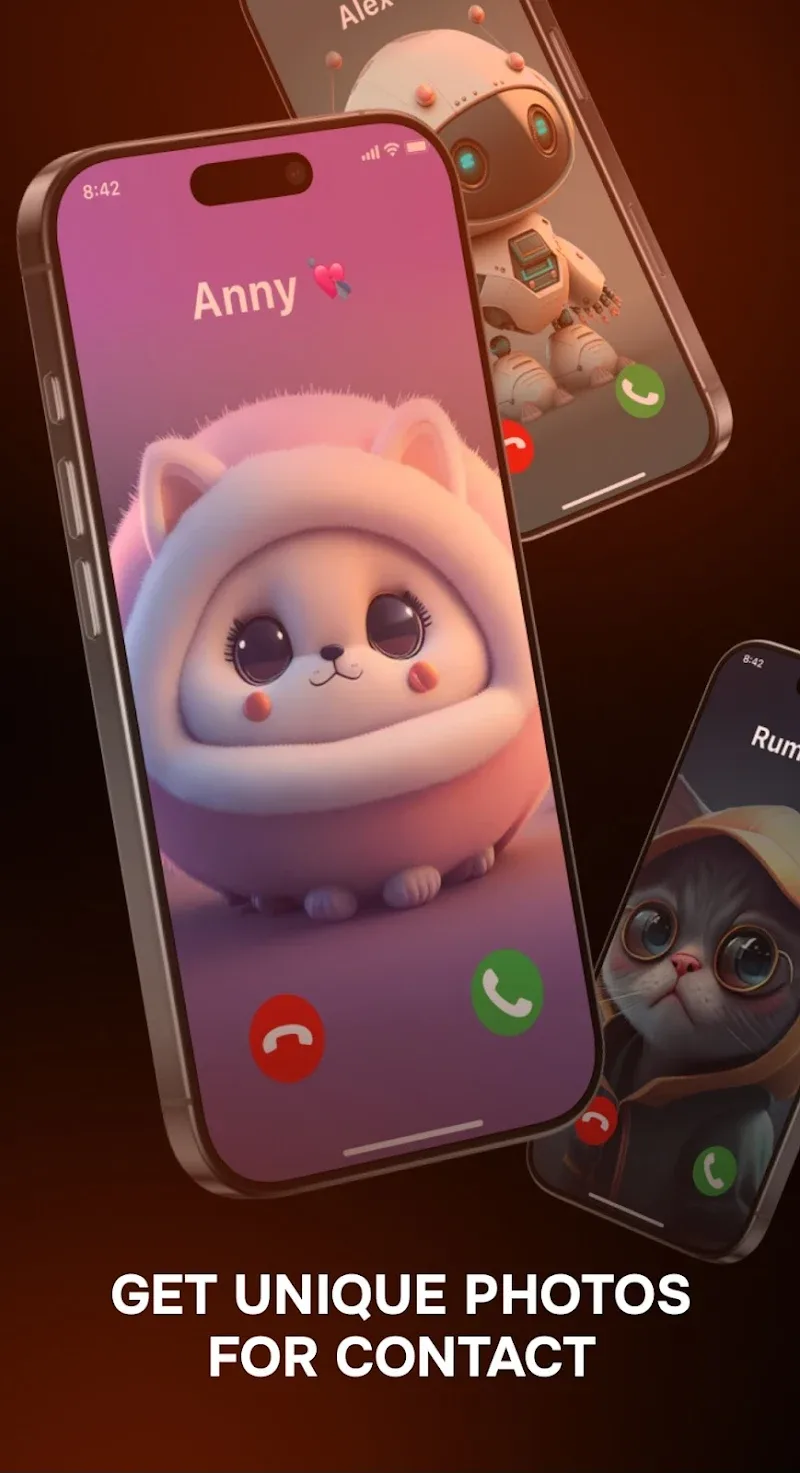
Assign visuals: Pick or create a full-screen caller image in the app and link it to a contact so the incoming call shows the picture alongside the custom tone.
Multi-layer audio blending: Combine snippets from different sources to build original ringtones that go beyond single-track edits.
Precise trimming and fades: Cut audio to the exact length you need, add fade-ins or fade-outs and preview the result before saving.
Contact-specific pairing: Assign a unique sound and a full-screen image to individual contacts so you can recognize callers at a glance.
Visual caller themes: The app supports vibrant full-screen wallpapers that play with your ringtone choices for a complete audio-visual identity.
Save and export options: Save creations to your ringtone folder or export them for backup; you can reuse a custom tone across multiple contacts or devices.
Any Ringtones is a flexible choice if you want to move beyond stock tones and give each caller its own look and sound; try pairing an upbeat tone for family and a discreet chime for work contacts to streamline how you respond. Download it to experiment with layered audio and bold call art, then decide which creations suit daily use or special occasions — give it a go and see how small sound changes can make your phone feel more personal.
Dub Internet Radio FM AM
Size:9.09M Media & VideoListen2MyRadio
Size:16.20M Media & VideoAny Ringtones
Size:99.49M Media & VideoBlur Video and Photo Editor
Size:58.25M Media & VideoGraphionica
Size:56.70M Media & VideoUPlayer
Size:69.00M Media & VideoGroovebox 4
Size:97.40M Media & Video432 Player: 432hz/528hz Player
Size:27.40M Media & VideoSongsterr
Size:9.80M Media & VideoSoundbrenner
Size:114.17M Media & VideoMuseLead Synthesizer
Size:54.00M Media & VideoASR Voice Recorder
Size:36.50M Media & VideoApril 2024 Clash of Clans Update: Unveiling a Fresh Companion, Enhanced Levels, Chat Tagging, and Be
2024-04-16Arrival of Genshin Impact 4.6 Update: 'Embers of Two Realms, Twilight of Crimson'
2024-04-16V2.2 of the Farlight 84 update introduces an overhauled Season structure, fresh in-game currency, an
2024-04-16Monster Never Cry is now accessible on both Android and iOS mobile devices.
2024-04-18PUBG Mobile Teams Up with Bentley Motors: Luxury Cars, Exclusive Collectibles, and Beyond
2024-04-18March 2024 Free Redemption Codes for Honkai: Star Rail
2024-04-18