English
UPlayer is a sleek, lightweight media app that organizes and plays videos, music, and streams with minimal fuss. It supports popular formats, subtitles, and network playback while offering a clean interface and customizable controls for a smooth viewing experience across phones, tablets, and Android TV devices.
UPlayer combines a powerful playback engine with simple navigation so you can open almost any media file without installing extra codecs. The app recognizes local libraries, external storage, and network shares, and it maintains playlists and playback history so you can pick up exactly where you left off.
Broad format support is one of UPlayer’s strengths: standard containers like MP4, MKV, AVI, and less common formats play back reliably. Hardware acceleration reduces CPU load on modern devices, while software decoding is available for tricky files. Compatibility extends to Android TV and many streaming devices, plus support for subtitle formats such as SRT, ASS, and embedded captions.
The interface centers on gesture and button controls that make navigation fast and intuitive. Swipe gestures adjust volume and brightness, tapping brings up a timeline scrubber, and adaptive controls adjust the on-screen layout for phones or tablets. Users can fine-tune playback speed, enable repeat modes, and jump between audio tracks when multiple streams are present.
UPlayer scans folders and builds a media library with poster art and metadata. You can sort by title, date, size, or custom tags, and create smart playlists to gather episodes, music, or thematic collections. The built-in file browser provides quick access to downloads, SD card content, and mounted network locations such as SMB or FTP shares.
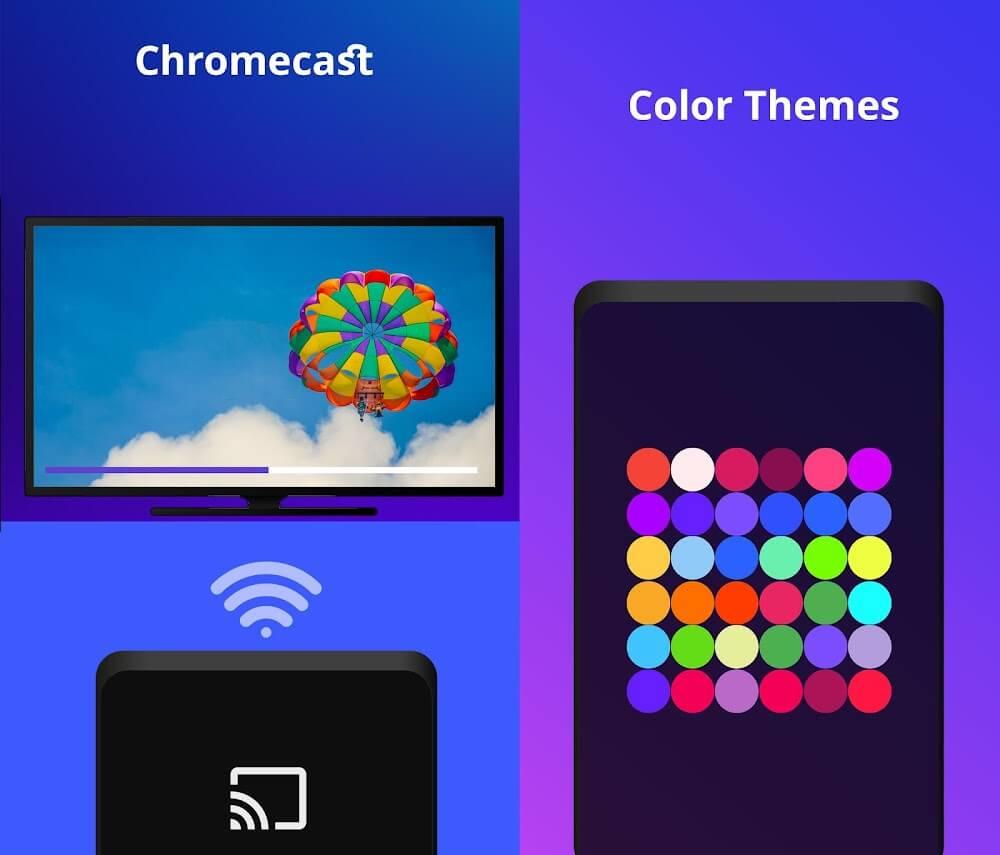
Play content from network sources or stream directly from a URL. UPlayer supports DLNA/UPnP for discovering media on local networks and offers Chromecast compatibility to cast video and audio to compatible devices. For users who prefer background playback, the app continues audio when the screen is off and supports picture-in-picture on Android devices that allow it.
Audio features include a configurable equalizer, channel selection for multi-track files, and options for normalization to keep volume consistent across files. Subtitle settings let you choose font size, color, and synchronization offsets, with subtitle download integration for finding missing captions quickly. Multiple subtitle tracks can be toggled during playback.
Performance is optimized to balance smooth rendering and efficient power use. Hardware-accelerated decoding offloads work from the CPU, helping reduce battery drain during long viewing sessions. The app includes options to limit background activity and to adjust cache sizes for better performance on devices with limited memory.
Users can personalize UPlayer with themes, custom start screens, and layout options for the playback controls. The library view supports grid or list arrangements and can display detailed media metadata. Dedicated settings pages allow fine control over video scaling, overscan correction for TVs, and gesture sensitivity.
UPlayer requests only the permissions needed to access media files and network resources. Local playback does not require account sign-in, and network features can be toggled off to keep the app strictly local. The app handles files directly on your device, avoiding uploads to external servers.
Installation is straightforward: grant the file access permission, allow the app to scan your storage if you want an indexed library, and point the browser to folders or network shares. Short on storage? Use the app’s lightweight playback mode or clear image caches from the settings menu.
UPlayer is well suited to users who want a responsive, no-nonsense media player that can handle varied file types and streaming setups. With convenient casting, subtitle tools, and advanced playback settings, it appeals to organizers who like to tune their viewing experience and maintain a tidy media library.
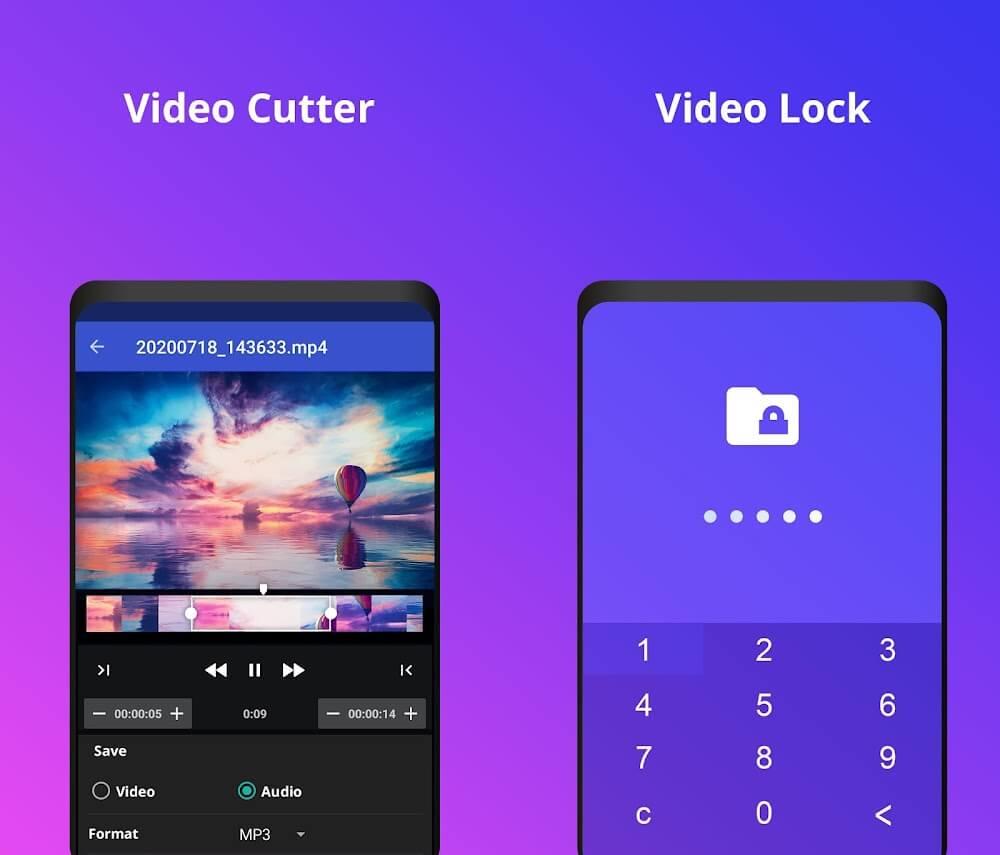
UPlayer
Size:69.00M Media & VideoGroovebox 4
Size:97.40M Media & Video432 Player: 432hz/528hz Player
Size:27.40M Media & VideoSongsterr
Size:9.80M Media & VideoSoundbrenner
Size:114.17M Media & VideoMuseLead Synthesizer
Size:54.00M Media & VideoASR Voice Recorder
Size:36.50M Media & VideoAudio Cues
Size:18.49M Media & Video432 Radio: 432hz/528hz Radio
Size:23.02M Media & VideoCompress Video - Resize Video
Size:48.75M Media & VideoMEME Maker: MEME Creator
Size:49.65M Media & VideoInstory Story Video Maker
Size:31.79M Media & VideoApril 2024 Clash of Clans Update: Unveiling a Fresh Companion, Enhanced Levels, Chat Tagging, and Be
2024-04-16Arrival of Genshin Impact 4.6 Update: 'Embers of Two Realms, Twilight of Crimson'
2024-04-16V2.2 of the Farlight 84 update introduces an overhauled Season structure, fresh in-game currency, an
2024-04-16Monster Never Cry is now accessible on both Android and iOS mobile devices.
2024-04-18PUBG Mobile Teams Up with Bentley Motors: Luxury Cars, Exclusive Collectibles, and Beyond
2024-04-18March 2024 Free Redemption Codes for Honkai: Star Rail
2024-04-18