English
Photo Exif Editor Pro is a lightweight utility for viewing and editing the metadata embedded in your photos, letting you add or correct information such as timestamps, camera tags and the exact place a picture was taken using an interactive map picker. This pro edition removes advertising and unlocks full metadata visibility so you can quickly fix missing details before sharing on social networks or organizing a photo archive. The app focuses on simplicity with fast access to images, batch processing and clear tag controls so anyone can tidy up photo information without technical hassles.
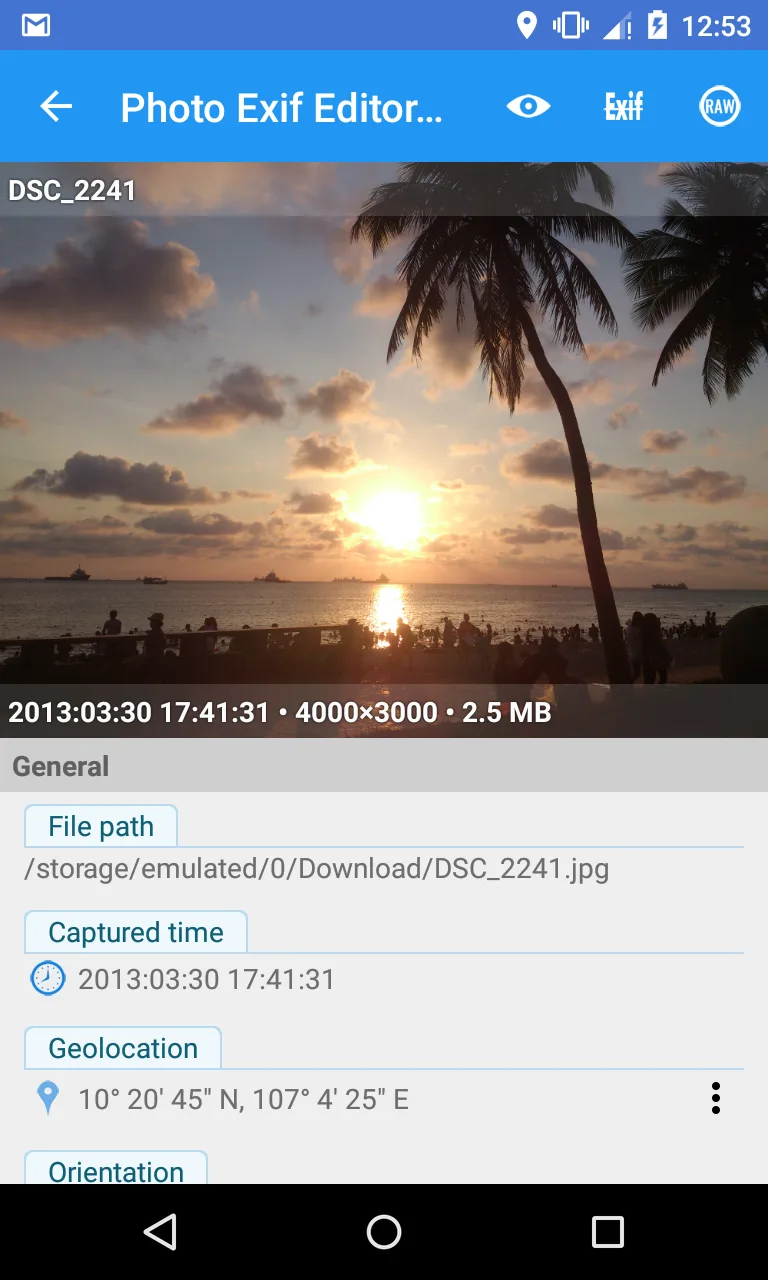
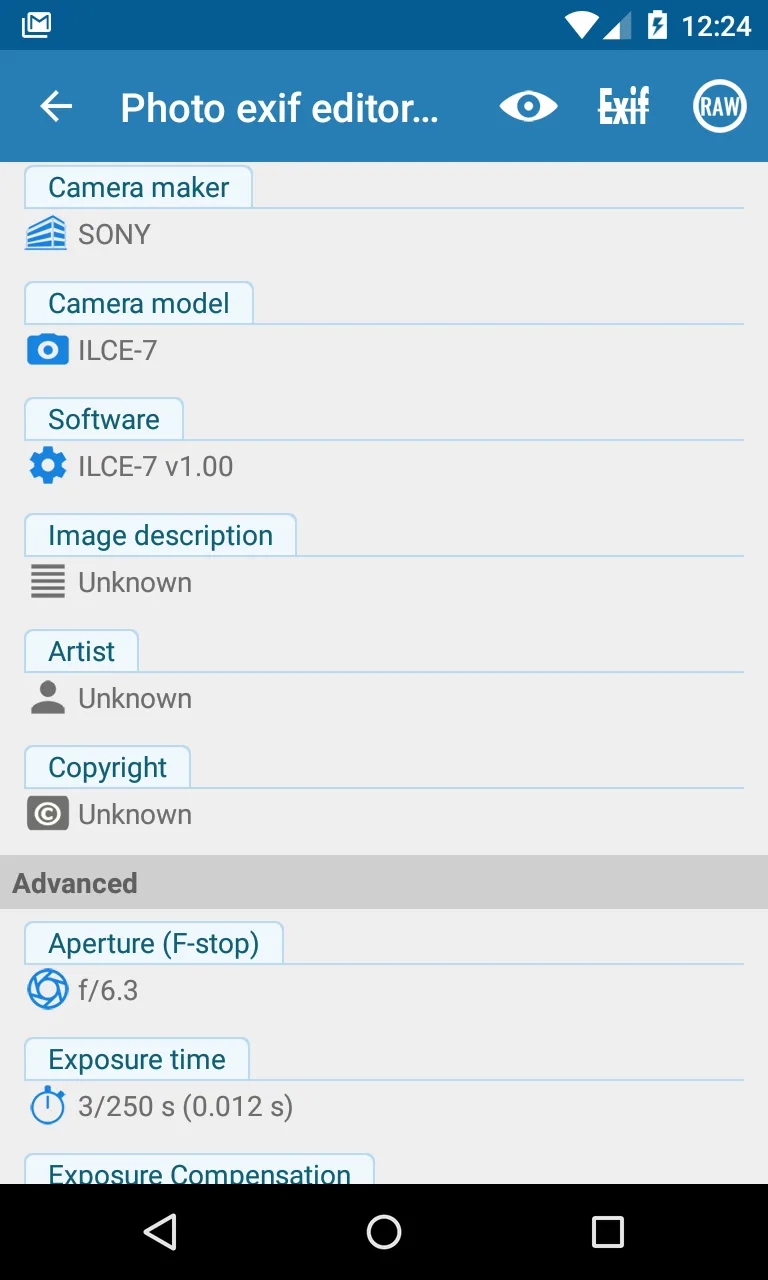
⭐ Photo Exif Editor Pro provides an intuitive view and edit interface for all common EXIF fields so you can update metadata quickly.
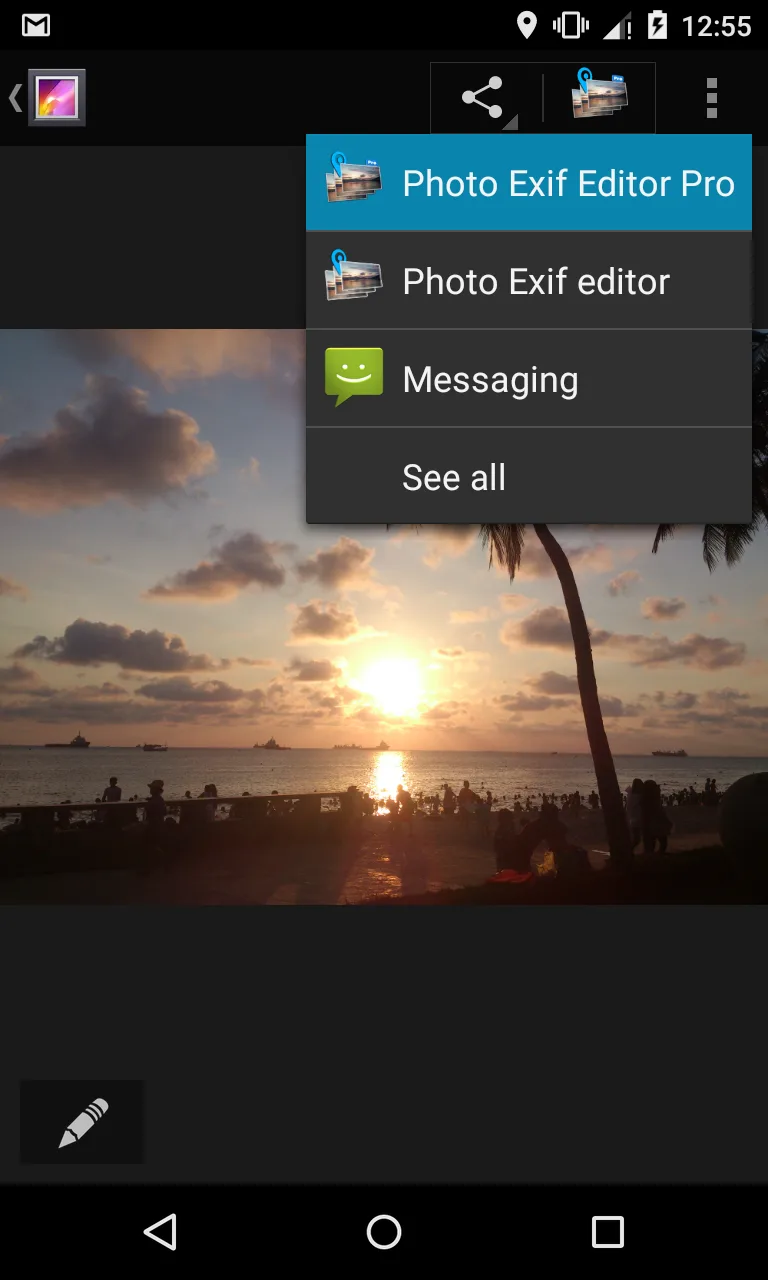
⭐ Fast access to images from your photo library or file browser lets you open and edit files without extra steps.
⭐ A simple, clean interface highlights key tags so you can adjust date, time, camera model and other details with minimal effort.
⭐ Accurate metadata editing lets you add or correct missing information created at the time the photo was taken.
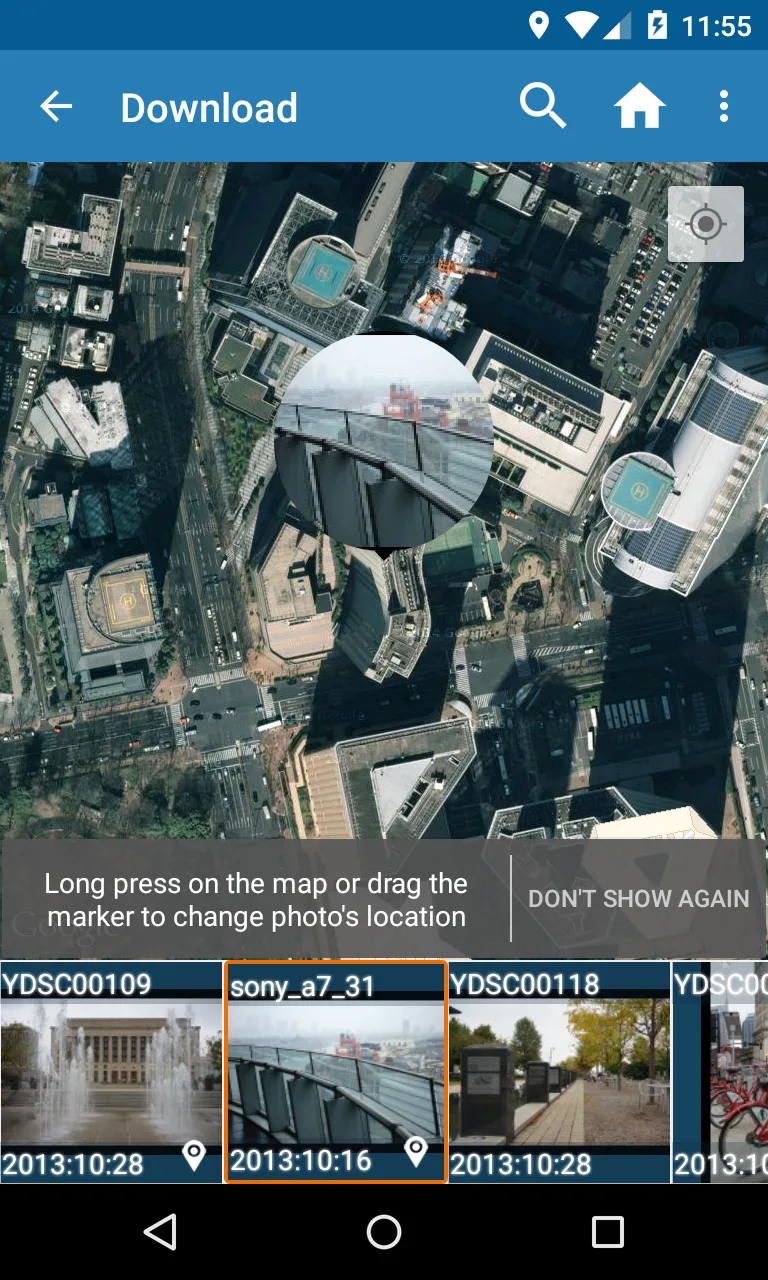
⭐ Interactive map location tagging lets you place or adjust a photo's location visually for better memory keeping.
⭐ Batch editing supports applying the same metadata changes to multiple photos to save time when organizing collections.
✅ Ad-free pro experience for uninterrupted editing and full access to metadata details.
✅ Straightforward tools reduce the time needed to prepare photos for sharing or archiving.
✅ Photo Exif Editor Pro makes it easy to tag locations and preserve contextual memories from trips or events.
✅ Batch operations and fast file access improve productivity when working with large photo libraries.
❎ The app focuses solely on metadata and does not include photo retouching, filters, or other image-editing functions.
❎ Bulk edits apply changes to multiple files at once, so you should review selections carefully before saving.
❎ Location tagging relies on manual placement via the map picker, which may require fine-tuning for precise coordinates.
Magic Eraser
Size:10.19M PhotographyBackground Camera ~ Very Safe
Size:21.11M PhotographyPhoto Exif Editor Pro
Size:43.52M PhotographyKapi Cam
Size:128.44M PhotographyLockMyPix Photo Vault PRO
Size:20.20M PhotographyGrid Post
Size:26.10M PhotographyPersona: Beauty Camera
Size:68.10M PhotographyLINE Camera
Size:74.31M PhotographySketch Photo Editor
Size:18.01M PhotographyHorizon Camera
Size:3.00M PhotographyPicCollage
Size:82.00M PhotographyPhotoBoost - AI Photo Enhancer
Size:51.00M PhotographyApril 2024 Clash of Clans Update: Unveiling a Fresh Companion, Enhanced Levels, Chat Tagging, and Be
2024-04-16Arrival of Genshin Impact 4.6 Update: 'Embers of Two Realms, Twilight of Crimson'
2024-04-16V2.2 of the Farlight 84 update introduces an overhauled Season structure, fresh in-game currency, an
2024-04-16Monster Never Cry is now accessible on both Android and iOS mobile devices.
2024-04-18PUBG Mobile Teams Up with Bentley Motors: Luxury Cars, Exclusive Collectibles, and Beyond
2024-04-18March 2024 Free Redemption Codes for Honkai: Star Rail
2024-04-18