English
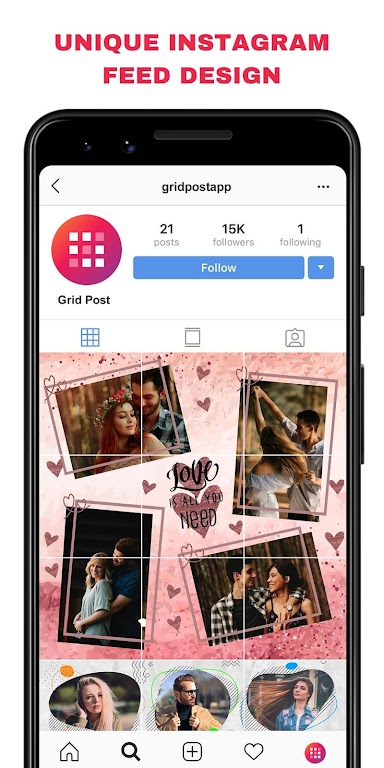
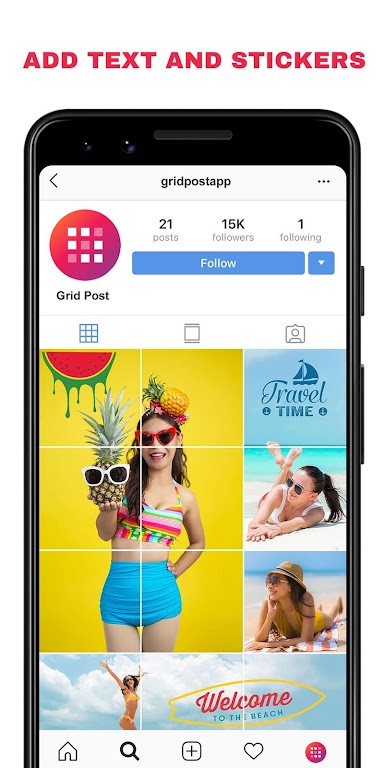
Grid Post is a mobile utility that splits images into multi-cell grids for social feeds, letting users plan and publish cohesive multi-image layouts. Designed for creators and brands, Grid Post streamlines slicing, previewing, and exporting large images across multiple posts with precision and speed.
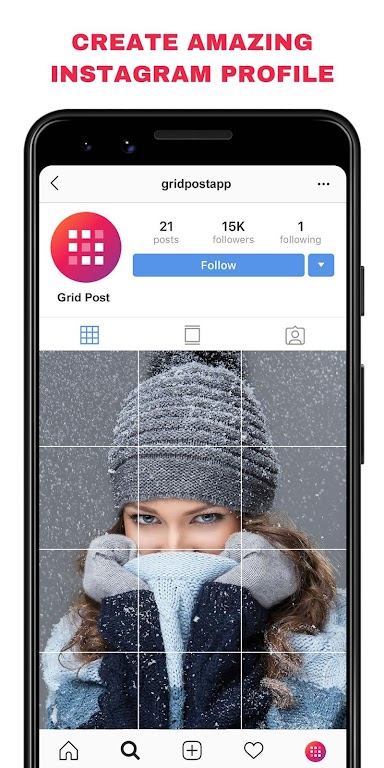
Grid Post brings a focused toolkit for anyone who wants a striking Instagram or social feed aesthetic. Instead of posting individual photos, this app lets you turn a single large image into a series of perfectly aligned tiles so your profile grid forms one unified visual. It’s built to save time while keeping results consistent on multiple accounts and devices.
The core strength of Grid Post is simplicity. Upload an image, choose a grid size, tweak the slices, and export. Each step is designed for fast iteration so marketing teams, photographers, and hobbyists can preview the final grid before posting.
Using Grid Post follows a straightforward four-step flow: import, define, preview, and export. Import any photo from your camera roll or cloud storage. Define the grid by selecting rows and columns or dragging crop handles. Preview shows the full composition on a mock feed. Export generates separate image files ready for sequential posting.
Grid Post offers control over alignment and visual adjustments so each slice feels intentional. You can nudge crop edges by pixel, set consistent borders between tiles, and apply global filters to ensure color and exposure match across the entire composite. These small controls make a big difference when your final grid will be viewed on many devices.
The interface is clean and responsive, with large touch targets and quick gestures for panning and zooming. Performance remains stable even with high-resolution images; operations like slicing and exporting run smoothly on modern Android hardware. Minimal latency in previews helps speed decision-making when preparing time-sensitive posts.
Creators appreciate Grid Post for its balance of precision and speed. The app removes the fiddly manual steps of dividing images and renaming files, while giving enough control to maintain a professional look. Whether you manage a personal brand or a business account, the tool scales from single posts to large content calendars.
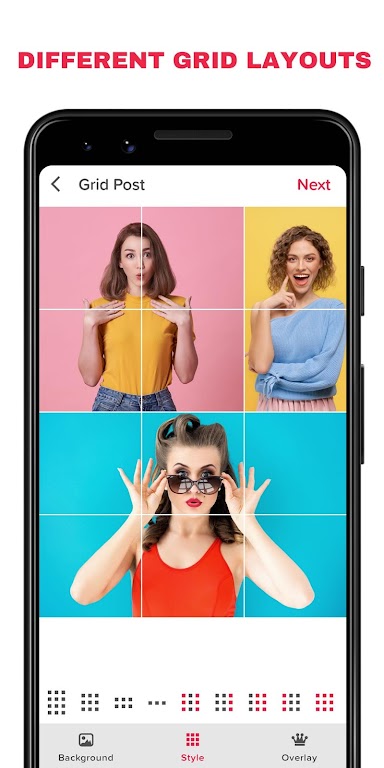
To begin, install the app and grant access to your photos. Import a sample image and experiment with different grid layouts to see how your profile changes. Spend a few minutes exploring export settings—naming conventions and file formats will make posting smoother when you move to social networks.
Grid Post fits into any visual workflow where an eye-catching grid matters. With intuitive editing, batch features, and thoughtful preview tools, it helps creators produce cohesive feeds without complex software or a steep learning curve.
LockMyPix Photo Vault PRO
Size:20.20M PhotographyGrid Post
Size:26.10M PhotographyPersona: Beauty Camera
Size:68.10M PhotographyLINE Camera
Size:74.31M PhotographySketch Photo Editor
Size:18.01M PhotographyHorizon Camera
Size:3.00M PhotographyPicCollage
Size:82.00M PhotographyPhotoBoost - AI Photo Enhancer
Size:51.00M PhotographyQuick Grid
Size:48.30M Photographymcpro24fps
Size:7.96M PhotographySuper 16
Size:58.78M PhotographyPhotographers Companion Pro
Size:5.20M PhotographyApril 2024 Clash of Clans Update: Unveiling a Fresh Companion, Enhanced Levels, Chat Tagging, and Be
2024-04-16Arrival of Genshin Impact 4.6 Update: 'Embers of Two Realms, Twilight of Crimson'
2024-04-16V2.2 of the Farlight 84 update introduces an overhauled Season structure, fresh in-game currency, an
2024-04-16Monster Never Cry is now accessible on both Android and iOS mobile devices.
2024-04-18PUBG Mobile Teams Up with Bentley Motors: Luxury Cars, Exclusive Collectibles, and Beyond
2024-04-18March 2024 Free Redemption Codes for Honkai: Star Rail
2024-04-18