English
Habit Tracker - Habit Tick helps you form lasting routines and remove counterproductive habits using a clean, visual planner, smart reminders, and simple performance summaries. Habit Tracker - Habit Tick balances a minimal interface with enough depth to support daily priorities, weekly patterns, and occasional goals without overwhelming setup or endless options.
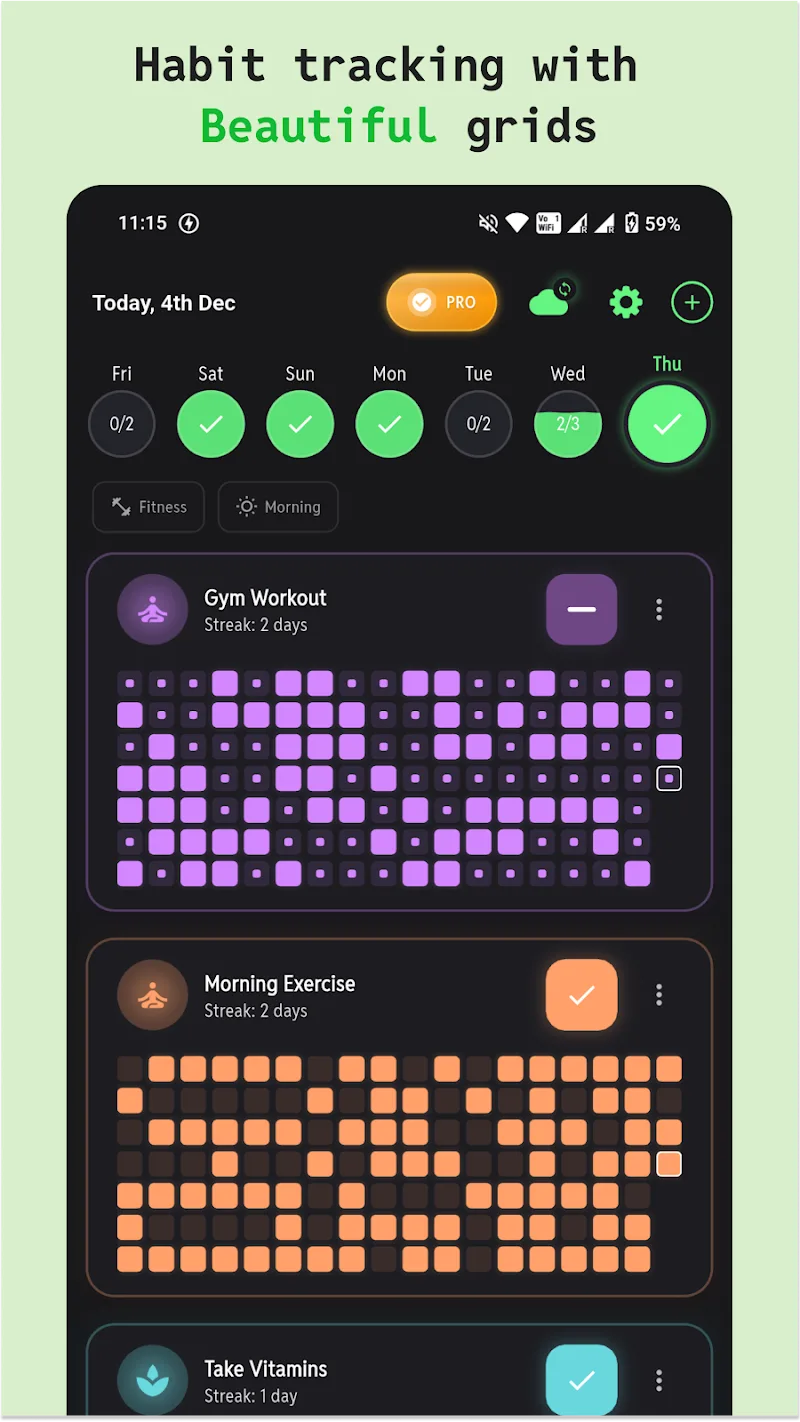
The app centers on a calendar-driven task list where due habits are presented clearly and can be checked off with a single tap. Habit Tracker - Habit Tick uses streak counters, completion percentages, and trend graphs to show momentum over days and weeks. Color coding, priority flags, and optional categories let you highlight what matters most, while templates and quick-duplicate controls speed up habit creation when you want to add similar routines.
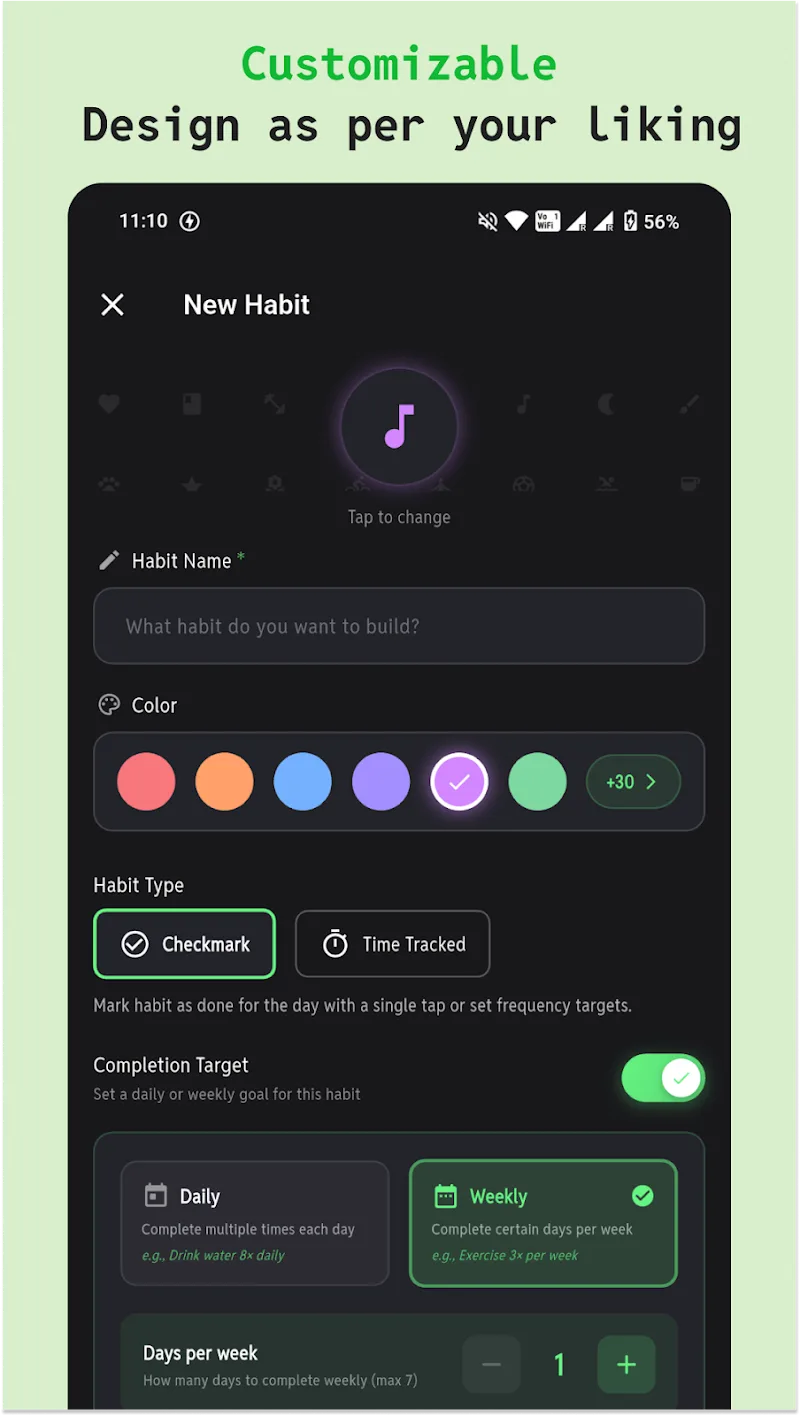
Tracking combines straightforward controls with flexible scheduling. Create a habit by naming it, selecting a frequency such as daily, selected weekdays, or a custom interval, and assigning one or more reminders. Each confirmation updates a streak and contributes to weekly and monthly trend charts. The app records completion timestamps so you can inspect which times of day yield the best results and identify patterns that deserve adjustment.
Progression in Habit Tracker - Habit Tick is driven by short-term targets and visible milestones. Streak tracking rewards consistent behavior, while achievement badges and regular progress summaries mark incremental gains. Completion percentages and trend lines encourage constructive feedback loops: small, repeated wins build toward larger goals, and the app encourages reducing friction rather than penalizing occasional misses.
Interaction is optimized for touch: tap to mark done, long-press to edit or postpone, and swipe gestures to reveal quick options where supported by the device. The setup walkthrough introduces these basic controls so new users can start tracking in minutes. Contextual help and inline hints are available for features like custom repeat rules or multiple reminders, keeping the learning curve shallow.
Customize each habit to fit your lifestyle with multiple reminder slots, repeat rules such as every other day or specific weekdays, adjustable completion windows, and color assignments for quick recognition. Notes and tags let you add context to entries so habits tied to projects, health goals, or routines remain meaningful. Templates help you build common stacks like morning or evening sequences without repeating steps.
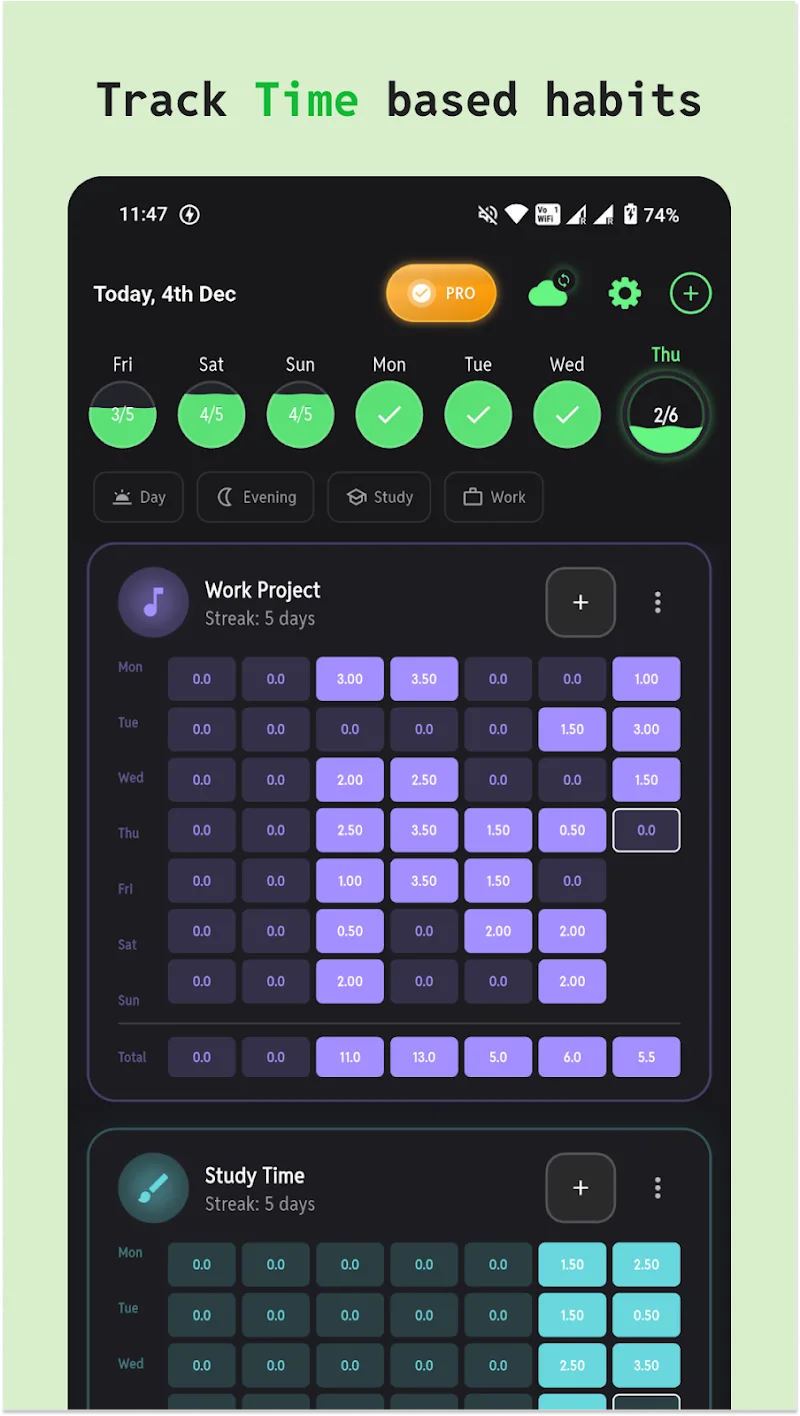
Visual feedback is central: interactive charts display completion rates over selectable periods, while streak displays and milestone markers emphasize continuity. Built-in challenge ideas and suggested difficulty adjustments help you vary targets and keep engagement high, letting you replay habit cycles with higher or lower intensity depending on progress and personal goals.
Habit Tracker - Habit Tick pays attention to accessibility with adjustable text sizes, clear contrast, and touch-friendly controls. The core features work offline so you can view history and log completions without a network connection. Background scheduling is lightweight to preserve battery life, and the interface stays responsive even with many active habits.
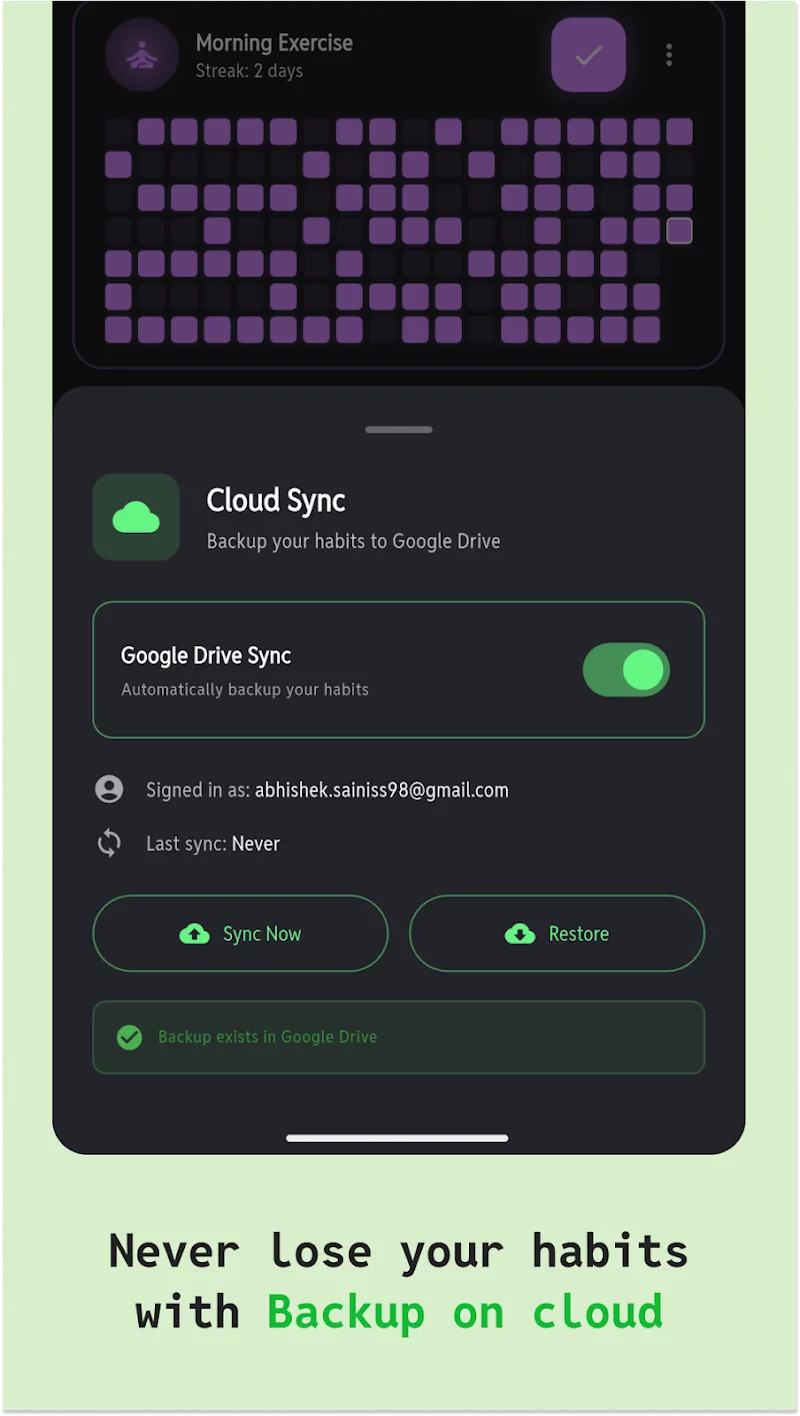
Your habit history can be kept locally or backed up with optional encrypted cloud synchronization and exportable CSV reports for deeper analysis or sharing with an accountability partner. The app can integrate with calendars and health trackers where available to correlate habits with appointments or activity data, while keeping sync and sharing choices under your control.
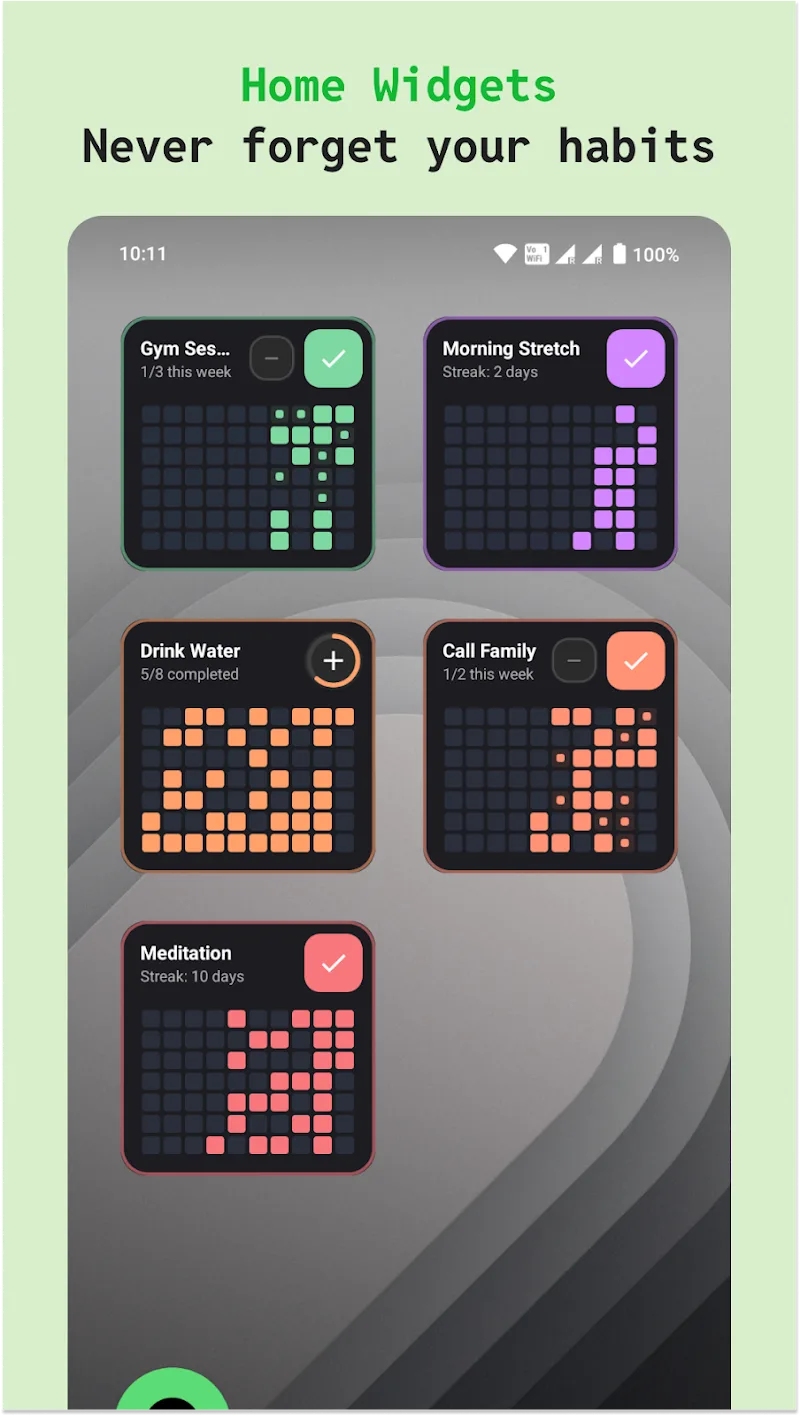
Use Habit Tracker - Habit Tick to build morning and evening stacks, enforce productivity patterns like focus sessions and breaks, or log wellness tasks such as meditation, hydration, and short exercises. The planner supports sequential reminders for habit stacks as well as independent routines, helping you craft workflows that fit commute times, work shifts, or family schedules.
Start small with three to five habits and focus on consistent completion rather than perfection. Habit Tracker - Habit Tick provides templates, a brief guided setup, and weekly summaries that make it easy to tune reminders, adjust difficulty, or expand your routine as small behaviors become automatic. Regular review of trend data helps you refine timing and priorities so progress becomes sustainable.
Habit Tracker - Habit Tick
Size:32.21M ProductivityLite Writer: Writing/Note/Memo
Size:10.90M ProductivityPDFelement
Size:60.14M ProductivityCalendar Widget
Size:4.10M ProductivityMyScript Notes for Students
Size:148.10M ProductivityIGAMES PS2
Size:48.80M ProductivityGrammarly Keyboard
Size:22.87M ProductivityMy Notes
Size:4.17M ProductivityPlanWiz
Size:46.17M ProductivitySupershift
Size:15.00M ProductivityEasy Urdu
Size:31.38M ProductivityRe:Work
Size:68.04M ProductivityApril 2024 Clash of Clans Update: Unveiling a Fresh Companion, Enhanced Levels, Chat Tagging, and Be
2024-04-16Arrival of Genshin Impact 4.6 Update: 'Embers of Two Realms, Twilight of Crimson'
2024-04-16V2.2 of the Farlight 84 update introduces an overhauled Season structure, fresh in-game currency, an
2024-04-16Monster Never Cry is now accessible on both Android and iOS mobile devices.
2024-04-18PUBG Mobile Teams Up with Bentley Motors: Luxury Cars, Exclusive Collectibles, and Beyond
2024-04-18March 2024 Free Redemption Codes for Honkai: Star Rail
2024-04-18