English
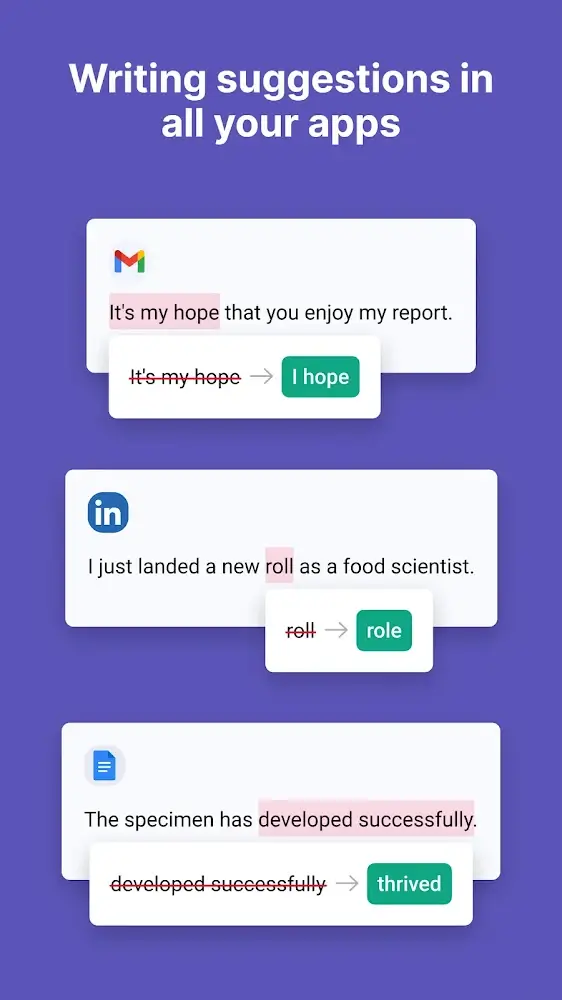
Grammarly Keyboard brings thoughtful, real-time writing help to your Android device, offering inline corrections and stylistic suggestions without interrupting how you type. Grammarly Keyboard appears in apps across your phone and tablet to underline potential errors, explain suggested edits, and offer optional rewrites so you can improve spelling, grammar and tone while keeping your personal voice intact.
Everyday typing: Use Grammarly Keyboard for quick messages, social posts and short emails to catch common typos and awkward phrasing before you hit send. Professional writing: Draft longer notes, cover letters or reports with guidance on clarity and formality so your intent reads clearly. Multiplatform helper: Suggestions sync with the web dashboard and desktop editor for deeper revisions when you move from mobile to laptop, helping maintain consistent edits across devices.
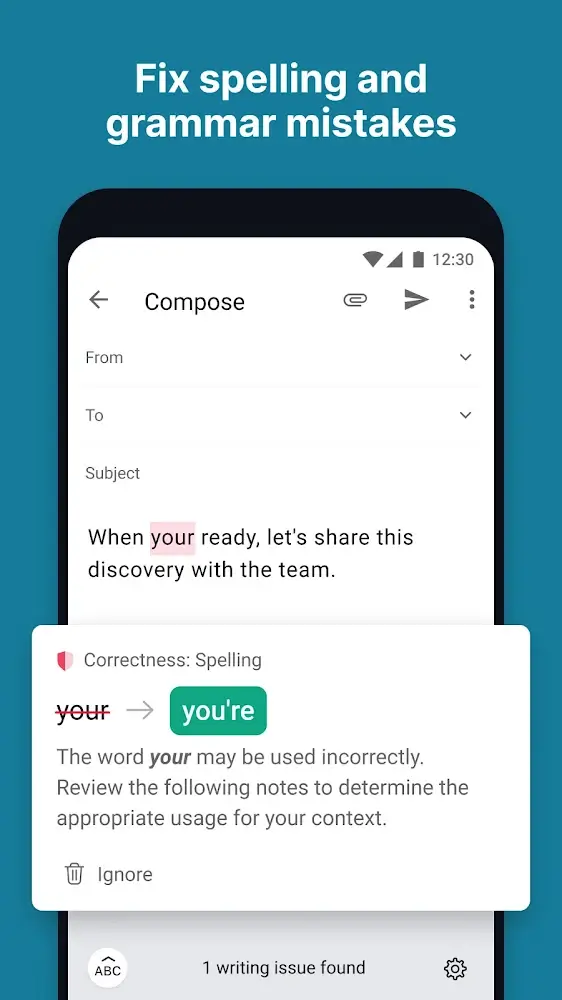
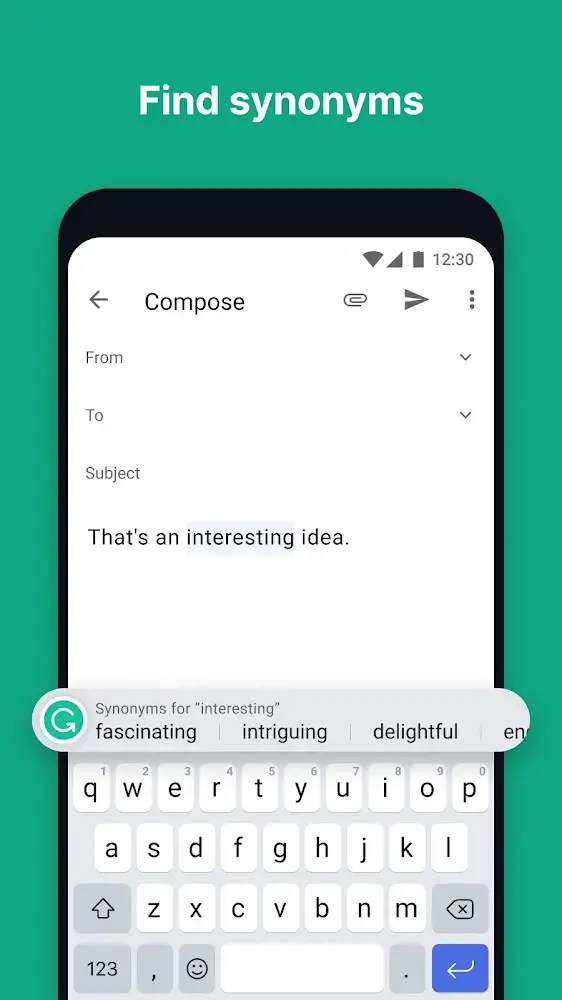
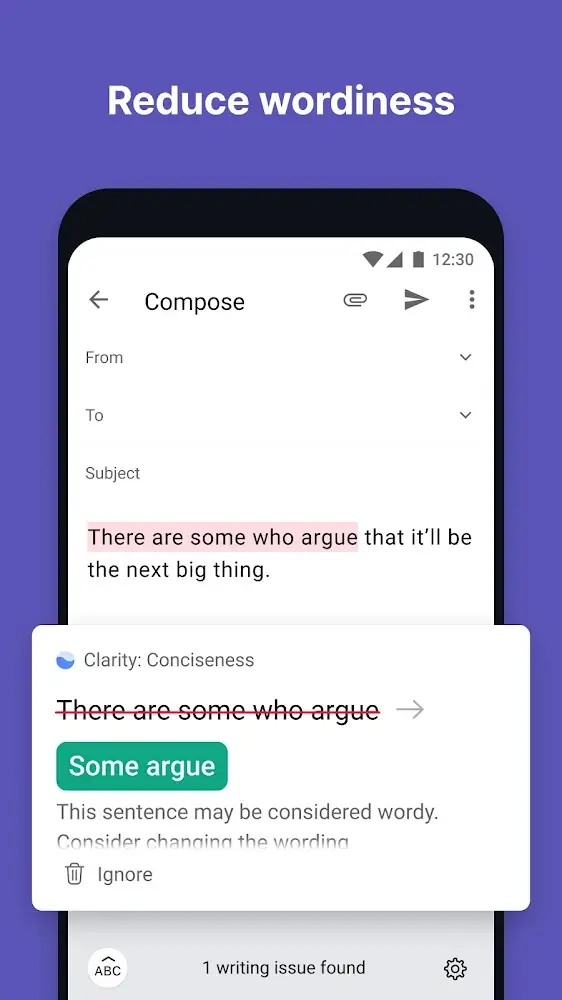
Real-time grammar and spelling checks underline issues as you type and provide concise explanations so you learn from corrections. Rephrase suggestions offer alternative sentence constructions when a thought feels clumsy, and vocabulary prompts highlight repetitive words with clearer synonyms. Tone guidance lets you steer suggestions toward casual, neutral or formal options, helping match the message to its audience. Cross-device sync preserves preferences and short drafts so corrections remain consistent when you switch platforms. A free tier covers essential checks while premium options expand style suggestions and advanced rewriting tools.
The keyboard integrates with your existing input flow: tap a suggestion to accept it, review the short explanation to understand the change, or dismiss a correction and keep typing. Settings let you toggle specific checks, choose regional English variants and control whether suggestions appear inline or in a compact pane. These controls keep Grammarly Keyboard advisory rather than intrusive, so you stay in charge of tone and word choice while benefiting from helpful prompts.
Rather than a level-based system, progression comes from gradual improvements in your writing and the app learning your preferences. Accepted edits and selected tones inform future suggestions, and saved preferences carry between devices. Over time you can refine the balance of corrections versus stylistic nudges so the keyboard aligns more closely with your typical documents, emails and social updates.
The interface favors a clean, minimal layout with clear underlines and readable explanation cards that don’t obscure the text field. High-contrast highlights and concise wording make it easier to scan suggestions on small screens. The keyboard itself is designed with legible keys and touch-friendly spacing so edits remain unobtrusive during fast typing sessions.
Grammarly Keyboard is useful in short, on-the-go scenarios like tightening a message while waiting between meetings, and as a light drafting tool for longer mobile notes. For extended editing, the app links to a web editor where you can work through larger documents. This workflow supports quick fixes on mobile and deeper rewrites on desktop without duplicating effort.
Customize checks and tone settings to match your needs, and adjust how prominently suggestions appear. The design emphasizes large touch targets and clear visual cues to reduce accidental taps and make the keyboard easier to use for those who prefer larger keys. Screen magnification and system-level accessibility features remain compatible with the keyboard, and concise explanations help users who rely on assistive tools to understand suggested edits.
Some basic spelling and punctuation corrections may operate with limited connectivity, but advanced rewrites and contextual tone analysis typically rely on cloud processing and an internet connection. The app balances local responsiveness with server-side analysis so common errors are caught quickly while deeper stylistic suggestions are provided when network resources are available.
If suggestions seem off, check your regional language setting and review toggles for specific checks. The keyboard processes typed content to generate suggestions; review the app listing and privacy policy to understand data handling, storage and opt-out options before enabling full sync features.
Which languages are supported? The focus is on English with regional variants; supported dialects can change with updates. Is there a premium version? Yes, paid tiers add more detailed style guidance and additional rewriting tools. How do I accept or reject suggestions? Tap a suggestion to accept it or dismiss it to keep your original wording; settings allow you to refine which kinds of suggestions appear.
Grammarly Keyboard provides practical, everyday assistance that helps you polish messages and keep your tone appropriate without taking over the writing process. Try it in short bursts during daily tasks to see how selective suggestions improve clarity and reduce time spent on edits.
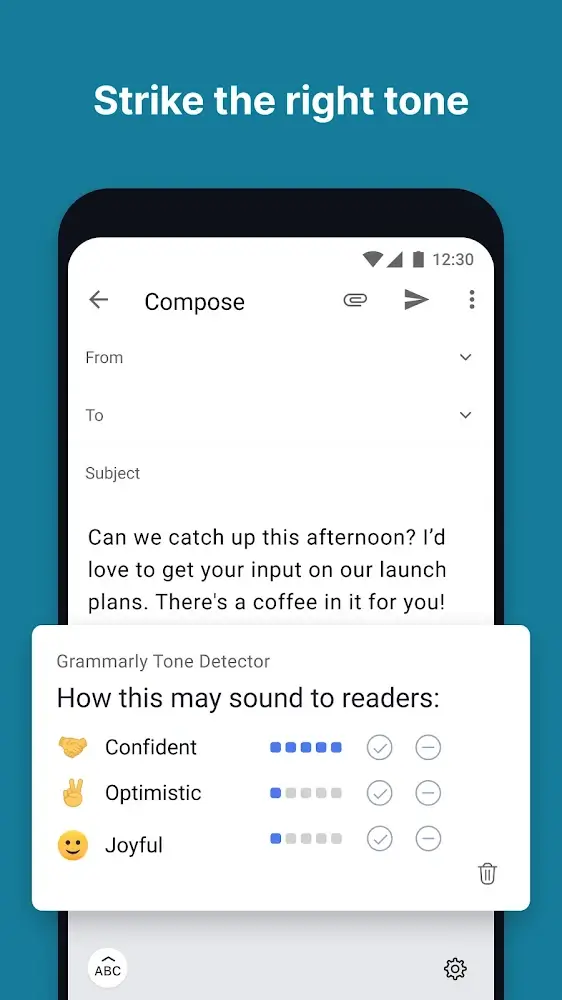
Grammarly Keyboard
Size:22.87M ProductivityMy Notes
Size:4.17M ProductivityPlanWiz
Size:46.17M ProductivitySupershift
Size:15.00M ProductivityEasy Urdu
Size:31.38M ProductivityRe:Work
Size:68.04M ProductivityOfficeMail Pro
Size:69.00M ProductivityPrint From Anywhere
Size:54.00M ProductivityWiFi Passwords: Instabridge
Size:63.45M ProductivityPerfect Ear: Music & Rhythm
Size:10.34M ProductivityInSaver
Size:13.42M ProductivityDesh Hindi Keyboard
Size:21.40M ProductivityApril 2024 Clash of Clans Update: Unveiling a Fresh Companion, Enhanced Levels, Chat Tagging, and Be
2024-04-16Arrival of Genshin Impact 4.6 Update: 'Embers of Two Realms, Twilight of Crimson'
2024-04-16V2.2 of the Farlight 84 update introduces an overhauled Season structure, fresh in-game currency, an
2024-04-16Monster Never Cry is now accessible on both Android and iOS mobile devices.
2024-04-18PUBG Mobile Teams Up with Bentley Motors: Luxury Cars, Exclusive Collectibles, and Beyond
2024-04-18March 2024 Free Redemption Codes for Honkai: Star Rail
2024-04-18