English
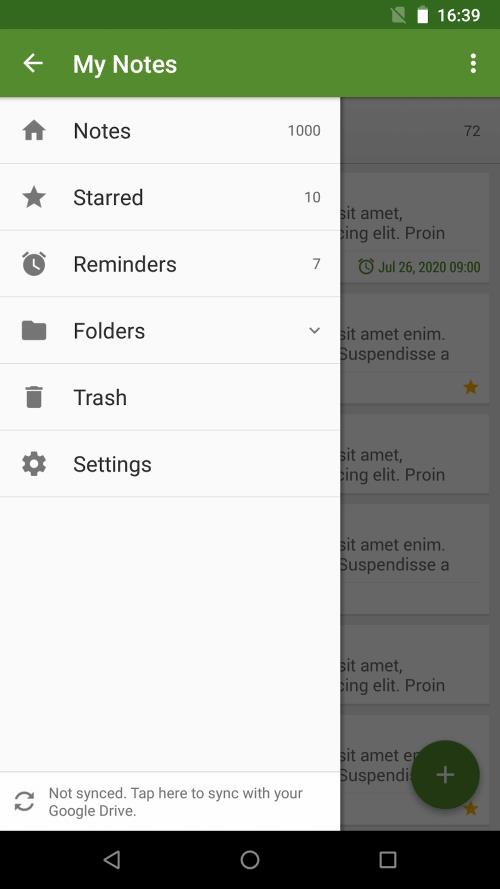
My Notes is a versatile note-taking app designed to capture ideas, tasks, and reminders with speed and clarity. It combines a clean editor, robust organization tools, and seamless syncing so you can access notes across devices while keeping content searchable, secure, and easy to organize.
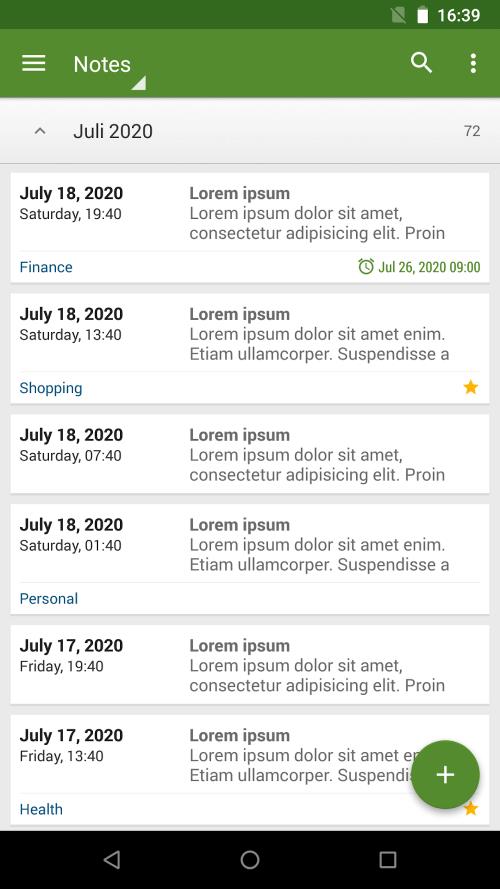
My Notes offers a balanced set of tools that suit casual jotting and complex project management alike. The app supports rich text formatting, checklists, multimedia attachments, and quick search, all presented in a lightweight package that prioritizes responsiveness and battery efficiency.
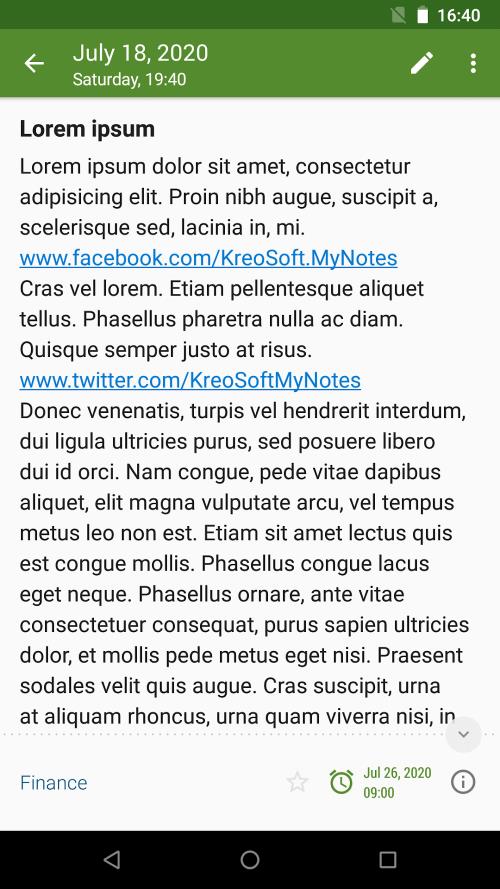
The editor in My Notes makes it simple to structure information. Use bold, italics, headers, and bullet lists to highlight important points, or switch to checklist mode to track tasks and progress. Inline images and attachments can be added to enrich content, and a simple drag-and-drop interface helps you rearrange items quickly.
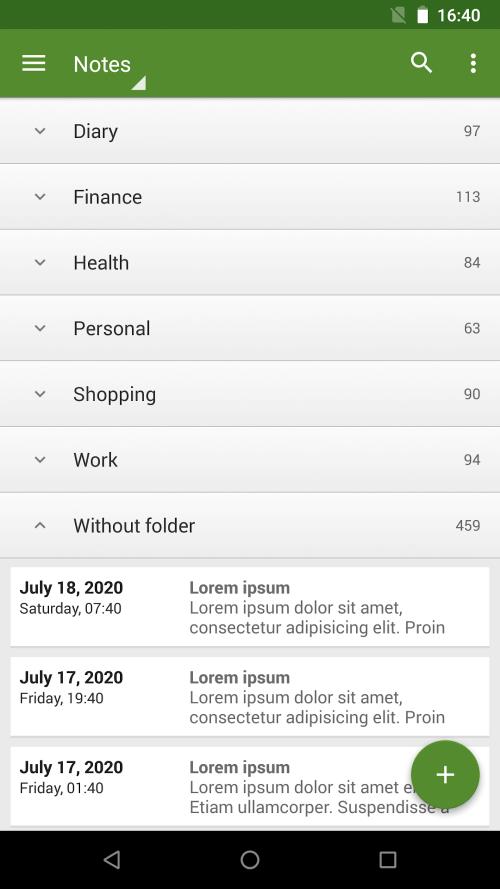
Keeping notes organized is straightforward. My Notes supports nested folders, custom tags, and color labels so you can create a filing system that matches your workflow. A fast full-text search and filters let you find older notes by keyword, tag, or date, reducing time spent hunting for important information.
Reliable syncing keeps your notes available across phones, tablets, and desktops. My Notes encrypts data during transfer and offers optional cloud backup so you can restore content if you switch devices. Offline editing is supported, and changes sync automatically when a connection is reestablished.
Privacy is a priority. My Notes allows you to lock individual notes or entire folders with a PIN, pattern, or biometric authentication. Local encryption options and secure cloud sync protect sensitive data, while granular permission controls keep shared notes safe when collaborating with others.
My Notes integrates with common productivity tools to streamline your routine. Export notes as PDFs, text files, or images for sharing. Connect to calendar and reminder apps to convert notes into scheduled tasks, or use share extensions to capture content from web pages and other apps into new entries.
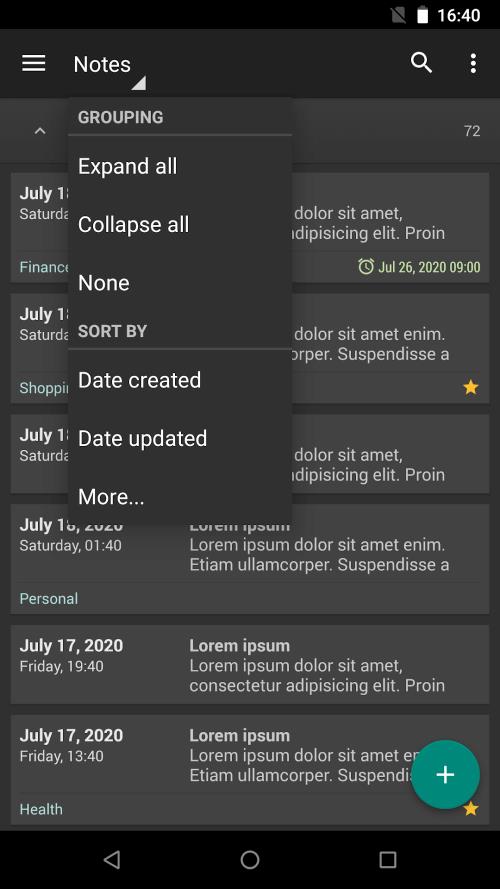
Customize the look and behavior of the app to match your preferences. Choose between light and dark themes, set a preferred font and text size, and configure the home screen to show recent notes, pinned items, or a quick-capture button. These options help you create a comfortable writing environment for long sessions.
Designed for speed, My Notes runs smoothly on a wide range of Android devices. The app minimizes memory use and supports background syncing without draining battery. Regular updates maintain compatibility with the latest Android versions and introduce optimizations for new hardware.
When you need to work with others, My Notes provides controlled sharing features. Share view-only links, invite collaborators with edit rights, or export snapshots for distribution. Version history helps you review changes and recover previous drafts when multiple people contribute to the same document.
My Notes provides a dependable platform for capturing, organizing, and protecting your ideas. Whether you're drafting meeting notes, tracking projects, or keeping a daily journal, the app balances powerful features with an uncluttered interface so your focus stays on the content.
Grammarly Keyboard
Size:22.87M ProductivityMy Notes
Size:4.17M ProductivityPlanWiz
Size:46.17M ProductivitySupershift
Size:15.00M ProductivityEasy Urdu
Size:31.38M ProductivityRe:Work
Size:68.04M ProductivityOfficeMail Pro
Size:69.00M ProductivityPrint From Anywhere
Size:54.00M ProductivityWiFi Passwords: Instabridge
Size:63.45M ProductivityPerfect Ear: Music & Rhythm
Size:10.34M ProductivityInSaver
Size:13.42M ProductivityDesh Hindi Keyboard
Size:21.40M ProductivityApril 2024 Clash of Clans Update: Unveiling a Fresh Companion, Enhanced Levels, Chat Tagging, and Be
2024-04-16Arrival of Genshin Impact 4.6 Update: 'Embers of Two Realms, Twilight of Crimson'
2024-04-16V2.2 of the Farlight 84 update introduces an overhauled Season structure, fresh in-game currency, an
2024-04-16Monster Never Cry is now accessible on both Android and iOS mobile devices.
2024-04-18PUBG Mobile Teams Up with Bentley Motors: Luxury Cars, Exclusive Collectibles, and Beyond
2024-04-18March 2024 Free Redemption Codes for Honkai: Star Rail
2024-04-18