English
Aurora FPV puts powerful drone control in your pocket. Aurora FPV is a user-friendly Android app for 4-axis aircraft that streams live video and saves photos and video locally. Aurora FPV combines an intuitive touchscreen interface with responsive inputs so pilots of all levels can fly confidently.
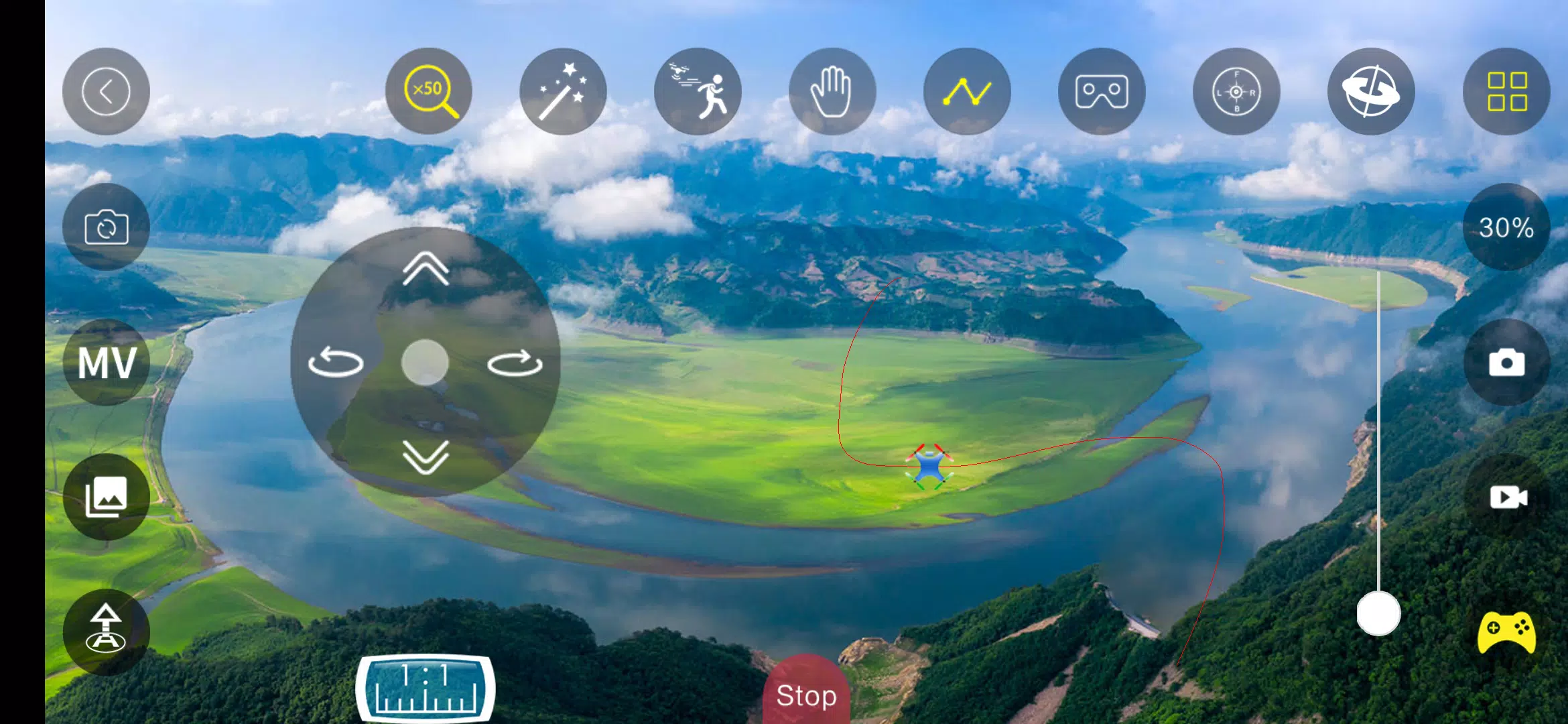
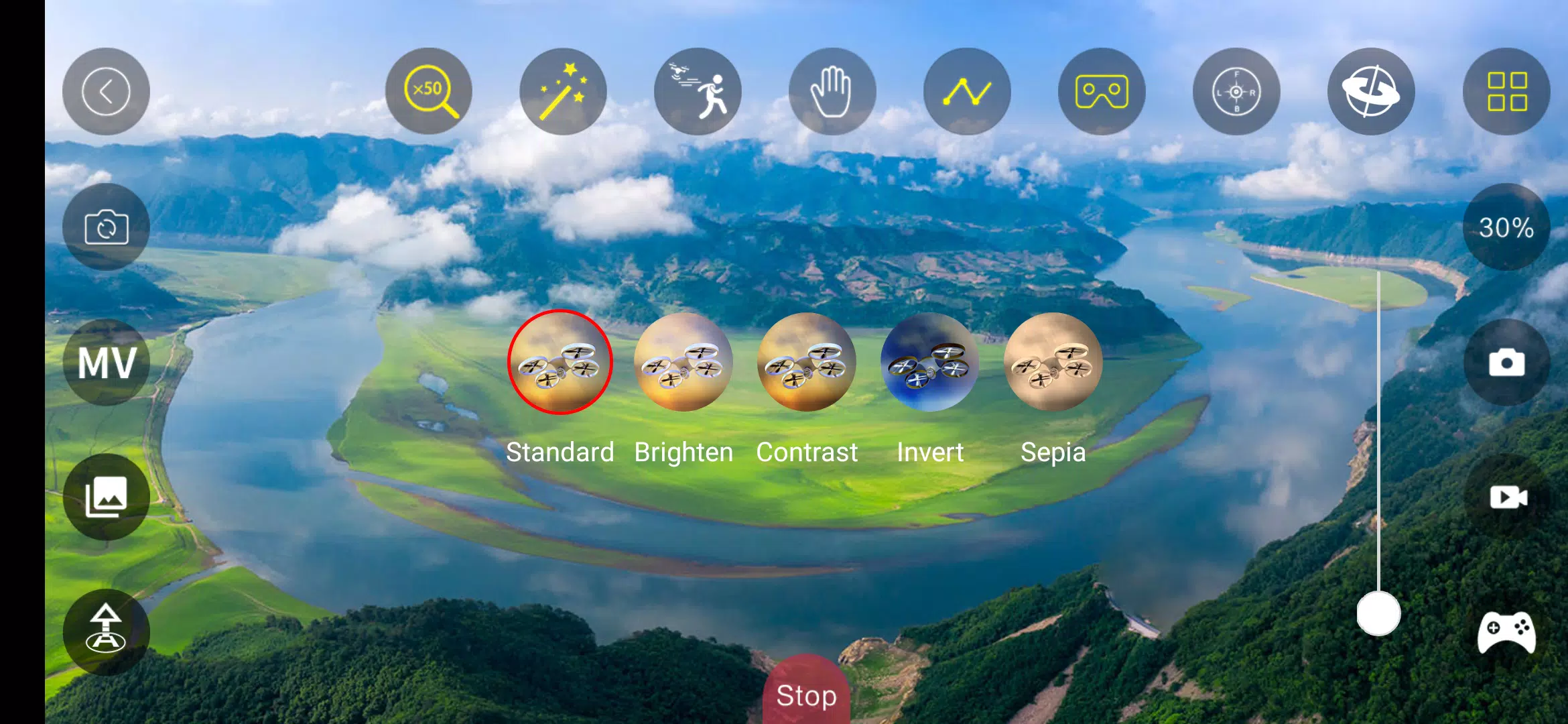
The app delivers real-time FPV video streamed over a local WiFi connection, providing a low-latency view from your aircraft for navigation and creative framing. Built-in capture tools let you take still photos and record video directly to your device storage so media is available offline for quick review, editing, and sharing. Aurora FPV emphasizes a clean HUD with overlay options that present telemetry and camera status without crowding the screen.
Aurora FPV offers a touchscreen control layout designed for both new and experienced pilots. The interface supports configurable sensitivity and dead-zone settings so you can tune stick response to match your flying style. Typical flight mechanics—throttle, yaw, pitch, and roll for 4-axis craft—are presented through virtual sticks and optional simplified modes to reduce control complexity while you learn. The app prioritizes smooth input-to-motor response to help maintain predictable handling during maneuvers and when framing shots.
Rather than imposing artificial levels, Aurora FPV helps pilots progress by offering selectable flight modes and guided practice recommendations. Beginners can use stability-focused profiles with more assistance and rate limiting, while intermediate and advanced pilots can switch to freer control for sport or cinematic flying. Flight logs and session summaries let you track how long you fly, how often certain control settings are used, and which media was captured, making it easier to set personal progression goals and measure improvement over time.
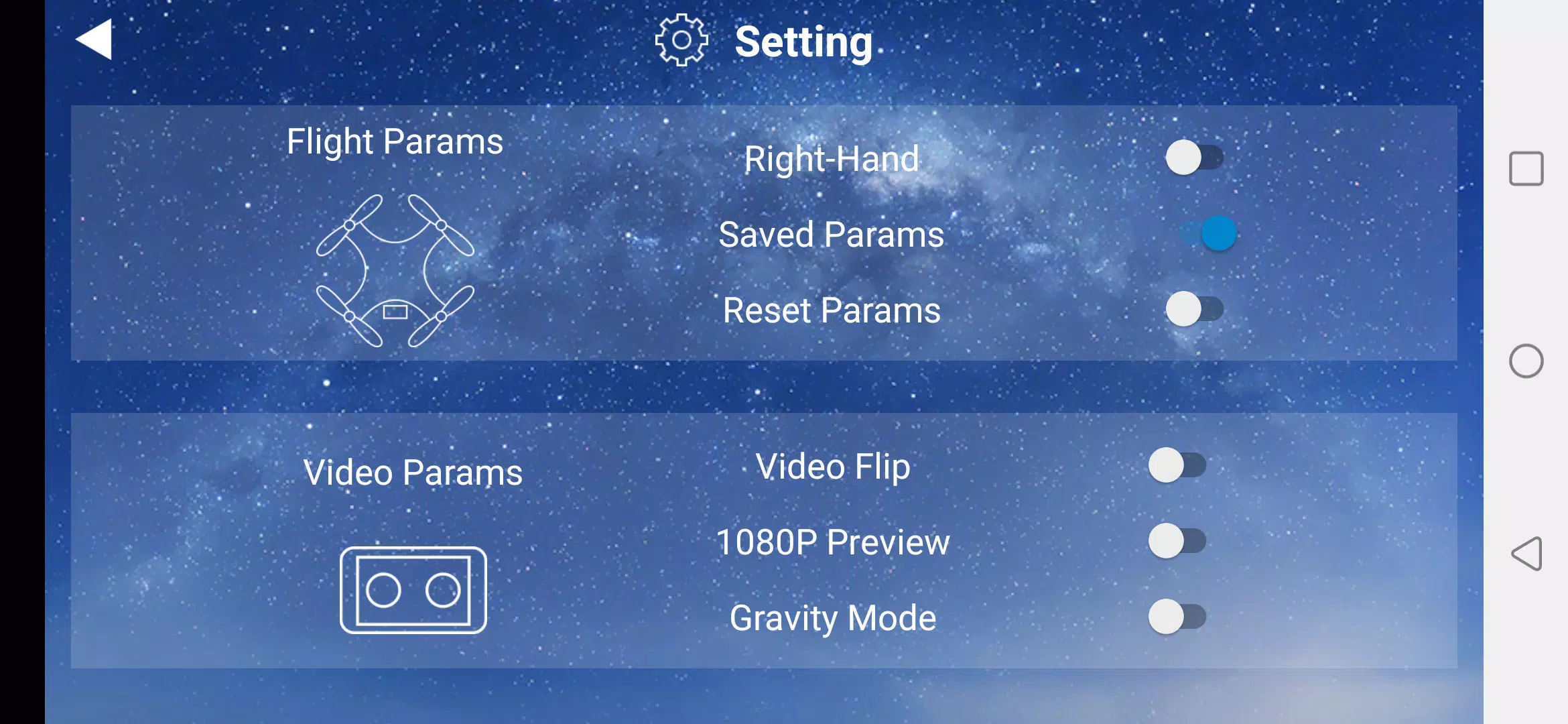
Customization focuses on useful adjustments: HUD layout, control position, sensitivity presets, and camera exposure controls. You can rearrange on-screen buttons to prioritize the tools you use most, and save custom profiles for different aircraft or flight purposes—for example, a smooth cinematic profile for video capture and a responsive profile for quick maneuvers. The UI balances accessibility with depth so users can start with simple defaults and gradually enable advanced options.
The visual presentation emphasizes a clear live feed with optional overlays for altitude, battery, signal strength, and recording status. Because the app stores captured media locally, reviewing past flights is immediate and encourages repeated outings to improve technique or re-shoot a sequence. The combination of live FPV, media capture, and adjustable camera controls gives Aurora FPV strong replay value for hobbyists who enjoy refining routes, shots, or flight routines.
Aurora FPV includes accessibility-minded features like adjustable contrast for overlays and simplified control presets that reduce cognitive load for new pilots. Offline functionality covers media management and settings adjustments so you can review footage and tweak profiles without an active connection to the aircraft. The app is intended to remain practical when WiFi is unavailable by letting you prepare, review, and configure before or after flights.
Designed for a range of 4-axis models that support local WiFi link, Aurora FPV aims to minimize compatibility friction through flexible settings and control mapping. Be aware that the app requires a WiFi connection to communicate with the aircraft, so effective range and link quality depend on your hardware and environment. Functionality focuses on WiFi-capable 4-axis aircraft; users should verify compatibility with their specific model and firmware before relying on advanced features.
Before first flight, use the app to calibrate controls and save a beginner profile for safe initial flights. Keep media storage monitored to avoid running out of space during long sessions, and review recorded clips to identify control adjustments that improve smoothness or framing. For consistent results, save profiles per aircraft and per flying scenario so switching from training to cinematic flight is a quick, repeatable step.
Gaming Logo Maker ESports
Size:22.75M OtherHiShort
Size:62.40M OtherSolid Color Wallpapers
Size:14.90M OtherLike Launcher heart launcher
Size:28.30M OtherNBA G League
Size:70.55M OtherCreative Launcher
Size:25.87M OtherDelta Icon Pack
Size:42.80M OtherEarth Map Satellite Live View
Size:39.85M OtherCrunchyroll
Size:56.80M OtherWin 12 Launcher
Size:13.58M OtherM Launcher
Size:13.61M OtherOS Style Launcher
Size:10.90M OtherApril 2024 Clash of Clans Update: Unveiling a Fresh Companion, Enhanced Levels, Chat Tagging, and Be
2024-04-16Arrival of Genshin Impact 4.6 Update: 'Embers of Two Realms, Twilight of Crimson'
2024-04-16V2.2 of the Farlight 84 update introduces an overhauled Season structure, fresh in-game currency, an
2024-04-16Monster Never Cry is now accessible on both Android and iOS mobile devices.
2024-04-18PUBG Mobile Teams Up with Bentley Motors: Luxury Cars, Exclusive Collectibles, and Beyond
2024-04-18March 2024 Free Redemption Codes for Honkai: Star Rail
2024-04-18