English
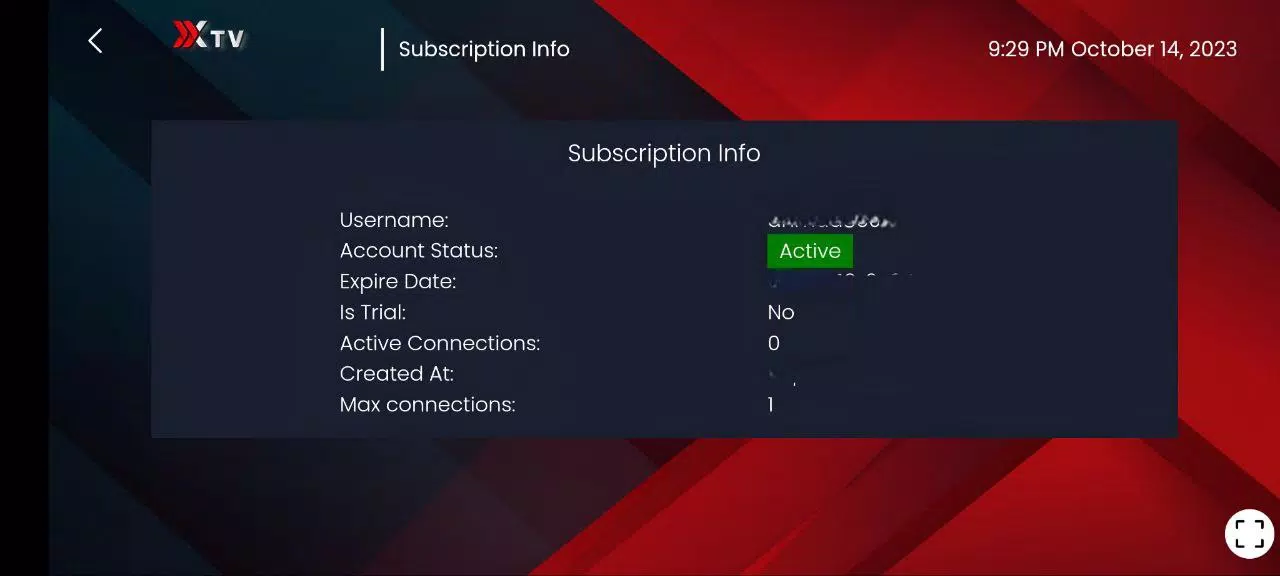
Xiptv Pro is a lightweight Android application for streaming live TV, on-demand content, and recorded shows via M3U and IPTV services. It organizes channels, provides EPG support, and offers adaptable playback settings for a smooth viewing experience across devices, making it a practical choice for cord-cutters and media enthusiasts.
Xiptv Pro delivers a focused set of tools designed for reliable IPTV playback. Users can import playlists in M3U format, connect to Xtream Codes or similar IPTV portals, and manage favorites and grouped channel lists. The built-in electronic program guide (EPG) provides scheduling details and program descriptions, while configurable start-up channels and a recent channel history make navigation faster.
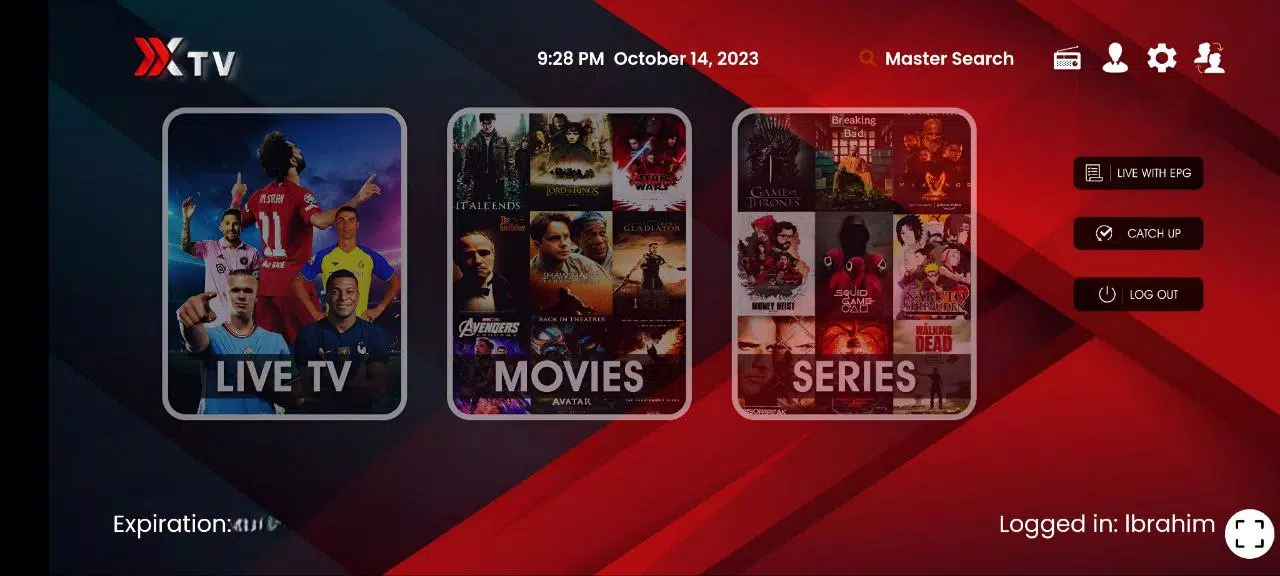
The app interface is uncluttered and optimized for both touch and remote control use. Menus are organized into clear sections: live TV, VOD, recordings, and settings. A responsive channel list and thumbnails speed up browsing, while search and filtering options let you find content by name, genre, or provider. For Android TV and set-top boxes, the remote-friendly layout reduces friction during channel surfing.
Playback options in Xiptv Pro are extensive. Users can choose external players, adjust buffering levels to match network conditions, and toggle hardware acceleration for improved efficiency on supported devices. Subtitle support, audio track switching, and resolution preferences provide flexibility for different types of streams. The app also remembers playback position for on-demand items and supports resume play for partially watched content.
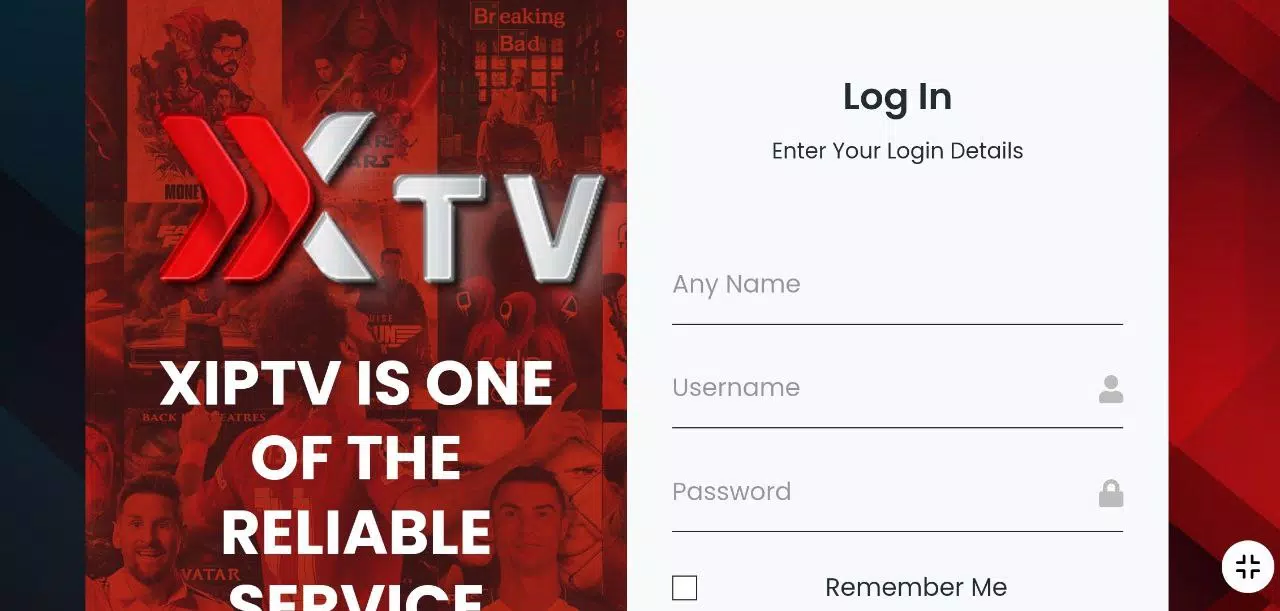
Xiptv Pro is compatible with common IPTV formats and protocols to ensure wide device support. It accepts M3U playlists, Xtreme Codes API entries, and direct stream URLs. On the client side, the app works across Android phones, tablets, Android TV devices, and many set-top boxes. Compatibility with popular external media players expands codec support and can resolve playback issues for obscure stream types.
Designed to perform under varying network conditions, Xiptv Pro includes adaptive buffering and connection retry settings. Users with slower connections can reduce stream quality to prevent buffering, while high-bandwidth setups benefit from higher bitrate playback. The app minimizes CPU load through optional hardware acceleration and offers logging tools to diagnose stream failures or authentication problems with IPTV providers.
Xiptv Pro includes basic parental control features to restrict access to specific channels or categories. Settings can be protected with a PIN, allowing administrators to block adult or inappropriate content. For secure access to IPTV portals, the app supports encrypted connection methods offered by providers and allows credential storage under user-controlled permissions.
The app provides convenient maintenance tools such as playlist refreshing, cache clearing, and EPG update scheduling to keep channel lists current. Diagnostic logs and error messages are accessible for troubleshooting. Regular app updates add compatibility improvements and new options to handle evolving stream types and authentication methods.
Xiptv Pro appeals to users seeking a straightforward, no-frills IPTV client with strong compatibility and useful playback controls. Its combination of playlist flexibility, EPG support, and remote-friendly interface makes it suitable for home media setups and Android TV environments. For users wanting a compact app that prioritizes stability and control, Xiptv Pro is a capable solution.
Gaming Logo Maker ESports
Size:22.75M OtherHiShort
Size:62.40M OtherSolid Color Wallpapers
Size:14.90M OtherLike Launcher heart launcher
Size:28.30M OtherNBA G League
Size:70.55M OtherCreative Launcher
Size:25.87M OtherDelta Icon Pack
Size:42.80M OtherEarth Map Satellite Live View
Size:39.85M OtherCrunchyroll
Size:56.80M OtherWin 12 Launcher
Size:13.58M OtherM Launcher
Size:13.61M OtherOS Style Launcher
Size:10.90M OtherApril 2024 Clash of Clans Update: Unveiling a Fresh Companion, Enhanced Levels, Chat Tagging, and Be
2024-04-16Arrival of Genshin Impact 4.6 Update: 'Embers of Two Realms, Twilight of Crimson'
2024-04-16V2.2 of the Farlight 84 update introduces an overhauled Season structure, fresh in-game currency, an
2024-04-16Monster Never Cry is now accessible on both Android and iOS mobile devices.
2024-04-18PUBG Mobile Teams Up with Bentley Motors: Luxury Cars, Exclusive Collectibles, and Beyond
2024-04-18March 2024 Free Redemption Codes for Honkai: Star Rail
2024-04-18