English
Avatar creator is a flexible mobile tool for designing personalized characters and profile images. With layered customization, hairstyle and accessory libraries, and export options, Avatar creator lets users craft unique avatars for social media, streaming, or game profiles quickly. It balances expressive art styles with user-friendly controls and rapid exports.
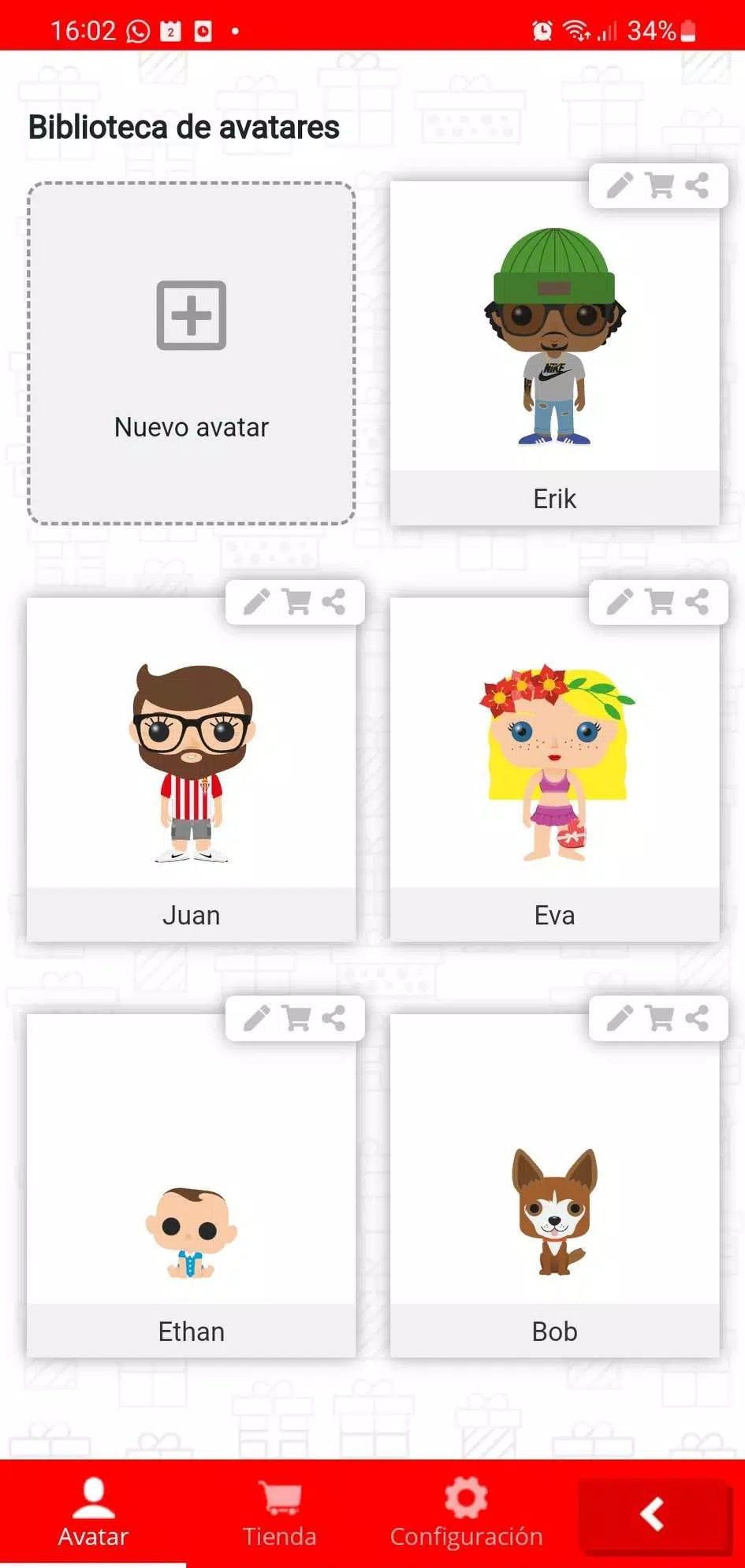
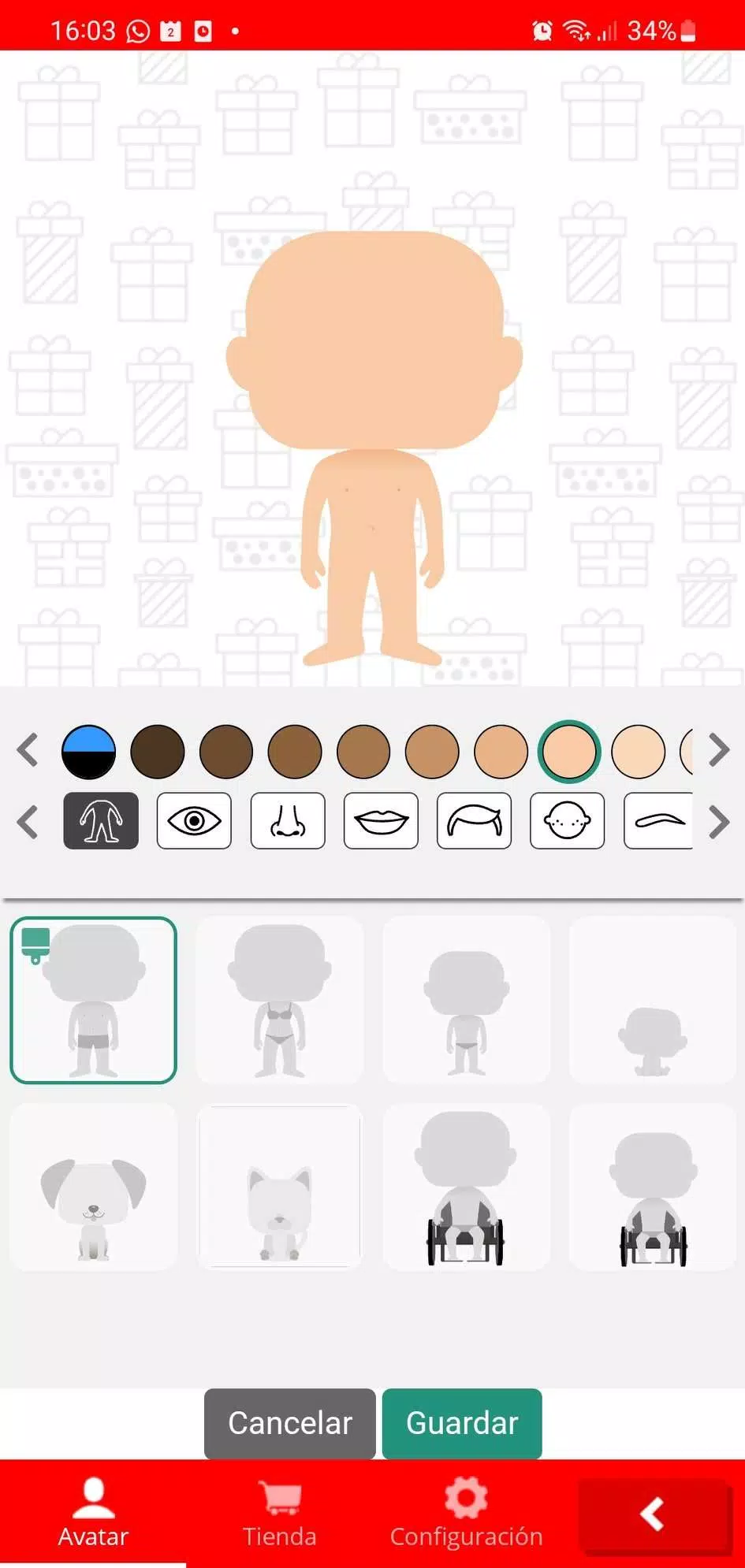
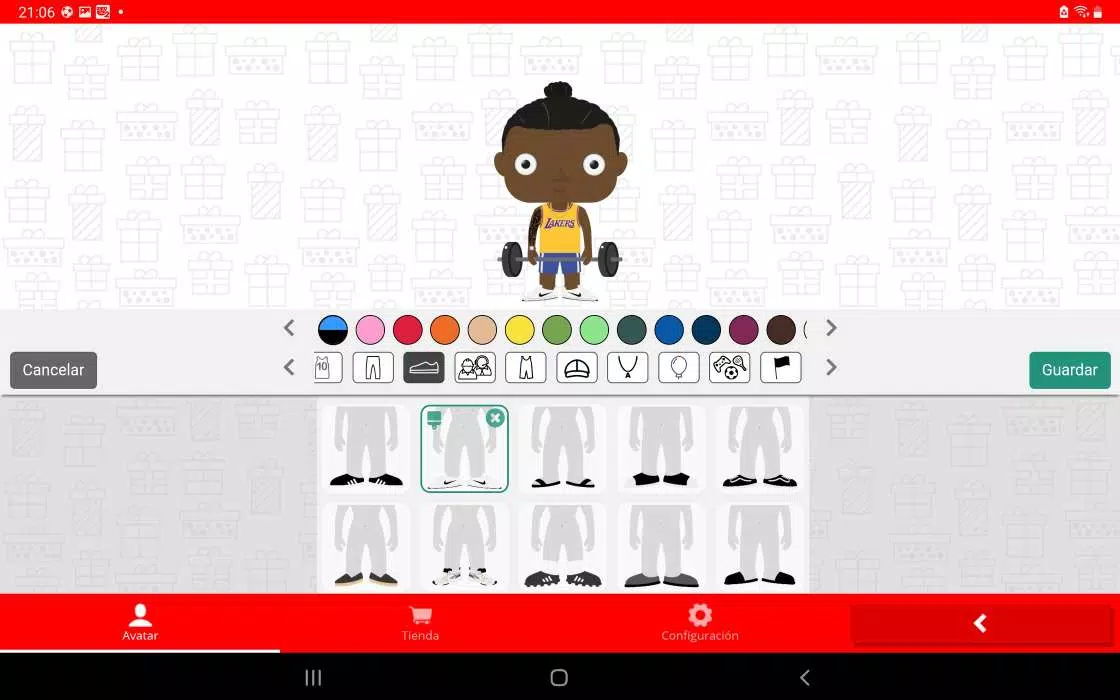
At its core, Avatar creator provides a straightforward set of tools to make expressive two-dimensional and semi-3D characters. Users find a mix of preset templates and modular pieces—faces, eyes, mouths, clothing, and props—so you can construct a look from scratch or modify an existing design. The app supports multiple art directions, from cartoon and chibi to clean flat illustrations, which helps creators match avatars to different brands or personal tastes.
The customization suite focuses on precision and variety. Key features include:
Avatar creator emphasizes an uncluttered interface that makes the creative flow intuitive. A left-side toolbar houses primary tools while a contextual panel appears when a part is selected, offering size, rotation, and opacity controls. Quick undo/redo and history snapshots let you experiment without fear of losing progress. Templates speed up the first draft, and a duplicate function lets you create variations for A/B testing profile images or stream overlays.
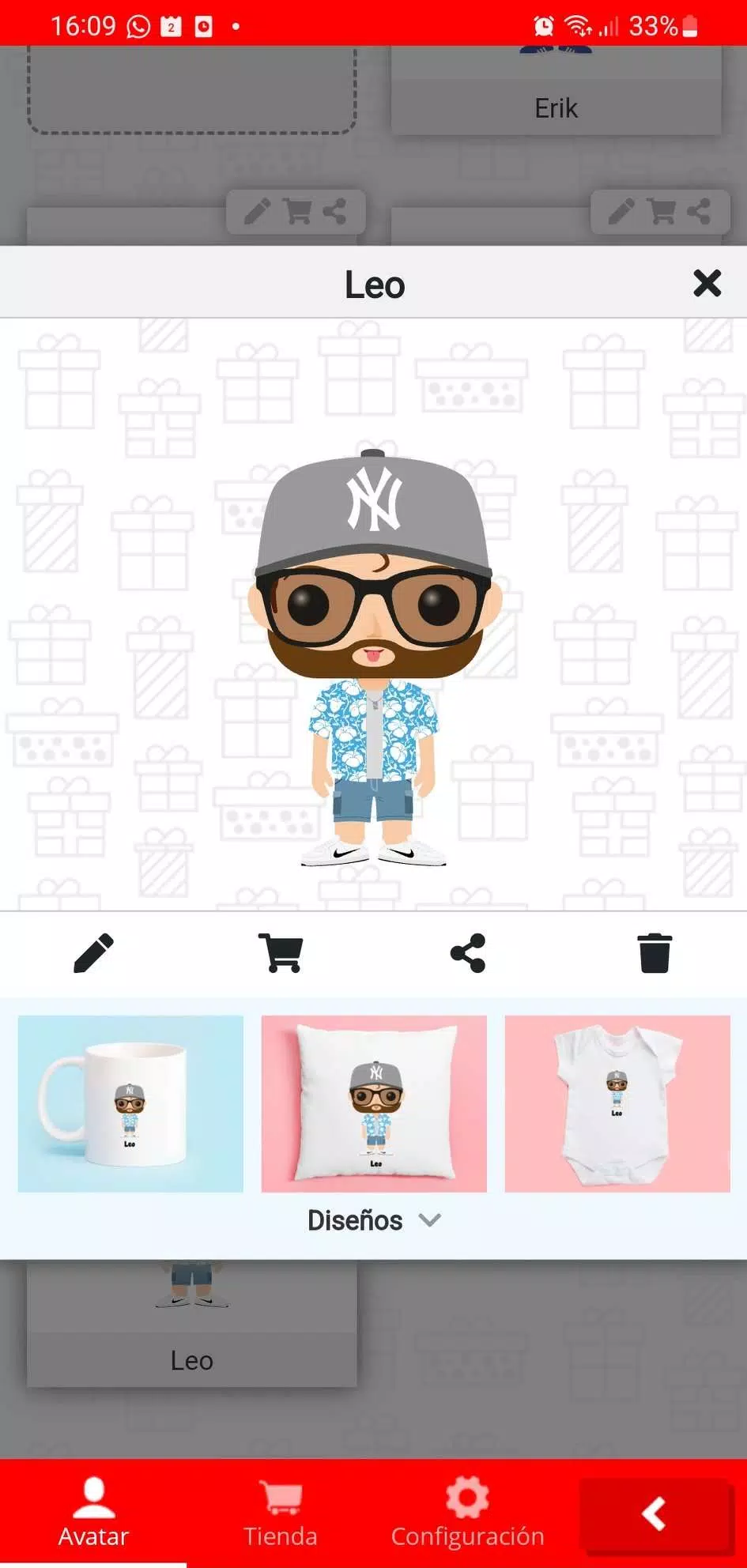
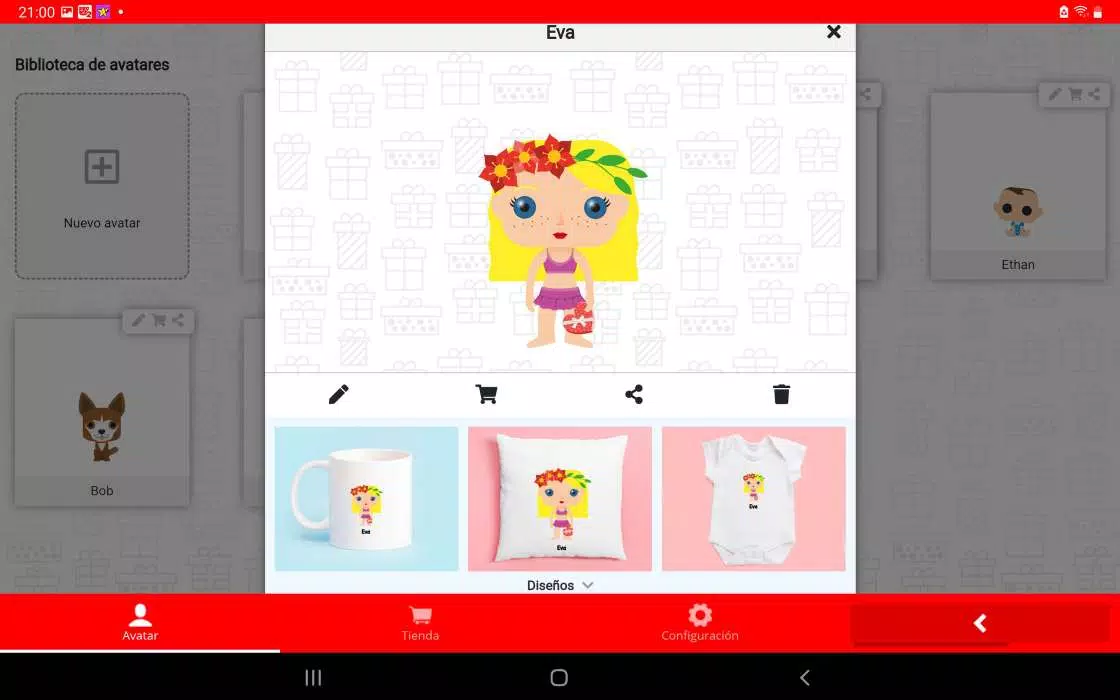
Export options are designed for practical use across platforms. Save avatars as high-resolution PNGs with transparent backgrounds for avatars or stickers, or choose JPEG for compact profile pictures. Some versions also support vector-like SVG exports for scalable art and animated GIFs for motion-ready avatars. Built-in sharing simplifies posting to social networks, messaging apps, or uploading to community marketplaces.
Avatar creator runs smoothly on a broad range of Android devices. The app is optimized to conserve memory when working with many layers and large canvases, and offers adjustable rendering quality to suit older phones. Offline mode allows editing without a connection, while cloud sync helps keep designs available across devices. Battery-friendly algorithms and background save reduce the risk of lost work during longer sessions.
People use Avatar creator for a variety of purposes: profile pictures for social media, icons for gaming profiles, character portraits for forums, and branded avatars for small businesses and podcasts. Streamers and video creators can design custom overlays and emotes, while teams might standardize avatar sets for internal directories. The app is also useful for educators and children exploring character design as a creative exercise.
To make the most of Avatar creator, start with a clear concept and build a mood board from styles you like. Use the layer naming feature to keep complex designs manageable. Try exporting multiple sizes to ensure legibility on different platforms, and leverage the duplicate-and-iterate approach to refine small details like eye shape or accessory placement. When working on a branded avatar, maintain a consistent color palette.
New users can begin with a guided tutorial that walks through assembling a basic avatar in minutes. The free tier includes core customization and several templates, while optional in-app purchases unlock premium accessories, higher-resolution exports, and cloud backup. Frequent updates add seasonal items and interface refinements, keeping the creative options fresh without overwhelming the workspace.
Whether you need a polished avatar for professional use or a playful character for personal accounts, Avatar creator offers a balanced mix of depth and simplicity. Its thoughtful toolset, export flexibility, and performance optimizations make it a practical choice for hobbyists and creators who want to produce consistent, eye-catching avatars quickly.
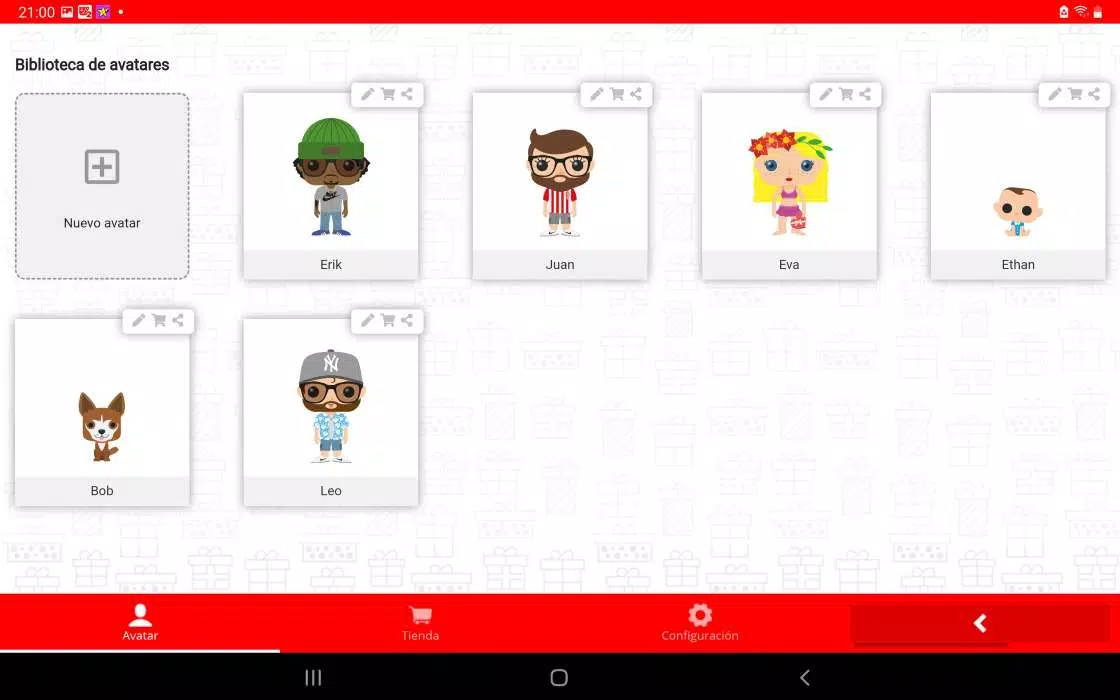
Gaming Logo Maker ESports
Size:22.75M OtherHiShort
Size:62.40M OtherSolid Color Wallpapers
Size:14.90M OtherLike Launcher heart launcher
Size:28.30M OtherNBA G League
Size:70.55M OtherCreative Launcher
Size:25.87M OtherDelta Icon Pack
Size:42.80M OtherEarth Map Satellite Live View
Size:39.85M OtherCrunchyroll
Size:56.80M OtherWin 12 Launcher
Size:13.58M OtherM Launcher
Size:13.61M OtherOS Style Launcher
Size:10.90M OtherApril 2024 Clash of Clans Update: Unveiling a Fresh Companion, Enhanced Levels, Chat Tagging, and Be
2024-04-16Arrival of Genshin Impact 4.6 Update: 'Embers of Two Realms, Twilight of Crimson'
2024-04-16V2.2 of the Farlight 84 update introduces an overhauled Season structure, fresh in-game currency, an
2024-04-16Monster Never Cry is now accessible on both Android and iOS mobile devices.
2024-04-18PUBG Mobile Teams Up with Bentley Motors: Luxury Cars, Exclusive Collectibles, and Beyond
2024-04-18March 2024 Free Redemption Codes for Honkai: Star Rail
2024-04-18