English
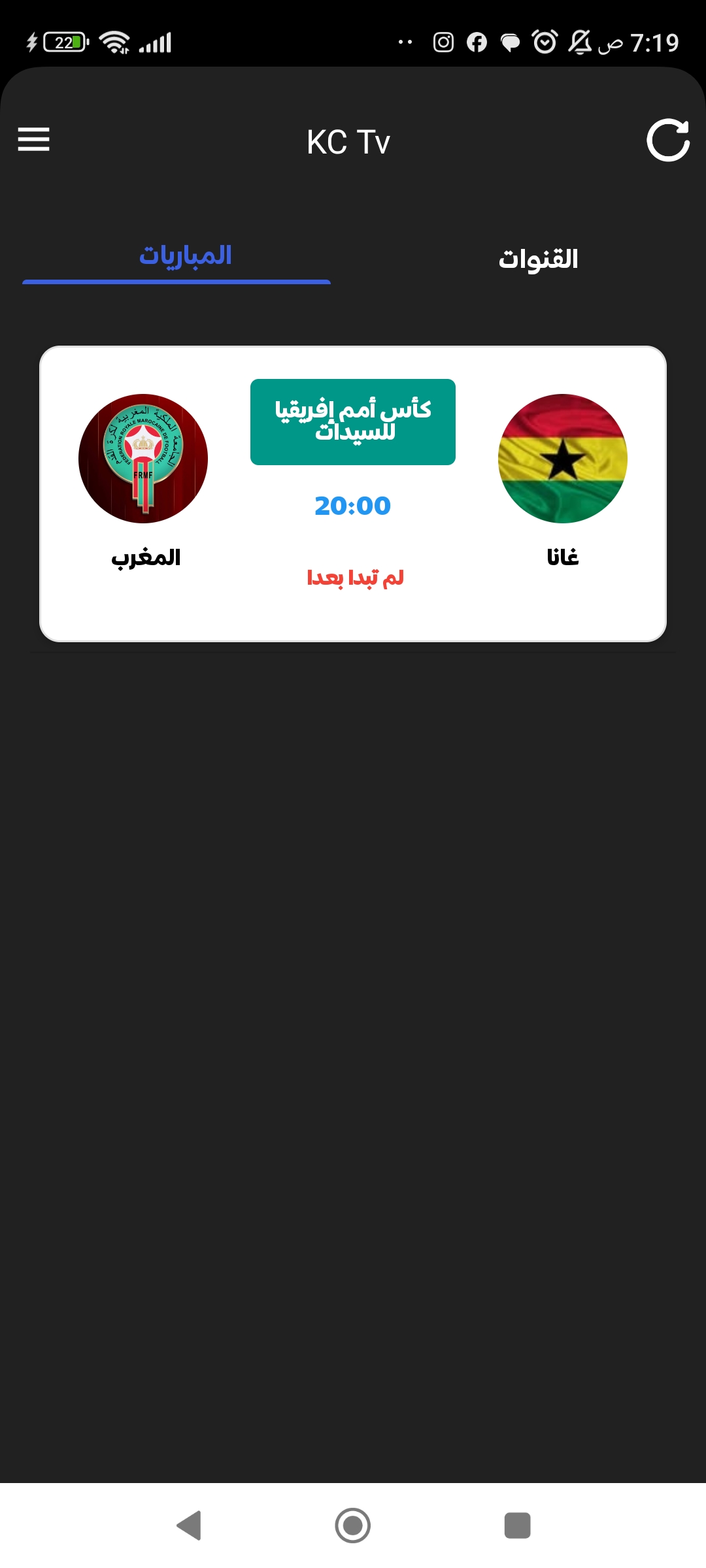
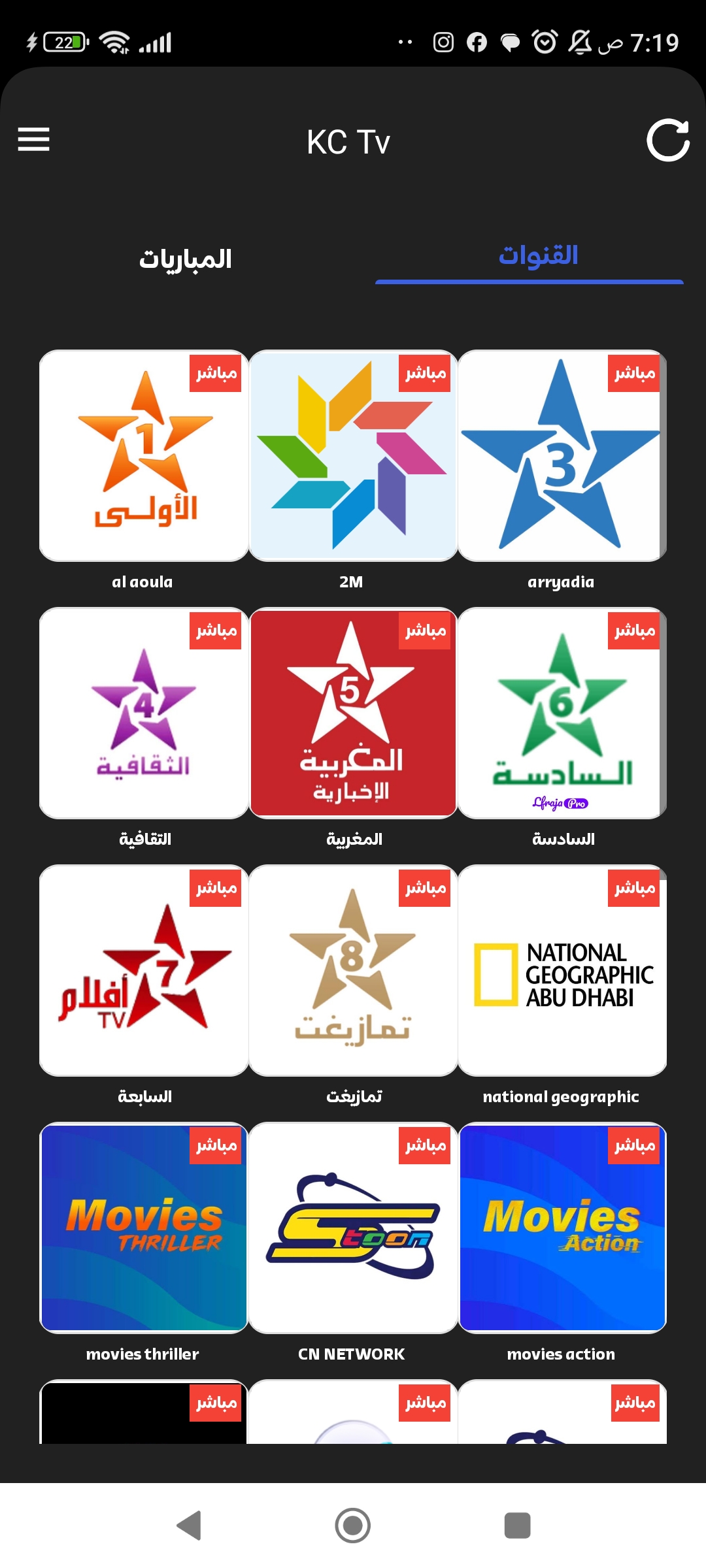
KC Tv brings live channels, on-demand shows, and personalized playlists into a single Android app, making it easy to discover regional and international content. Lightweight and responsive, KC Tv focuses on quick navigation, reliable streaming, and customizable viewing lists for commuters and cord-cutters.
KC Tv is a compact streaming utility designed for Android users who want access to linear channels and catch-up video without clutter. The app aggregates a range of sources into one interface, lets you save favorites, and offers basic playback controls that keep the viewing experience simple and efficient.
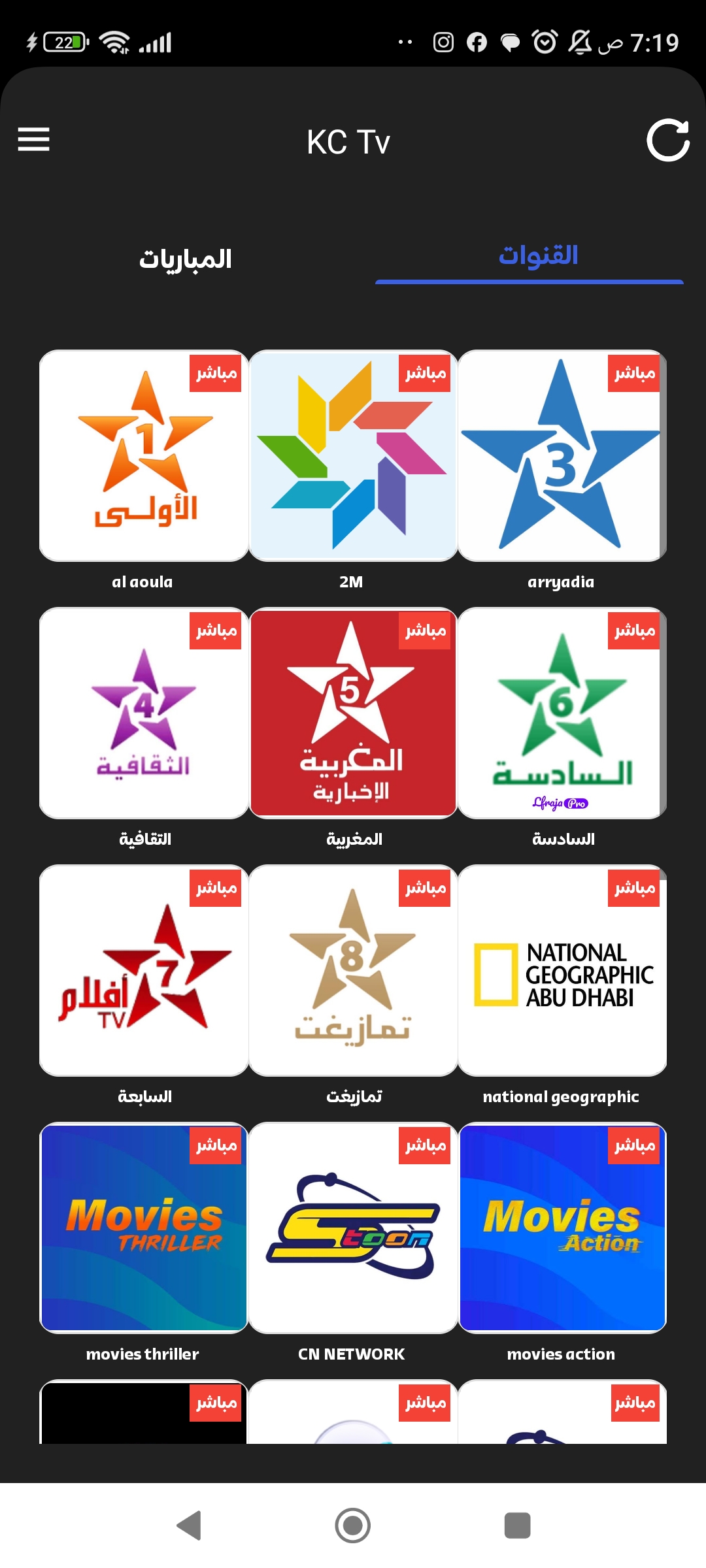
The interface emphasizes readability and speed. Large thumbnails and concise labels make scanning channels fast, while a persistent play bar offers instant controls without interrupting browsing. KC Tv keeps background memory use low and provides a dedicated low-data mode for limited connections, preserving battery and bandwidth during long sessions.
Playback is built around a straightforward video player with pause, rewind, and forward functions. The app supports basic subtitle toggles and common stream formats, so compatibility is broad. When network conditions fluctuate, the player reduces quality instead of stalling, which helps maintain continuous viewing on slower networks.
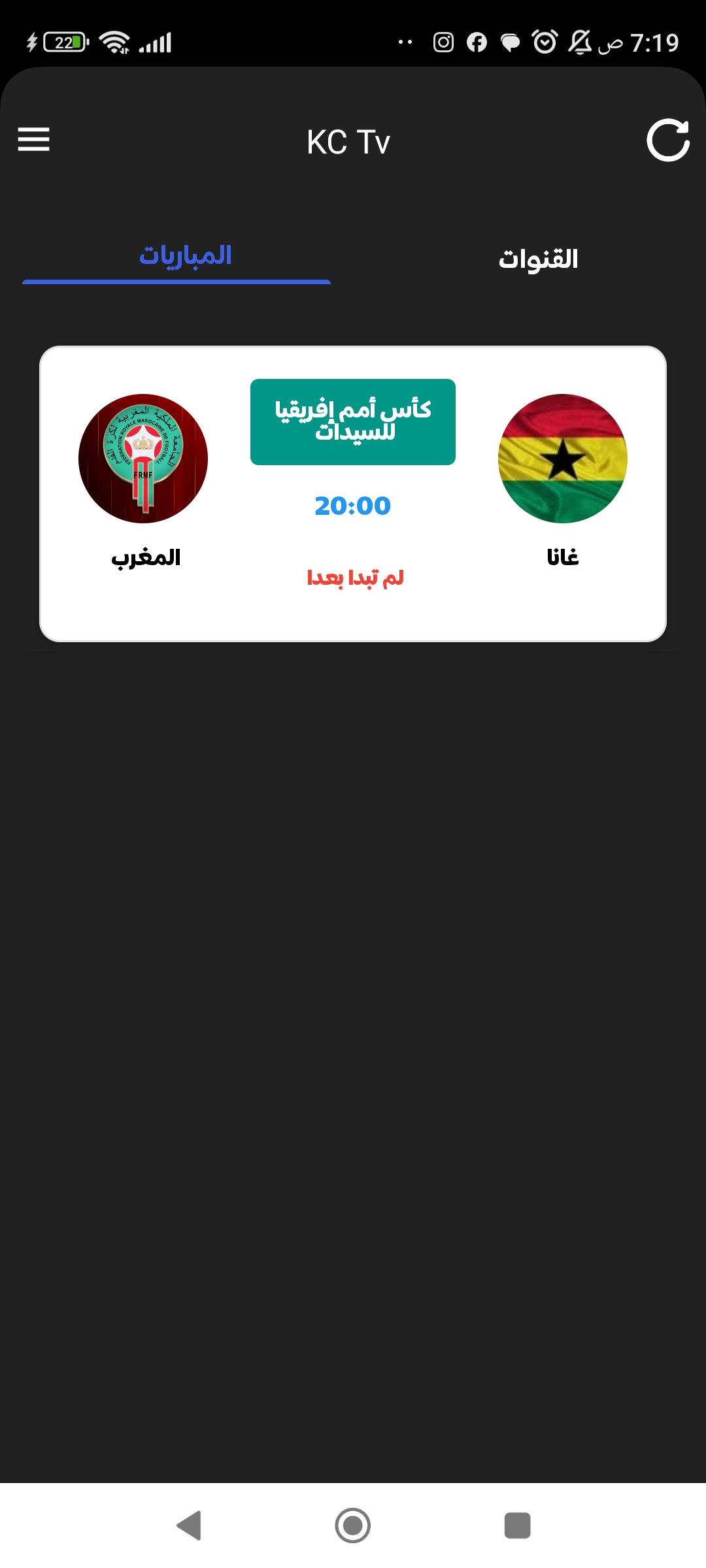
Installing KC Tv and beginning a session takes only a few steps. After granting necessary permissions, the app presents an introductory tour that highlights the channel list, search tools, and the favorites button. New users can import a curated list or manually pick channels to populate their home screen.
KC Tv includes several customization options aimed at personal workflows. You can reorder categories, hide channels you don’t use, and switch between light and dark themes. Playlists can be edited and reordered, and the built-in search supports filters for language, region, and genre, helping you narrow results quickly.
To make the most of KC Tv, start by bookmarking channels you expect to watch frequently. Use the category filters to discover content types you enjoy, and test the low-data mode on the first run to gauge quality trade-offs. If you run into stuttering, lowering the resolution manually often resolves issues faster than waiting for the adaptive player.
Many users appreciate KC Tv for its clean layout and minimal setup requirements. It’s attractive for people who want a no-friction way to access live streams without subscribing to large platforms. The app’s small install size and sensible defaults also appeal to devices with limited storage or older hardware.
Whether you’re a commuter looking for news and sports on the go or a viewer who prefers a pared-back streaming tool, KC Tv delivers a pragmatic alternative to larger streaming services. The design choices prioritize speed, accessibility, and predictable playback behavior, making it a practical addition to an Android media toolkit.
Gaming Logo Maker ESports
Size:22.75M OtherHiShort
Size:62.40M OtherSolid Color Wallpapers
Size:14.90M OtherLike Launcher heart launcher
Size:28.30M OtherNBA G League
Size:70.55M OtherCreative Launcher
Size:25.87M OtherDelta Icon Pack
Size:42.80M OtherEarth Map Satellite Live View
Size:39.85M OtherCrunchyroll
Size:56.80M OtherWin 12 Launcher
Size:13.58M OtherM Launcher
Size:13.61M OtherOS Style Launcher
Size:10.90M OtherApril 2024 Clash of Clans Update: Unveiling a Fresh Companion, Enhanced Levels, Chat Tagging, and Be
2024-04-16Arrival of Genshin Impact 4.6 Update: 'Embers of Two Realms, Twilight of Crimson'
2024-04-16V2.2 of the Farlight 84 update introduces an overhauled Season structure, fresh in-game currency, an
2024-04-16Monster Never Cry is now accessible on both Android and iOS mobile devices.
2024-04-18PUBG Mobile Teams Up with Bentley Motors: Luxury Cars, Exclusive Collectibles, and Beyond
2024-04-18March 2024 Free Redemption Codes for Honkai: Star Rail
2024-04-18