English
OPPLEXTV is a versatile streaming hub that consolidates live channels, on-demand shows, and personalized playlists into a single Android app. It emphasizes fast navigation, adaptive streaming quality, and simple account management, making it a practical choice for users who want lightweight but powerful media access on mobile devices.
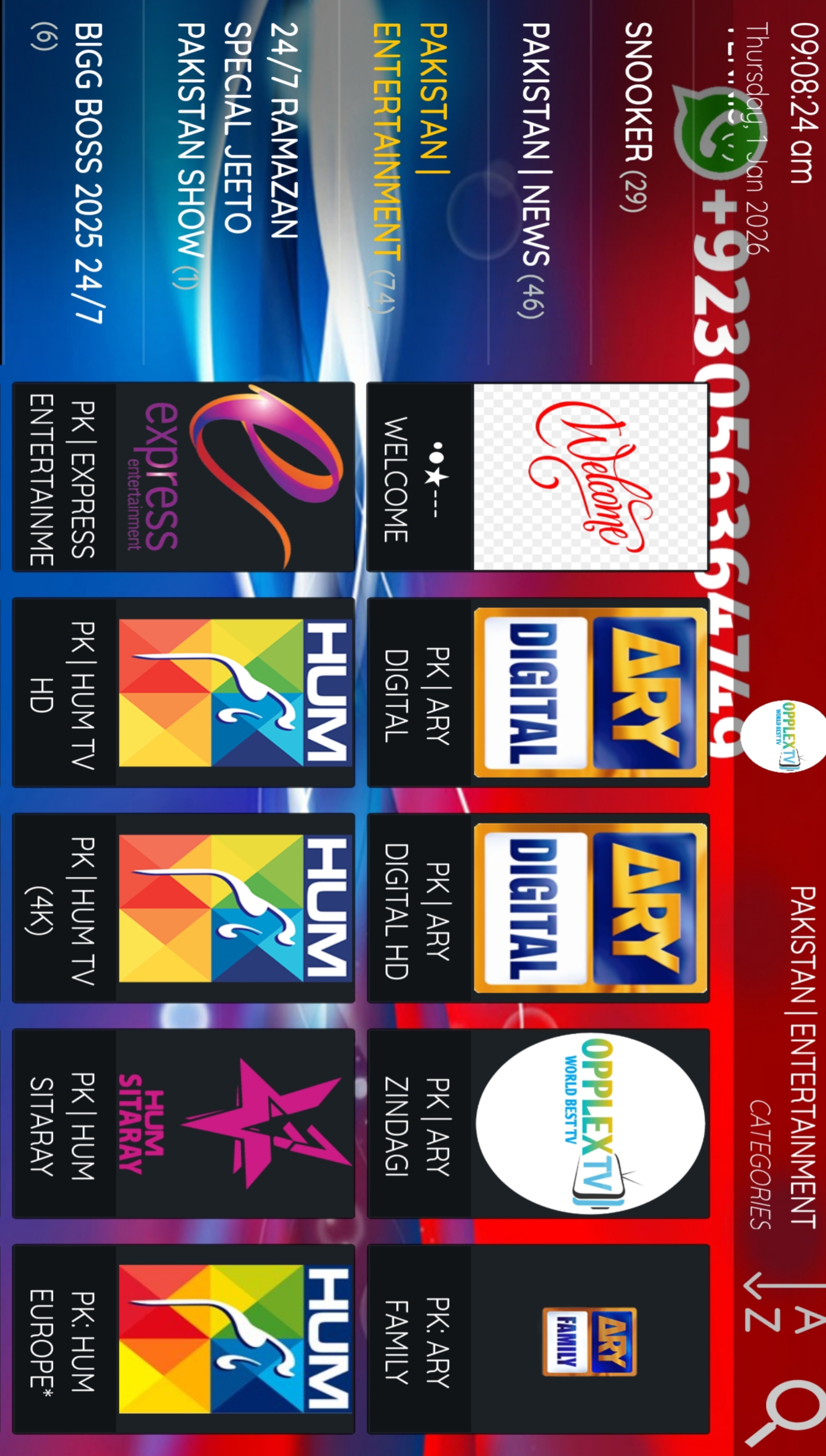
OPPLEXTV acts as a centralized client for watching video content from multiple sources. Users can browse curated channel lists, schedule recordings, and switch between resolution profiles to match their network conditions. The app targets viewers who prefer a tidy interface over feature-heavy, cluttered players.
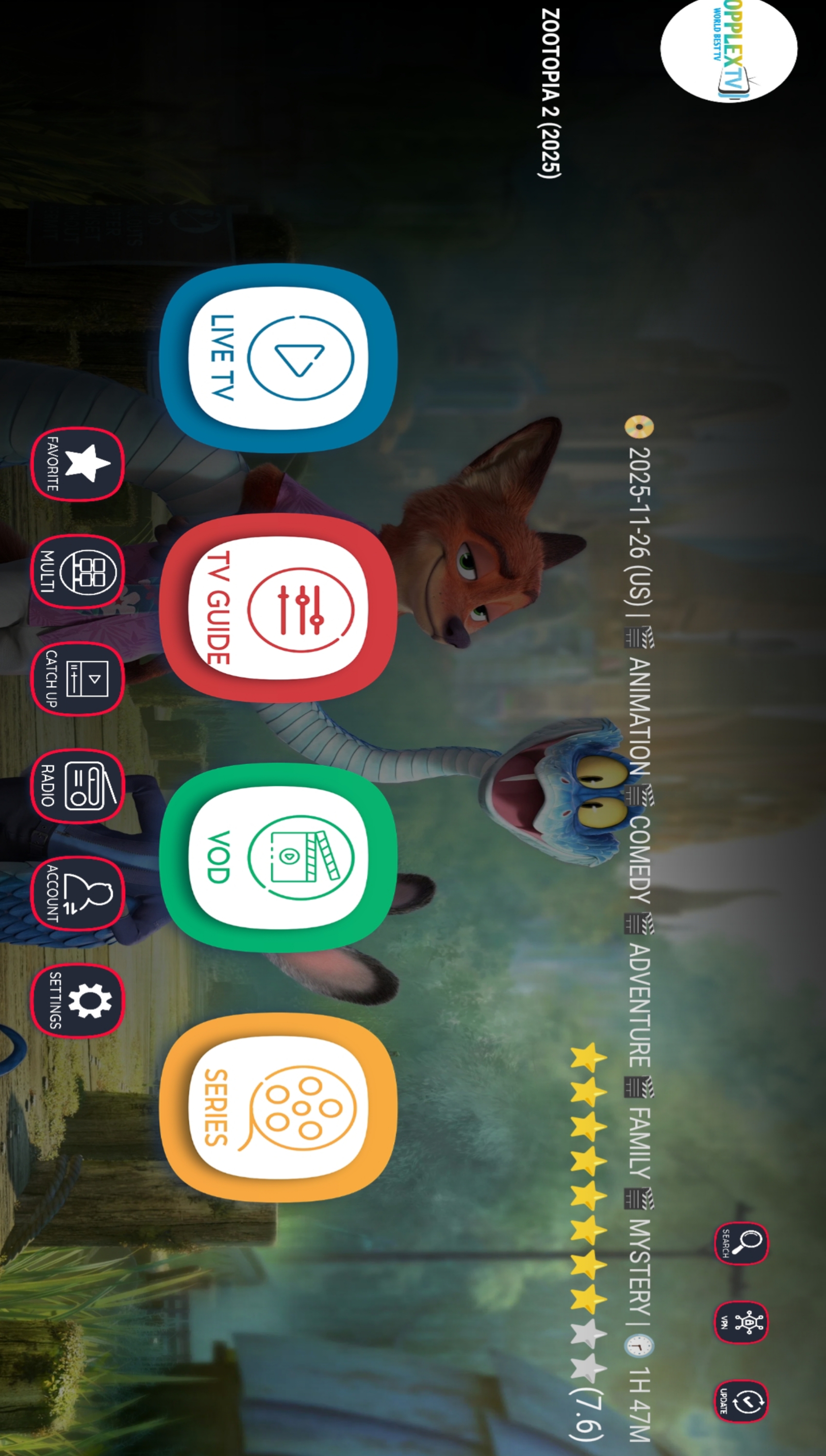
The interface is designed for clarity. Menu hierarchies are shallow and icons are consistent, which helps users reach their desired content in three taps or fewer. OPPLEXTV keeps memory usage modest and reduces background activity, so it performs well on entry-level devices while still taking advantage of hardware acceleration on higher-end phones.
Playback controls are responsive, with instant seek and intuitive gestures for volume and brightness. When switching streams, the app displays a brief loading state and then resumes at the nearest keyframe to avoid long stalling periods.
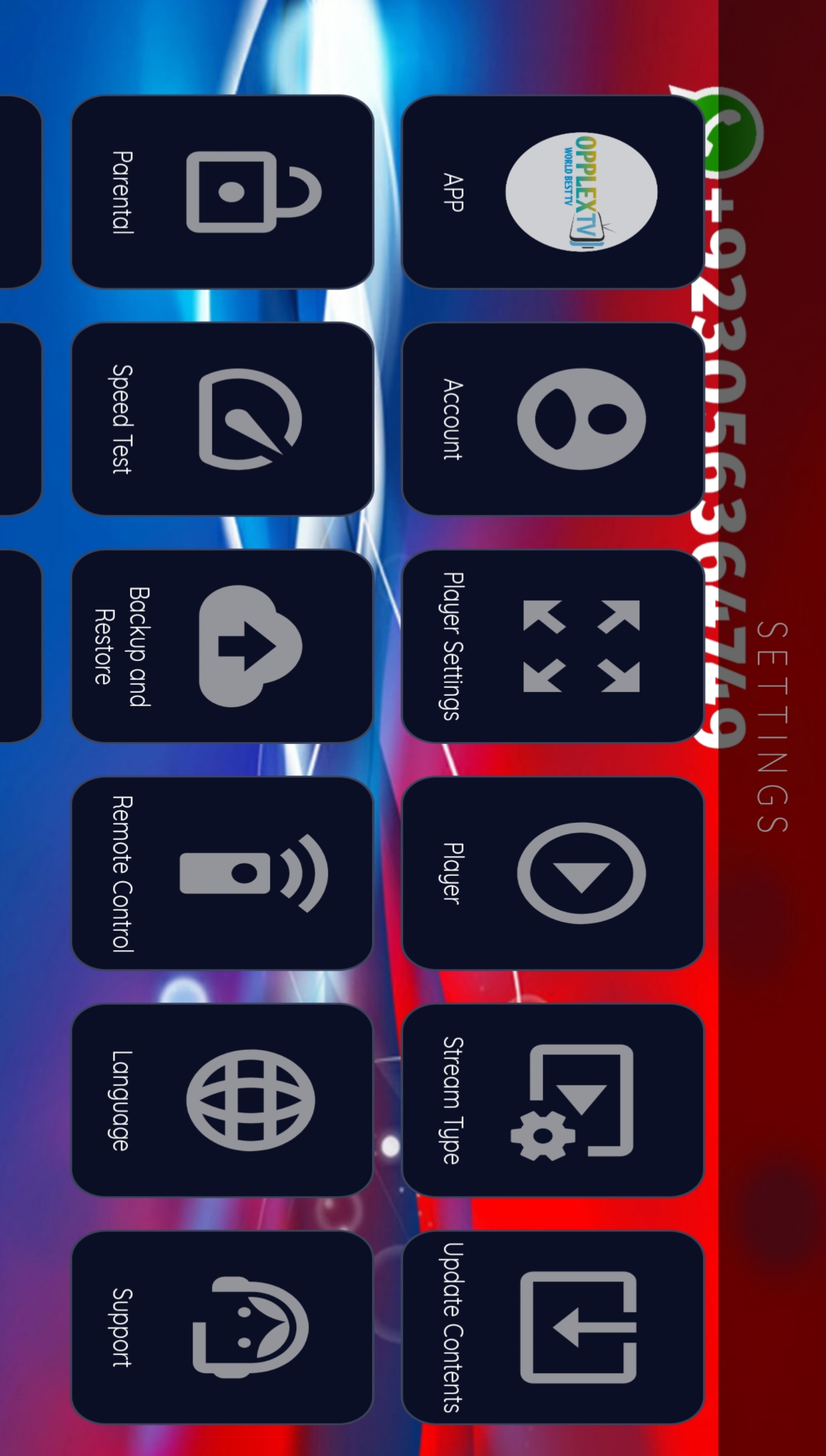
Customization is flexible without being overwhelming. Users can choose default video quality, toggle subtitles, and define how the player behaves when the app loses focus. These options let you tailor the app for battery savings, data usage, or highest possible visual fidelity.
Installation is straightforward. After downloading and opening the APK, grant the minimal permissions requested and perform the initial channel scan or sign in if you have an account. OPPLEXTV offers an onboarding flow that highlights essential controls and recommended settings for first-time users.
For power users, OPPLEXTV supports EPG overlays for program schedules and offers basic recording functionality. Integration points allow the app to hand off streams to external players or export playlists for use in other clients. These capabilities extend the app’s usefulness beyond simple viewing.
Scheduling a recording is handled with a compact calendar interface. The electronic program guide helps you discover upcoming content, set reminders, and plan recordings without navigating away from the main screen.
OPPLEXTV fits several viewing habits. It serves well as a lightweight daily driver for news and sports, a fallback player for travel where connectivity varies, and a focused on-demand viewer for curated channel packages. Its simplicity makes it approachable for nontechnical family members while offering enough depth for enthusiasts.
Overall, OPPLEXTV provides a pragmatic balance of performance, usability, and customization. It’s suited for users who want a no-nonsense streaming client that adapts to their device and network conditions while preserving a clean viewing experience.
Gaming Logo Maker ESports
Size:22.75M OtherHiShort
Size:62.40M OtherSolid Color Wallpapers
Size:14.90M OtherLike Launcher heart launcher
Size:28.30M OtherNBA G League
Size:70.55M OtherCreative Launcher
Size:25.87M OtherDelta Icon Pack
Size:42.80M OtherEarth Map Satellite Live View
Size:39.85M OtherCrunchyroll
Size:56.80M OtherWin 12 Launcher
Size:13.58M OtherM Launcher
Size:13.61M OtherOS Style Launcher
Size:10.90M OtherApril 2024 Clash of Clans Update: Unveiling a Fresh Companion, Enhanced Levels, Chat Tagging, and Be
2024-04-16Arrival of Genshin Impact 4.6 Update: 'Embers of Two Realms, Twilight of Crimson'
2024-04-16V2.2 of the Farlight 84 update introduces an overhauled Season structure, fresh in-game currency, an
2024-04-16Monster Never Cry is now accessible on both Android and iOS mobile devices.
2024-04-18PUBG Mobile Teams Up with Bentley Motors: Luxury Cars, Exclusive Collectibles, and Beyond
2024-04-18March 2024 Free Redemption Codes for Honkai: Star Rail
2024-04-18