English
Qibla Compass is a free, GPS-powered utility designed to help Muslims locate the correct prayer direction quickly and reliably wherever they travel. Qibla Compass opens directly to a large, easy-to-read compass face so users see the qibla indication immediately, and the first-time experience focuses on clarity and minimal setup to reduce distractions before prayer. Built to work with typical smartphone sensors, the app provides a straightforward visual reference for daily use, whether you are at home, in a new city, or on the road.
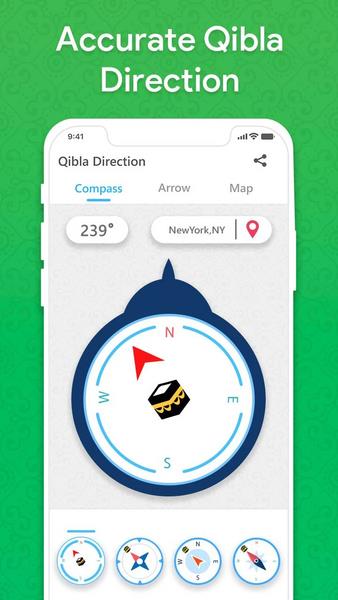
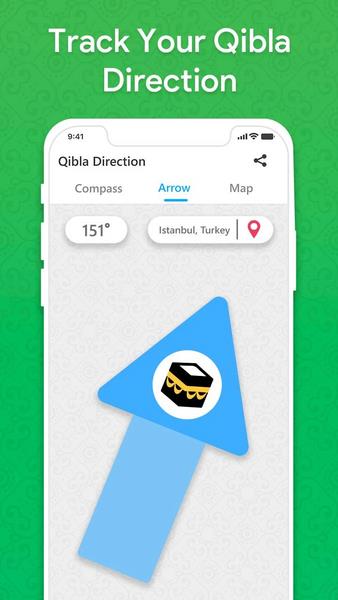
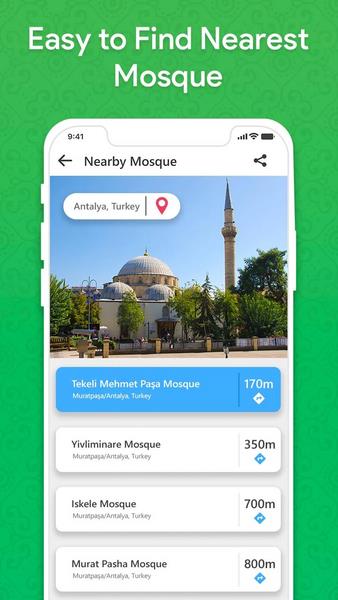
The central feature of this app is its responsive compass display that points toward the qibla using your device’s location and orientation sensors; you can choose between a full compass dial with a clear qibla icon or a simplified arrow-only view for a more minimal interface. The mosque locator integrates geolocation to suggest nearby places of worship and can guide you to a mosque when you need one. A Hijri calendar is included so you can track important Islamic dates alongside the directional tool. Each function is presented on a compact screen layout so core tools are accessible without navigating through multiple menus.
Interacting with Qibla Compass is intentionally simple: the main screen responds to touch gestures to toggle between display modes and to access the mosque finder and calendar. Calibration prompts appear only when the phone sensors require adjustment, and a short on-screen guidance explains the calibration motion so users can correct accuracy quickly. Settings allow you to grant or revoke location permission, choose which visual mode shows by default, and enable or disable auxiliary features such as the mosque suggestions or calendar reminders. The control flow keeps the compass visible at launch and places secondary tools one tap away.
The visual design emphasizes legibility in a variety of lighting conditions by using high-contrast markings and a clean iconography approach. The compass face and arrow are sized for readability at a glance, and the simplified arrow-only mode is ideal for smaller screens or when you need a single clear indicator. While maintaining its compact footprint, the interface scales appropriately for tablets and larger phones. Simple customization options focus on display preference and information density rather than extensive theme packs, preserving the app’s purpose as a practical prayer aid.
Qibla Compass aims for a low-friction user experience: the app launches to the compass so you can determine direction immediately, and common tasks like finding a mosque or checking Hijri dates do not interrupt that main view. Accessibility considerations include readable type sizes and clear visual contrast to support users with reduced vision. Because the tool is most useful when relied on regularly, repeated use benefits from short startup times, minimal permissions prompts after initial setup, and consistent sensor behavior across sessions. The design supports daily routines and travel planning alike.
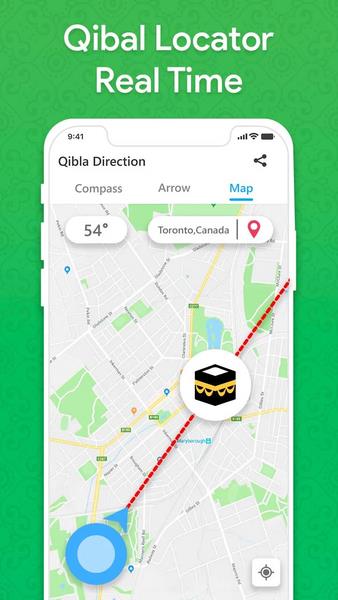
The core compass functionality relies on your phone’s built-in sensors and will continue to provide directional guidance without an active internet connection; this makes it practical for use in remote areas or while in transit. The mosque locator typically requires a network connection to fetch nearby results and maps, though it may surface previously cached locations when offline. Accuracy depends on the phone’s magnetometer and gyroscope and may require periodic calibration; the app will notify you if calibration is recommended and explain how to perform it. Location services must be enabled for precise qibla pointing, so the app clearly explains permission steps rather than failing silently.
Qibla Compass is optimized for simplicity, offering fast access to direction with an uncluttered interface that reduces setup time before prayer. Travelers will appreciate the mosque finder and Hijri calendar as compact companions to the compass, while everyday users benefit from immediate visual cues and optional arrow-only guidance for quick orientation. On the other hand, users should be aware that environmental magnetic interference, device-specific sensor quality, and disabled location services can affect performance. The app includes helpful tips to improve readings and suggests basic troubleshooting steps when the compass needs recalibration.
Gaming Logo Maker ESports
Size:22.75M OtherHiShort
Size:62.40M OtherSolid Color Wallpapers
Size:14.90M OtherLike Launcher heart launcher
Size:28.30M OtherNBA G League
Size:70.55M OtherCreative Launcher
Size:25.87M OtherDelta Icon Pack
Size:42.80M OtherEarth Map Satellite Live View
Size:39.85M OtherCrunchyroll
Size:56.80M OtherWin 12 Launcher
Size:13.58M OtherM Launcher
Size:13.61M OtherOS Style Launcher
Size:10.90M OtherApril 2024 Clash of Clans Update: Unveiling a Fresh Companion, Enhanced Levels, Chat Tagging, and Be
2024-04-16Arrival of Genshin Impact 4.6 Update: 'Embers of Two Realms, Twilight of Crimson'
2024-04-16V2.2 of the Farlight 84 update introduces an overhauled Season structure, fresh in-game currency, an
2024-04-16Monster Never Cry is now accessible on both Android and iOS mobile devices.
2024-04-18PUBG Mobile Teams Up with Bentley Motors: Luxury Cars, Exclusive Collectibles, and Beyond
2024-04-18March 2024 Free Redemption Codes for Honkai: Star Rail
2024-04-18