English
One4Wall: 4K Wallpapers & Live One4Wall: 4K Wallpapers & Live One4Wall: 4K Wallpapers & Live is a wallpaper manager that delivers a large collection of high-resolution static and animated backgrounds, curated categories, and straightforward personalization tools so you can refresh your Android home and lock screens quickly and without fuss.
This app targets users who want crisp visuals and a simple workflow rather than a cluttered design studio. The library is organized into thematic collections, resolution-aware packs, and seasonal releases so you can discover fresh looks in moments. The focus is practical: high-quality imagery, battery-aware live scenes, and clear controls that make swapping wallpapers part of a daily routine rather than a chore.
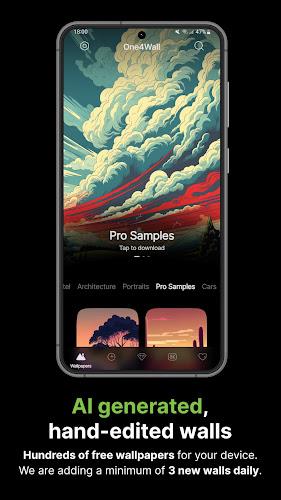
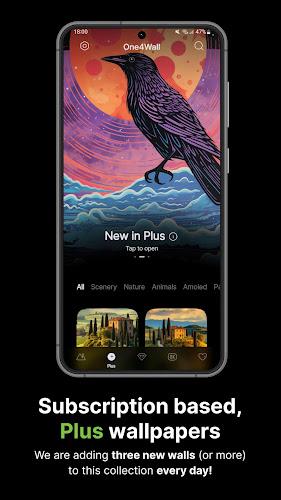
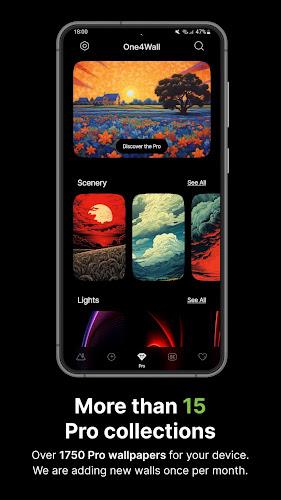
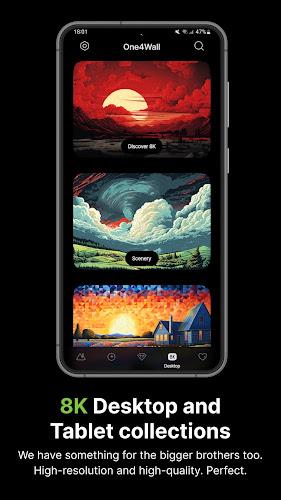
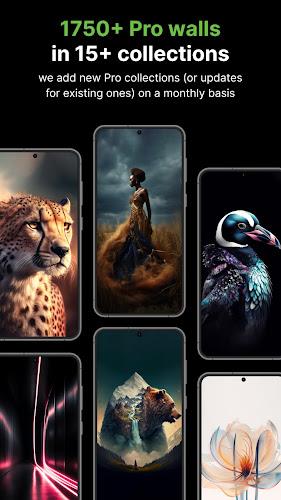
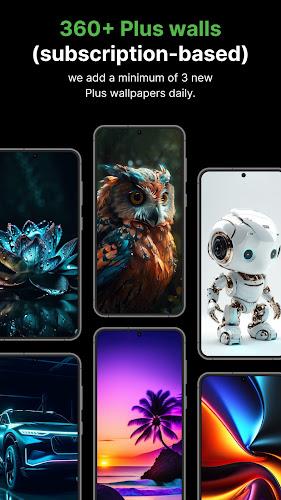
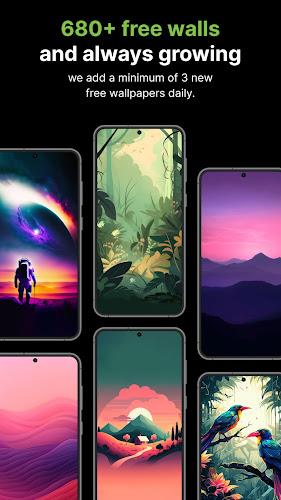
The gallery groups content by theme, resolution, and popularity and supports search with predictive suggestions to narrow results fast. Thumbnails load quickly and previews include metadata such as resolution, author, and tags so you can evaluate images before downloading. Curated packs—abstract, landscapes, technology, and seasonal sets—help you find coordinated options that match icon packs and widgets without manual mixing.
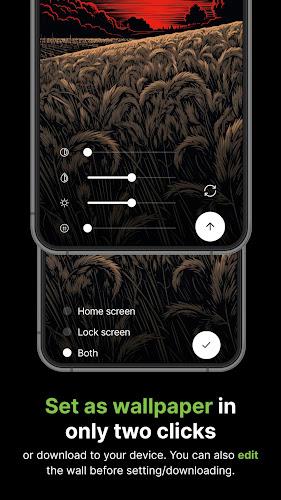
Navigation relies on familiar touch controls: swipe to browse, tap to open a deep preview, pinch to zoom, and drag to reposition. The built-in editor provides crop presets for common aspect ratios and simple color filters for quick adjustments. One-tap apply sets an image to home, lock, or both screens, while a compact settings panel lets you adjust live wallpaper parameters such as animation speed, particle density, and subtle parallax effects.
Rather than a leveling system, progression in the app comes from building a personal collection and refining it over time. Favorites can be saved to a local gallery and organized into custom collections, and the auto-update toggle for favorite packs brings new images into your feed as curators add them. That steady refresh mechanism provides replay value: returning users regularly find new content and can evolve a visual theme across weeks or seasons.
The visual toolkit emphasizes precision and restraint. Crop handles and alignment guides help place focal points where icons and widgets won’t clash, while a minimal filter stack alters color tone without obscuring detail. Live backgrounds use lightweight rendering so motion feels fluid on modern devices and adjustable frame-rate options allow you to favor battery life over visual intensity when needed.
One4Wall keeps resource use modest: thumbnails are optimized for fast rendering, live wallpapers pause when the screen is off, and a low-power mode reduces animation complexity when battery is low. Full-resolution downloads are saved to a designated folder with a configurable cache limit and a clear cache tool to free space. A small diagnostics view helps identify unusually large files so users can manage storage intentionally.
The interface supports dark mode and adaptive UI elements so typography and controls remain legible across firmware versions. Large thumbnails, clear contrast in lists, and simple gesture navigation help accessibility; tutorial cards on first launch explain core gestures and the editor controls. Notifications are limited to content updates so the app does not interrupt routine device use.
Saved wallpapers are available offline once downloaded, and a built-in download manager handles batch saves reliably even on flaky connections. If you prefer to conserve mobile data, the app will restrict high-resolution downloads to Wi-Fi and provides options to limit offline cache size. Regular content updates occur server-side, but all essential functions—previews, editing, and applying saved wallpapers—work without an active connection.
After installation, grant storage permission to enable downloads and follow the tutorial cards to learn gestures and editor basics. Start with curated theme packs to build a cohesive favorites list, use the resolution filter to avoid unwanted cropping, and enable the auto-update toggle for collections you want refreshed automatically. If you swap wallpapers frequently, configure cache limits to keep storage use predictable.
Regular content refreshes and tidy categorization keep the app useful over time: new seasonal packs and curated selections make it simple to revisit the gallery, while the combination of lightweight live scenes and precise editor tools balances aesthetic control with everyday performance. For users who value practical customization, One4Wall fits into daily routines without demanding constant attention.
Gaming Logo Maker ESports
Size:22.75M OtherHiShort
Size:62.40M OtherSolid Color Wallpapers
Size:14.90M OtherLike Launcher heart launcher
Size:28.30M OtherNBA G League
Size:70.55M OtherCreative Launcher
Size:25.87M OtherDelta Icon Pack
Size:42.80M OtherEarth Map Satellite Live View
Size:39.85M OtherCrunchyroll
Size:56.80M OtherWin 12 Launcher
Size:13.58M OtherM Launcher
Size:13.61M OtherOS Style Launcher
Size:10.90M OtherApril 2024 Clash of Clans Update: Unveiling a Fresh Companion, Enhanced Levels, Chat Tagging, and Be
2024-04-16Arrival of Genshin Impact 4.6 Update: 'Embers of Two Realms, Twilight of Crimson'
2024-04-16V2.2 of the Farlight 84 update introduces an overhauled Season structure, fresh in-game currency, an
2024-04-16Monster Never Cry is now accessible on both Android and iOS mobile devices.
2024-04-18PUBG Mobile Teams Up with Bentley Motors: Luxury Cars, Exclusive Collectibles, and Beyond
2024-04-18March 2024 Free Redemption Codes for Honkai: Star Rail
2024-04-18