English
Wifi password all in one is a compact utility that helps you manage, backup, and share your wireless credentials securely. It centralizes saved network details, creates QR codes for quick access, and supplies password generation and export tools to simplify reconnecting devices and troubleshooting Wi‑Fi on Android.
Designed for users who frequently move between networks or maintain multiple devices, Wifi password all in one organizes SSIDs, stores notes, and offers easy export options. The app focuses on practical workflows: find a password, create a scannable QR for guests, or migrate credentials when you switch phones. It favors privacy by keeping primary data local unless you opt into cloud backup.
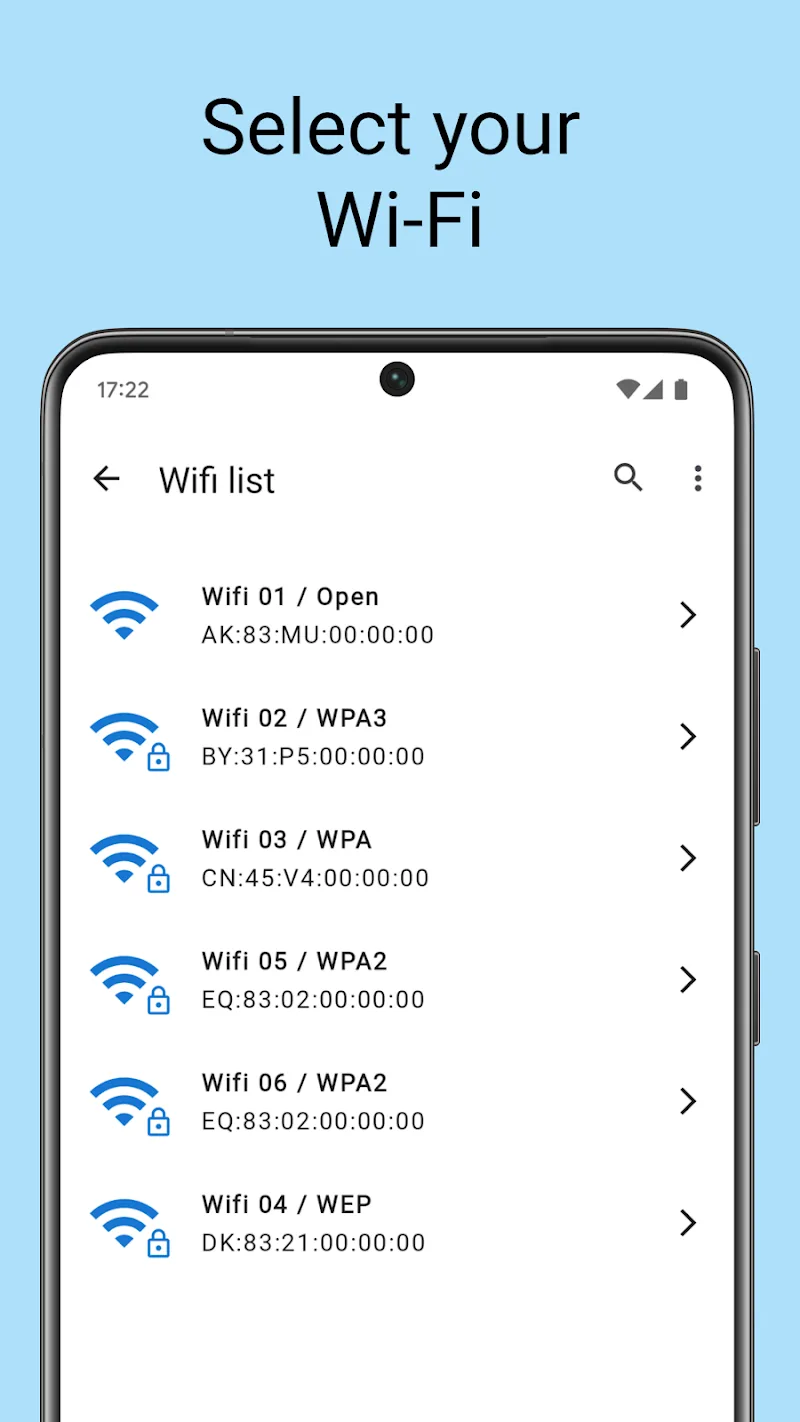
After granting the necessary permissions, the app scans the device for stored network profiles and displays usable entries. Generating a QR code is a one‑tap action; scanning that code on another Android device connects the user immediately. Export creates a password file that can be encrypted with a passphrase. Where certain features require elevated permissions, the app clearly explains why and how to proceed.
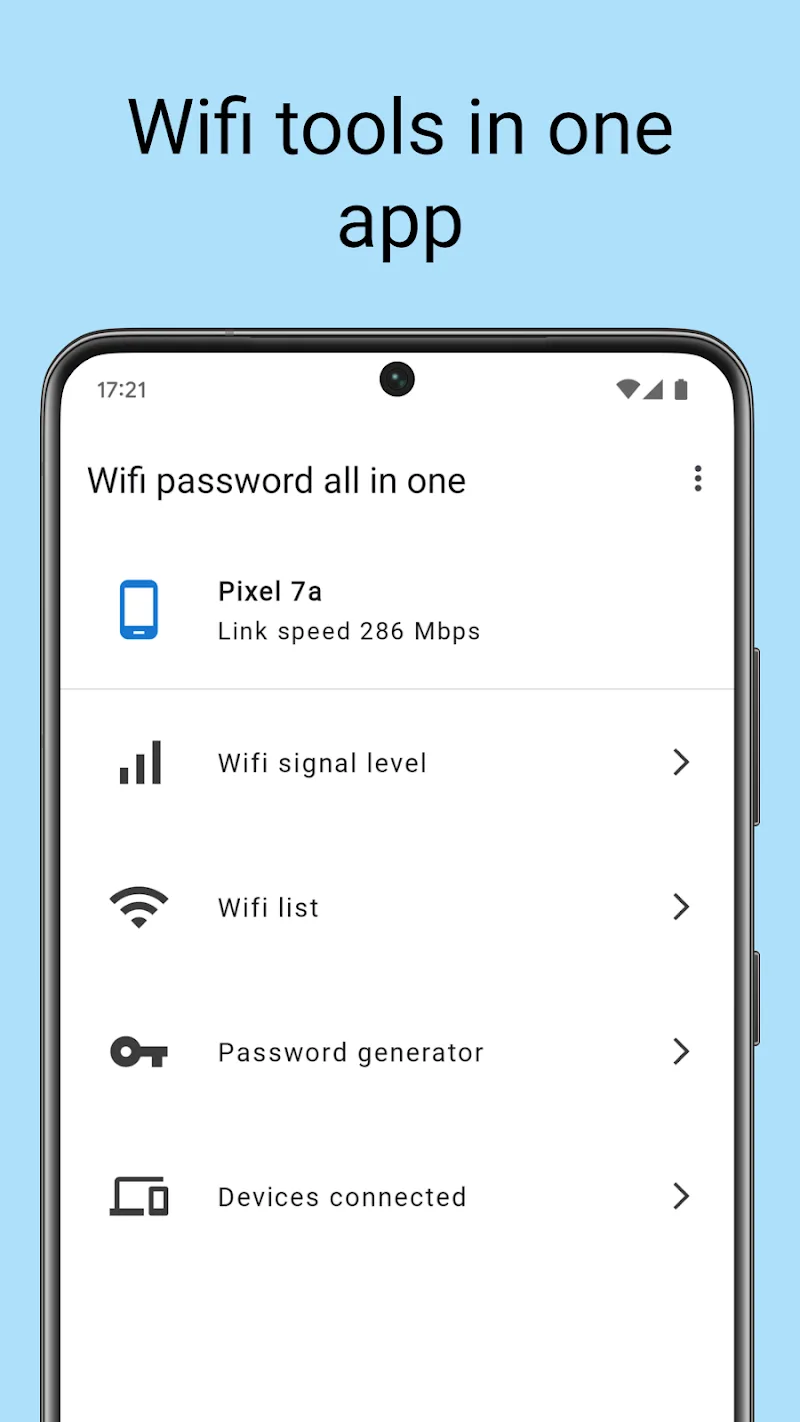
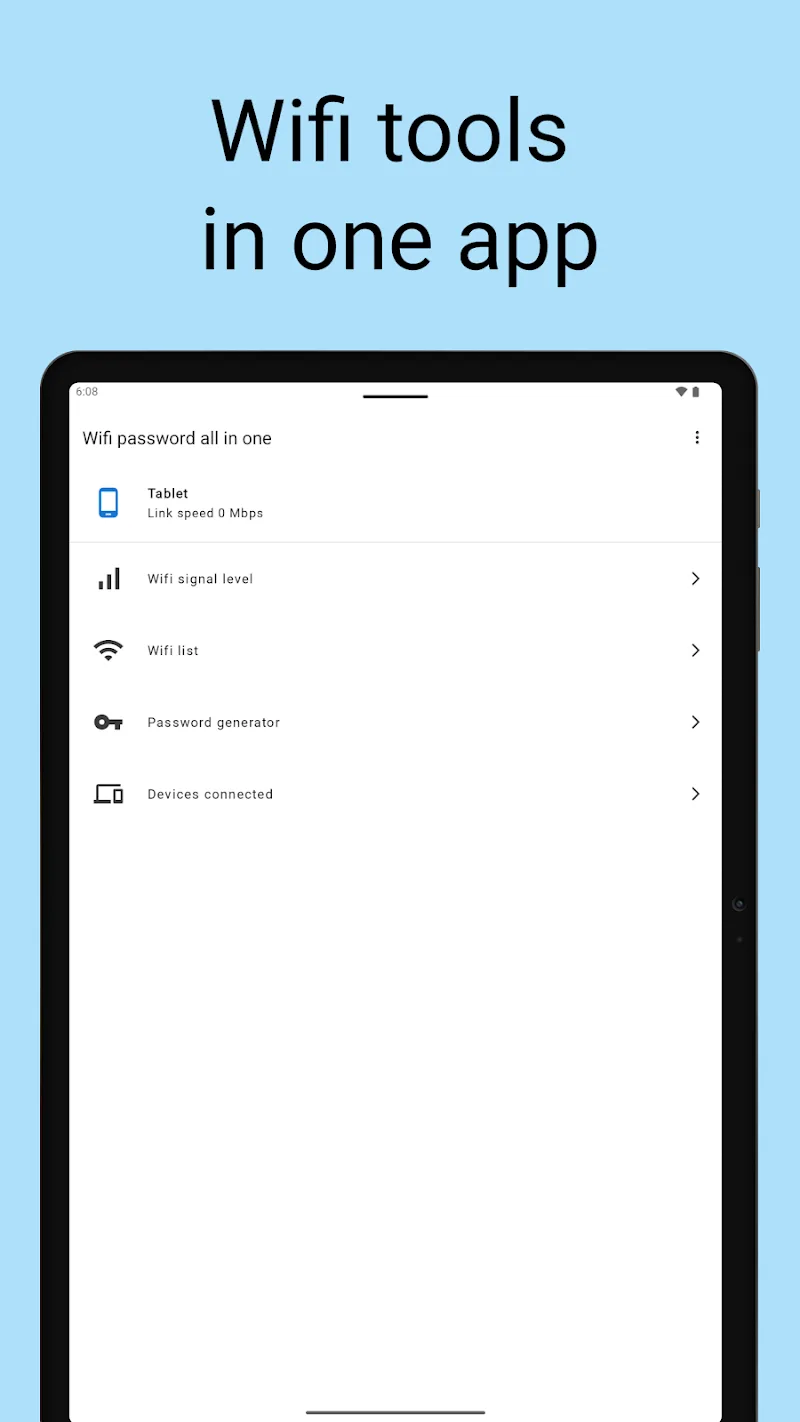
The interface is straightforward, emphasizing clarity over flashy visuals. A minimal navigation bar keeps access to primary functions — list, QR, generate, backup — within reach. Performance is light: listing and searching through networks is near‑instant, and QR generation happens without any noticeable delay. The app supports dark mode and responds well on both phones and tablets.
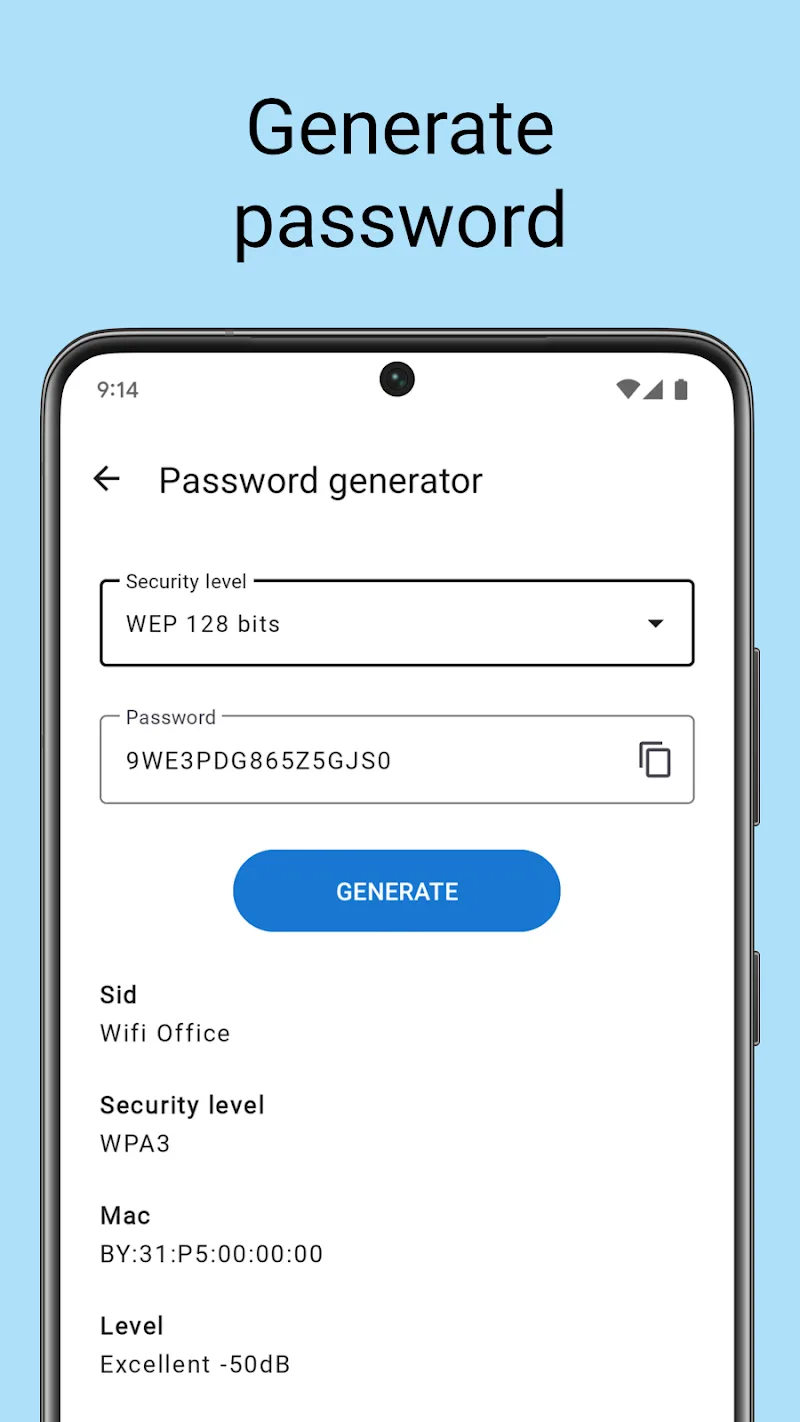
If you manage family or workplace networks, make a regular encrypted backup before making router changes. Use the password generator to replace weak default keys and share them via QR codes with non‑technical users. When troubleshooting, copy an entry’s details to the clipboard to paste into a router admin page or support ticket. Remember that some Android restrictions may limit access to stored Wi‑Fi passwords on non‑rooted devices; the app provides clear guidance without bypassing platform security.
Installation is straightforward: grant the app permission to view network state and storage to enable backups. Open Wifi password all in one, let it scan for saved profiles, then try generating a QR for a guest network. If you plan to move credentials to a new phone, use the export feature and protect the resulting file with a strong passphrase before transferring.
Reviewers and daily users cite the app’s practicality and uncluttered design. It fills a specific niche — managing wireless credentials efficiently — without adding unnecessary features. Wifi password all in one balances functionality with security, offering both quick actions for busy users and robust backup options for administrators. If you need a focused tool to keep Wi‑Fi credentials organized and secure, it’s a reliable choice that stays out of the way while solving routine connection headaches.
Shortcut+
Size:5.87M ToolsDesh Kannada Keyboard
Size:35.25M ToolsDiarium
Size:18.20M ToolsZIVPN Tunnel
Size:102.20M ToolsWifi password all in one
Size:4.72M ToolsNordVPN Premium
Size:21.90M ToolsFlashcard maker
Size:18.55M ToolsTurbo Alarm
Size:7.10M ToolsEqualizer & Bass Booster - XEQ
Size:5.23M ToolsPhoto Search
Size:27.94M ToolsDrawing Studio
Size:100.10M ToolsAnnotium
Size:13.50M ToolsApril 2024 Clash of Clans Update: Unveiling a Fresh Companion, Enhanced Levels, Chat Tagging, and Be
2024-04-16Arrival of Genshin Impact 4.6 Update: 'Embers of Two Realms, Twilight of Crimson'
2024-04-16V2.2 of the Farlight 84 update introduces an overhauled Season structure, fresh in-game currency, an
2024-04-16Monster Never Cry is now accessible on both Android and iOS mobile devices.
2024-04-18PUBG Mobile Teams Up with Bentley Motors: Luxury Cars, Exclusive Collectibles, and Beyond
2024-04-18March 2024 Free Redemption Codes for Honkai: Star Rail
2024-04-18