English
Shortcut+ is a productivity launcher for Android that lets you create, organize, and access custom shortcuts across apps, settings and tasks with a single tap. It bundles flexible trigger options, gesture support, and contextual rules to speed up common actions and reduce time spent navigating menus.
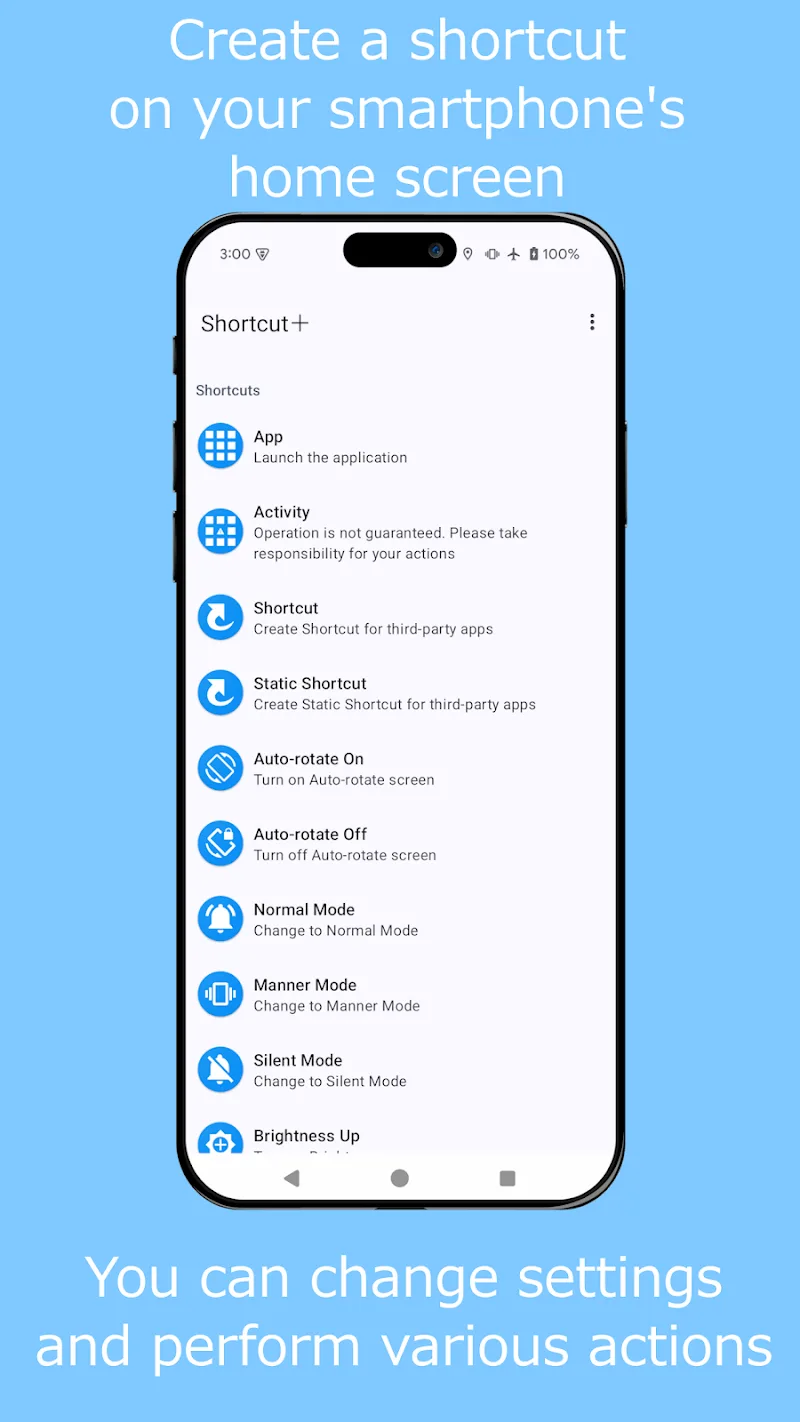
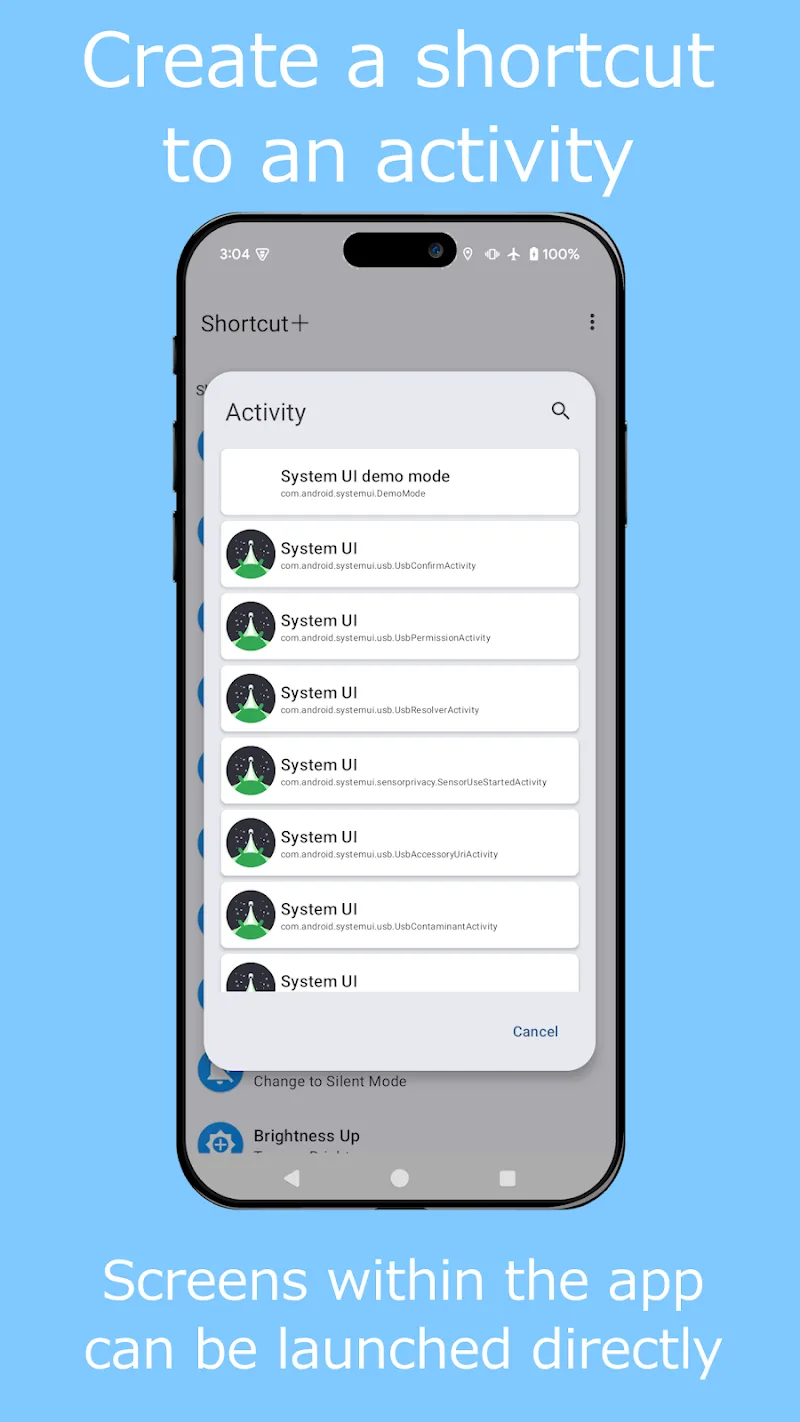
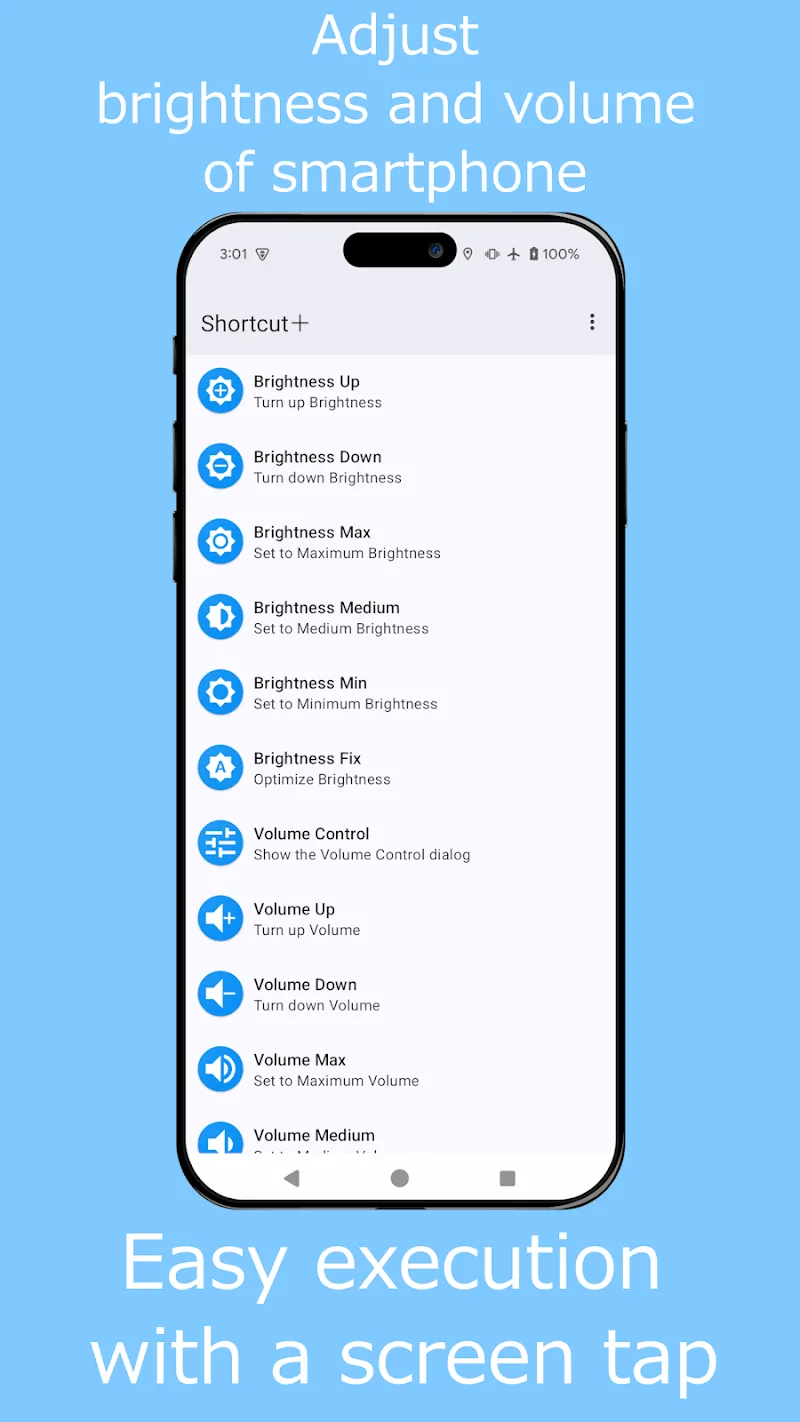
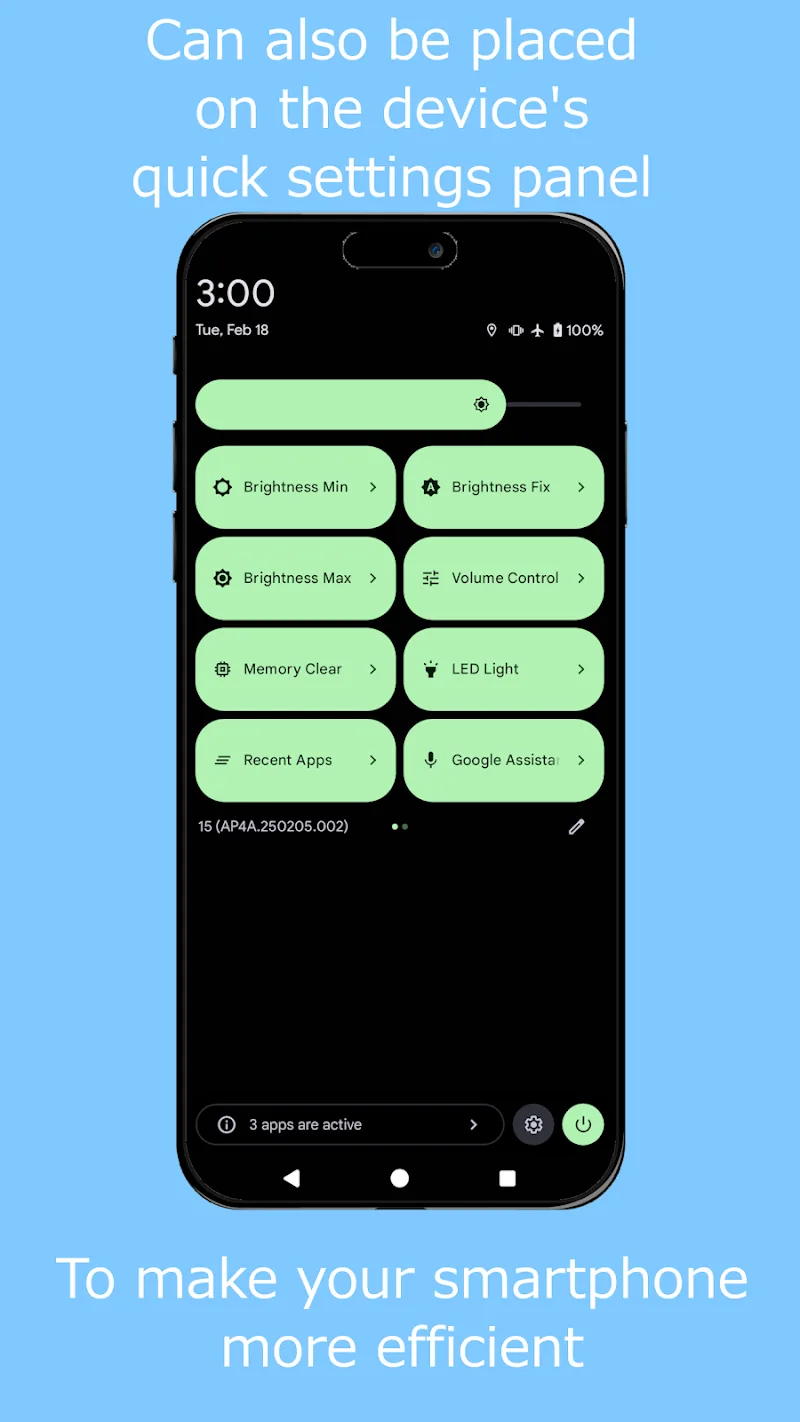
Shortcut+ serves as a lightweight hub for frequently used actions. Rather than hunting through nested menus or relying on app-specific widgets, Shortcut+ lets you compose shortcuts that launch apps, toggle system settings, open specific screens inside apps, or run multi-step sequences. It can place shortcuts on the home screen, in a persistent overlay, or inside custom widgets.
The interface is designed for quick setup and repeatable workflows. A step-by-step shortcut editor helps you select target apps, define parameters, and test actions without leaving the editor. Visual feedback shows the order of operations and potential conflicts, while a search function helps you find apps, activities, and system actions quickly.
Customization is central to Shortcut+. You can change icons, labels, and colors to match your home screen theme, or build compact widgets with only the controls you need. Advanced users will appreciate support for variables and conditional branches so shortcuts can adapt to different inputs or device states.
Designed with efficiency in mind, Shortcut+ minimizes background resource use by only activating when a gesture or trigger occurs. It supports most modern Android versions and adheres to platform permissions for secure operation—requesting only what’s necessary to perform actions like launching apps or toggling settings. Performance remains smooth even with extensive shortcut libraries thanks to lightweight indexing and caching.
Begin by granting the minimal permissions Shortcut+ requests and creating a few test shortcuts—such as launching a favorite app or toggling Bluetooth. Use the template gallery to learn common patterns, then modify them to match your habits. Enable the overlay or add a widget once you’re comfortable so actions are one tap or gesture away.
With its balance of simplicity and depth, Shortcut+ streamlines repetitive tasks and adapts to varied workflows, making it a practical tool for anyone who wants faster access to the things they do most on their Android device.
Shortcut+
Size:5.87M ToolsDesh Kannada Keyboard
Size:35.25M ToolsDiarium
Size:18.20M ToolsZIVPN Tunnel
Size:102.20M ToolsWifi password all in one
Size:4.72M ToolsNordVPN Premium
Size:21.90M ToolsFlashcard maker
Size:18.55M ToolsTurbo Alarm
Size:7.10M ToolsEqualizer & Bass Booster - XEQ
Size:5.23M ToolsPhoto Search
Size:27.94M ToolsDrawing Studio
Size:100.10M ToolsAnnotium
Size:13.50M ToolsApril 2024 Clash of Clans Update: Unveiling a Fresh Companion, Enhanced Levels, Chat Tagging, and Be
2024-04-16Arrival of Genshin Impact 4.6 Update: 'Embers of Two Realms, Twilight of Crimson'
2024-04-16V2.2 of the Farlight 84 update introduces an overhauled Season structure, fresh in-game currency, an
2024-04-16Monster Never Cry is now accessible on both Android and iOS mobile devices.
2024-04-18PUBG Mobile Teams Up with Bentley Motors: Luxury Cars, Exclusive Collectibles, and Beyond
2024-04-18March 2024 Free Redemption Codes for Honkai: Star Rail
2024-04-18