English
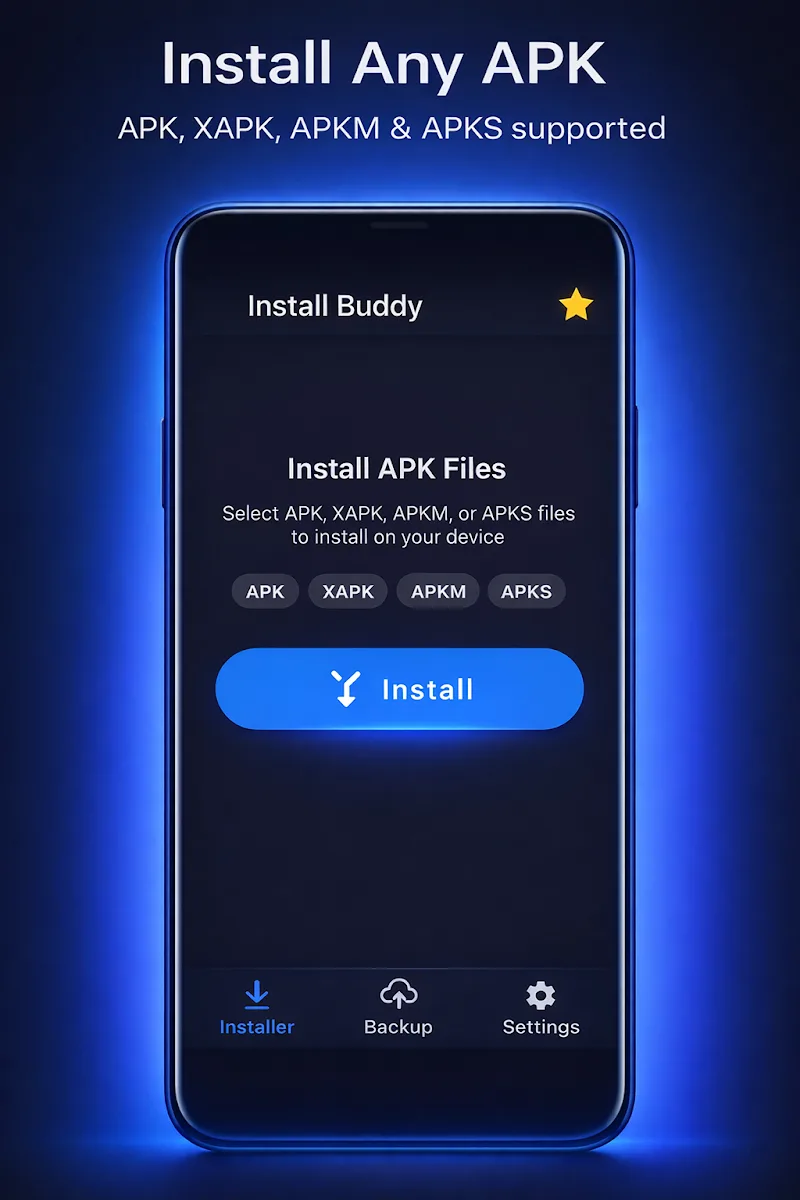
Install Buddy is a lightweight Android utility designed to streamline APK management, app installation, and sideloading tasks with a clean interface. It automates repetitive steps, verifies packages before installation, and organizes APK files so users can install apps faster and with fewer errors on a wide range of devices.
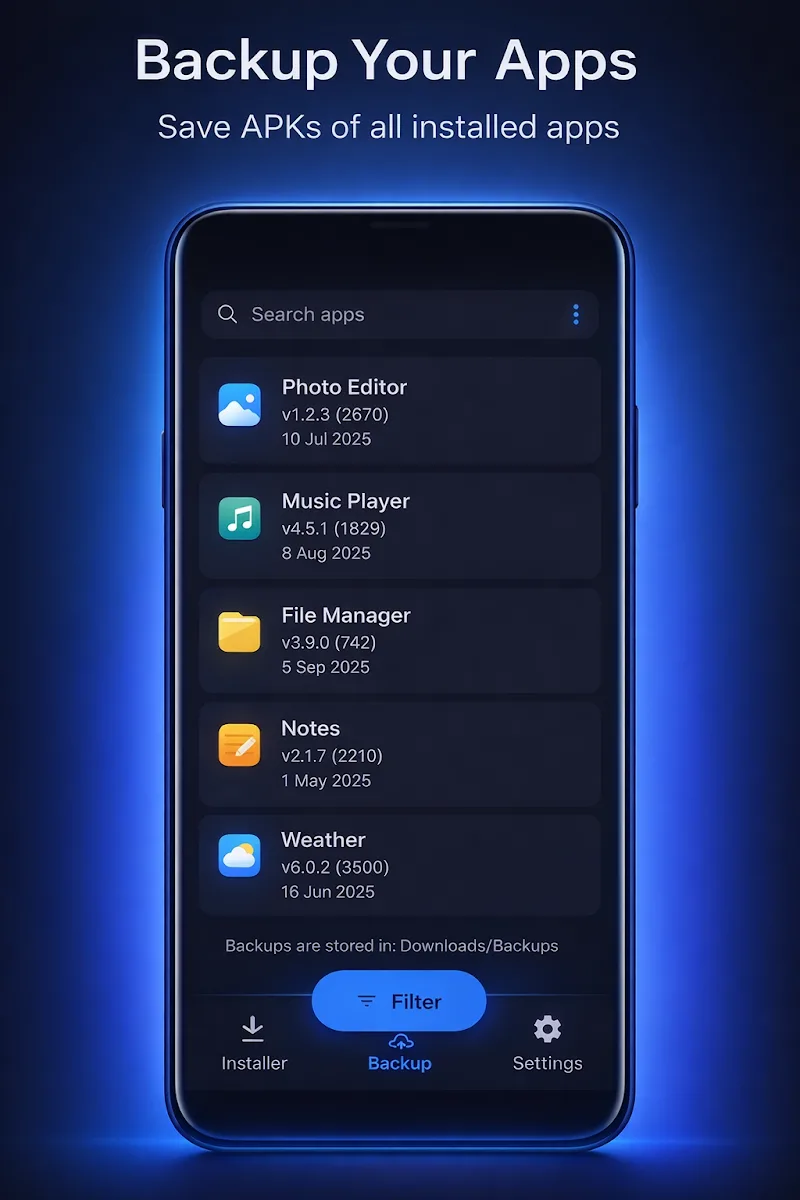
Install Buddy focuses on simplifying the app installation workflow for Android users who frequently handle APKs outside the Play Store. It acts as an organizer, validator, and installer in one package, reducing friction when testing apps, restoring backups, or deploying third-party tools to multiple devices.
After granting the necessary permissions, Install Buddy scans available storage locations for APK files. It presents detected packages with essential details—version, target SDK, and size—so you can make quick installation decisions. For users managing multiple apps, the batch queue and profile features remove repetitive confirmation prompts and speed up deployment.
The interface prioritizes clarity. Large icons and clear labels guide users through scanning, queuing, and executing installs. A contextual action bar offers quick access to sorting and filter options. Notifications keep you informed about each install’s progress, while a concise log provides troubleshooting details if something fails.
Install Buddy includes validation checks to reduce the risk of installing compromised packages. It computes basic integrity checksums, verifies APK signatures where available, and flags mismatched or unsigned packages. These tools help hobbyists and testers quickly detect discrepancies without relying solely on device warnings.
Designed to run efficiently on a wide spectrum of Android devices, Install Buddy minimizes background resource use. Operations like scanning and batch installs are optimized to avoid long UI freezes. Compatibility options let you toggle behaviors based on device API level or manufacturer limitations, improving success rates on older phones and tablets.
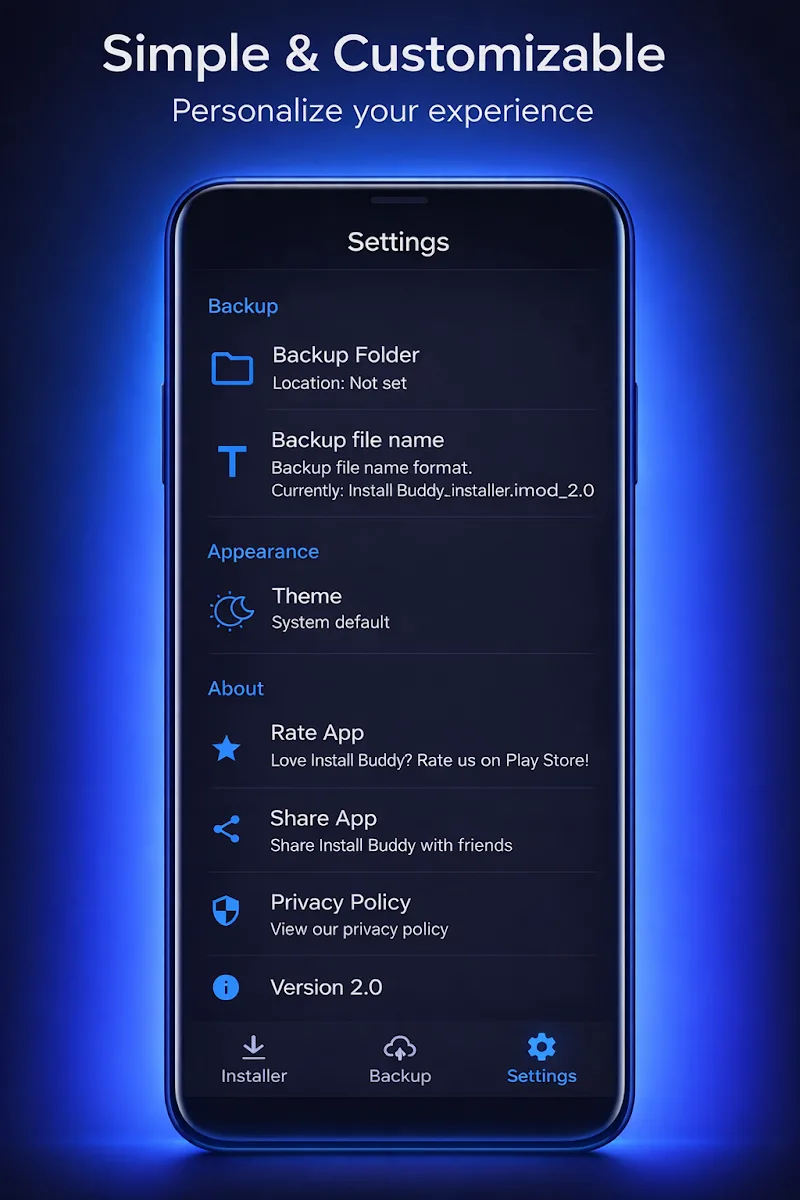
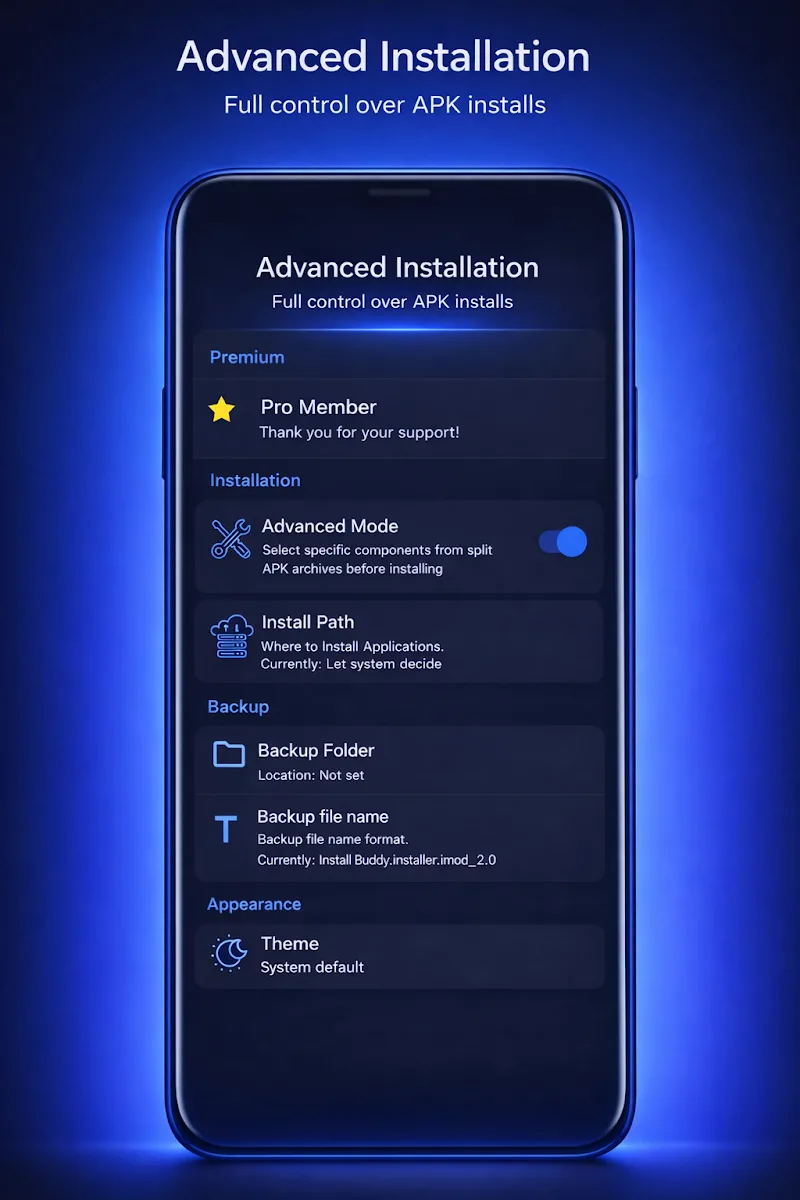
Power users will appreciate the app’s customization choices. You can create named install profiles that remember permission handling, preferred installation order, and notification settings. Integration with file managers and cloud storage services lets you import APKs from multiple sources without extra copying steps.
Users who frequently install APKs report that Install Buddy removes much of the manual overhead from sideloading and testing. The app’s combination of batch handling, simple logging, and validation strikes a balance between convenience and safety, making it a preferred utility for developers, testers, and advanced users.
To begin, grant the minimal permissions requested during setup and run an initial scan. Review detected APKs, enable any verification options you prefer, and create a small install queue. The app includes inline help and short tips throughout the interface to speed learning without reading long manuals.
While Install Buddy simplifies many tasks, it doesn’t replace system-level safeguards. Always verify the source of an APK before installing and maintain regular backups of important data. When used responsibly, this utility can significantly streamline application management on Android devices and reduce the time spent on repetitive install chores.
Network Guru: Speed Indicator
Size:5.40M ToolsTouch VPN
Size:25.60M ToolsVenlow
Size:148.20M ToolsInstall Buddy
Size:11.25M ToolsPixels: Resolution+DPI Changer
Size:6.90M ToolsVPN China
Size:21.00M ToolsDesh Bangla Keyboard
Size:20.10M ToolsAlien Tower Realm
Size:442.20M ToolsVolume Limiter 2
Size:1.52M ToolsScreen Mirroring - 1001 TVs
Size:42.70M ToolsShortcut+
Size:5.87M ToolsDesh Kannada Keyboard
Size:35.25M ToolsApril 2024 Clash of Clans Update: Unveiling a Fresh Companion, Enhanced Levels, Chat Tagging, and Be
2024-04-16Arrival of Genshin Impact 4.6 Update: 'Embers of Two Realms, Twilight of Crimson'
2024-04-16V2.2 of the Farlight 84 update introduces an overhauled Season structure, fresh in-game currency, an
2024-04-16Monster Never Cry is now accessible on both Android and iOS mobile devices.
2024-04-18PUBG Mobile Teams Up with Bentley Motors: Luxury Cars, Exclusive Collectibles, and Beyond
2024-04-18March 2024 Free Redemption Codes for Honkai: Star Rail
2024-04-18